AI Creative Tools

AI Tools for Creative

Discover the best Creative AI tools to enhance your productivity and creativity.

Page 22 of 107 • 1276 total tools
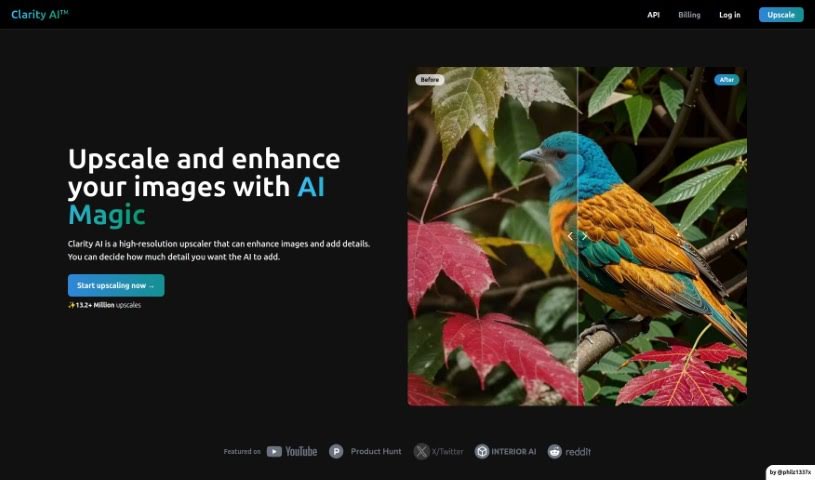
Screenshot of Clarityai

Clarityai

Freemium

ClarityAI is a browser-based AI image enhancement tool that increases resolution, adds depth and detail, and removes fuzziness and artifacts. The amount of detail it adds is adjustable, so you can control how strongly the output changes. It works across image types, including landscapes, portraits, illustrations, anime art, and interior images.

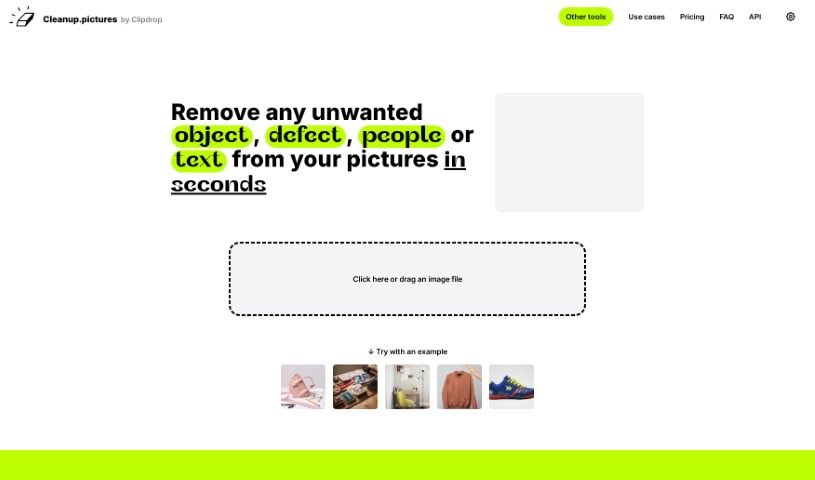
Screenshot of Cleanup Pictures

Cleanup Pictures

Freemium

Cleanup.Pictures is an online tool that uses AI to remove unwanted objects, people, text, and defects from photos. You draw over the areas you want gone, and the tool reconstructs the background behind them. It works in the browser on virtually any device, requires no complicated software, and the team emphasizes photo privacy and data security while processing images.

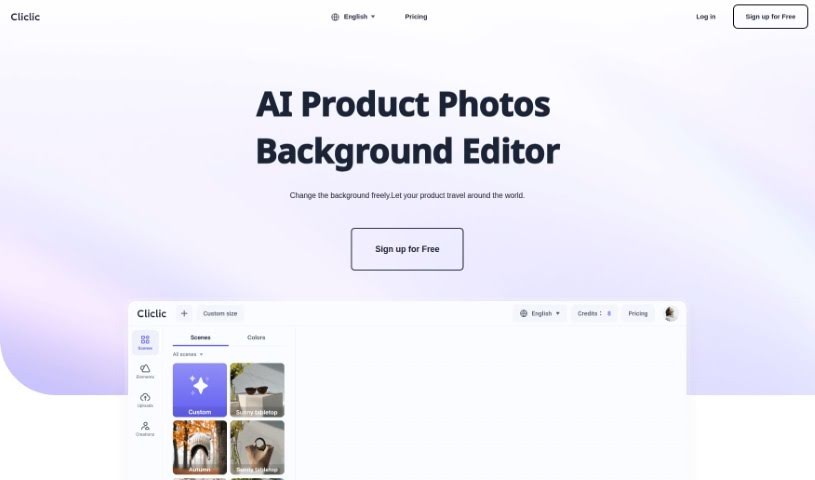
Screenshot of Cliclic AI

Cliclic AI

Freemium

Cliclic AI is an AI product image background editor that helps you quickly create attractive backgrounds for product photos. It lets you place your branded products into different scenes, using ready-made presets or custom scenes matched to your product. The tool supports custom canvas sizes, a broad library of pre-designed scenes, and works across many product types.

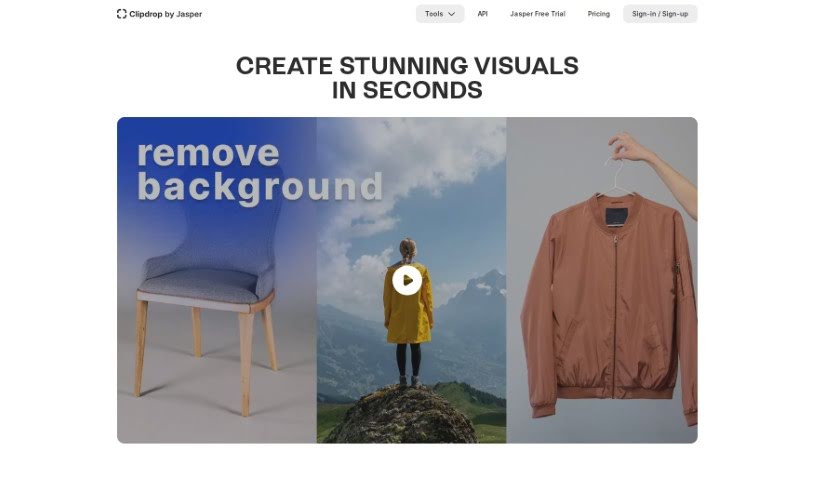
Screenshot of ClipDrop

ClipDrop

Freemium

ClipDrop, by Stability AI, is an AI-powered photo editing suite. Its Uncrop tool expands the backgrounds of your pictures and lets you adjust the aspect ratio to fit any image format. Rather than simply stretching an image, it generates new parts that blend naturally with the original photo.

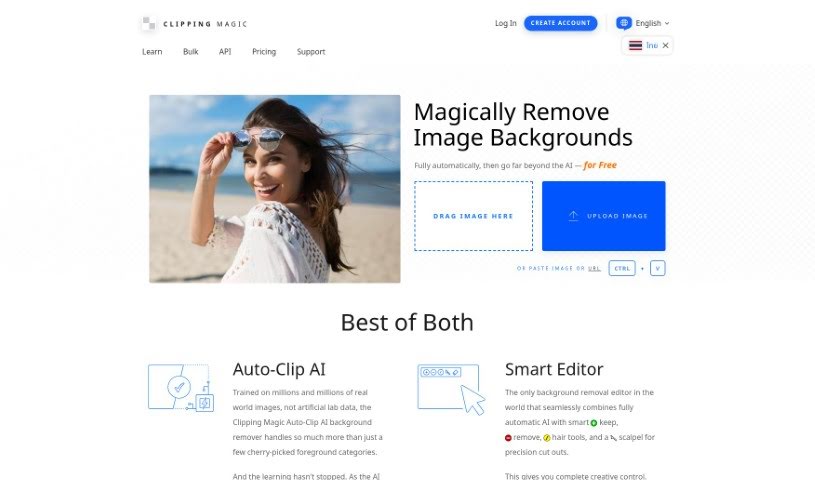
Screenshot of Clipping Magic

Clipping Magic

Freemium

Clipping Magic is an online tool that uses AI to remove backgrounds from images. It offers automatic background removal, a scalpel tool for precise cuts, and smart smoothing for clean edges. A dedicated graphics mode handles logos, and a hair tool isolates hair from backgrounds. Beyond removal, it lets you control colors, add shadows, resize images, and export in formats like SVG and TIFF. It is popular for eCommerce, business, and graphic design work, with subscriptions starting at $3.99 per month.

Screenshot of Cloudinary

Cloudinary

Freemium

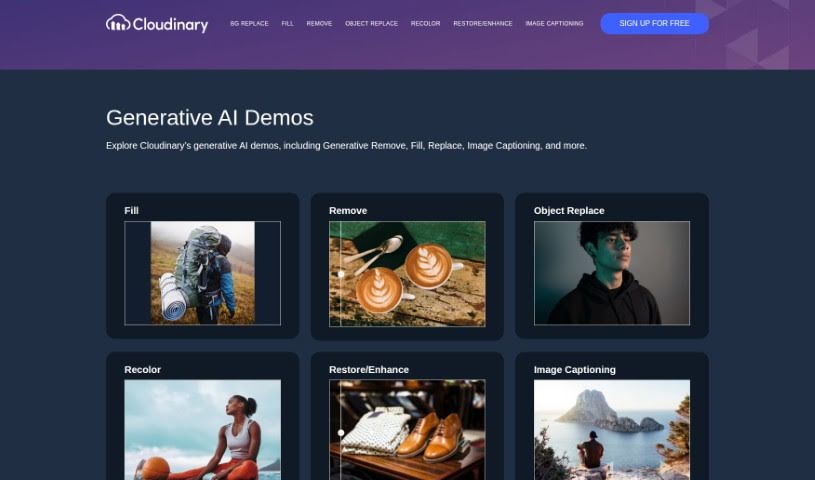
Cloudinary is a cloud-based platform for managing, optimizing, and delivering images and videos. Beyond storage, it handles the full media workflow: upload, transformation, organization, and delivery. It also offers generative AI demos, including Generative Remove, Generative Fill, Generative Replace, and Image Captioning.

Screenshot of Collov AI

Collov AI

Freemium

Collov AI is a tool that transforms photos into engaging visuals for living spaces. It uses spatial intelligence to help you reimagine and improve rooms, making it useful for online listings, screens, and design presentations. Features include visualizing cabinet designs, flooring options, and countertops, swapping out furniture, completely redesigning a room, or planning a partial remodel. You can learn more or get started through the contact details on their website.

Screenshot of COLOR anything

COLOR anything

Freemium

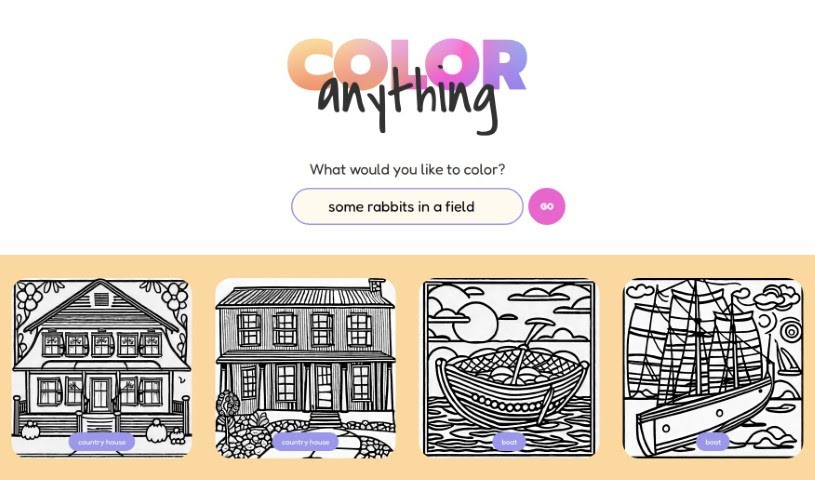
COLOR anything is a creative platform that uses artificial intelligence to generate custom coloring pages. You describe a subject, character, or scene, and the AI turns it into a unique, printable page. It works for both kids and adults, with themes ranging from gingerbread houses and superheroes to pandas and mythical creatures like zeraora.

Screenshot of Color Fuse AI

Color Fuse AI

Freemium

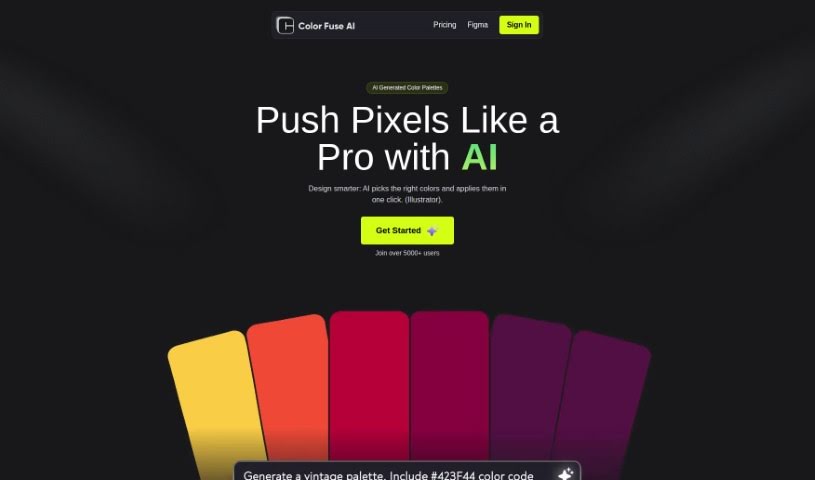
Color Fuse AI is an AI-powered color assistant that suggests and applies color palettes with a single click, directly inside design software like Illustrator and Photoshop. It generates AI color schemes, lets you customize them, includes an AI chatbot for support, and — on the Pro plan — lets you save favorite palettes and access them from anywhere. The goal is to speed up color selection so you don't have to sift through endless options or guess which colors work well together.

Screenshot of Color Pop

Color Pop

Freemium

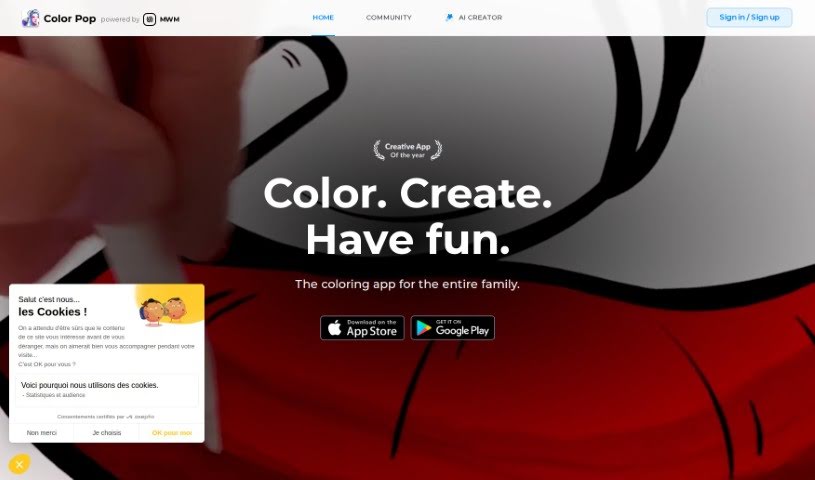
Color Pop is an easy-to-use coloring app that brings the classic fun of coloring into the digital world. It offers over 600 hand-picked designs suitable for all ages, along with a realistic toolkit of pens, brushes, and spray tools. Users can enhance their artwork with more than 1,000 textures and effects, create their own coloring pages with an AI generator, and share their work with a community of over 5,000 colorists.

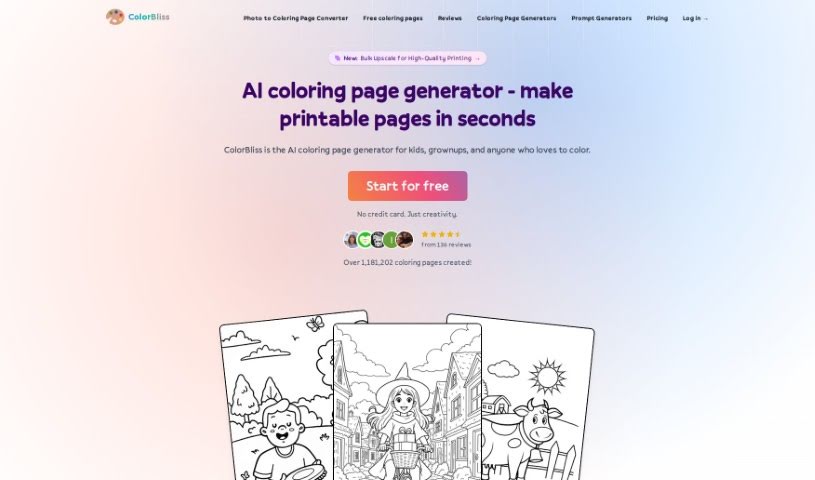
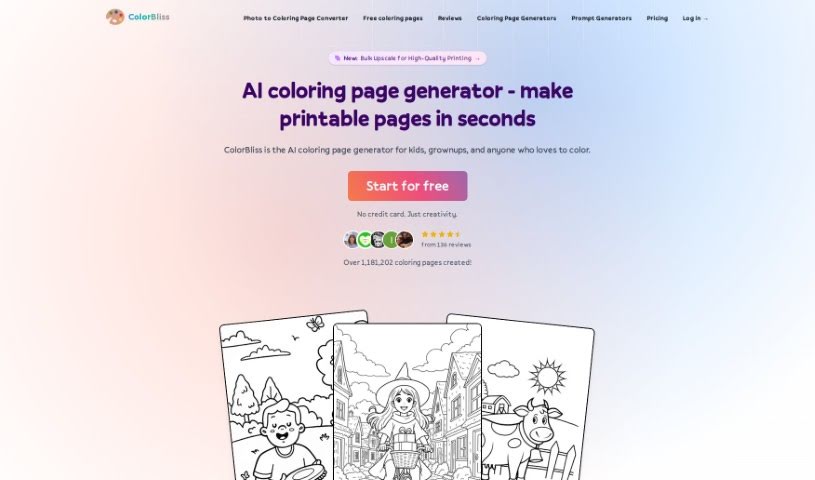
Screenshot of Colorbliss

Colorbliss

Freemium

ColorBliss is an AI tool for creating custom coloring pages from text descriptions, your own photos, or your drawings. It interprets your input and produces detailed outlines suitable for coloring.

Screenshot of ColorBliss.art

ColorBliss.art

Freemium

ColorBliss.art is a platform created by Ben Robertson that uses AI to generate custom coloring sheets. You describe what you want — for yourself, your kids, or your students — and the tool produces an image ready to be printed and colored.

About Creative tools

Bringing a creative vision to life takes stamina. Whether you’re working on visual art, video projects, sound design, or written work, the gap between a great idea and a finished piece is usually filled with hours of tedious setup. You spend time masking image layers, cutting out filler words from audio, or wrestling with software settings when you’d rather be making art.

The tools in this category handle repetitive technical tasks so you can keep your focus where it belongs: on creative direction and artistic choice.

Offloading Technical Setup to Focus on Art

Testing visual concepts gets much faster when you can prototype ideas instantly. Instead of spending hours building manual moodboards or sketching rough wireframes by hand, generative tools let you test lighting styles, color palettes, and compositions in seconds. You can explore dozens of creative paths before committing to a full production shoot or detailed illustration.

In video and audio editing, smart software handles the tedious mechanics. Automatically generating precise closed captions, reframing shots for vertical video formats, or isolating vocal tracks from ambient background noise used to take complex plugins and hours of manual editing. Modern creative tools process those heavy tasks in minutes, giving you back time to polish the story itself.

Maintaining visual consistency across large projects gets a major upgrade, too. Managing design elements, color palettes, and character references across a long series or multi-asset campaign often leads to small visual errors. Creative AI tools help enforce visual rules and match styles automatically, keeping your artwork, video sequences, or digital assets aligned from start to finish.

Key Capabilities for Creators:

  • Style and reference matching: Systems that analyze an artistic style or reference image and apply it across new graphic assets.
  • Generative canvas expansion: Tools that expand image borders, fill in background details, or remove unwanted objects cleanly.
  • Text-to-media rendering: Software that converts written prompts into high-resolution images, video clips, or sound textures for fast prototyping.
  • Non-destructive asset editing: Applications that adjust lighting, color tones, and individual layers without destroying original files.
  • Cross-format conversion: Features that automatically reformat visual assets and video projects for desktop, mobile, and print.

Technology can generate pixels and format files, but true artistic judgment, taste, and emotional expression still belong to you. Handing off routine file conversions, background cleanup, and quick concept testing simply gives you the freedom to focus on your craft.

Explore the tools below to upgrade your creative workspace.

The Best AI Creative Tools

  1. Canva: for designing social media posts
  2. Character AI: for brainstorming story ideas and concepts.
  3. Janitor AI: for quickly crafting unique story ideas.
  4. Remove.bg: for instantly removing backgrounds from design projects
  5. Leonardo AI: for generating dynamic artwork for designers
  6. Photopea: for designing stunning graphics and illustrations.
  7. Photoroom: for improving photos for creative projects
  8. Pixelcut: for designing eye-catching product ads
  9. Pixlr: for designing great graphics with ease
  10. Midjourney: for visual storytelling through art prompts.
  11. AI Face Swap: for creating unique memes for social media.
  12. Cutout.pro: for creating dynamic backgrounds for art
  13. Remaker: for AI-powered image creation for unique designs.
  14. Ideogram: for logo design and customization.
  15. Openart: for experimenting with unique artistic styles
New tools, in your inbox.

Weekly picks of the best AI tools we've researched and added — no spam, unsubscribe anytime.

Join 25,000+ AI enthusiasts. No spam, unsubscribe anytime.