AI Tools for Creative

Discover the best Creative AI tools to enhance your productivity and creativity.

Page 21 of 114 • 1360 total tools

Creativity today is changing fast, and AI is becoming a super helpful partner. Whether it’s creating amazing visuals or writing music, AI creative tools are making the art process more accessible and exciting. But with so many options out there, finding the right one for your creative needs can feel a bit overwhelming.

Things have really changed in just a few years. AI tools aren’t just for special uses anymore; they’re smoothly fitting into our everyday creative work. These new technologies can make your projects better, save you time, and even lead you to explore artistic ideas you hadn’t considered before.

I’ve spent a good amount of time exploring the world of AI creative tools, looking into everything from graphic design apps to music software. Since I love seeing how technology and creativity come together, I wanted to share what I found about the best tools available right now.

So, whether you want to make eye-catching visuals or come up with fresh concepts, there’s a tool out there just for you. Let’s dive into the best AI creative tools that can take your artistic projects to the next level and change how you create.

The best AI Creative Tools

  1. Canva for designing social media posts
  2. Character AI for brainstorming story ideas and concepts.
  3. Janitor AI for quickly crafting unique story ideas.
  4. Remove.bg for instantly removing backgrounds from design projects
  5. Leonardo AI for generating dynamic artwork for designers
  6. Photopea for designing stunning graphics and illustrations.
  7. Photoroom for improving photos for creative projects
  8. Pixelcut for designing eye-catching product ads
  9. Pixlr for designing great graphics with ease
  10. Midjourney for visual storytelling through art prompts.
  11. AI Face Swap for creating unique memes for social media.
  12. Cutout.pro for creating dynamic backgrounds for art
  13. Remaker for AI-powered image creation for unique designs.
  14. Ideogram for logo design and customization.
  15. Openart for experimenting with unique artistic styles

How do AI creative tools work?

AI creative tools work by using advanced algorithms that learn from all sorts of data. They look at patterns in creative works—like art, music, or writing—which helps them copy styles and create new, original pieces. It’s a bit like how human artists get inspired by different things they see or hear.

At their core, these tools often use neural networks. These are specially built to understand and interpret human creativity. The networks are trained on huge amounts of data, including works from many different styles and formats, so they can learn and adapt to various approaches.

When you give a prompt—like a topic for a story, a theme for a painting, or a music genre—these AI tools use the patterns they’ve learned to generate fitting responses. They essentially guess which elements should go together to make content that feels cohesive and engaging.

What’s really interesting is that AI creative tools don’t just repeat what they’ve learned; they can actually be innovative. By blending styles or drawing from less common influences, they can produce work that surprises and inspires, offering a fresh take even on familiar subjects.

As technology keeps advancing, these creative tools are getting more capable. This means we can have richer interactions, with users and AI working together more smoothly. Often, this leads to amazing artistic creations that combine human ideas with computer power.

If you’re curious about the technical side of these tools, looking into neural networks and creative AI applications can offer more insight into how they bring artistic ideas to life.

Our best AI creative tools at a glance

RankNameBest forPlans and PricingRating
1CanvaSocial media post designN/A4.73 (11 reviews)
2Character AIGBrainstorming story ideas and concepts.N/A4.64 (11 reviews)
3JanitorAICrafting unique story ideas quickly.N/A0.00 (11 reviews)
4Remove.bgInstant background removal for design projectsPaid plans start at $0.2/image.4.82 (11 reviews)
5Leonardo AIDynamic artwork generation for designersPaid plans start at $9/month.4.73 (11 reviews)
6PhotopeaDesign stunning graphics and illustrations.N/A4.67 (12 reviews)
7PhotoroomEnhancing creative project photosPaid plans start at $7.50/month.4.74 (38 reviews)
8PixelcutDesigning eye-catching product adsN/A4.64 (11 reviews)
9PixlrDesigning stunning graphics effortlesslyPaid plans start at $0.99/month.4.73 (11 reviews)
10MidjourneyVisual storytelling through art prompts.N/A4.73 (11 reviews)
11AI Face SwapCrafting unique memes for social media.N/A4.70 (10 reviews)
12Cutout.proDynamic background creation for artistryN/A4.46 (13 reviews)
13RemakerAI-powered image creation for unique designs.N/A4.69 (13 reviews)
14IdeogramLogo design and customization.N/A4.85 (26 reviews)
15OpenartExperiment with unique artistic stylesPaid plans start at $84/year.4.25 (8 reviews)
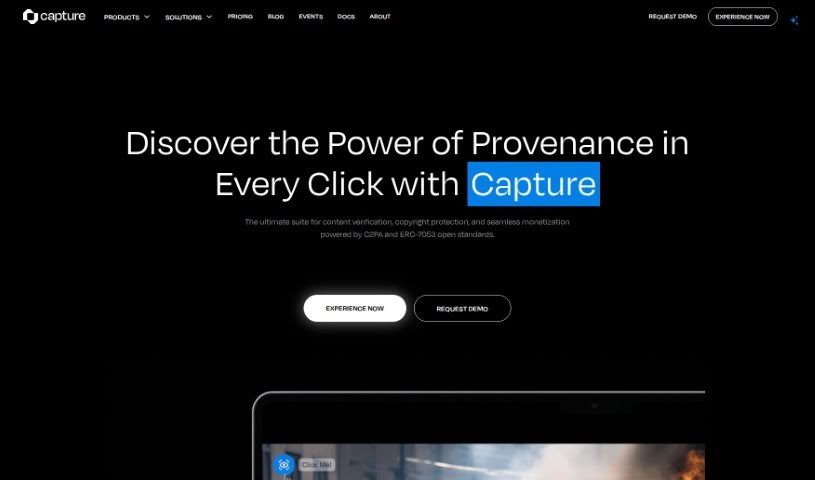
Screenshot of Capture

Capture

Freemium

Capture is a creator's best friend, powered by Numbers Protocol. It's designed to keep your creative work safe and sound, making sure everyone knows where it came from. It gives you real ownership of your digital media by securely verifying it, adding blockchain-based metadata, storing it decentrally, handling licensing, and managing consent for AI mining. In today's fast-paced digital world, especially with AI, Capture is key to building trust and proving ownership for your digital creations. It's super important for labeling content made by AI, keeping track of a digital asset's history, preserving the value of generative art, protecting your intellectual property, and stopping digital fakes and piracy.

Screenshot of Car Concepts AI

Car Concepts AI

Freemium

CarConceptsAI is a neat tool that uses artificial intelligence to help you dream up some really cool car wrap designs. Basically, you upload a picture of your car, tell it what kind of style you're going for, and the AI whips up some unique ideas just for you. It's pretty flexible, too – it accepts different image types, lets you add extra details to really nail your vision, and uses smart algorithms to create wraps that look great and are totally personalized. While they don't give specifics on how spot-on the designs are, the goal is definitely to match what you're looking for. You can even include special touches in your designs, and the whole process is made super easy with a user-friendly interface. Just a heads-up, though: you don't get unlimited free images, and sometimes the designs might not be exactly what you hoped for. It's also worth being aware of potential security considerations when uploading images.

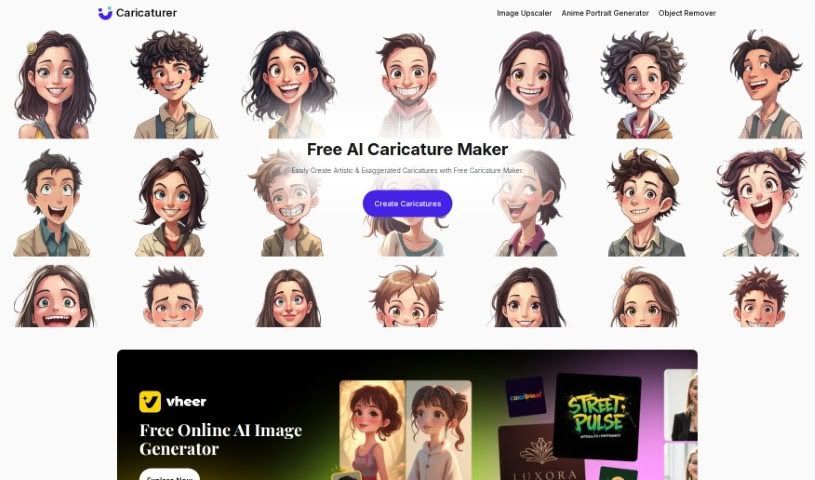
Screenshot of Caricaturer.io

Caricaturer.io

Freemium

Caricaturer.io is a really neat online tool that lets you easily create your own personalized caricatures. It uses smart AI technology to do all the heavy lifting. All you have to do is upload a photo, and the AI gets to work, applying fun caricature effects to generate something unique and entertaining. You don't need any special tech skills to use it, which is great because it means anyone can jump in and have a go. Caricaturer.io offers a bunch of different caricature styles for both guys and gals, and you can even tweak things like how exaggerated the features are, the colors, and add fun extras like hats or glasses. It's not just for personal fun, either; businesses can use it too, perhaps to create really eye-catching avatars for social media or for their marketing materials. It’s designed to be super easy to use, works smoothly whether you're on a computer or your phone, and makes it simple to share your creations on social media or send them via email.

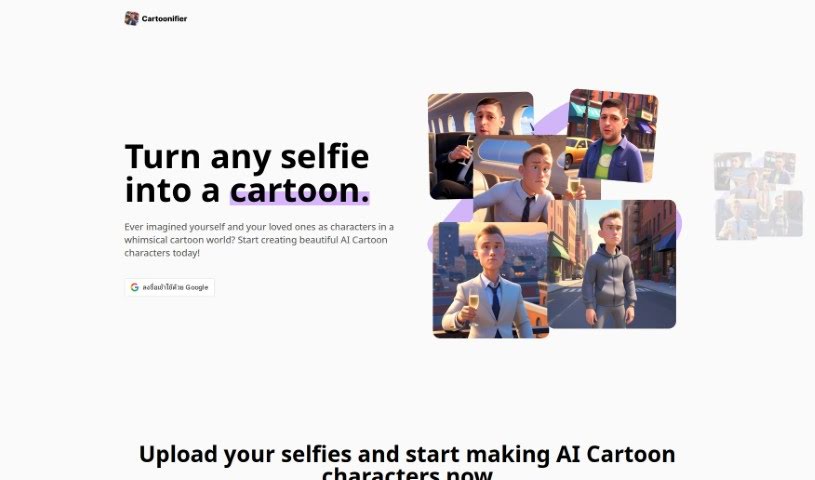
Screenshot of Cartoonifier

Cartoonifier

Freemium

A Cartoonifier is a really neat tool that lets you turn any picture, especially your selfies, into fun, cartoon-style avatars. It is a digital artist that takes your real photos and gives them a playful, imaginative twist. It’s all about adding a splash of fun and creativity to your images by transforming them into cartoon versions of reality. Using a Cartoonifier comes with some great perks:

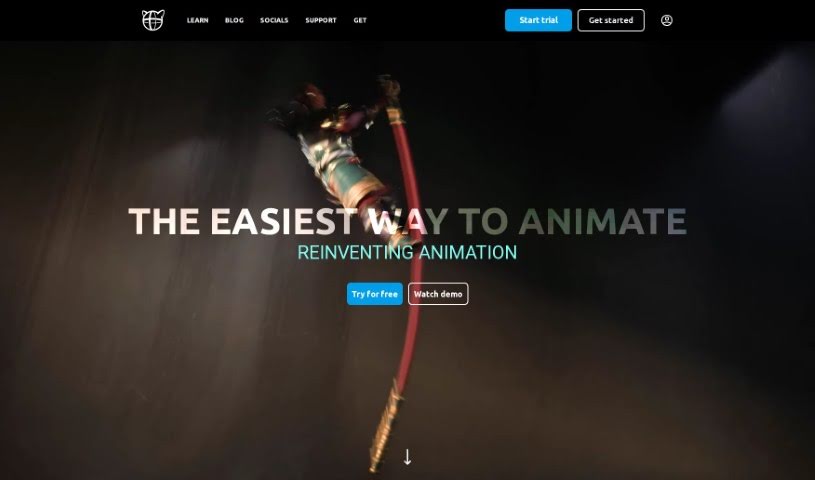
Screenshot of Cascadeur

Cascadeur

Freemium

Cascadeur is a standalone 3D software built specifically to make creating animations much easier. It gives you keyframe animation tools, plus features for cleaning up and editing animations you've already imported. What's really neat is that it uses AI-assisted and physics-based tools to speed up the whole animation process, helping you get high-quality results. You can easily bring your work into Cascadeur because it supports common file formats like .FBX, .DAE, and .USD, fitting right into different animation workflows. It also has a handy Quick Rigging Tool to get characters rigged fast. Plus, features like Animation Unbaking let you edit animations that were previously 'baked,' AutoPosing helps you create poses efficiently, AutoPhysics adds realistic motion, and there are tools to add that extra touch of secondary motion. Cascadeur even lets you transfer animations between characters smoothly, and they can interact with their environment. Eugene Dyabin originally created it as an internal tool for Nekki, and it's really grown since then. The Early Access version came out in April 2021, with the full release following in 2022. The main goal? To simplify how animations are made, so animators can spend more time on the artistic and choreographic details instead of getting bogged down in repetitive tasks. It does this by using physics-based approaches and deep learning to make animations more realistic and efficient.

Screenshot of Caveduck

Caveduck

Freemium

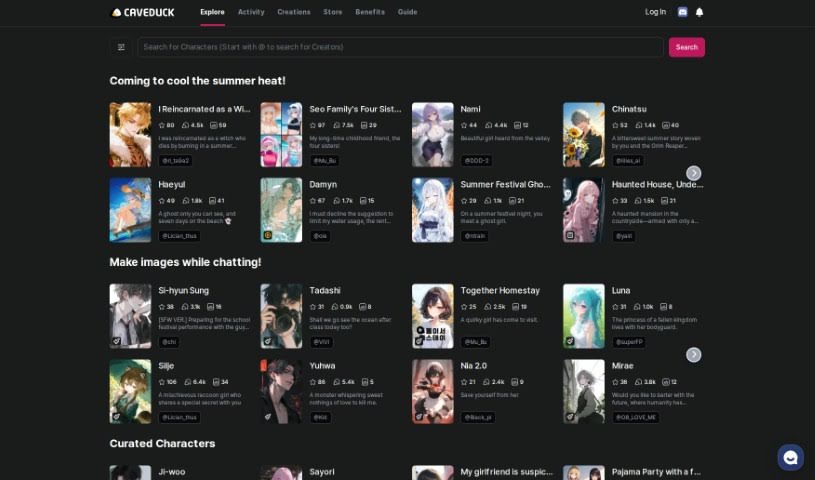
Caveduck is a really neat platform where you can create your very own AI character and then chat with it in real-time. It is having a personalized AI buddy, one that's tailored to your own personality and preferences. It’s designed to feel natural and engaging, thanks to its real-time interaction technology. You can even sign up for a free trial to get a feel for the platform and start chatting with your virtual AI friend right away.

Screenshot of Ceacle Pipeline

Ceacle Pipeline

Freemium

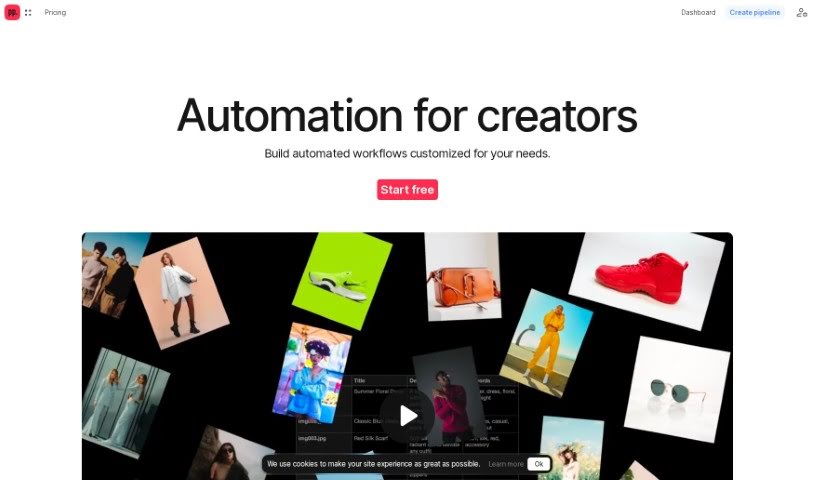
Ceacle Pipeline is an AI-driven platform that's really changing how artists, designers, and creators tackle their creative work. It is a way to automate all those time-consuming, repetitive tasks, so you can spend more time on the actual creative stuff. It's packed with handy tools like CeacleEffect for quickly adding effects, Mockupc for generating product mockups and scenes, and c. tools for speedy content editing. You can build your own custom workflows pretty fast, automate tasks, and save a ton of time thanks to its AI smarts. Plus, Ceacle Pipeline helps you generate inspiration boards, resize icons for web apps, classify images for e-commerce, vectorize and colorize images, smartly resize images for social media, and even upscale, convert, and compress images. It's a real game-changer for web designers, photographers, and digital marketers. They offer different pricing plans, too – starting with a free option that gives you some credits, all the way up to enterprise pricing if you need custom solutions, team management, and priority support.

Screenshot of Ceacle Tools

Ceacle Tools

Freemium

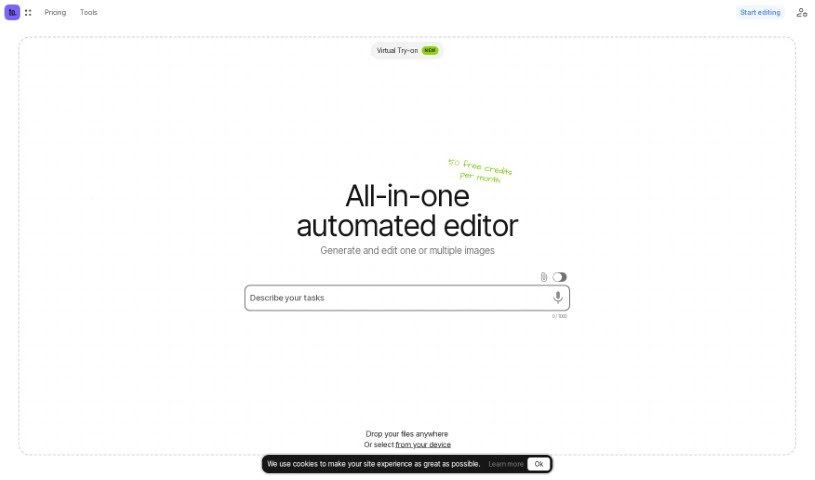
Ceacle Tools is a really handy platform built to help you manage and process lots of files at once. It makes it super easy to handle many files quickly, right from a user-friendly interface, with just a few clicks. You'll find a bunch of tools for editing images, like changing backgrounds, converting file formats, resizing pictures, compressing them, and a lot more. What's neat is you can build your own automated workflows by linking different tools together. This really streamlines your editing tasks, boosting both your productivity and how well your team works together. Plus, Ceacle Tools lets you customize these workflows, share them with your colleagues, remove text from images, and even generate icons.

Screenshot of CGDream

CGDream

Freemium

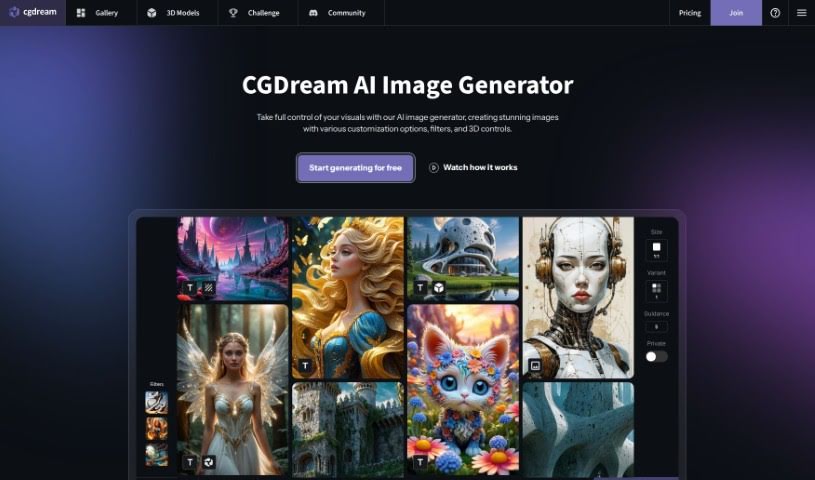
CGDream is a really neat tool that lets you create images using text prompts, existing pictures, or even 3D models. It cleverly combines AI with 3D models, making it easier for you to bring your creative visions to life visually. You'll find a bunch of handy features here, like filters to tweak your images, the ability to work with 3D models, tools to upscale your pictures for better quality, image-to-image transformations, and style transfer options. Plus, there's DreamUp, which helps you quickly refine your prompts to generate really eye-catching images. CGDream is designed for everyone, whether you're just starting out or you're a seasoned pro, offering lots of ways to customize your creations and premium features for top-notch image quality.

Screenshot of Cgfaces

Cgfaces

Freemium

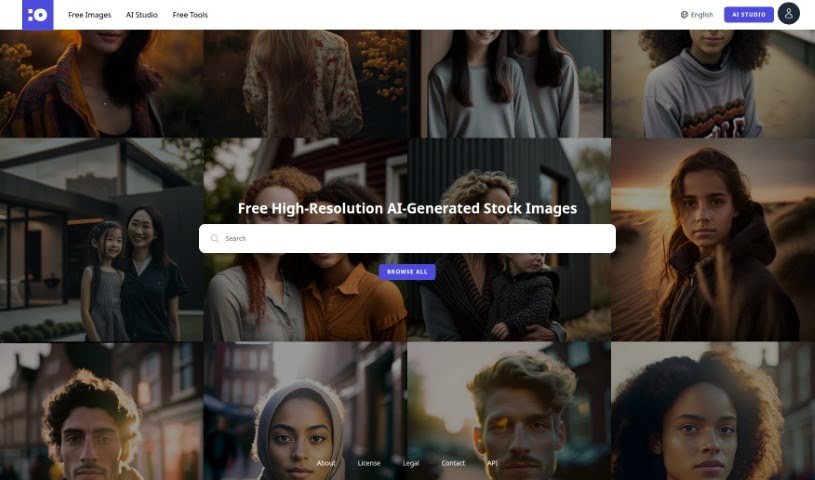
Cgfaces is a fantastic platform where you can grab high-quality AI-generated images of people for free. You can download these images in super high resolution, all the way up to 16 megapixels. What's cool is that users can actually contribute to the collection, and the platform can even generate new images on its own when there's demand. Basically, cgfaces is a treasure trove of digital pictures featuring people who aren't real. It's a project brought to you by @nachev and BURO.ONE Digital.

Screenshot of Chaibar.ai

Chaibar.ai

Freemium

Chaibar.ai is a really neat tool built to help Mac users be more productive and creative. It does this by bringing together AI-powered chat and visual creation all in one place. It is a smart assistant that combines ChatGPT's ability to understand and generate text with Dall-E's power to create images. It's perfect for professionals who want to speed up their work or anyone curious about the artistic side of AI. The software has a simple interface and uses smart technology to understand even complex requests, making it super versatile for all sorts of tasks.

Screenshot of Character AI

Character AI

Freemium

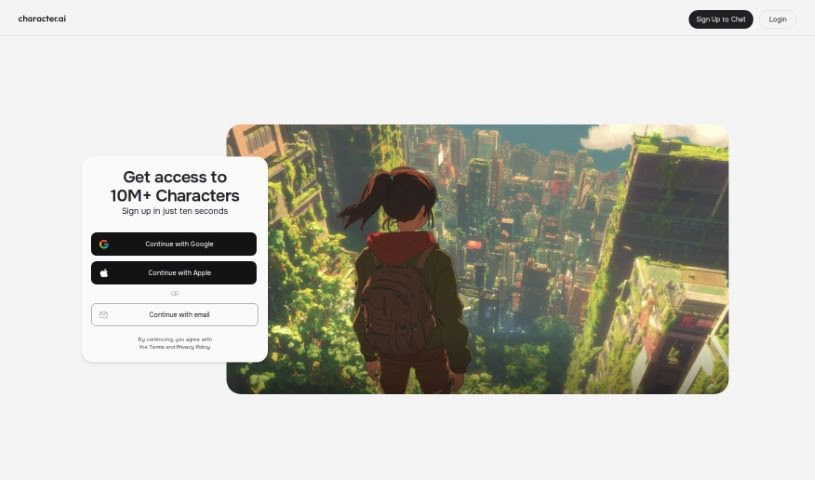
Character.AI is a really interesting platform from Character Technologies, Inc., based in Menlo Park, CA. It was started by Noam Shazeer and Daniel De Freitas, who are pretty big names in AI. They're aiming to bring us closer to Artificial General Intelligence (AGI), and they're doing it by letting you create and chat with smart AI characters. It is a place where you can have conversations, play games, or even learn new things with these AI personalities. You can customize them, share what you create, and connect with a whole community of people doing the same thing. Whether you're a beginner or an AI whiz, Character.AI has tools and guides to help you build and interact with characters. You can make anyone from historical figures to game characters or entirely new fictional people. The interactions are mostly text-based, and the platform uses machine learning to make sure the characters understand the context and respond in a way that feels natural. What really makes Character.AI shine is how much you can customize it, its easy-to-use interface, the active community, its flexibility, and the ability to connect with other services.

Stay Updated with AI Tools

Get weekly updates on the latest AI tools, trends, and insights delivered to your inbox

Join 25,000+ AI enthusiasts. No spam, unsubscribe anytime.