AI Tools for Creative

Discover the best Creative AI tools to enhance your productivity and creativity.

Page 23 of 114 • 1360 total tools

Creativity today is changing fast, and AI is becoming a super helpful partner. Whether it’s creating amazing visuals or writing music, AI creative tools are making the art process more accessible and exciting. But with so many options out there, finding the right one for your creative needs can feel a bit overwhelming.

Things have really changed in just a few years. AI tools aren’t just for special uses anymore; they’re smoothly fitting into our everyday creative work. These new technologies can make your projects better, save you time, and even lead you to explore artistic ideas you hadn’t considered before.

I’ve spent a good amount of time exploring the world of AI creative tools, looking into everything from graphic design apps to music software. Since I love seeing how technology and creativity come together, I wanted to share what I found about the best tools available right now.

So, whether you want to make eye-catching visuals or come up with fresh concepts, there’s a tool out there just for you. Let’s dive into the best AI creative tools that can take your artistic projects to the next level and change how you create.

The best AI Creative Tools

  1. Canva for designing social media posts
  2. Character AI for brainstorming story ideas and concepts.
  3. Janitor AI for quickly crafting unique story ideas.
  4. Remove.bg for instantly removing backgrounds from design projects
  5. Leonardo AI for generating dynamic artwork for designers
  6. Photopea for designing stunning graphics and illustrations.
  7. Photoroom for improving photos for creative projects
  8. Pixelcut for designing eye-catching product ads
  9. Pixlr for designing great graphics with ease
  10. Midjourney for visual storytelling through art prompts.
  11. AI Face Swap for creating unique memes for social media.
  12. Cutout.pro for creating dynamic backgrounds for art
  13. Remaker for AI-powered image creation for unique designs.
  14. Ideogram for logo design and customization.
  15. Openart for experimenting with unique artistic styles

How do AI creative tools work?

AI creative tools work by using advanced algorithms that learn from all sorts of data. They look at patterns in creative works—like art, music, or writing—which helps them copy styles and create new, original pieces. It’s a bit like how human artists get inspired by different things they see or hear.

At their core, these tools often use neural networks. These are specially built to understand and interpret human creativity. The networks are trained on huge amounts of data, including works from many different styles and formats, so they can learn and adapt to various approaches.

When you give a prompt—like a topic for a story, a theme for a painting, or a music genre—these AI tools use the patterns they’ve learned to generate fitting responses. They essentially guess which elements should go together to make content that feels cohesive and engaging.

What’s really interesting is that AI creative tools don’t just repeat what they’ve learned; they can actually be innovative. By blending styles or drawing from less common influences, they can produce work that surprises and inspires, offering a fresh take even on familiar subjects.

As technology keeps advancing, these creative tools are getting more capable. This means we can have richer interactions, with users and AI working together more smoothly. Often, this leads to amazing artistic creations that combine human ideas with computer power.

If you’re curious about the technical side of these tools, looking into neural networks and creative AI applications can offer more insight into how they bring artistic ideas to life.

Our best AI creative tools at a glance

RankNameBest forPlans and PricingRating
1CanvaSocial media post designN/A4.73 (11 reviews)
2Character AIGBrainstorming story ideas and concepts.N/A4.64 (11 reviews)
3JanitorAICrafting unique story ideas quickly.N/A0.00 (11 reviews)
4Remove.bgInstant background removal for design projectsPaid plans start at $0.2/image.4.82 (11 reviews)
5Leonardo AIDynamic artwork generation for designersPaid plans start at $9/month.4.73 (11 reviews)
6PhotopeaDesign stunning graphics and illustrations.N/A4.67 (12 reviews)
7PhotoroomEnhancing creative project photosPaid plans start at $7.50/month.4.74 (38 reviews)
8PixelcutDesigning eye-catching product adsN/A4.64 (11 reviews)
9PixlrDesigning stunning graphics effortlesslyPaid plans start at $0.99/month.4.73 (11 reviews)
10MidjourneyVisual storytelling through art prompts.N/A4.73 (11 reviews)
11AI Face SwapCrafting unique memes for social media.N/A4.70 (10 reviews)
12Cutout.proDynamic background creation for artistryN/A4.46 (13 reviews)
13RemakerAI-powered image creation for unique designs.N/A4.69 (13 reviews)
14IdeogramLogo design and customization.N/A4.85 (26 reviews)
15OpenartExperiment with unique artistic stylesPaid plans start at $84/year.4.25 (8 reviews)
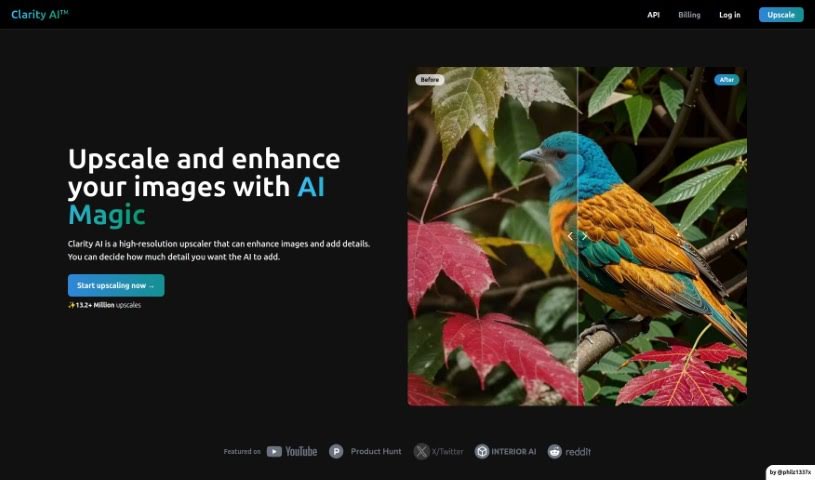
Screenshot of Clarityai

Clarityai

Freemium

ClarityAI is a really neat tool that uses artificial intelligence to make your images look better. It is a smart way to boost image resolution, add more depth and detail, clean up any fuzzy bits, and basically turn regular photos into super clear, high-definition visuals. What's great is you can actually control how much detail it adds, so it works well for all sorts of pictures – whether it's a sweeping landscape, a close-up portrait, a cool illustration, some anime art, or even a picture of your home's interior.

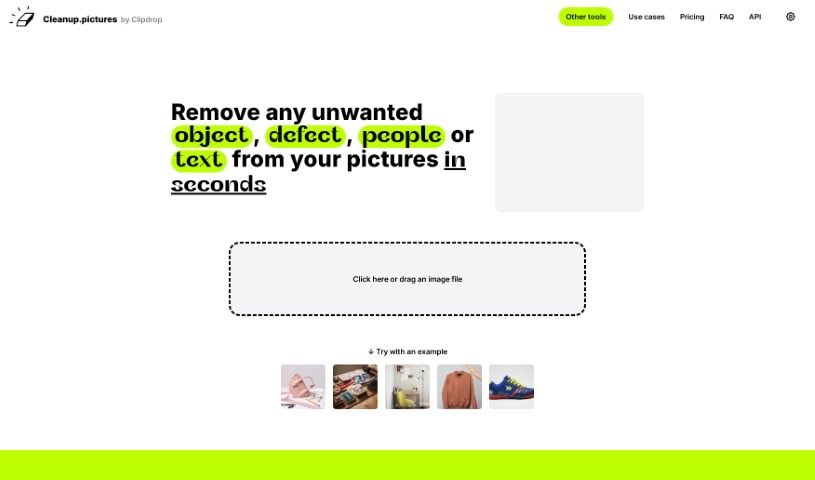
Screenshot of Cleanup Pictures

Cleanup Pictures

Freemium

Cleanup.Pictures is an online platform that uses advanced AI algorithms to remove unwanted objects, people, text, and defects from your photos. It's designed to make photo retouching super easy – you just draw over the things you want gone, and the tool cleans them up seamlessly. No need for complicated software here! Cleanup.Pictures delivers high-quality results and is really user-friendly, so you can access it from pretty much any device. Plus, they're serious about keeping your photos private and your data secure while they work their magic.

Screenshot of Cliclic AI

Cliclic AI

Freemium

Cliclic AI is a really handy tool designed to help you quickly create attractive backgrounds for your product photos. It is an AI Product Image Background Editor. It lets you easily put your own branded products into different scenes. You can pick from ready-made scenes or even create custom ones that match your product perfectly. This tool is pretty flexible, letting you set custom canvas sizes, choose from lots of pre-designed scenes, and it works for all sorts of product types.

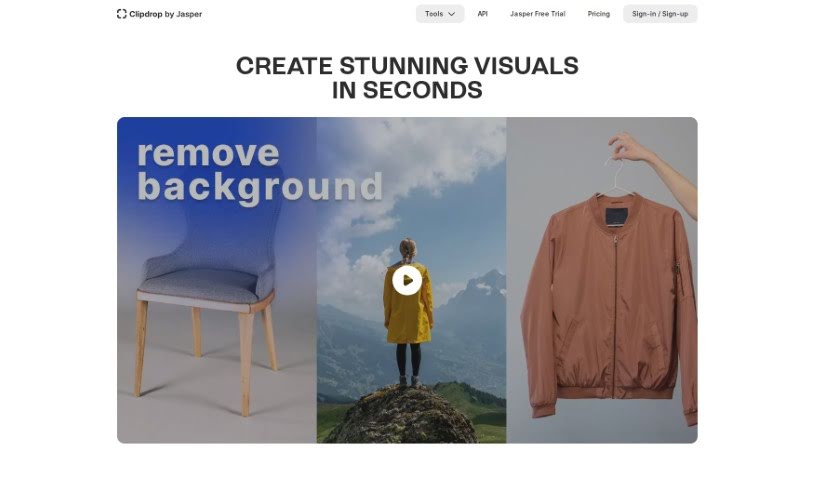
Screenshot of ClipDrop

ClipDrop

Freemium

ClipDrop, by Stability AI, is a really neat AI tool that lets you change the size and look of your photos. It can expand the backgrounds of your pictures, letting you adjust the aspect ratio or 'uncrop' them to fit any image format you need. It's pretty clever because it doesn't just stretch things; it actually generates new parts of the image that blend in naturally with your original photo.

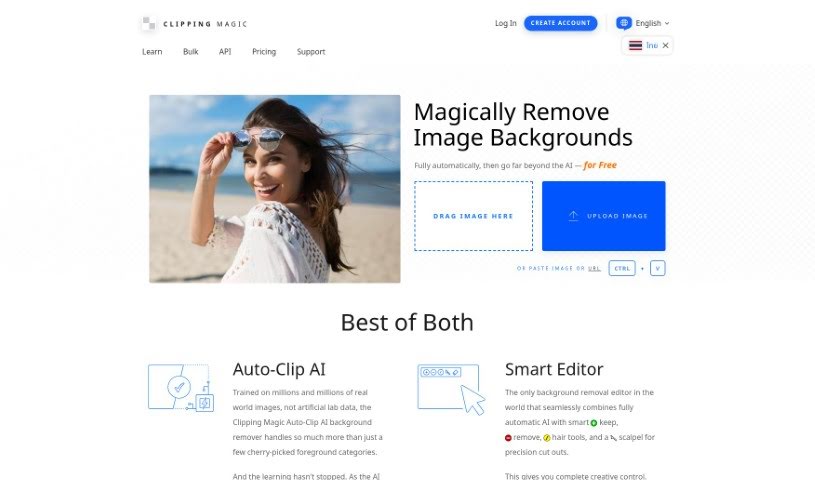
Screenshot of Clipping Magic

Clipping Magic

Freemium

Clipping Magic is a handy online tool that uses AI to remove backgrounds from your images. It's packed with features to make this process smooth and efficient. You can count on automatic background removal, a precise scalpel tool for those tricky cuts, and smart smoothing to get clean edges. It even has a special graphics mode for logos and a dedicated hair tool, which is a lifesaver for isolating hair from backgrounds. Beyond just removal, Clipping Magic lets you control colors, add shadows, resize images, and export them in various formats like SVG and TIFF. It's really popular for eCommerce, business, and graphic design work, and it's available through a subscription that starts at just $3.99 a month.

Screenshot of Cloudinary

Cloudinary

Freemium

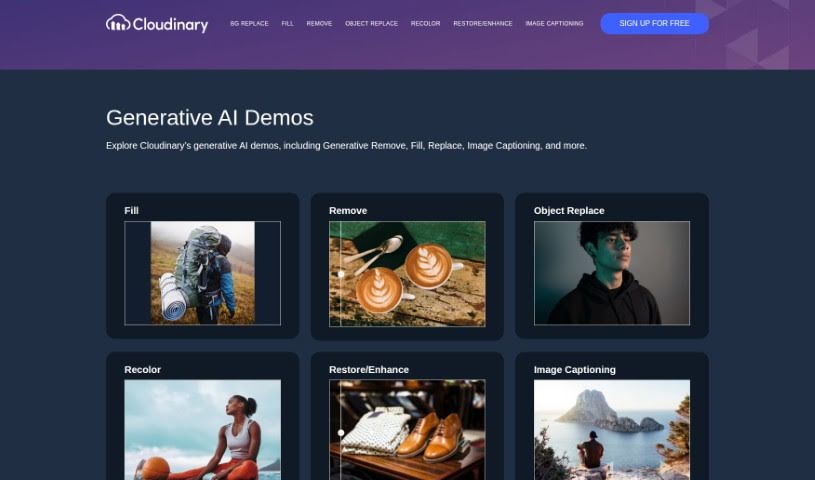
Cloudinary is your go-to platform for all things media, especially if you're working with images and videos. It's not just about storing them, though; it's a powerful tool that helps you manage, optimize, and deliver them smoothly. What's really neat is that it also offers some cool generative AI demos, like Generative Remove, Fill, and Replace, plus Image Captioning. Essentially, it helps you streamline your whole media workflow, making things much more efficient.

Screenshot of Collov AI

Collov AI

Freemium

Collov AI is a smart tool designed to transform your photos into really engaging visuals, perfect for showcasing living spaces. It is a way to make rooms look their absolute best. It offers a bunch of cool features, like making your online listings or screens more captivating to draw people in, helping you visualize different cabinet designs, flooring options, or countertops. You can even use it to swap out furniture, completely redesign a room, or do a partial remodel. Essentially, Collov AI uses its spatial intelligence to help you reimagine and improve living spaces. If you're curious to learn more or want to jump in, you can easily get in touch with them through the contact details on their website.

Screenshot of COLOR anything

COLOR anything

Freemium

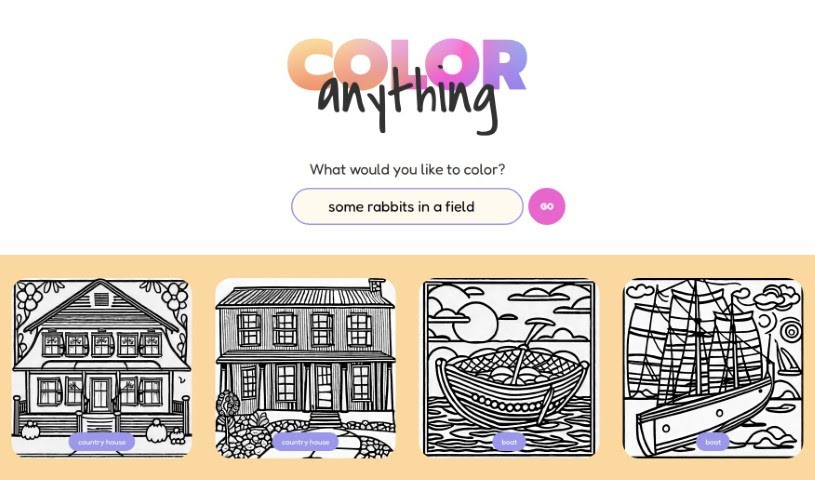
"COLOR anything | AI coloring pages" is a really neat creative platform where you can use artificial intelligence to design your very own coloring pages. It's perfect for both kids and adults, offering tons of themes – think gingerbread houses, superheroes, cute pandas, or even mythical creatures like zeraora. Basically, you just think about what you'd like to color, and the AI helps generate a unique page for you. The site already has a bunch of ready-to-color images too, featuring things like Darth Vader, bodybuilders, ships, robot Santas, and scenic maps. It's super easy to use, so you can quickly create and print coloring pages. It’s a fantastic way to spark creativity and just relax with some art, no matter your age. And the best part? It’s completely free for everyone!

Screenshot of Color Fuse AI

Color Fuse AI

Freemium

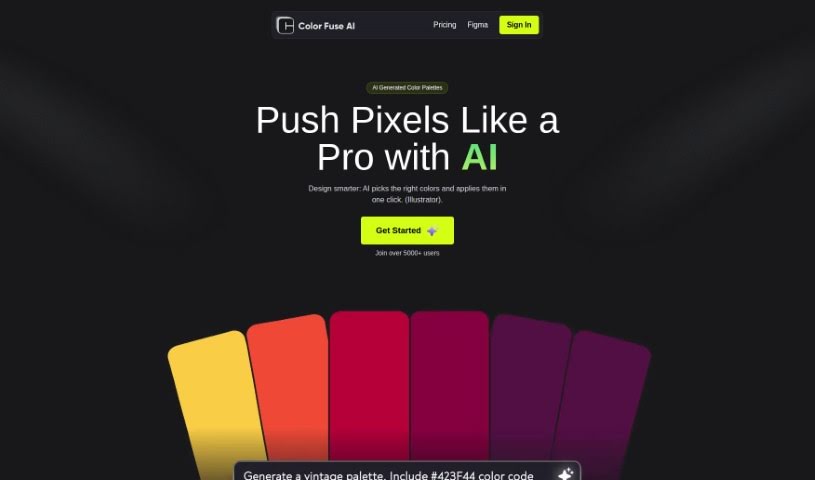
Color Fuse AI is a handy tool designed to make your design projects shine. It uses artificial intelligence to suggest and apply color palettes with just a single click, right inside popular design software like Illustrator and Photoshop. It is your AI color assistant! You can get AI-generated color schemes, tweak them how you like, chat with a helpful AI chatbot for support, and even save your favorite palettes to use later, from anywhere. The whole idea is to speed up how you pick colors, so you don't have to spend ages sifting through endless options or get stuck wondering which colors work best together. Color Fuse AI is available in both a free version and a pro subscription, with the pro option giving you even more cool features.

Screenshot of Color Pop

Color Pop

Freemium

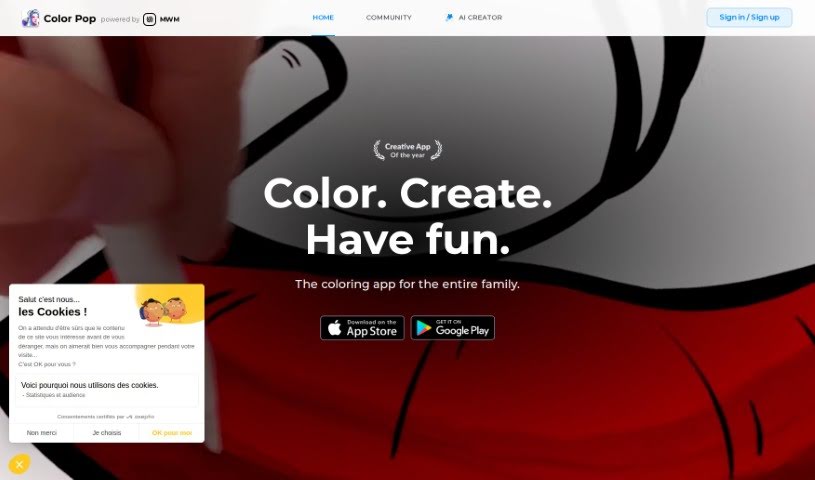
Color Pop is a really neat and easy-to-use coloring app that brings the classic fun of coloring into the digital age. It lets you get creative by coloring all sorts of drawings – there are over 600 hand-picked designs that are perfect for everyone, no matter your age. The app feels like you're using real art supplies, with pens, brushes, and sprays, plus over 1,000 textures and effects to make your creations truly unique. What's more, you can even make your own coloring pages with the app's AI generator and join a community of over 5,000 colorists to share your art and get inspired.

Screenshot of Colorbliss

Colorbliss

Freemium

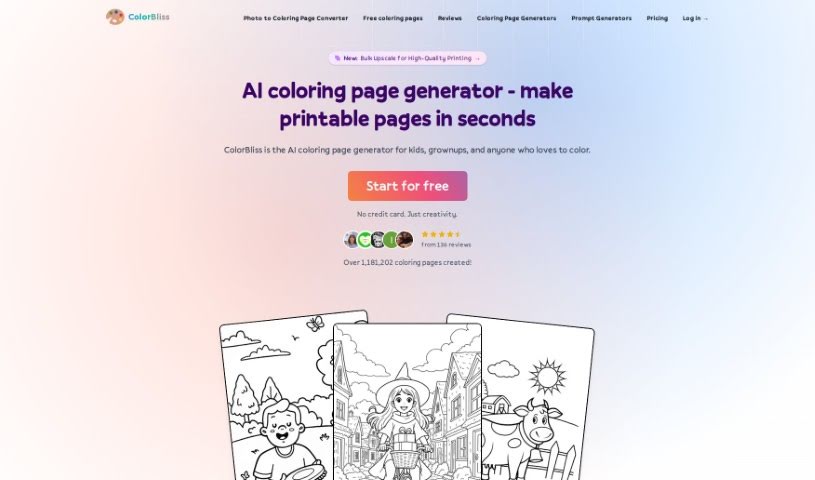
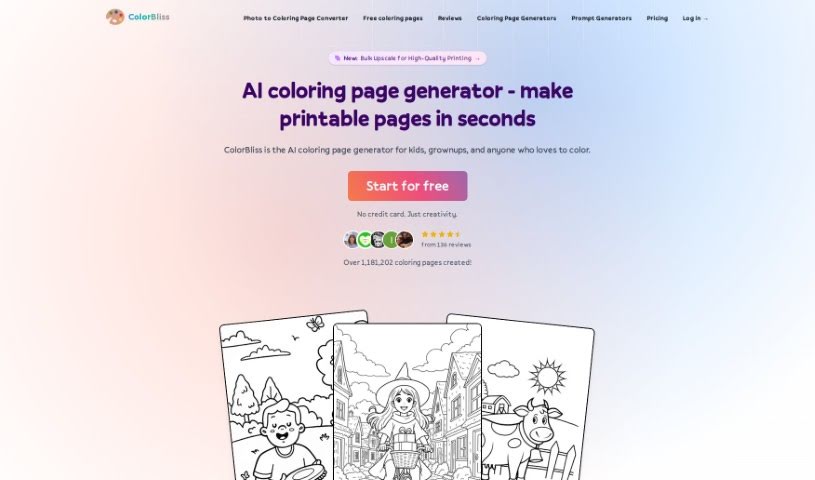
ColorBliss is a neat AI tool that lets you create your own coloring pages. You can make them from simple text descriptions, your own photos, or even your drawings. It's pretty flexible, offering both free and premium plans. If you go for the premium option, you get unlimited access to everything, including high-resolution downloads and some special content you won't find elsewhere. This means you can create all sorts of unique coloring pages – whether it's for your kids, for teaching, or even for selling. The AI behind ColorBliss is quite clever; it uses advanced algorithms to understand what you're asking for and then generates detailed outlines that are just perfect for coloring. Ben Robertson is the person behind ColorBliss; he developed it because he wanted to make it super easy for people like parents, teachers, and artists to create custom coloring pages.

Screenshot of ColorBliss.art

ColorBliss.art

Freemium

ColorBliss.art is a really neat platform, brought to life by Ben Robertson. Its whole purpose is to create custom coloring sheets, all thanks to AI. Imagine you need a specific coloring page – maybe for yourself, your kids, your students, or even your nieces and nephews. You just describe what you're picturing, and ColorBliss.art quickly whips up an image that's ready to be printed and colored. Ben Robertson, the person behind it all, got the idea from his own kids. They'd often come up with these unique coloring sheet ideas that were just impossible to find anywhere else. Wanting to make this a reality, Ben actually left his job as a customer success leader. He wanted to spend more time with his family and pour his energy into developing ColorBliss.art as an independent software developer. It’s a project born from his love for making coloring pages, with plenty of input and support from his family.

Stay Updated with AI Tools

Get weekly updates on the latest AI tools, trends, and insights delivered to your inbox

Join 25,000+ AI enthusiasts. No spam, unsubscribe anytime.