S
Scrape Comfort
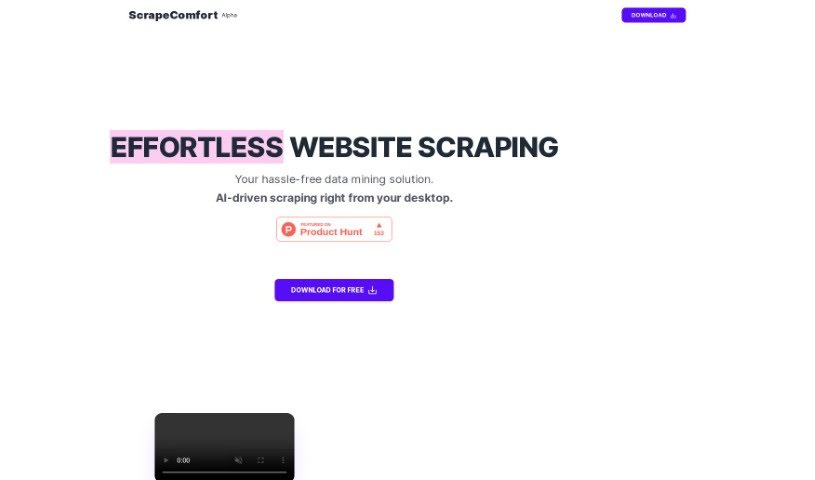
FreemiumScrape Comfort is an AI-powered tool for extracting data from websites without writing code. It's built on ChatGPT, so you don't need coding skills or knowledge of CSS selectors and XPaths.
Automation
View Tool →
Discover the best Automation AI tools to enhance your productivity and creativity.
Scrape Comfort is an AI-powered tool for extracting data from websites without writing code. It's built on ChatGPT, so you don't need coding skills or knowledge of CSS selectors and XPaths.
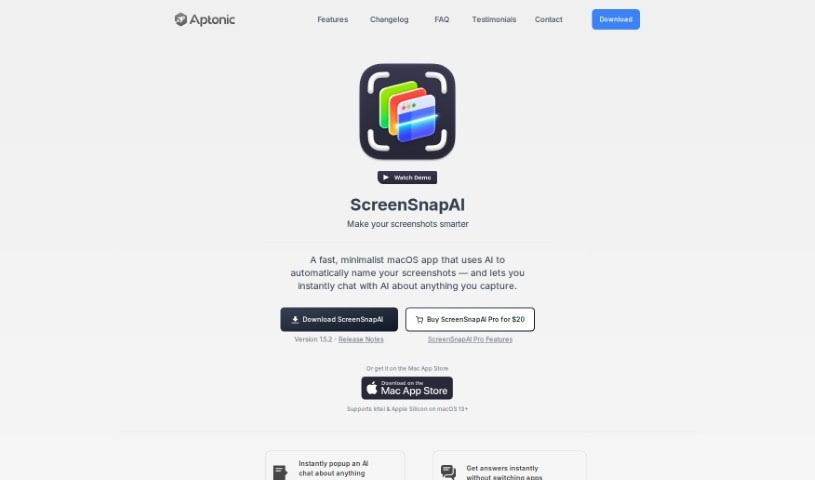
ScreenSnapAI is a macOS tool that uses artificial intelligence to manage your screenshots. It can summarize text, translate languages, and draft email replies directly from the content you capture. The app automatically labels and categorizes screenshots, turning your collection into an organized, searchable library.
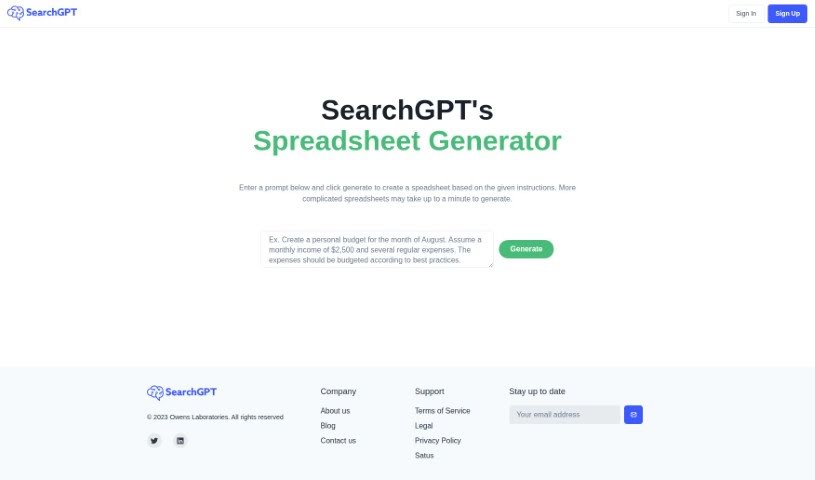
SearchGPT is an AI tool from Owens Laboratories that generates spreadsheets from text instructions. You describe what you need, and it builds the spreadsheet, using deep learning to translate your request into spreadsheet structures. The prompt-based interface requires no technical background, and the tool is designed to boost productivity by reducing tedious manual work. To use it, sign up on the SearchGPT website, type your instructions, and generate the spreadsheet. Owens Laboratories offers support and addresses data privacy in its privacy policy on the website.
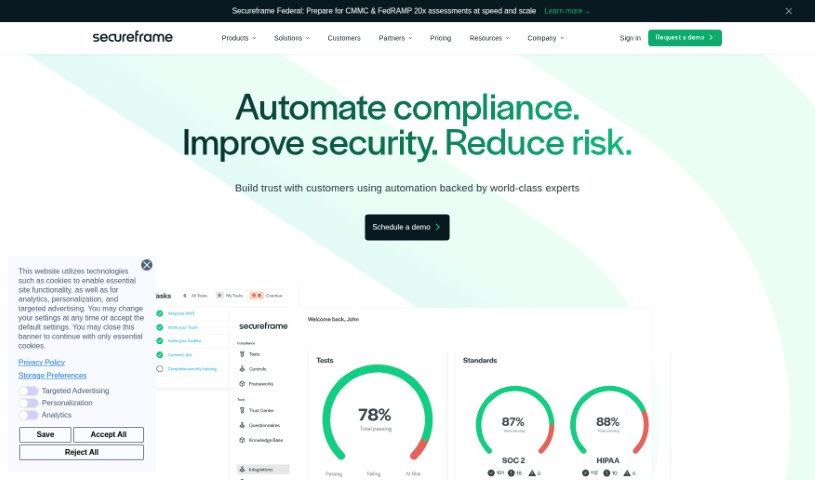
Secureframe is an AI-powered risk management tool that automates how organizations assess and manage risks. Built on the ISO 27005 methodology, it streamlines the risk management process, saving time and reducing the cost of maintaining a risk program while supporting security compliance efforts.
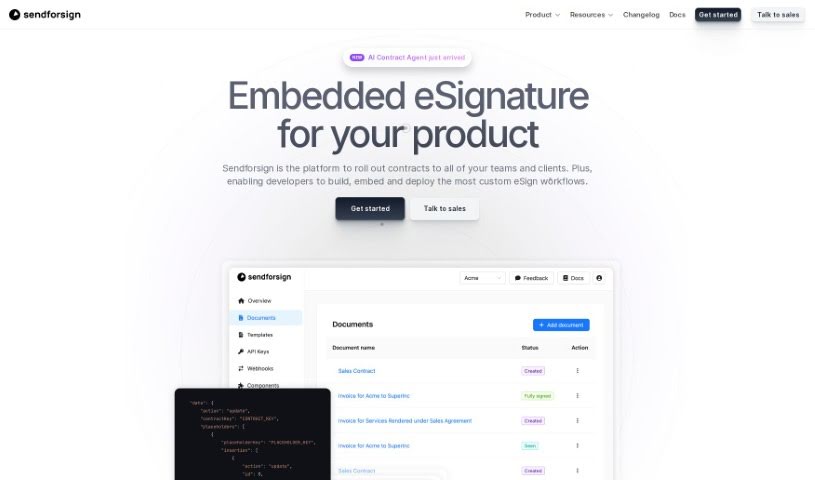
Sendforsign is a digital contract service that combines an API with AI technology to manage contracts and documents. It covers storing, searching, drafting, reviewing, approving, negotiating, and electronically signing agreements, with no setup required. Features include streamlined drafting, document review with text highlighting, and built-in safety and security measures. Documentation covers the platform's vision, changelog, and core functions.
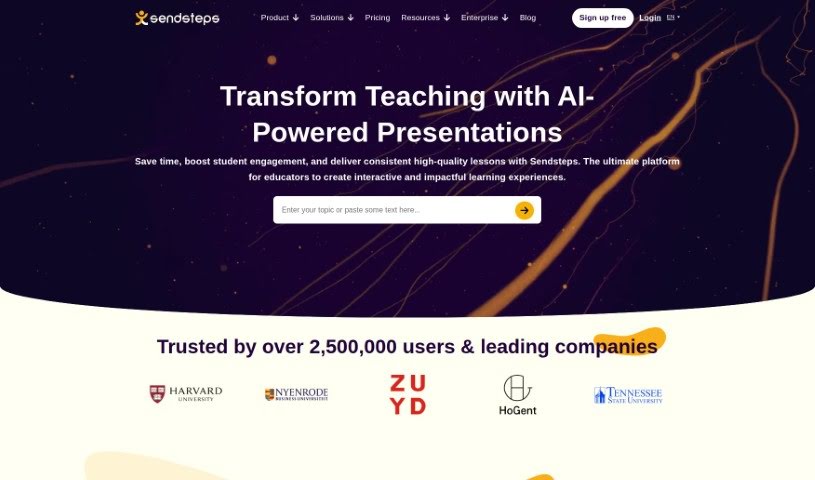
Sendsteps is an AI-powered platform for creating interactive presentations and meetings. It acts as a smart assistant that helps you build engaging content quickly. You can start a presentation in several ways: use the AI presentation maker, build one from scratch, upload your own documents, or import existing PowerPoint slides. The goal is to save presenters time by handling the writing, design, and storytelling, so you can focus on delivering your message.
Sensæ is a service designed to help high achievers manage stress. It uses your personal physiological and psychological data to create custom stress management techniques. The service combines AI-powered diagnostics and predictive analytics with haptic biofeedback, which gives you a tangible way to understand and manage your emotions. Its goal is to improve overall well-being through personalized stress management.
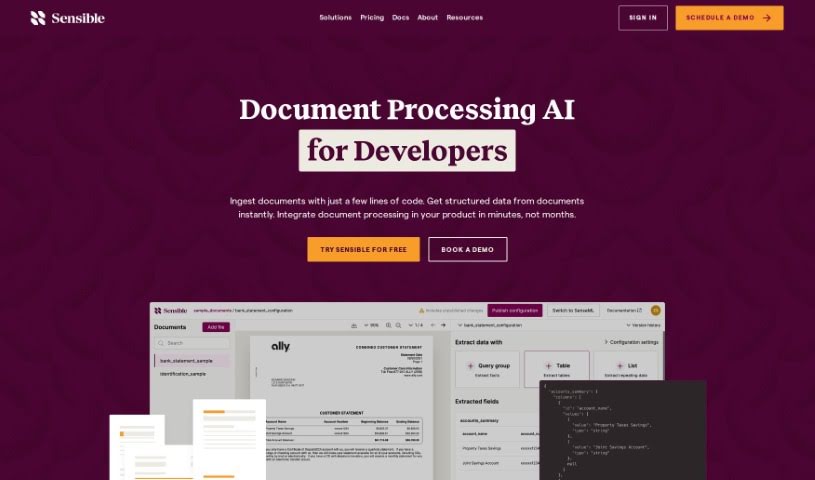
Sensible Instruct is a document extraction tool built with an API-first approach, designed to be integrated into other systems. It pulls structured data from documents such as resumes, contracts, and invoices using GPT-4's natural language processing, and it supports SenseML, a configuration language for customizing how extraction works.
Sequential is a digital work management tool developed by Ryan Cushen. It combines proven strategies from successful organizations with AI models to streamline work processes, boost productivity, and help users deliver work faster and more efficiently.
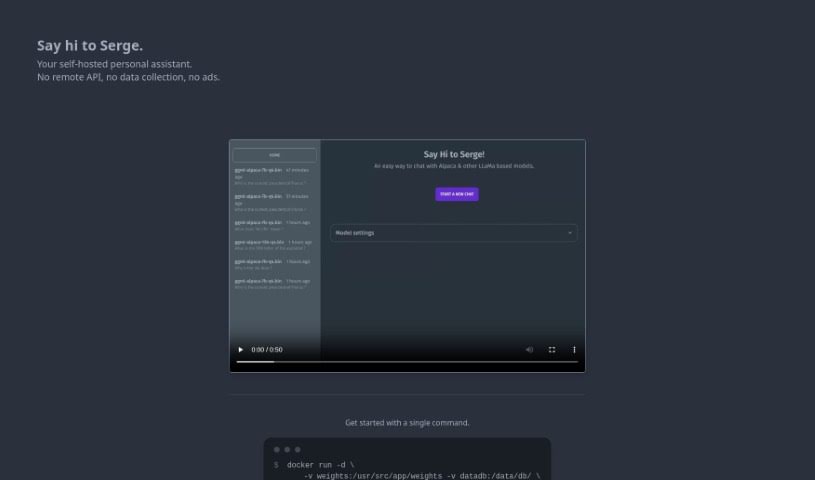
Serge is a self-hosted personal assistant built around privacy and data security. It was developed to provide a personal assistant that is both secure and private, achieved by cutting out remote APIs, data collection, and ads. It runs with a single Docker command and, once running, you chat with it through a simple web interface at <http://localhost:8008>. The project maintains an active community on GitHub and Discord where users can get help and share information.
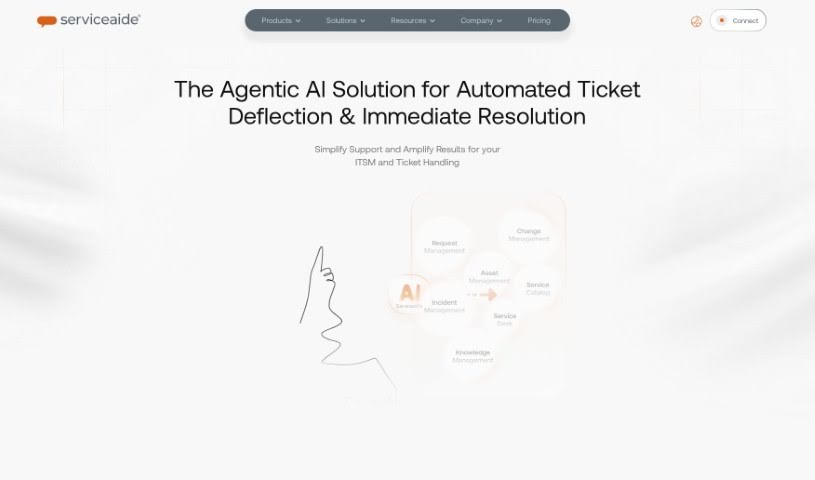
Serviceaide offers IT Service Management (ITSM) solutions designed to help organizations improve how they deliver IT services and boost productivity through automation and smart service management tools. Its product lineup includes ChangeGear, ISM for Partners, and Serviceaide Municipal Solutions, along with the Luma AI Suite, which features the Luma Virtual Agent and Luma Knowledge.
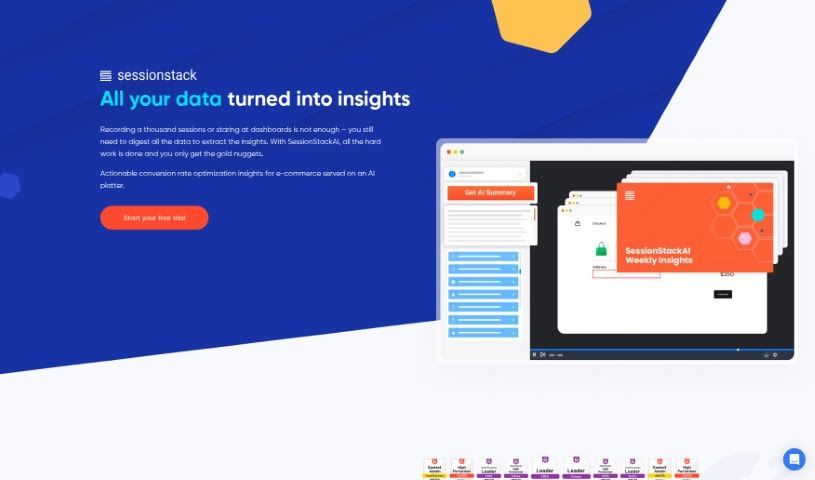
SessionStack is an AI-powered session replay tool that helps you understand how users interact with your website. Its AI can summarize long session recordings so you don't have to watch every minute, and it suggests practical ways to fix friction points users encounter, which can help improve conversion rates.
We’ve all got daily chores that make us feel like human copy-paste machines. Transferring numbers from a PDF invoice into a spreadsheet, sending repetitive follow-up emails, or copying lead details from a web form into a database can eat up half your workday. It’s boring work, and one tiny distraction means you accidentally paste the wrong phone number into the wrong field.
Smart automation platforms go far beyond traditional software rules that only follow rigid “if this happens, then do that” triggers. Instead, AI tools can read unstructured information, understand what needs to happen next, and execute multi-step tasks across all your favorite applications.
Older automation tools required every single step to be perfectly predictable. If an incoming email didn’t match an exact format, the whole system broke down. AI tools change that by understanding context. For instance, if a customer emails your support team with a mixed request about a delayed shipment and a billing question, an AI assistant can read the message, extract the order number, categorize the issue, and open the correct ticket in your help desk automatically.
Data entry and document cleanup get a massive speed boost, too. Instead of spending hours typing details from receipts, contracts, or paper forms into your system, intelligent scanning software extracts names, dates, and line items instantly. It structures messy text, flags unusual errors for your review, and pushes clean information straight into your accounting software.
Connecting different applications is another major time saver. Rather than jumping across ten browser tabs to update project statuses, send team messages, and reschedule calendar invites, you can build smooth pipelines. When a new sales lead books a meeting, the system can automatically create a client record, generate a custom proposal draft, and set a reminder for your sales rep.
Key Features to Look For:
- Natural language workflow builders: Systems that let you describe an automated sequence in plain English rather than building complex logic chains.
- Unstructured data extraction: Software capable of reading receipts, PDFs, and casual emails to pull out accurate numbers and details.
- Multi-app connectivity: Tools that link smoothly with your existing stack, from spreadsheets and email to project boards and CRMs.
- Conditional decision making: Engines that evaluate incoming information and choose the best next step based on custom rules.
- Human-in-the-loop checks: Safety features that pause an automated task to request your approval before taking major actions, like sending an external email or processing a payment.
While smart software handles routine mechanics, human oversight and strategy still matter most. Automation takes care of the background work so you can give your full attention to solving real problems and serving your clients.
Check out the selection below to find the right automation setup for your daily routine.
Weekly picks of the best AI tools we've researched and added — no spam, unsubscribe anytime.
Join 25,000+ AI enthusiasts. No spam, unsubscribe anytime.