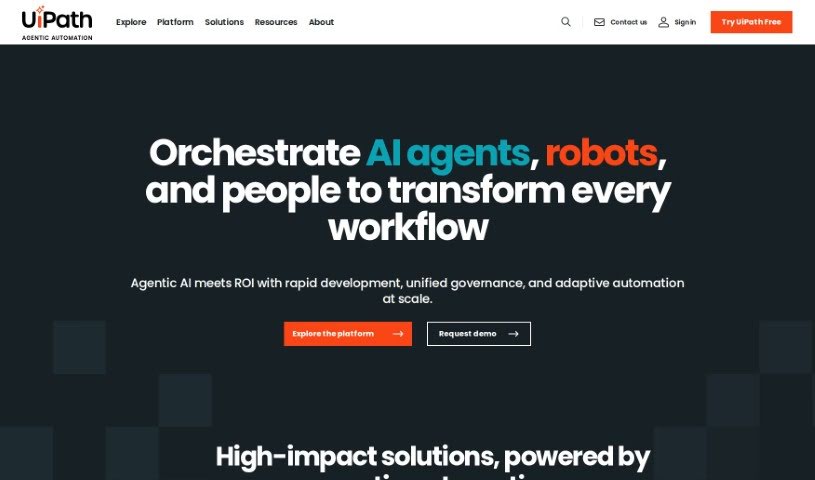
Screenshot of UiPath

UiPath

Discover what UiPath is and how to use it effectively in 2025. We'll explore its features, compare it with other automation tools, and guide you through its practical applications.

Screenshot

What is UiPath?

UiPath is a comprehensive Business Automation Platform. It uses artificial intelligence and automation to help people achieve more by automating knowledge work. It is a toolkit designed to handle a wide range of automation needs. The platform works in three main stages: Discover, Automate, and Operate. First, in the Discover phase, it uses AI to find the best ways to improve and automate processes. Then, in the Automate phase, you build the actual AI-powered automations. Finally, the Operate phase is all about running and fine-tuning these automation programs on a large scale. UiPath can automate tasks through user interfaces (UI) and APIs, process documents intelligently, and even gives you real-time insights to make your processes even better. Plus, it’s built for the cloud, meaning it’s flexible and can easily scale up as your automation needs grow.

Who created UiPath?

UiPath is a leading company in robotic process automation software. It was actually founded way back in 2005 by Daniel Dines and Marius Tirca. The company officially kicked off its operations on July 3, 2023. Daniel Dines, who serves as the CEO, and Marius Tirca, the CTO, are the brilliant minds behind UiPath’s impressive journey. Since its founding, the company has seen tremendous growth and is widely recognized for its innovative automation solutions that are transforming business processes across all sorts of industries around the globe.

What is UiPath used for?

UiPath is incredibly versatile and is used for a variety of tasks, including:

  • Automating processes across many different industries, like healthcare, banking and financial services, insurance, the public sector, telecom, and manufacturing.
  • Process mining, which helps you discover, automate, and keep an eye on your business processes to make them run more smoothly and efficiently.
  • Task mining, where it uses AI to figure out the best opportunities for automation and helps you group workflows together by analyzing tasks.
  • Document understanding, allowing you to process and pull information from all sorts of different document types and structures.

Who is UiPath for?

UiPath is designed to help a wide range of professionals, including:

  • Healthcare professionals
  • Banking & financial services professionals
  • Insurance professionals
  • Public sector professionals
  • Telecom professionals
  • Manufacturing Professionals

How to use UiPath?

Ready to dive into UiPath? Here’s a breakdown of how to get started and make the most of it:

  1. Get to Know UiPath: First off, understand that UiPath is a Business Automation Platform. Its main goal is to boost human productivity by using AI and automation to handle knowledge-based tasks.
  2. Integrating AI: UiPath weaves AI into its core functions across three key phases: Discover, Automate, and Operate. AI helps pinpoint areas ripe for optimization and is fundamental in building the automations themselves.
  3. The Three UiPath Phases: Let’s break down these stages: Discover is all about finding those automation opportunities. Automate is where you actually build your AI-powered automations. And Operate is for running and fine-tuning these automations efficiently on a large scale.
  4. The Discover Phase in Detail: This stage involves digging into your processes. You’ll use tools like Process Mining, Task Mining, and Communication Mining to really pinpoint where automation can make the biggest difference.
  5. The Automate Phase in Detail: Here, you’ll build automations that work with both user interfaces (UI) and APIs. These AI-powered automations are designed to collaborate smoothly with both people and existing systems.
  6. The Operate Phase in Detail: This is where the rubber meets the road. You’ll run and optimize your automation programs at scale, using features like real-time analytics to monitor performance and continuous testing to ensure everything runs perfectly.
  7. Exploring Tools and Features: UiPath offers a suite of helpful tools. You’ve got the Orchestrator for managing your robots, Test Manager for quality assurance, and robust capabilities for intelligent document processing.
  8. Training and Support Resources: Don’t worry if you’re new to this! UiPath offers free online training to get you up to speed. Plus, there’s customer support and a lively community forum where you can ask questions and get help with any issues.
  9. Integration and Flexibility: UiPath is built for modern needs. It supports low-code development, offers cloud-first flexibility for easy scaling, and provides integration services to ensure your automations work seamlessly across different platforms.
  10. Real-World Success Stories: Companies using UiPath automation have seen some pretty amazing results, like significant cost savings, much better efficiency, and genuinely innovative solutions across various industries.

By following these steps and taking advantage of the tools and training UiPath provides, you’ll be well on your way to effectively automating tasks and making your business processes run much smoother.

Related AI Tools

Discover more tools in similar categories that might interest you

Stay Updated with AI Tools

Get weekly updates on the latest AI tools, trends, and insights delivered to your inbox

Join 25,000+ AI enthusiasts. No spam, unsubscribe anytime.