AI Tools for Automation

Discover the best Automation AI tools to enhance your productivity and creativity.

Page 31 of 40 • 478 total tools

Automation isn’t just a trendy term anymore; it’s fundamentally changing how we work digitally. As businesses and individuals look for ways to be more efficient, the demand for solid automation tools has exploded. These tools promise to transform our operations, from simplifying workflows to cutting down on repetitive tasks.

Just a few years back, automation felt like something only tech experts could handle. But now, there’s a whole host of easy-to-use AI-powered options available. Not only do these tools save you time, but they can also improve the quality of your work by reducing mistakes that humans sometimes make.

As I looked into the best AI automation tools, I explored many different options that fit various needs and situations. Whether you’re running a small business or just a busy professional, there’s definitely a tool out there to make your life simpler.

The world of automation is always changing, so keeping up is key. Here’s a list I’ve put together of some of the most effective AI automation tools you can find right now. They’ll help you work smarter, not just harder. Let’s dive into these game-changers.

The Best AI Automation Tools

  1. Databricks: Great for automating data pipeline workflows.
  2. Cal.ai: Makes scheduling tasks easy.
  3. UiPath: Automates invoice processing.
  4. Glean: Automates insights with custom AI bots.
  5. Kaiber: Streamlines video editing.
  6. Text Blaze: Helps you breeze through repetitive tasks.
  7. Phantom Buster: Automates LinkedIn outreach campaigns.
  8. God of Prompt: Streamlines repetitive tasks effectively.
  9. MyMind: Automates capturing and organizing notes.
  10. SlidesGPT.com: Automates presentation creation.
  11. Carepatron: Streamlines medical documentation.
  12. HiPDF: Automates splitting PDFs by page ranges.
  13. HARPA AI: Automates email replies and notifications.
  14. Fibery: Streamlines task workflows efficiently.
  15. Tome: Streamlines reporting workflows efficiently.

How Do AI Automation Tools Work?

AI automation tools make tasks easier by essentially copying how humans make decisions, using algorithms and machine learning. At their heart, these tools look at data, learn from patterns they see, and then take action based on specific rules you set. You can set them up to handle repetitive jobs that would normally need someone to do them, which really boosts efficiency and productivity.

The technology behind these tools often involves connecting different kinds of data. They can link up with APIs, databases, and various software platforms to grab information and start workflows. This connection allows information to flow smoothly between systems, cutting down the time you’d spend manually entering data or managing processes.

Machine learning is a big part of making automation better. As these tools work with more data, they fine-tune their algorithms, getting smarter and more adaptable over time. For example, they can improve marketing campaigns, manage inventory, or analyze customer feedback with more and more detailed accuracy.

Developers often use platforms like Zapier or Microsoft Power Automate to build custom automations without needing to write a lot of code. By setting up specific triggers and actions, users can automate tasks across different apps and services. This makes complicated workflows manageable and efficient.

Ultimately, AI automation tools save businesses time and money while also reducing human errors. As they keep developing, their uses are growing, making them essential for companies today that want to stay competitive in this fast-paced world.

Our Top AI Automation Tools at a Glance

RankNameBest ForPlans and PricingRating
1DatabricksAutomating data pipeline workflowsN/A4.82 (11 reviews)
2Cal.aiAutomating scheduling tasks effortlesslyPaid plans start at $15/month.4.33 (6 reviews)
3UiPathInvoice processing automation systemN/A4.00 (18 reviews)
4GleanAutomating insights with tailored AI botsN/A4.33 (12 reviews)
5KaiberStreamlining video editing processesPaid plans start at $5/month.4.62 (13 reviews)
6Text BlazeStreamlining repetitive tasks effortlesslyN/A4.76 (25 reviews)
7PhantomBusterAutomating LinkedIn outreach campaignsN/A3.80 (5 reviews)
8God of PromptStreamlining repetitive tasks effectivelyN/A4.00 (11 reviews)
9MyMindAutomating note capturing and organizationPaid plans start at $6.99/month4.69 (39 reviews)
10SlidesGPT.comAutomating presentation creation tasksN/A4.72 (25 reviews)
11CarepatronStreamlined medical documentation processPaid plans start at $12/Month4.78 (81 reviews)
12HiPDFAutomating PDF splitting by page rangesN/A4.73 (22 reviews)
13HARPA AIAutomating email replies and notificationsPaid plans start at $12/month4.27 (11 reviews)
14FiberyStreamlining task workflows efficientlyN/A4.64 (11 reviews)
15TomeStreamlining reporting workflows efficientlyN/A4.82 (11 reviews)
Screenshot of Scenario

Scenario

Freemium

Scenario is a really powerful creativity tool, built specifically for game pros who want complete control over their AI. It lets you create totally unique game assets that stay consistent with your game's style, all thanks to custom AI models you train yourself. This really helps speed up pretty much every part of making a game. When you plug Scenario's GenAI engine into your development process, you can seriously boost player experiences and cut down the time it takes to get your game out there. What can it do? Well, you can train as many custom AI models as you want, slash development time by whipping out game assets super fast, and just make your whole creative process smoother. With Scenario, you can really let your studio's creativity shine, work more efficiently, and give your players amazing experiences powered by AI superpowers.

Screenshot of Scrape Comfort

Scrape Comfort

Freemium

Scrape Comfort is your go-to AI tool for grabbing data from any website, no sweat involved. It's built using ChatGPT, that familiar chat-based AI, so you don't need to be a coding whiz or get bogged down with tricky CSS selectors or XPaths. The whole setup is really straightforward and easy to get the hang of. You can feed it URLs in a few ways: using CSV files, linking up Google Sheets, or just typing them out in plain text. What's neat is that it lets you download data directly from those URLs using your own browser. This even works for pages that need JavaScript to load properly. You can easily set up what data you want to pull out from the pages you download, just by picking from a dropdown menu and describing what you're looking for in simple terms. Once you've got it, you can save that data right to your clipboard or as a CSV file, ready for whatever you need it for. Scrape Comfort is super handy for all sorts of things, like digging into data for analysis, checking out the market, or finding new leads. They offer different pricing options, including a free tier, with more advanced plans that come with special AI features and dedicated servers. Plus, they really care about your privacy – your OpenAI keys are kept safe and aren't shared with their servers.

Screenshot of ScreenSnapAI

ScreenSnapAI

Freemium

ScreenSnapAI is a really neat tool for Mac users that uses Artificial Intelligence to manage your screenshots. It is your AI-powered assistant for anything you capture on your screen. It lets you do things like quickly summarize text, translate languages, or even draft email replies, all directly from the content you've selected. It’s designed to save you time by using the latest AI tech, and it’s pretty smart about how it organizes everything. ScreenSnapAI automatically labels and categorizes your screenshots, making them super easy to find later with its Smart Folders feature. Basically, it turns your collection of screenshots into an organized, searchable library, making your workflow much smoother and more efficient.

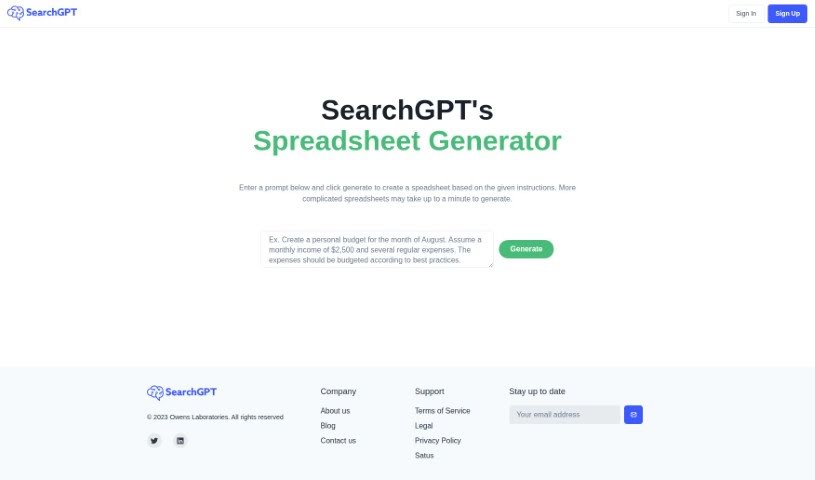
Screenshot of Searchgpt

Searchgpt

Freemium

SearchGPT is a really neat AI tool from Owens Laboratories. Its main job is to create spreadsheets based on whatever you tell it or ask for. You just type in your instructions, and SearchGPT builds the spreadsheet for you. What makes it stand out from other tools that do this is its use of deep learning. This means it's really good at understanding what you want and then making it happen in a spreadsheet. It’s designed to boost your productivity and cut down on all that tedious manual work. Plus, it’s super easy to use, with a simple prompt-based interface that anyone can figure out, no matter their tech background. They also offer good support and take data privacy very seriously, which you can read all about in their privacy policy on their website.

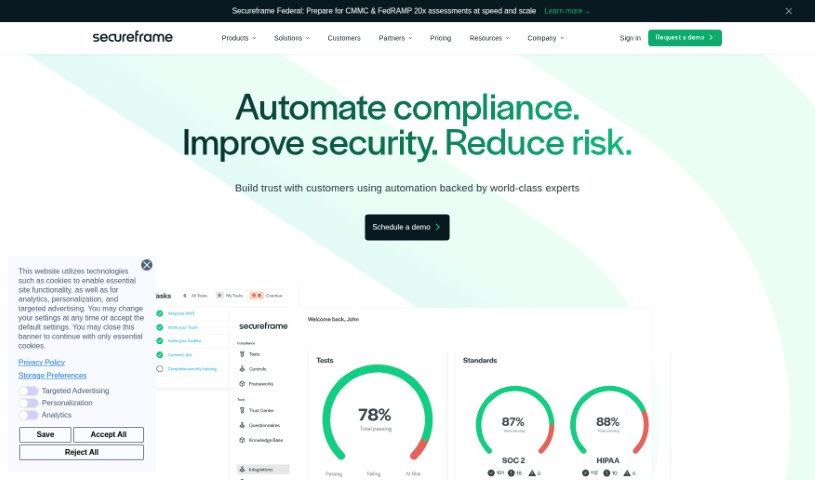
Screenshot of Secureframe

Secureframe

Freemium

Secureframe's Risk Management solution is an AI-powered tool designed to automate how your organization assesses and manages risks. It is a smart assistant that streamlines the whole process, saving you time and cutting down on the costs that come with keeping a solid risk management program running smoothly. It uses the ISO 27005 methodology to really get a handle on risks, which helps you make better, more informed decisions for your security compliance efforts. You can easily assess risks, document how you plan to handle them, and make sure you're aligned with important frameworks like SOC 2, ISO 27001, PCI, and HIPAA. The tool even includes a risk library with NIST scenarios, lets you track changes to individual risks, and offers plenty of ways to customize how you categorize them. Plus, you get intuitive dashboards that give you a real-time look at your organization's risks, making it much simpler to share the status of your risk management program with everyone involved.

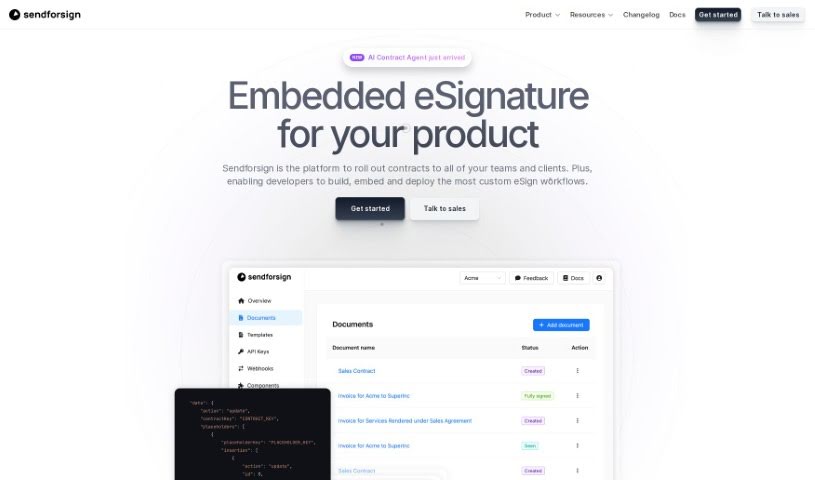
Screenshot of Sendforsign

Sendforsign

Freemium

Sendforsign is a modern, fast, and straightforward digital contract service. It uses an API and AI technology to help you manage your digital contracts and documents. You can store them, search for them, draft new ones, review them, get approvals, negotiate terms, and sign them electronically – all with absolutely no setup needed. It's designed to make things simpler, offering features like easy drafting, document review with text highlighting, and strong safety and security measures. Plus, Sendforsign provides detailed documentation covering everything from its vision and changelog to its core functions, making it a reliable tool for handling digital contracts efficiently.

Screenshot of Sendsteps

Sendsteps

Freemium

Sendsteps is a really neat AI-powered platform that's all about making your presentations and meetings way more engaging. It is a smart assistant that helps you create interactive content super fast. You've got a few ways to get started with your presentations: you can use their AI presentation maker, build one from scratch, upload your own documents, or even import your existing PowerPoint slides. The whole idea is to save presenters a ton of time by handling the writing, design, and storytelling parts. This way, you can really focus on delivering your message. Plus, Sendsteps has features like live polling, live Q&A, surveys, and feedback tools that really get your audience involved during live presentations or events. You can also customize questions and polls, it supports multiple languages, and it works for any kind of event – whether it's in-person, virtual, or a mix of both. Honestly, Sendsteps is trying to shake up the old way of doing presentations, offering something unique, interactive, and time-saving, and it's got a solid base of happy users and global recognition to back it up.

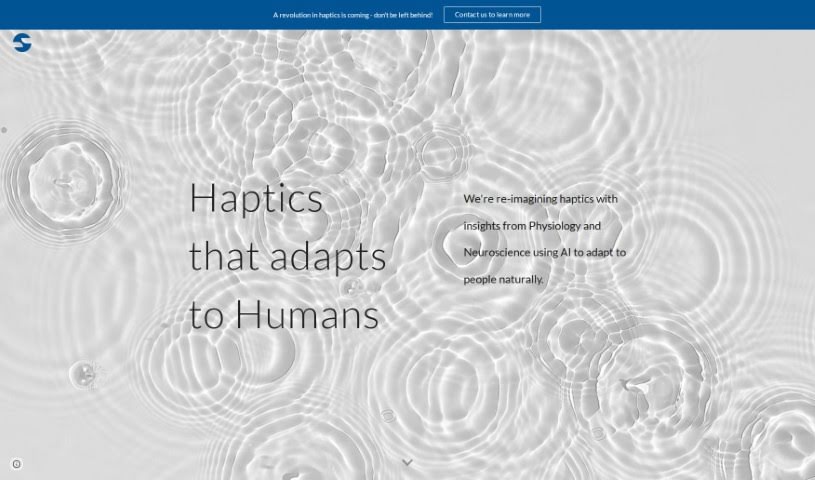
Screenshot of Sensæ

Sensæ

Freemium

Sensæ is a service designed to help high achievers manage stress. It works by using your personal physiological and psychological data to create custom stress management techniques just for you. The service uses advanced technology, including AI-powered diagnostics and predictive analytics, to develop ways to help you reach your full potential. Sensæ also includes haptic biofeedback, which gives you a tangible way to understand and manage your emotions better. Ultimately, it aims to boost your overall well-being and empower you to be your best.

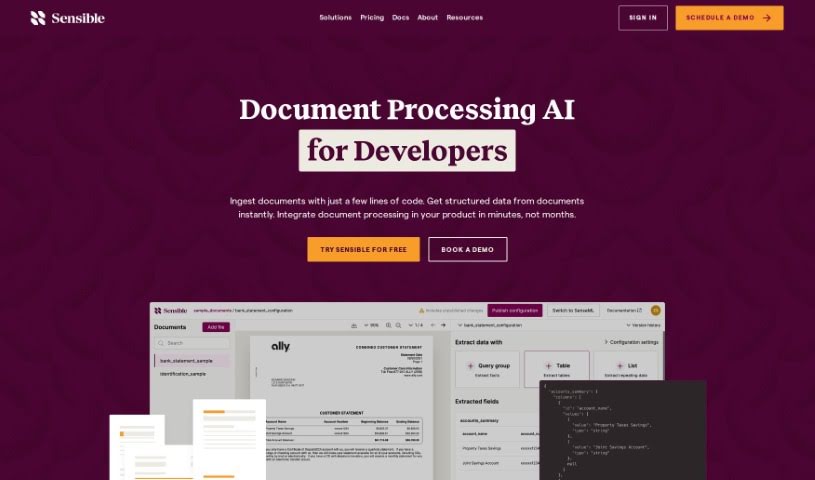
Screenshot of Sensible Instruct

Sensible Instruct

Freemium

"Sensible Instruct" is your go-to tool for pulling information out of documents. It's designed with an API-first approach, meaning it's built to be easily integrated into other systems. It offers really strong extraction capabilities, lets you define specific areas within documents to focus on, and can even process information in real-time. You can use it to extract data from all sorts of documents, whether it's resumes, contracts, or invoices. What's neat is that it uses GPT-4's advanced Natural Language Processing to understand and extract the data. Plus, it uses something called SenseML, which gives you a lot of flexibility to customize how it works. For businesses, Sensible Instruct also provides enterprise-grade security, ensures compliance with regulations, and delivers reliable performance. Even if you're new to this or not a developer, you can jump right in. Its interface is really user-friendly, and you get instant results without needing to train it yourself. It also plays nicely with Zapier, has its own dashboard, and can handle large volumes of data extraction without breaking a sweat.

Screenshot of Sequential

Sequential

Freemium

Sequential is a modern digital tool developed by Ryan Cushen. It's designed to make your work processes smoother, boost your productivity, and help you get things done faster and more efficiently. The tool blends proven strategies with new ideas, drawing inspiration from successful organizations throughout history. With Sequential, you get powerful AI models for managing your work, a helpful guide for newcomers, an easy way to get in touch, and regular updates to keep everything running smoothly. You'll need to sign up to unlock all its features.

Screenshot of Serge

Serge

Freemium

Serge is a personal assistant tool you can host yourself, putting your privacy and data security first. Setting it up is a breeze – just one Docker command, and you've got a secure, private space without any remote APIs, data collection, or ads. Once it's running, you can chat with Serge through a simple web interface at <http://localhost:8008>. It's designed to be a helpful companion. Plus, Serge has a lively community on GitHub and Discord where you can jump in, get help, and share information. By giving you full control over your data and really focusing on privacy, Serge offers a different kind of personal assistant experience, one that's all about keeping your information safe.

Screenshot of Serviceaide

Serviceaide

Freemium

Serviceaide is a company that offers IT Service Management (ITSM) solutions. Their main goal is to help organizations improve how they deliver IT services and boost productivity, largely by using automation and smart service management tools. They've developed advanced solutions designed to make things more efficient for businesses in sectors like Education, Energy and Utilities, Financial Services, Government, and Healthcare. Serviceaide's product lineup includes offerings such as ChangeGear, ISM for Partners, and Serviceaide Municipal Solutions. They also have the Luma AI Suite, which features the Luma Virtual Agent and Luma Knowledge. Essentially, they aim to simplify IT operations, provide complete solutions that are a good fit for different industries, put advanced automation into practice, and offer strong tools for managing assets. They also have specific products like ChangeGear and ISM to meet particular company needs.

Stay Updated with AI Tools

Get weekly updates on the latest AI tools, trends, and insights delivered to your inbox

Join 25,000+ AI enthusiasts. No spam, unsubscribe anytime.