AI Web Development Tools

AI Tools for Web Development

Discover the best Web Development AI tools to enhance your productivity and creativity.

Page 29 of 55 • 655 total tools
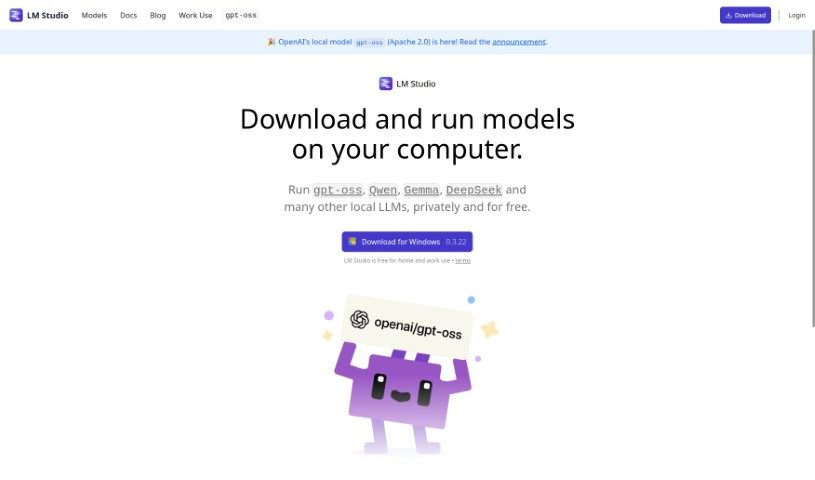
Screenshot of LM Studio

LM Studio

Freemium

LM Studio is a desktop app for discovering, downloading, and running local and open-source Large Language Models (LLMs). It supports any ggml-compatible model available on Hugging Face, works across multiple operating systems, and uses your computer's GPU when available to speed up model execution. Models run entirely offline, and you can interact with them through the built-in Chat UI or a local server with an OpenAI-compatible API.

Web Development View Tool →
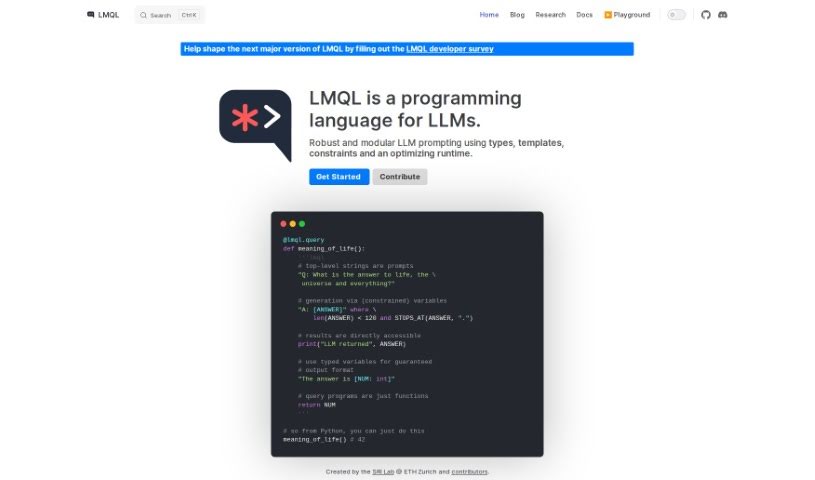
Screenshot of LMQL

LMQL

Freemium

LMQL (Language Model Query Language) is a programming language for interacting with language models. It provides a straightforward way to query these models, letting developers craft queries to extract specific information or generate exact outputs. The language supports querying model parameters, generating text, and completing prompts through a syntax accessible to programmers at any level of experience in natural language processing.

Web Development View Tool →
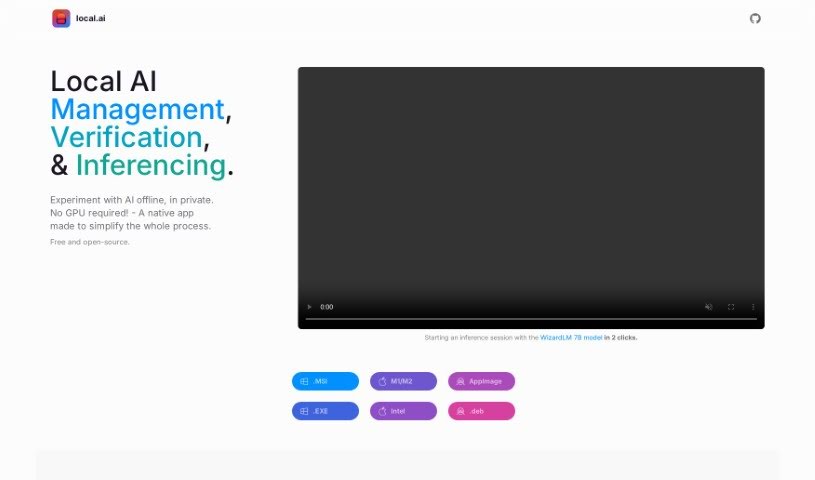
Screenshot of Local AI

Local AI

Freemium

Local AI Playground is a free, open-source native application for experimenting with AI models directly on your own computer. It requires no complicated technical setup and no dedicated GPU — inferencing runs on your CPU. The app is compact (under 10MB) and memory-efficient, and it works on Mac M2, Windows, and Linux (.deb).

Web Development View Tool →
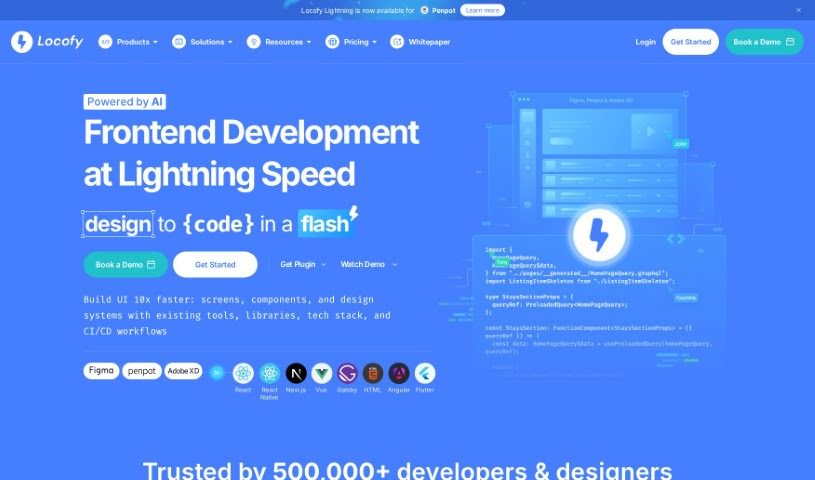
Screenshot of Locofy

Locofy

Freemium

Locofy is a low-code platform that converts design files into pixel-perfect, production-ready front-end code. It automates a large portion of routine front-end work, freeing engineers to focus on complex problem-solving. According to the company, teams can ship features 2–3x faster, and users report saving up to 80% of their coding time.

Web Development View Tool →
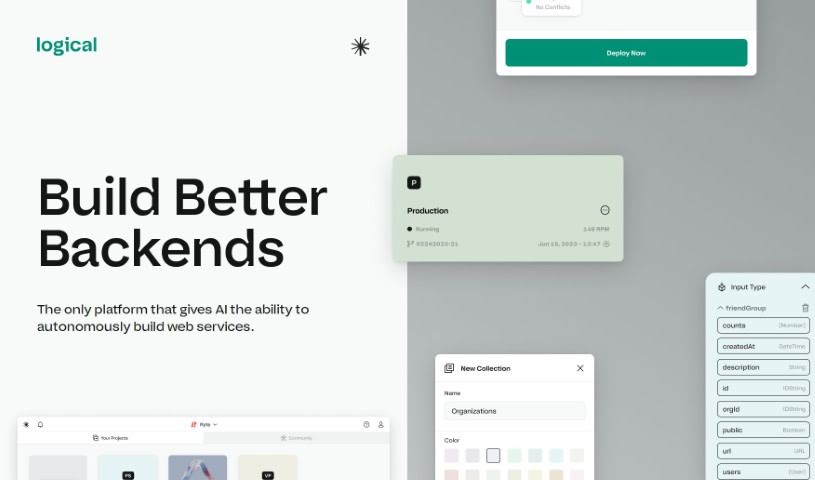
Screenshot of Logical

Logical

Freemium

Logical is a visual playground for building backend systems, powered by AI. It automatically creates web services, so you never need to touch the command line. The platform covers the full journey from setup to going live — databases, APIs, deployments, and hosting — removing infrastructure management so you can focus on building your product. Its AI "teammates" can write, test, and deploy code autonomously.

Web Development View Tool →
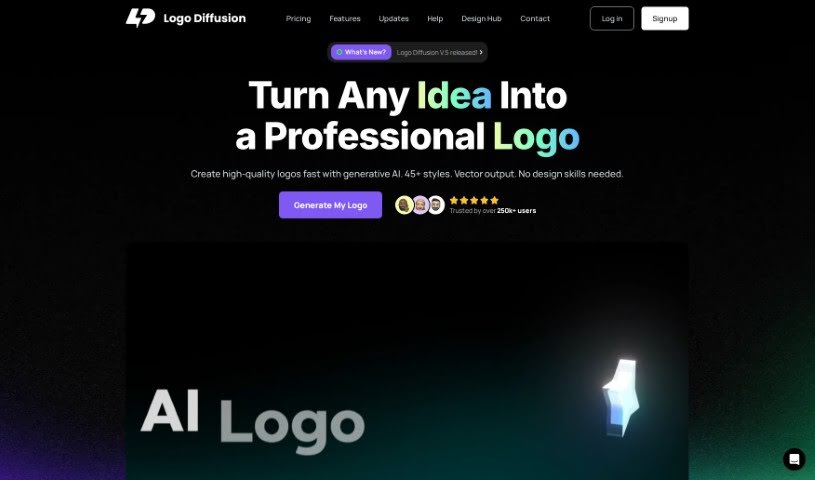
Screenshot of Logo Diffusion

Logo Diffusion

Freemium

Logo Diffusion is a generative AI tool for creating custom logos quickly, without relying on generic stock designs. It offers several AI-powered features: turning text prompts into logos, redesigning existing logos, converting rough sketches into polished designs, transforming 2D images into 3D illustrations, and simplifying photos into logos or illustrations.

Web Development View Tool →
Screenshot of Logo Theme AI

Logo Theme AI

Freemium

Logo Theme AI is a platform that uses artificial intelligence to adapt and customize logos for different themes, events, and occasions. It requires no design skills to produce professional-looking results, includes over 200 templates, and can generate custom visual logo mockups for celebrations such as New Year's Day, Valentine's Day, and Halloween. The team behind it focuses on using AI to simplify logo adaptation and customization, helping businesses update their logos for different moments while keeping branding consistent across formats.

Web Development View Tool →
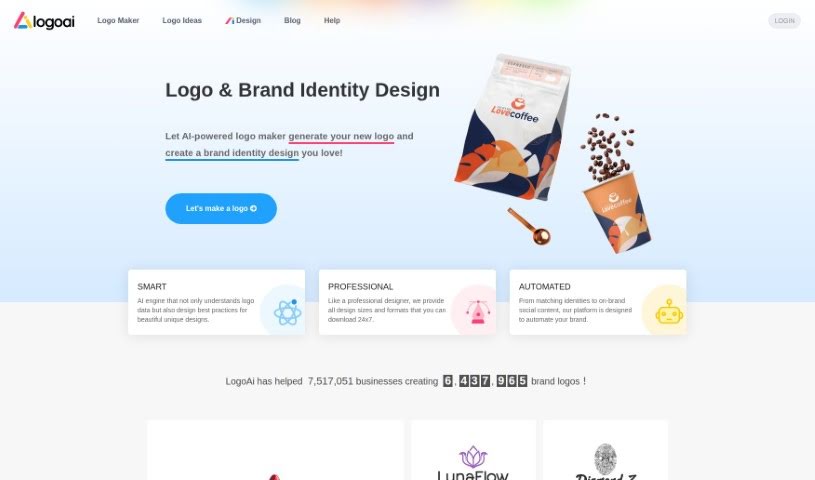
Screenshot of Logoai

Logoai

Freemium

LogoAi is an AI-powered platform for creating logos and managing your brand. It generates logos in various sizes and formats, builds matching brand identities, and automates brand promotion with social media content tailored to your style. Over a million businesses use LogoAi. Designing is free — you only pay once to download the logo you choose.

Web Development View Tool →
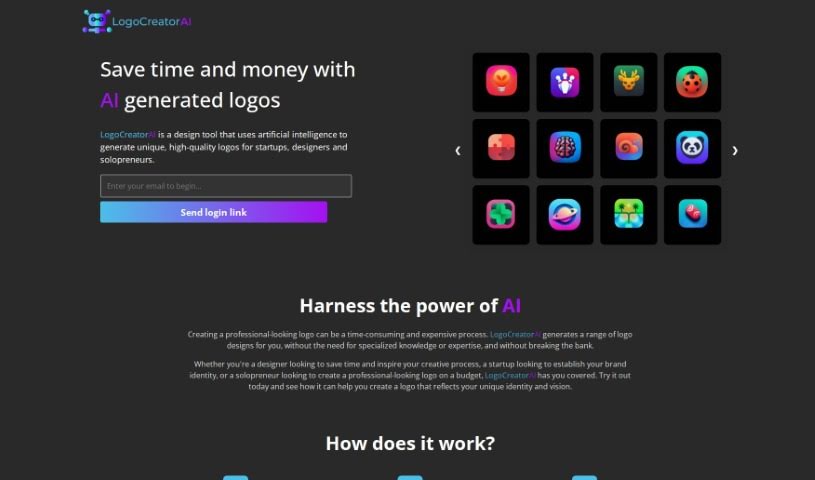
Screenshot of Logocreatorai

Logocreatorai

Freemium

LogoCreatorAI is an AI-powered tool for creating professional-looking logos quickly and affordably. It is aimed at designers, startups, and solopreneurs who want a unique logo without design experience or a large budget. The platform handles the design work for you, offering a range of styles and concepts to match your brand, and its interface makes it easy to generate, preview, and download logos.

Web Development View Tool →
Screenshot of LogoliveryAI

LogoliveryAI

Freemium

LogoliveryAI is an AI-powered logo generator from Logolivery, Inc. It's a chat-based web application that creates custom logos in SVG format, aimed at anyone building a professional brand identity without design experience. Output is flexible, scalable, and licensed for commercial use.

Web Development View Tool →
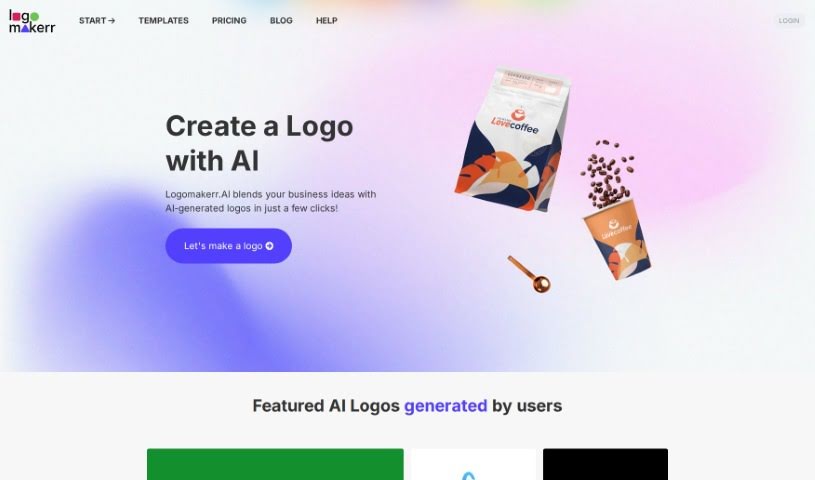
Screenshot of Logomakerr

Logomakerr

Freemium

Logomakerr is an online platform for creating professional-looking logos. It offers a variety of design tools and templates, making it accessible for individuals and businesses without design experience. You can customize pre-made templates or start from scratch on a blank canvas, adjusting fonts, colors, shapes, and icons until the logo fits your brand. Finished logos can be downloaded in high resolution for use across marketing materials.

Web Development View Tool →
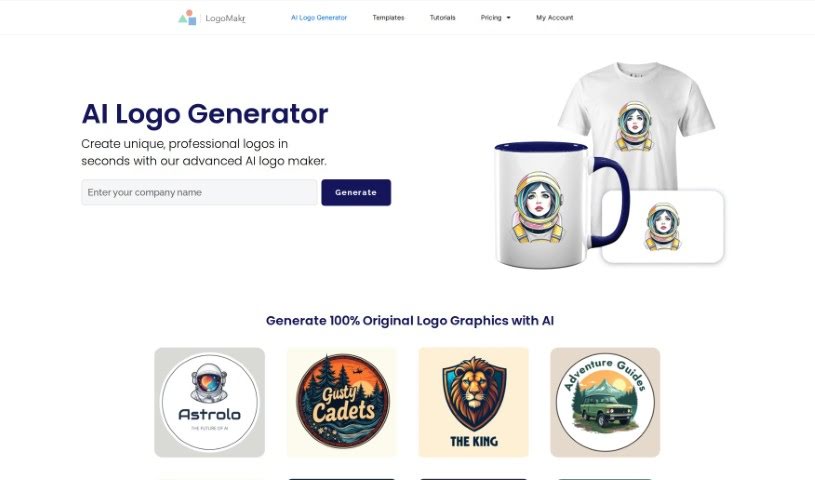
Screenshot of LogoMakr AI Logo Maker

LogoMakr AI Logo Maker

Freemium

LogoMakr AI Logo Maker is a platform for creating original logo graphics using artificial intelligence. It generates unique logos tailored to your brand name, offering a range of design choices and graphics. It is a practical option for anyone who needs a professional-looking logo without design experience or a design budget.

Web Development View Tool →

About Web Development tools

Struggling with cryptic error messages, writing repetitive boilerplate code, or debugging complex API integrations can slow down even the most experienced developers. Whether you’re building full-stack web applications, maintaining backend databases, or configuring deployment pipelines, turning technical requirements into functional code takes significant time. It’s easy to spend hours hunting down missing syntax or setting up project configurations before writing core logic.

Built for web developers and software engineers, these tools act as intelligent coding partners. They autocomplete functions, speed up routine boilerplate creation, and catch subtle bugs before you commit your code.

Inline Completion, Error Debugging, and Test Generation

Generating routine code structures and API endpoints used to require typing out repetitive boilerplate line by line. Smart coding assistants analyze your project context and comments to suggest full function blocks, database schemas, and API handlers in real time. Instead of searching documentation for basic syntax or setup code, you get inline code completion right in your editor to keep you in flow.

Debugging complex logic and fixing broken build pipelines becomes far less frustrating, as well. Tracking down memory leaks, asynchronous execution issues, or obscure framework errors can burn hours of development time. Modern developer tools analyze stack traces and source code to identify root causes, suggest precise bug fixes, and explain complicated error messages in plain language.

Maintaining legacy codebases and writing comprehensive test suites also gets much simpler. Creating unit tests and writing inline documentation often gets pushed aside when project deadlines are tight. AI development platforms scan your code to auto-generate unit tests, create clear README files, and help refactor outdated code to modern standards without breaking existing application features.

Useful Capabilities for Developers:

  • Real-time inline code completion: Systems that suggest accurate code snippets, functions, and line completions inside your code editor as you type.
  • Automated bug detection and debugging: Features that analyze error logs and source files to pinpoint bugs and offer quick-fix solutions.
  • Test suite generation: Tools that automatically write comprehensive unit, integration, and end-to-end tests based on your codebase.
  • Code refactoring and modernization: Settings that clean up legacy code, convert syntax between programming languages, and apply best practices.
  • Documentation generation: Capabilities that automatically create clear inline comments, function docstrings, and project documentation from source code.

Building high-performing, secure web applications will always depend on your logical reasoning, system design, and software architecture skills. Software cannot replace critical thinking or design scalable system architectures for you. But letting smart tools handle routine boilerplate, test generation, and bug hunting gives you back the focus needed to solve tough engineering challenges.

Explore the web development tools below to upgrade your stack.

The Best AI Web Development Tools

  1. Lovable: Great for making frontend design work smoother.
  2. Cursor: Helps with real-time code collaboration.
  3. Replit AI: Generates code snippets for web apps.
  4. Supabase: For teams to manage databases together.
  5. v0 by Vercel: Quickly creates UI kits for web projects.
  6. Replicate AI: Automates code generation for web apps.
  7. Carrd: Perfect for a single-page site to promote an event.
  8. AI Dungeon: Lets you create interactive web stories with code.
  9. Ollama: For quickly building early versions of web interfaces.
  10. Jimdo: Makes building and managing websites easy.
  11. Code Sandbox: Simplifies CSS preprocessor workflows.
  12. Tilda: Lets you create websites easily without coding.
  13. Bubble: A drag-and-drop tool for building web applications.
  14. Weights & Biases: Streamlines integrating ML models into web apps.
  15. Warp Terminal: Helps deploy web apps quickly.
New tools, in your inbox.

Weekly picks of the best AI tools we've researched and added — no spam, unsubscribe anytime.

Join 25,000+ AI enthusiasts. No spam, unsubscribe anytime.