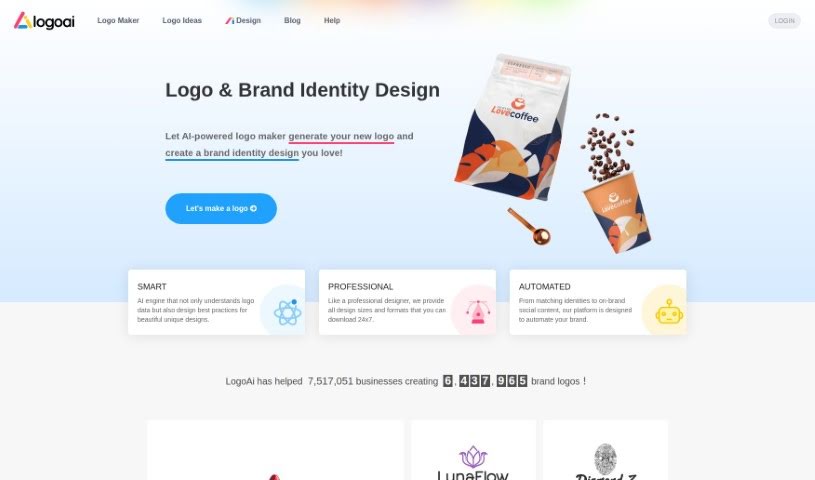
Screenshot of Logoai

Logoai

Discover what Logoai is and how to use it effectively in 2025. We'll explore its features and see how it stacks up against other logo generators.

Screenshot

What is Logoai?

LogoAi is a smart tool that uses AI to help you create logos and manage your brand. It is an all-in-one platform for designing professional logos, creating matching brand identities, and even automating the promotion of your brand with social media content that fits your style. It’s powered by a clever AI engine that whips up logos, offers them in various sizes and formats, and handles a lot of the branding work for you. Over a million businesses already trust LogoAi. The best part? You only pay once to download the logo you love; designing it is completely free.

Who created Logoai?

LogoAi is an AI-powered logo maker that’s already a favorite with over a million businesses. While the specific founder isn’t mentioned in the information I have, the platform itself is designed to make logo creation easy. It automates the process, provides professional design options in different sizes and formats, and helps businesses promote themselves with social media content that stays true to their brand. LogoAi really focuses on making the design experience smooth and user-friendly. You can also find customizable business card designs, branded templates, and a wide variety of logo templates perfect for almost any industry.

Who is Logoai for?

  • Graphic Design
  • Marketing
  • Graphic designers
  • Marketers
  • Tech professionals

How to use Logoai?

Using LogoAI is pretty straightforward. Here’s a quick rundown:

  1. First, head over to the LogoAI website.
  2. Look for and click on the “Logo Maker” option.
  3. You’ll need to enter your company name, pick your industry, and choose a color scheme you like.
  4. Then, just browse through the hundreds of unique logos the AI has generated for you.
  5. Once you find a logo design you’re happy with, save it.
  6. After you’ve made your purchase, you can access your logo download center to get your logo files and invoice.
  7. Need to tweak your logo later? No problem. Just go to your saved logos and click the edit button on the design you want to change.
  8. You can make changes to the logo’s name and symbol for up to 3 days after you buy it.
  9. Your logo purchase is a one-time payment, meaning you’ll have permanent access to download your logo anytime from the download center.
  10. If you’re a returning customer, use the discount code “LOGOPRO” to snag at least a 40% discount on your next purchase.
  11. Make sure to use the personal brand center to keep your branding consistent. It offers customizable business card designs, branded posters, and flyers.
  12. You’ll also get a complete visual identity package, including templates for Word and PowerPoint.
  13. Plus, take advantage of the automated platform for creating social media content that perfectly matches your brand.

Basically, LogoAI makes creating a logo much simpler by using AI technology. It lets you customize your designs and provides a whole suite of branding tools to help your business shine.

Related AI Tools

Discover more tools in similar categories that might interest you

Stay Updated with AI Tools

Get weekly updates on the latest AI tools, trends, and insights delivered to your inbox

Join 25,000+ AI enthusiasts. No spam, unsubscribe anytime.