AI Tools for Web Development

Discover the best Web Development AI tools to enhance your productivity and creativity.

Page 28 of 58 • 694 total tools

Web development has really changed lately, and AI tools are a big part of that. What used to take a lot of coding and design skill can now be made much simpler with smart programs that speed things up. Today, AI-assisted development tools are changing how we build websites, making it easier for newcomers and more efficient for experienced pros.

These tools offer everything from easy design features to help with writing code, letting you create great-looking, functional sites more quickly. Developers don’t have to start from scratch or fix every single line of code manually anymore. Instead, AI can offer suggestions and even create whole parts of a website based on what you need.

Having worked in web development for years, I’ve seen firsthand how AI can make tasks simpler and more efficient. But with so many options out there, picking the right tool can feel overwhelming.

In this article, I’ll share the best AI web development tools you can find right now. Whether you want to improve your coding, automate routine jobs, or make your design process better, there’s something here for you. Let’s explore the tools that can really change your web development experience.

The best AI Web Development Tools

  1. Lovable: Great for making frontend design work smoother.
  2. Cursor: Helps with real-time code collaboration.
  3. Replit AI: Generates code snippets for web apps.
  4. Supabase: For teams to manage databases together.
  5. v0 by Vercel: Quickly creates UI kits for web projects.
  6. Replicate AI: Automates code generation for web apps.
  7. Carrd: Perfect for a single-page site to promote an event.
  8. AI Dungeon: Lets you create interactive web stories with code.
  9. Ollama: For quickly building early versions of web interfaces.
  10. Jimdo: Makes building and managing websites easy.
  11. Code Sandbox: Simplifies CSS preprocessor workflows.
  12. Tilda: Lets you create websites easily without coding.
  13. Bubble: A drag-and-drop tool for building web applications.
  14. Weights & Biases: Streamlines integrating ML models into web apps.
  15. Warp Terminal: Helps deploy web apps quickly.

How do AI web development tools work?

AI web development tools use smart algorithms to handle different parts of designing and building websites. These tools often use large language models, much like AI writing software, to look at coding patterns and make things more efficient. They offer suggestions, code pieces, or even build whole sections of code based on what you tell them.

Basically, these tools understand what you’re asking for, so you can describe what you want in simple terms. For example, you could say, “Create a navigation bar,” and the AI will generate the HTML, CSS, or JavaScript code needed. This makes web development more accessible, even if you don’t have a lot of programming experience.

Many AI web development platforms connect with popular coding environments and content management systems. This means they can improve tools like WordPress, Wix, or GitHub by offering smart code completions or finding errors as you type. With these connections, users can really smooth out their development process.

The data these AI systems learn from usually includes tons of source code, guides, and content created by users on sites like GitHub. This helps them learn different coding styles and the best ways to do things. Their effectiveness comes from spotting patterns and suggesting the best solutions based on what the user needs.

In short, AI web development tools make coding simpler, letting developers focus on creativity and solving problems instead of getting stuck on syntax. As technology keeps changing, these tools are expected to get even better, likely changing how web developers work.

Our best AI web development tools at a glance

RankNameBest forPlans and PricingRating
1LovableMaking frontend design work smoother.N/A4.84 (43 reviews)
2CursorReal-time collaboration on code projects.Paid plans start at $20/Month.4.83 (6 reviews)
3Replit AIGenerating code snippets for web apps.N/A4.70 (44 reviews)
4SupabaseCollaborative database management for dev teamsN/A5.00 (32 reviews)
5v0 by VercelQuickly creating UI kits for web projects.N/A4.73 (11 reviews)
6Replicate AIAutomating code generation for web apps.N/A4.82 (11 reviews)
7CarrdA single-page site for event promotion.Paid plans start at $19/year.4.72 (29 reviews)
8AI DungeonCreating interactive web story experiences.N/A4.54 (39 reviews)
9OllamaRapid prototyping of web interfaces.N/A4.63 (8 reviews)
10JimdoBuilding and maintaining websites easily.N/A4.64 (11 reviews)
11CodeSandboxSimplifying CSS preprocessor workflows.N/A4.45 (11 reviews)
12TildaEffortless website creation without coding.N/A4.75 (20 reviews)
13BubbleA drag-and-drop web applications builder.N/A4.73 (11 reviews)
14Weights & BiasesStreamlining ML model integration in web apps.N/A4.50 (12 reviews)
15Warp TerminalDeploying web apps swiftly.N/A4.79 (28 reviews)
Screenshot of Keploy

Keploy

Freemium

Keploy is an open-source tool that helps developers by automatically generating API test cases and data mocks. Its main goal is to make testing much easier and faster, aiming to help you reach 90% test coverage in just minutes. It is a way to capture how your application talks to other services and turn those conversations into ready-to-use test cases and data stubs. This really helps tackle common headaches like writing tons of manual tests, dealing with complicated dependencies, or trying to recreate tricky production issues for debugging. With Keploy, you can record network interactions, set up automated scenarios, and easily fit it into your existing development workflow, which speeds things up considerably. It's packed with features like generating tests and stubs, finding and removing duplicate tests, and integrating smoothly into team environments. Big names like Pixis, Instaastro, Amazon, and Reliance already trust Keploy for their testing needs.

Web Development View Tool →
Screenshot of Keywords AI

Keywords AI

Freemium

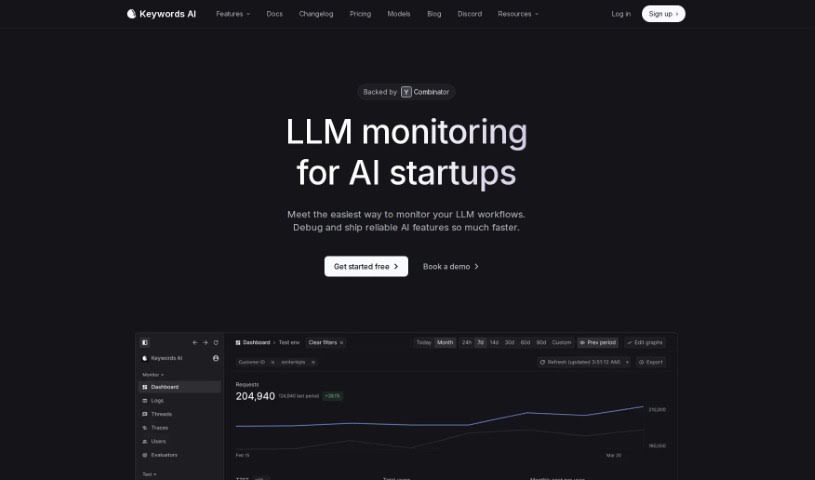
Keywords AI is a platform built to simplify things for developers. Imagine being able to build applications that use large language models (LLMs) and have them ready for production with just two lines of code. That's what Keywords AI offers! It's essentially a DevOps platform that speeds up how you deploy and keep an eye on your AI applications. This makes it a great fit for AI startups, and they've put together different pricing plans to support businesses as they grow.

Web Development View Tool →
Screenshot of Kleap

Kleap

Freemium

Kleap is your all-in-one website building and management hub. It's designed to make creating websites super fast, even if you've never coded before. You get cool features like support for multiple languages, AI help to get things started, elements you can tweak, and built-in tools to see how your site is doing. Whether you need a simple personal site, a professional corporate platform, a blog, an online shop, or even a place for members, Kleap has you covered. It's really like putting together LEGO bricks – intuitive and straightforward. Instead of juggling separate tools for hosting, WordPress, Mailchimp, and more, Kleap brings everything together into one neat package for building and managing your online presence.

Web Development View Tool →
Screenshot of Kodezi

Kodezi

Freemium

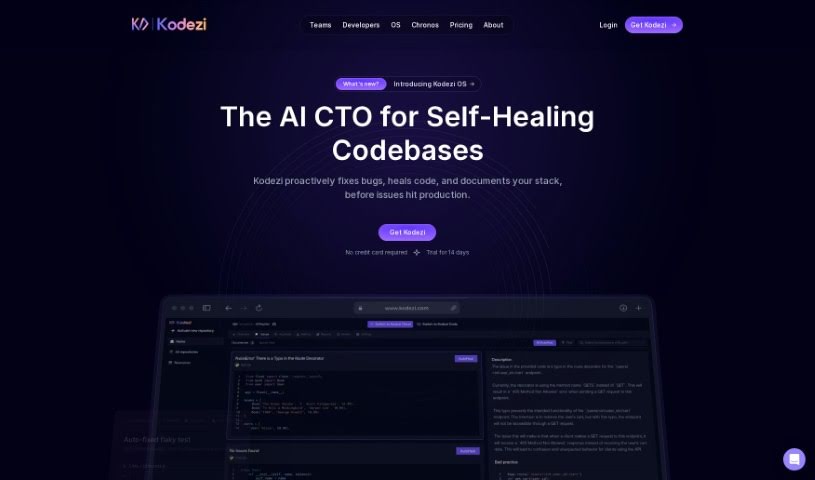
Kodezi is your AI coding sidekick, often called "Grammarly for programmers." It's designed to make developers' lives easier by helping them fix code and squash bugs. The goal is to free up developers so they can concentrate on the bigger, more creative parts of their work. Users have shared that Kodezi is fantastic for finding and fixing bugs much faster than they could on their own. They especially love its code commenting and bug correction features. Many have said Kodezi has really boosted their productivity, making programming feel simpler thanks to its code correction, optimization, and debugging help.

Web Development View Tool →
Screenshot of Kognitium

Kognitium

Freemium

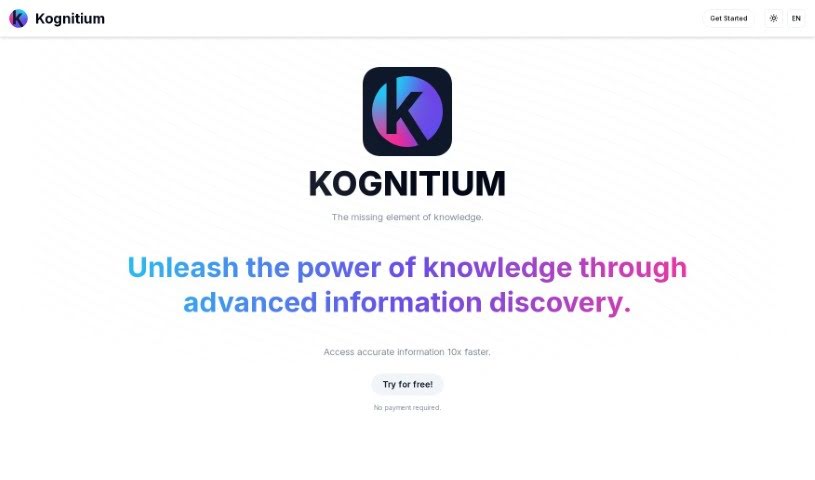
Kognitium is a sophisticated AI platform, brought to life by a team of highly skilled professionals and launched in December 2023. It's built to give you reliable, practical, and personalized answers, no matter the topic. Unlike the AI chatbots you might be used to, Kognitium really focuses on being incredibly precise and thorough. Its main goal is to help you learn more and make finding information much easier. You can ask it about pretty much anything – from current events and science to history, philosophy, and even linguistics. Plus, for developers, Kognitium is a real lifesaver. It can provide exact code snippets in multiple languages, all tailored to your specific project needs. This means you can spend less time hunting for solutions and more time actually building things.

Web Development View Tool →
Screenshot of Kombai

Kombai

Freemium

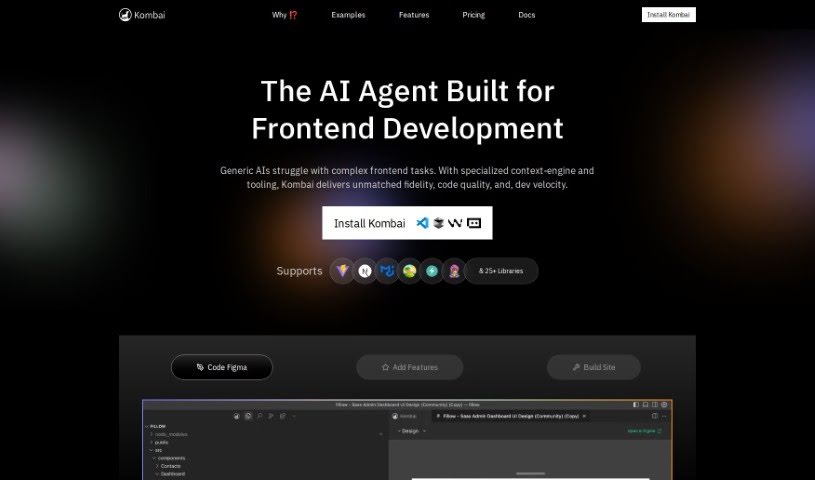
Kombai is a really smart AI tool that turns your Figma designs into code. Instead of just pulling code directly from Figma, it uses special models built just for this job to understand your UI designs and create great code. Kombai can output code for React and HTML with CSS. For the CSS part, you can choose between plain CSS or Tailwind. Plus, it's flexible enough to work with other frameworks like Vue, Svelte, Angular, and Django. The best part? You don't need to do any special tagging or naming in Figma. Kombai figures out how to generate code just by looking at how the design appears to a developer. If you run into any issues with the code it generates, you can always try regenerating it. You can also use something called 'design prompt engineering' to give the AI more specific instructions for better results.

Web Development View Tool →
Screenshot of Korbit AI

Korbit AI

Freemium

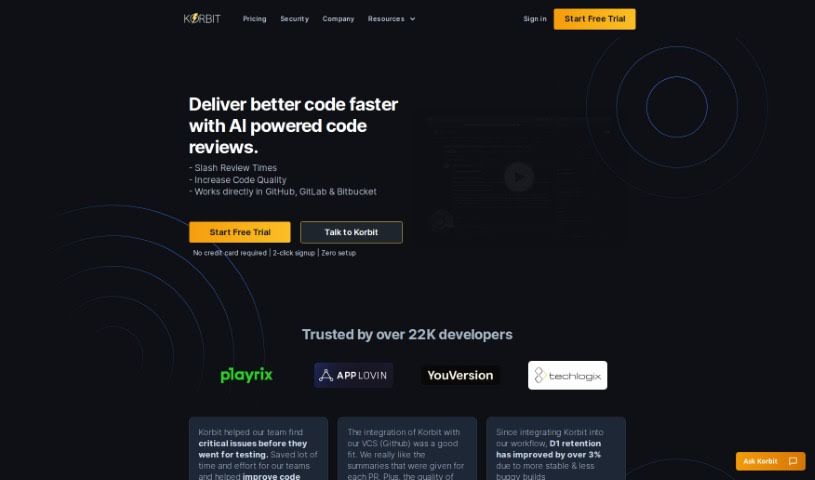
Korbit AI is a software tool designed to really boost your software development process. It comes packed with several key features. Think automated pull request (PR) reviews, instant feedback, valuable team insights, and thorough tracking and reporting on any issues it finds. What's neat is how Korbit AI helps developers grow their skills. It does this by providing interactive explanations right within PRs, guiding developers on how to fix problems and encouraging them to keep learning. It connects smoothly with GitHub, acting like a super-fast human reviewer to make sure your code is top-notch and has fewer mistakes. On top of that, Korbit AI is a big help for project management. It gives you reports on how your project is doing, the quality of your code, and how your team is performing. All of this helps keep your project schedules and budgets on track.

Web Development View Tool →
Screenshot of Krecicki

Krecicki

Freemium

Krecicki is a website maintenance company based right here in Las Vegas, and they've been keeping websites in shape for 11 years now. They offer a couple of main ways to help you out. For smaller tasks, like swapping out a picture or updating some text, they have a flat fee. If you need bigger changes, such as redesigning a whole page layout, adding new pages, or getting forms and galleries set up, that work starts at $200. They also build brand new websites from scratch, handling everything from the initial design and system updates to backups and security monitoring, with packages starting at $225 per month. What really stands out about Krecicki is their commitment to clear pricing, doing high-quality work, and making sure your website is secure and always running smoothly.

Web Development View Tool →
Screenshot of Kudra

Kudra

Freemium

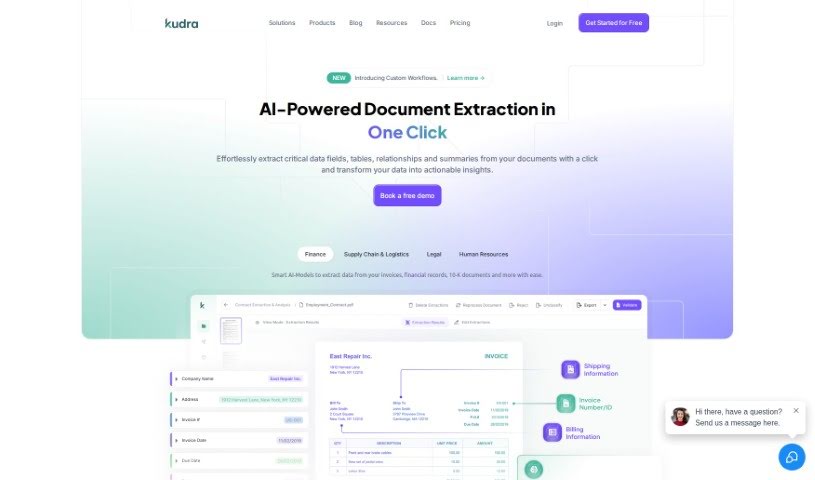
Kudra is your smart assistant for handling documents. It's an AI-powered tool designed to make document processing super easy and accurate for businesses of any size. It takes the hassle out of pulling out key information from all sorts of papers – whether they're invoices, receipts, bills, contracts, reports, or even court documents. What's really neat is that Kudra's AI can actually learn and adjust to what your specific industry and business need. This means you can spend less time on tedious manual data entry and more time focusing on what really matters for your business. Plus, if you want to create your own custom ways of handling documents, Kudra lets you do that with a simple drag-and-drop feature – no coding required! They even offer consulting services to help you automate document processing on a larger scale. Kudra uses advanced AI models that can handle tricky, unstructured documents and connects smoothly with popular tools like QuickBooks and Power Automate, really boosting your document handling power.

Web Development View Tool →
Screenshot of La Terminal

La Terminal

Freemium

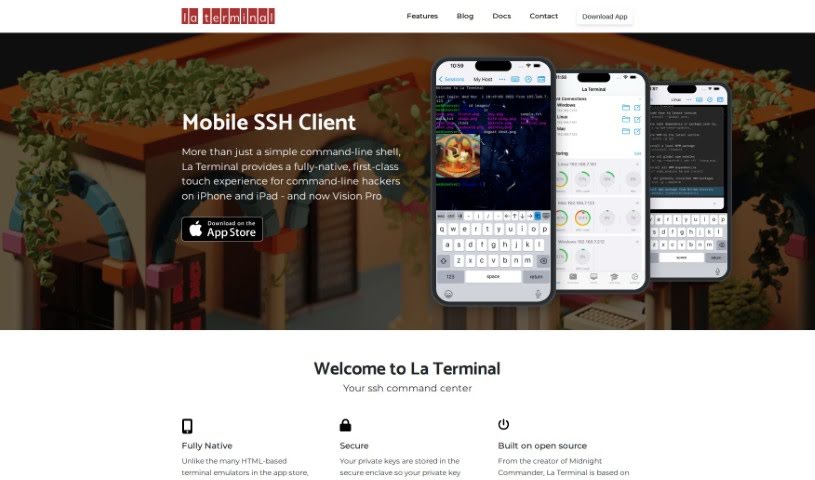
La Terminal is a really advanced SSH client app built specifically for iOS. It's designed to give you a much better touch experience when you're working with the command line on your iPhone or iPad. Unlike terminal emulators that are built on web technology, La Terminal uses a completely native interface. This means it feels super smooth and responsive, which is a big deal when you're typing commands.

Web Development View Tool →
Screenshot of Lakera AI

Lakera AI

Freemium

Lakera AI is a digital bodyguard for your AI applications, specifically those powered by Large Language Models (LLMs). It's designed to shield them from all sorts of nasty threats. This includes things like prompt injection attacks, where someone tries to trick the AI into doing something it shouldn't, or hallucinations, where the AI makes things up. It also helps prevent data leakage, stops toxic language from appearing, and much more.

Web Development View Tool →
Screenshot of Lampbuilder

Lampbuilder

Freemium

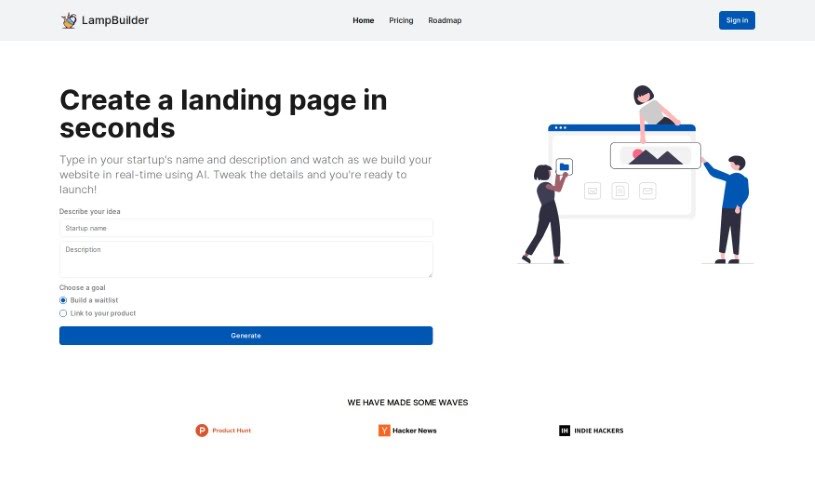
LampBuilder is a smart, AI-powered tool designed to help anyone create really engaging landing pages for their new startups. You can whip up professional-looking websites just by typing in your startup's name and a quick description. The tool uses AI to build your site right then and there, so you don't need any coding or design skills at all. LampBuilder comes with handy features like customizable call-to-action buttons, built-in waitlists with automatic email follow-ups, free custom domain hosting, a great library of ready-to-use components, SEO optimization, and support for multiple languages. Plus, you can edit your landing pages directly on the site, making changes intuitively and easily. Basically, LampBuilder focuses on making things super convenient and simple, helping startups get a strong online presence and share their brand effectively.

Web Development View Tool →

Stay Updated with AI Tools

Get weekly updates on the latest AI tools, trends, and insights delivered to your inbox

Join 25,000+ AI enthusiasts. No spam, unsubscribe anytime.