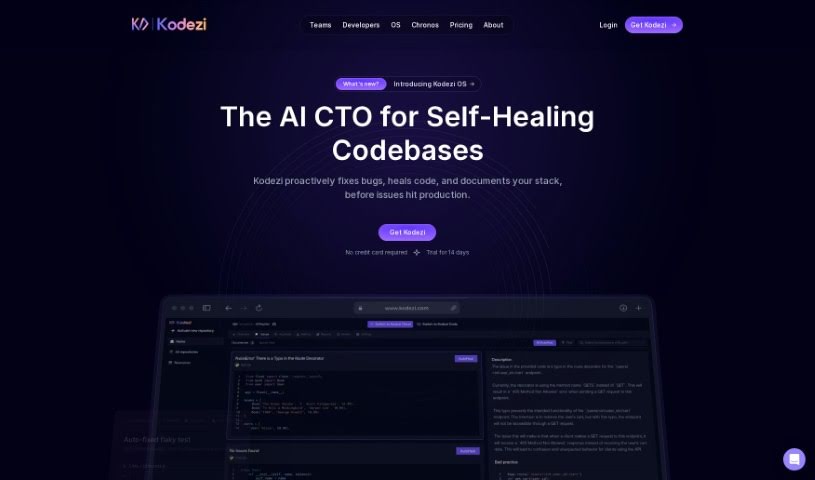
What is Kodezi?
Kodezi is your AI coding sidekick, often called “Grammarly for programmers.” It’s designed to make developers’ lives easier by helping them fix code and squash bugs. The goal is to free up developers so they can concentrate on the bigger, more creative parts of their work. Users have shared that Kodezi is fantastic for finding and fixing bugs much faster than they could on their own. They especially love its code commenting and bug correction features. Many have said Kodezi has really boosted their productivity, making programming feel simpler thanks to its code correction, optimization, and debugging help.
Who created Kodezi?
Kodezi was brought to life by Assad Ullah Ch, a Full Stack Engineer, and Muhammad Ahmed, a Backend Engineer. Their vision was to create a tool that empowers programmers and developers, helping them clean up their code and spend less time debugging. The feedback so far has been really positive, with many users pointing out how much it improves their productivity and debugging speed.
What is Kodezi used for?
Kodezi can help with a lot of things:
- Making your code run much better with advanced optimization.
- Simply optimizing your code.
- Boosting your whole engineering team’s productivity.
- Finding and fixing bugs.
- Adding helpful comments to your code.
- Giving developers more power to create.
- Automating the debugging process.
- Making sure your code follows professional standards.
- Simply getting more done while you code.
- Turning PDF instructions into actual code.
- Creating documentation for your code automatically.
- Generating OpenAPI Spec Documentation automatically.
- Keeping your OpenAPI Specification updated continuously.
- Building a Swagger Frontend for testing APIs.
- Getting an OpenAPI 3.0 Spec from any codebase.
- Ensuring your code meets professional coding standards.
- Generating complete code directly from PDF instructions.
- Creating code with the help of AI.
- Getting answers to your coding questions from an AI that’s been trained on code.
Who is Kodezi for?
Kodezi is a great tool for:
- Full Stack Engineers
- Backend Engineers
- Machine Learning Engineers
- Backend System Engineers
How to use Kodezi?
Getting started with Kodezi is pretty straightforward. Just follow these steps:
- Create an Account: Head over to the Kodezi website to sign up. You’ll need to agree to their Terms and Privacy Policy.
- Generate Code Documentation: Kodezi can automatically create OpenAPI YAML documentation right from your codebase. This is super helpful for keeping your code organized and consistent.
- Develop APIs: You can build a Swagger frontend to test your live APIs. Plus, you get shareable links that update automatically as your code changes.
- Automated Code Debugging: Spot and fix issues in your code instantly. Kodezi gives you clear explanations and insights into what’s wrong and how to fix it.
- Code Optimization: Easily find and fix code bottlenecks, security weak spots, add better exception handling, and improve code formatting.
- Professional Coding Standards: Kodezi offers a suite of tools to help you bring your codebase up to high professional standards.
- Boost Productivity: Make the most of Kodezi’s smart features. You can generate entire code blocks from PDF instructions, use AI-generated code, get real-time code comments, help with debugging, and optimize your code.
- Accessible AI Chat: Have your coding questions answered by the AI that’s built right into Kodezi.
- Translating: Need to switch between different coding frameworks or languages? You can do it instantly within the tool.
By following these steps, you’ll be able to use Kodezi to make your coding process smoother, improve the quality of your code, and really boost your productivity.