AI Tools for Web Development

Discover the best Web Development AI tools to enhance your productivity and creativity.

Page 27 of 58 • 694 total tools

Web development has really changed lately, and AI tools are a big part of that. What used to take a lot of coding and design skill can now be made much simpler with smart programs that speed things up. Today, AI-assisted development tools are changing how we build websites, making it easier for newcomers and more efficient for experienced pros.

These tools offer everything from easy design features to help with writing code, letting you create great-looking, functional sites more quickly. Developers don’t have to start from scratch or fix every single line of code manually anymore. Instead, AI can offer suggestions and even create whole parts of a website based on what you need.

Having worked in web development for years, I’ve seen firsthand how AI can make tasks simpler and more efficient. But with so many options out there, picking the right tool can feel overwhelming.

In this article, I’ll share the best AI web development tools you can find right now. Whether you want to improve your coding, automate routine jobs, or make your design process better, there’s something here for you. Let’s explore the tools that can really change your web development experience.

The best AI Web Development Tools

  1. Lovable: Great for making frontend design work smoother.
  2. Cursor: Helps with real-time code collaboration.
  3. Replit AI: Generates code snippets for web apps.
  4. Supabase: For teams to manage databases together.
  5. v0 by Vercel: Quickly creates UI kits for web projects.
  6. Replicate AI: Automates code generation for web apps.
  7. Carrd: Perfect for a single-page site to promote an event.
  8. AI Dungeon: Lets you create interactive web stories with code.
  9. Ollama: For quickly building early versions of web interfaces.
  10. Jimdo: Makes building and managing websites easy.
  11. Code Sandbox: Simplifies CSS preprocessor workflows.
  12. Tilda: Lets you create websites easily without coding.
  13. Bubble: A drag-and-drop tool for building web applications.
  14. Weights & Biases: Streamlines integrating ML models into web apps.
  15. Warp Terminal: Helps deploy web apps quickly.

How do AI web development tools work?

AI web development tools use smart algorithms to handle different parts of designing and building websites. These tools often use large language models, much like AI writing software, to look at coding patterns and make things more efficient. They offer suggestions, code pieces, or even build whole sections of code based on what you tell them.

Basically, these tools understand what you’re asking for, so you can describe what you want in simple terms. For example, you could say, “Create a navigation bar,” and the AI will generate the HTML, CSS, or JavaScript code needed. This makes web development more accessible, even if you don’t have a lot of programming experience.

Many AI web development platforms connect with popular coding environments and content management systems. This means they can improve tools like WordPress, Wix, or GitHub by offering smart code completions or finding errors as you type. With these connections, users can really smooth out their development process.

The data these AI systems learn from usually includes tons of source code, guides, and content created by users on sites like GitHub. This helps them learn different coding styles and the best ways to do things. Their effectiveness comes from spotting patterns and suggesting the best solutions based on what the user needs.

In short, AI web development tools make coding simpler, letting developers focus on creativity and solving problems instead of getting stuck on syntax. As technology keeps changing, these tools are expected to get even better, likely changing how web developers work.

Our best AI web development tools at a glance

RankNameBest forPlans and PricingRating
1LovableMaking frontend design work smoother.N/A4.84 (43 reviews)
2CursorReal-time collaboration on code projects.Paid plans start at $20/Month.4.83 (6 reviews)
3Replit AIGenerating code snippets for web apps.N/A4.70 (44 reviews)
4SupabaseCollaborative database management for dev teamsN/A5.00 (32 reviews)
5v0 by VercelQuickly creating UI kits for web projects.N/A4.73 (11 reviews)
6Replicate AIAutomating code generation for web apps.N/A4.82 (11 reviews)
7CarrdA single-page site for event promotion.Paid plans start at $19/year.4.72 (29 reviews)
8AI DungeonCreating interactive web story experiences.N/A4.54 (39 reviews)
9OllamaRapid prototyping of web interfaces.N/A4.63 (8 reviews)
10JimdoBuilding and maintaining websites easily.N/A4.64 (11 reviews)
11CodeSandboxSimplifying CSS preprocessor workflows.N/A4.45 (11 reviews)
12TildaEffortless website creation without coding.N/A4.75 (20 reviews)
13BubbleA drag-and-drop web applications builder.N/A4.73 (11 reviews)
14Weights & BiasesStreamlining ML model integration in web apps.N/A4.50 (12 reviews)
15Warp TerminalDeploying web apps swiftly.N/A4.79 (28 reviews)
Screenshot of Jam

Jam

Freemium

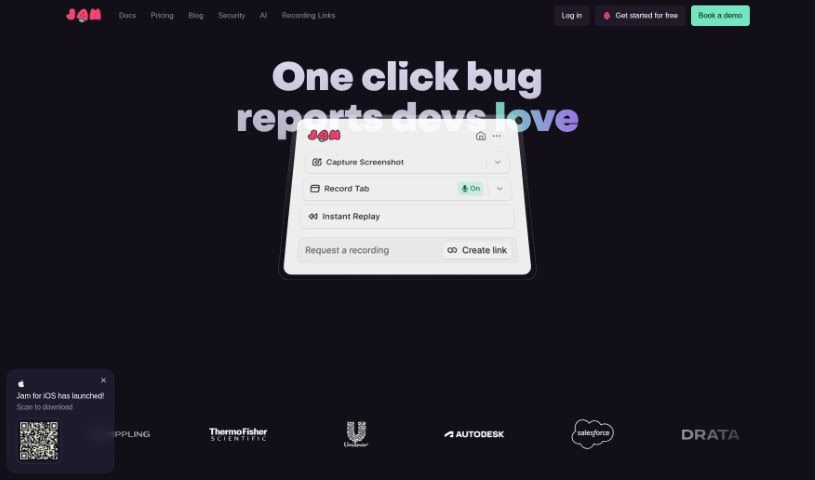
Jam is a smart AI assistant designed to help developers fix bugs faster. It uses AI to figure out what's wrong with your code and suggests ways to fix it, really streamlining the whole bug-fixing process. Some of its most helpful features include automatically analyzing your source code, giving you personalized suggestions for bug fixes, and making it easier for teams to work together. Teams have found that Jam's bug-tracking features really boost their workflow efficiency, making it a super useful tool for testing and sorting out issues.

Web Development View Tool →
Screenshot of JetBrains

JetBrains

Freemium

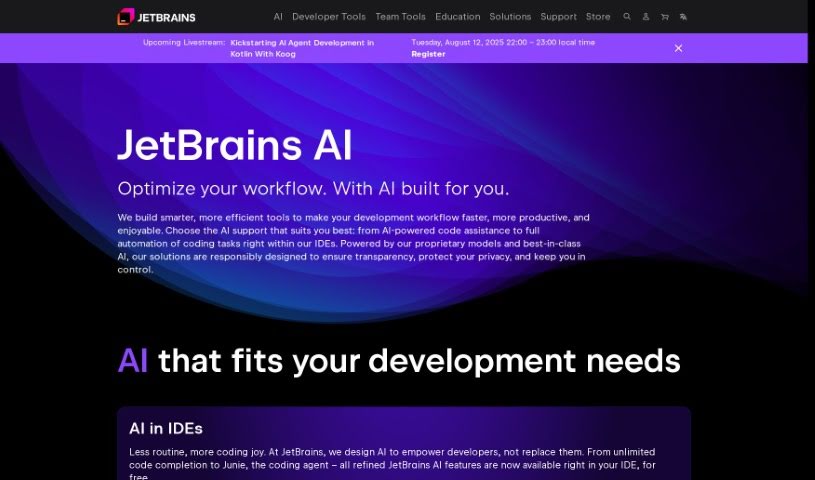
JetBrains is a company that makes software for developers, and they're really known for their Integrated Development Environments (IDEs) and other tools that help programmers work more efficiently and write better code. They started back in 2000 and have a big focus on making developers' lives easier. A key part of what they offer now is the JetBrains AI Assistant. It is a suite of smart features built right into their products, like their IDEs. These AI features use the JetBrains AI service to help you out in all sorts of ways – like writing code, creating tests, drafting commit messages, and even generating documentation. Basically, they've woven artificial intelligence into the everyday tasks you do in JetBrains IDEs, aiming to make coding smoother and your overall development experience much better.

Web Development View Tool →
Screenshot of Jetcode

Jetcode

Freemium

Jetcode is a smart AI platform designed to make software development easier. It is a tool that takes your project ideas and turns them into detailed, step-by-step coding guides. It's especially helpful for engineering managers and their teams, aiming to speed up how they build websites, mobile apps, and other kinds of software.

Web Development View Tool →
Screenshot of Jimdo

Jimdo

Freemium

Jimdo is a really helpful digital toolkit built specifically for small businesses. It is your all-in-one solution for getting your business online and running smoothly. It lets you build a website, set up an online store, manage bookings, design a logo, and even helps with SEO and understanding your business analytics. Plus, it handles all the technical stuff like domain names and hosting for you. If you're a small business owner looking to get noticed online and connect with more customers, Jimdo makes it pretty straightforward. It’s designed to be easy to use, so creating and keeping your website looking great, including your online shop, is manageable. You get tools for logo design, domain and hosting management, and analytics and SEO to help your site perform better.

Web Development View Tool →
Screenshot of Jit.codes

Jit.codes

Freemium

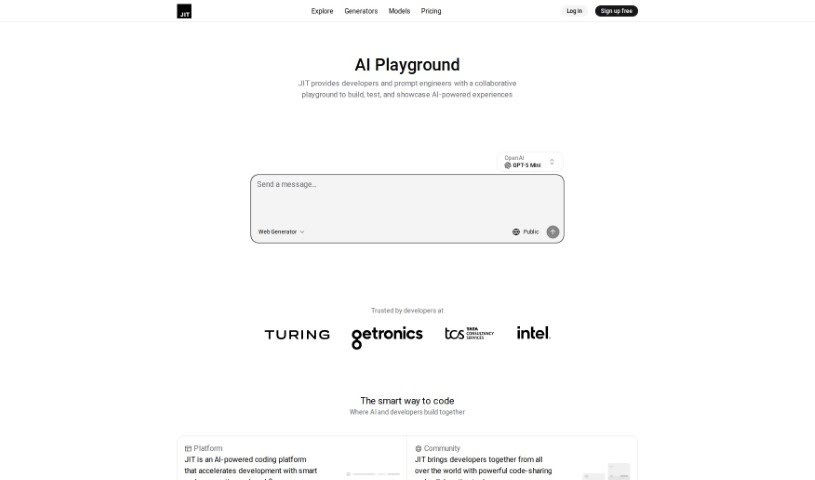
Jit.codes is a cutting-edge platform designed to significantly speed up your coding process. It uses AI to quickly generate code snippets, templates, and algorithms. It is a powerful assistant that helps you write code faster. Beyond just generation, it also offers a vibrant community where developers can connect, share their code, and exchange ideas, which really boosts collaboration on projects. By bringing JIT (Just-In-Time) into your development workflow, you'll find yourself coding more efficiently and working together more smoothly, leading to a noticeable jump in productivity. Some of the key features you'll find on Jit.codes include:

Web Development View Tool →
Screenshot of Js2Ts

Js2Ts

Freemium

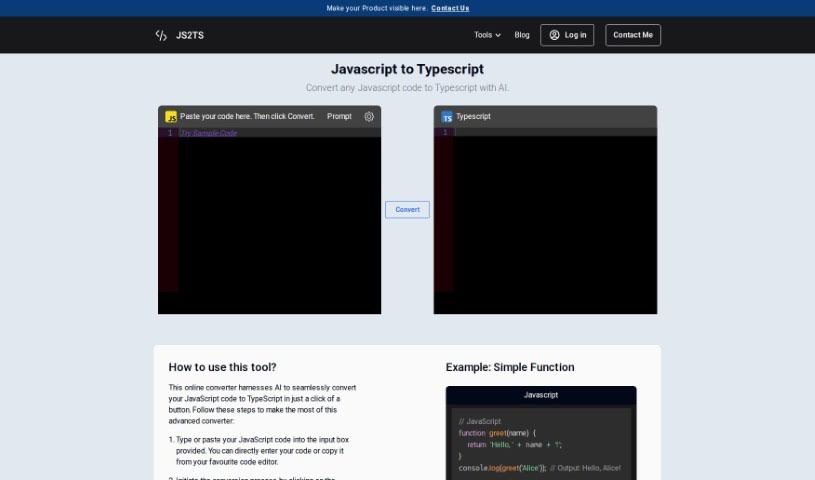
Js2Ts is a handy tool that uses AI to convert your JavaScript code into TypeScript. It's pretty straightforward: you just paste your JavaScript code into the input area, hit the "Convert" button, and voilĂ ! You'll see the TypeScript version appear in the output box.

Web Development View Tool →
Screenshot of JSON Data AI

JSON Data AI

Freemium

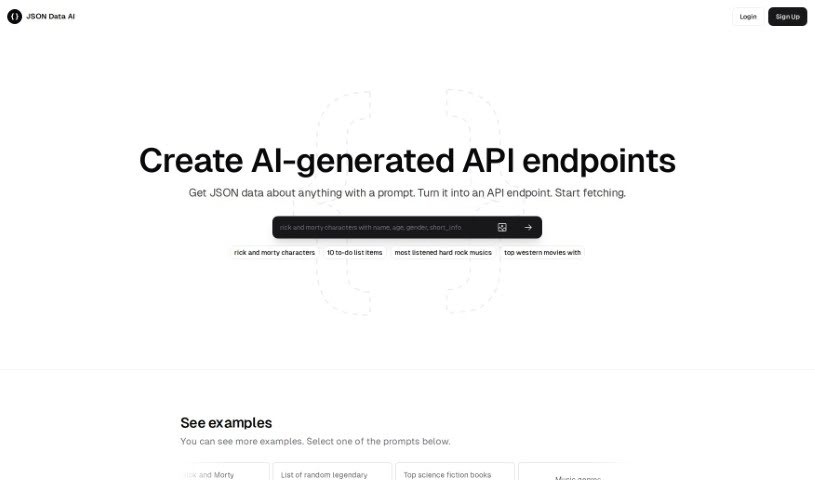
JSON data, which stands for JavaScript Object Notation, is a lightweight way to exchange information. It's easy for people to read and write. Think of it like a simple language built on key-value pairs and structures like arrays and objects, making it straightforward to work with. You'll often see JSON data used to send information between a server and a web app, store settings, or represent structured data across different programming languages. It offers a flexible and efficient method for organizing and sharing data in a format that's both readable and easy to understand, without the usual complexities of other data formats. Because JSON is so simple and works well with many programming languages, it's become a go-to choice for data communication and storage.

Web Development View Tool →
Screenshot of Jusi

Jusi

Freemium

Jusi is a platform designed to make building websites and web applications up to 25% more efficient, thanks to its smart AI solutions. When you use Jusi, you get a preliminary project assessment first. This is a great way to save your company's resources until you're sure about the budget and ready to move forward, saving your team tons of hours. Jusi's marketplace is also special – it only features the best, proven studios and freelancers. They actually compete for your projects, which really shakes things up!

Web Development View Tool →
Screenshot of K8sGPT

K8sGPT

Freemium

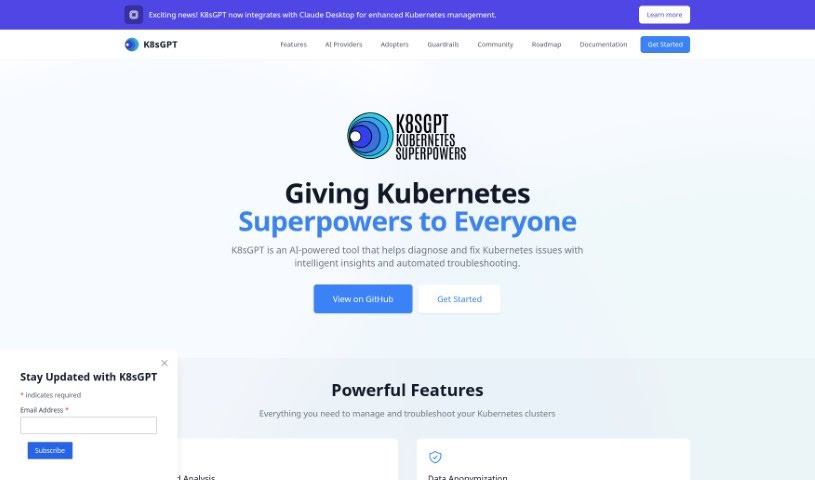
K8sGPT is your AI assistant for Kubernetes cluster management, specifically designed to make Site Reliability Engineering (SRE) tasks much smoother. It breaks down complex diagnostics and triaging into plain, easy-to-understand language, and adds AI-powered insights to really streamline your SRE work. This tool plays nicely with any CNCF conformant Kubernetes cluster, so you know it'll work with the latest versions. What can it do? Well, it gives you instant insights into cluster problems, offers AI-enhanced analytics, detects a wide range of issues, and even simplifies security checks by connecting with scanners like Trivy for CVE reviews and triage help.

Web Development View Tool →
Screenshot of Kamara

Kamara

Freemium

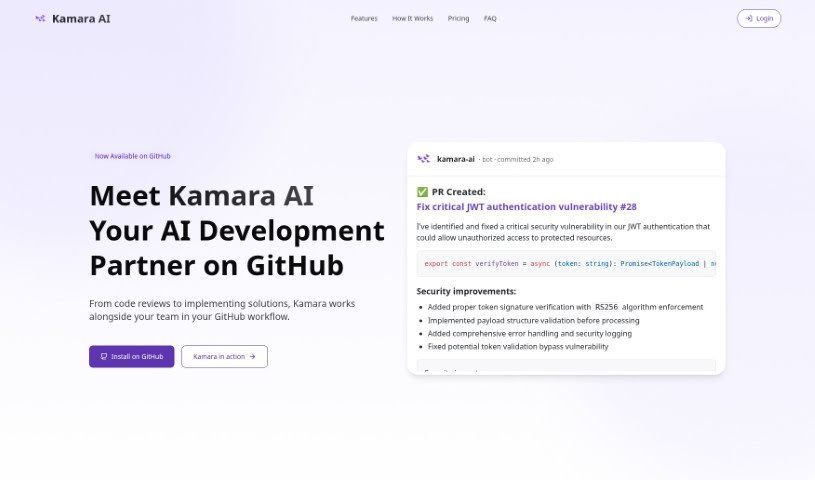
Kamara is an AI Code Writer that works as a VS Code extension, designed to really boost your programming experience. It is your AI coding buddy, capable of writing and editing code with impressive accuracy. It can even implement new features across multiple files, all based on simple instructions you give it. Kamara is built to make adding new features much smoother, write and edit code efficiently, offer a personalized experience through a configuration file, provide an easy-to-use interface, and operate on a credit-based pricing model so you only pay for what you use.

Web Development View Tool →
Screenshot of Katonic AI

Katonic AI

Freemium

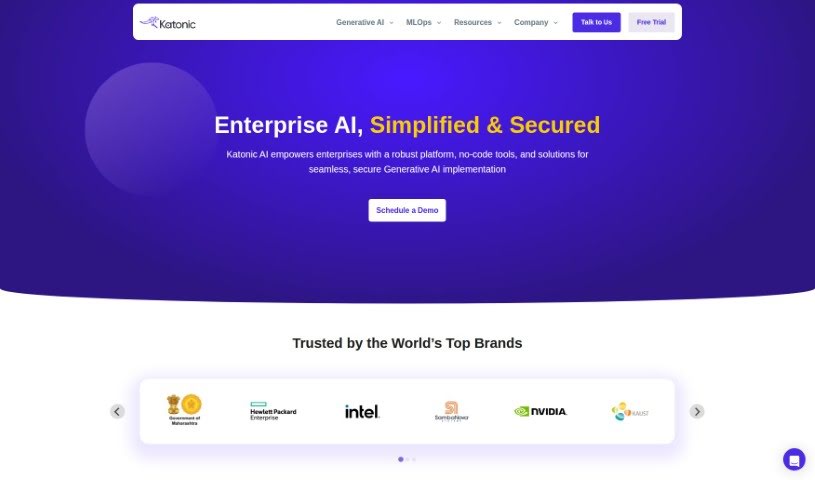
Katonic AI is your go-to Generative AI Platform. It's designed so you can create, train, and deploy your very own AI applications and chatbots – and the best part? You don't need to write a single line of code. Whether you want to build smart AI chatbots, pull out key information from messy text, or even generate personalized executive summaries, Katonic AI has you covered. It uses powerful Large Language Models (LLMs) to understand and create human-like language, giving you a choice of 75 different models to pick from, depending on what you need to do. Plus, it's a real productivity booster for employees, helping to automate tasks, make better decisions faster, and really improve how you interact with customers. You can generate content, extract information, and even use content moderation systems. And for peace of mind, Katonic AI keeps your data super secure on its servers, with an option for on-premises installation if you need even tighter data protection.

Web Development View Tool →

Stay Updated with AI Tools

Get weekly updates on the latest AI tools, trends, and insights delivered to your inbox

Join 25,000+ AI enthusiasts. No spam, unsubscribe anytime.