B
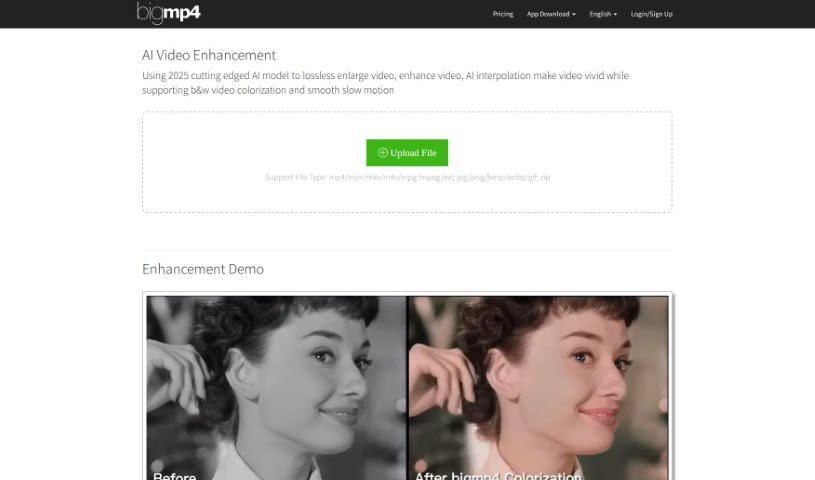
Bigmp4
FreemiumBigmp4 is an AI-powered video enhancement tool built around five core features:
Video Generation
View Tool →
Discover the best Video Generation AI tools to enhance your productivity and creativity.
Bigmp4 is an AI-powered video enhancement tool built around five core features:
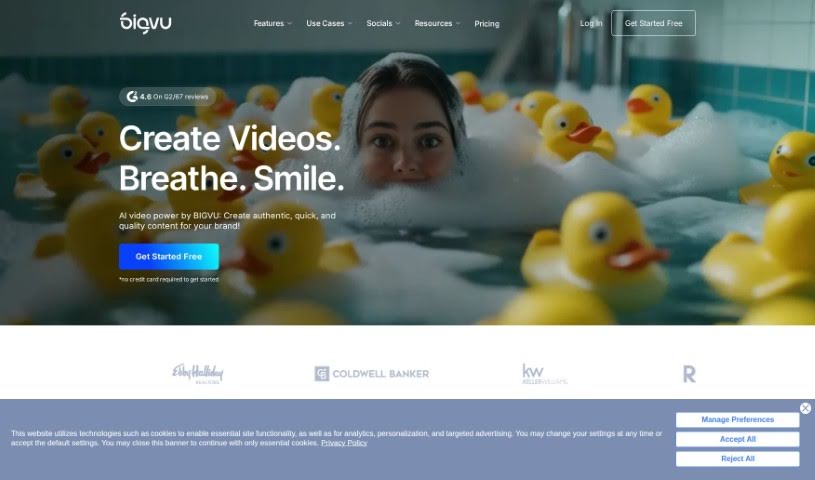
Bigvu is a video creation platform that makes professional video production accessible without a full production crew. It includes a built-in teleprompter, automatic editing, and customizable templates. The platform is designed for individuals and businesses, offering straightforward ways to record, edit, and share videos for marketing, teaching, or social media.
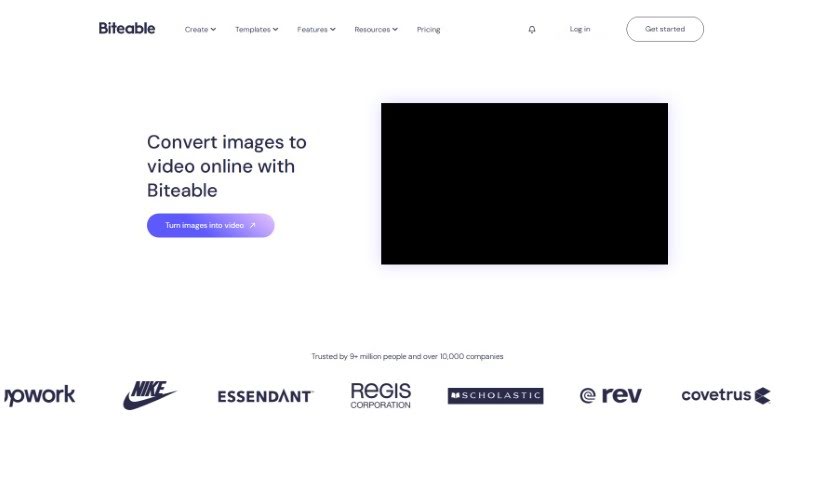
Biteable Image to Video is an online tool that turns photos into videos. You upload images from your own device or choose from Biteable's image library, then arrange them on a timeline. You can add movement effects such as pans or swipes, transitions between scenes, animated text, icons, and background music. After previewing the result, you can export or share the video in high resolution.
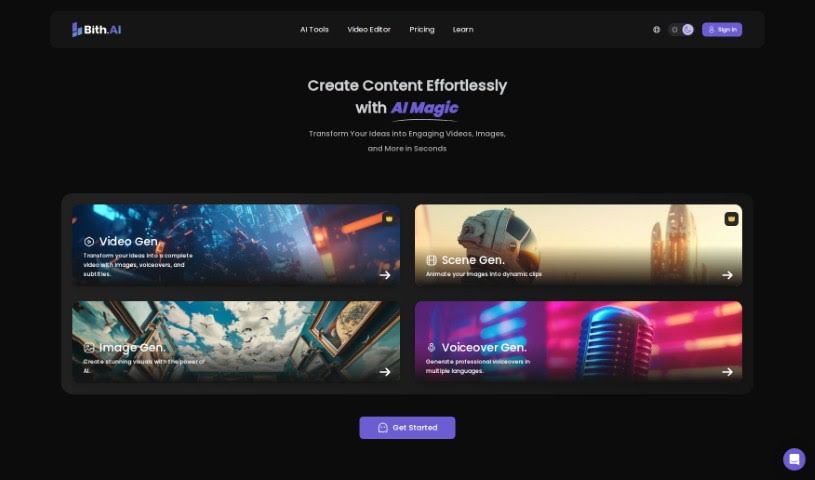
Bith is a digital platform for creating, organizing, buying, and selling digital assets. It also supports tokenizing assets, defining ownership, and making secure transactions through smart contracts. Its clean interface and efficient tools make asset management straightforward for users exploring blockchain-based digital assets.
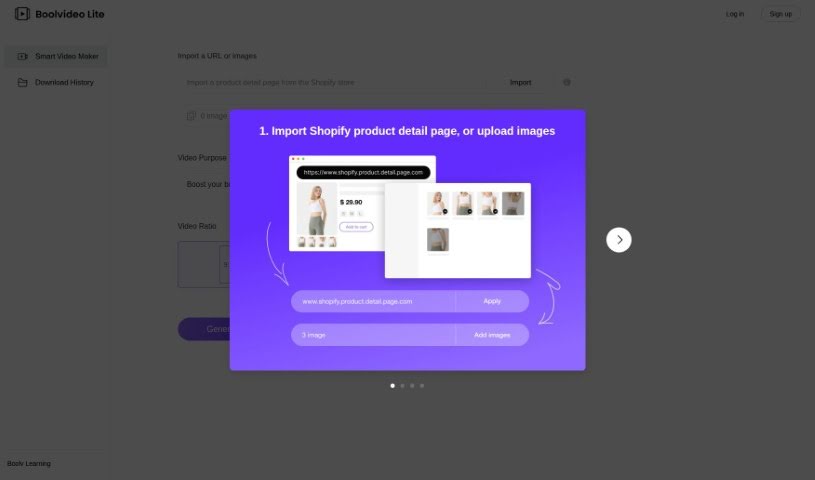
BOOLV VideoMaker is an AI-powered video creation platform that turns ideas into finished videos with minimal effort. Aimed at marketers, educators, and content creators, it handles the technical side of production so users without editing experience can still produce engaging visuals. The tool is available at [videomaker.boolv.tech](https://videomaker.boolv.tech/) and covers video generation, creation, and editing.
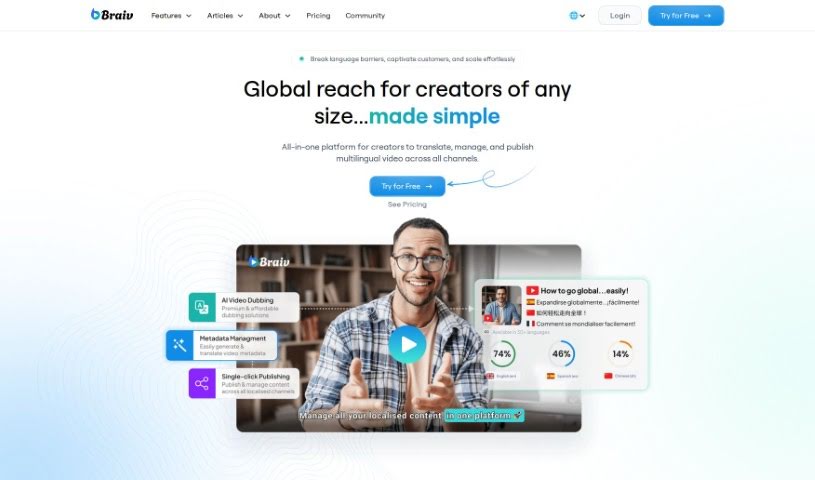
Braiv is described as the world's first multi-language online video hosting platform. It combines automatic captions, translations, and AI dubbing in a customizable video player. Features include brand customization, animated captions, one-click language switching, caption translations, and foreign audio switching. The platform is designed for global audiences and aims for simplicity and accessibility.
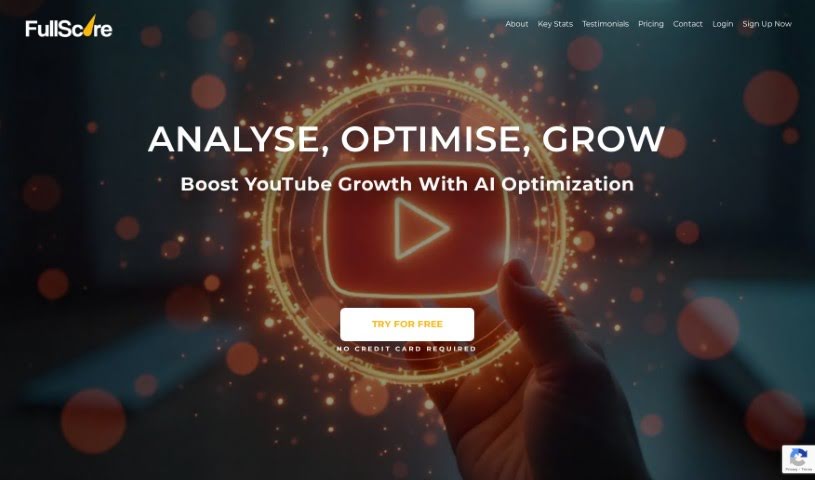
BuzzMyVideos Fullscore is a YouTube analytics tool that provides detailed channel analytics, AI-powered insights, and a free YouTube audit with actionable recommendations. Creators can use it to understand how their channel is performing, learn what their viewers prefer, and build a content strategy based on that data. The platform also supports affiliate programs.
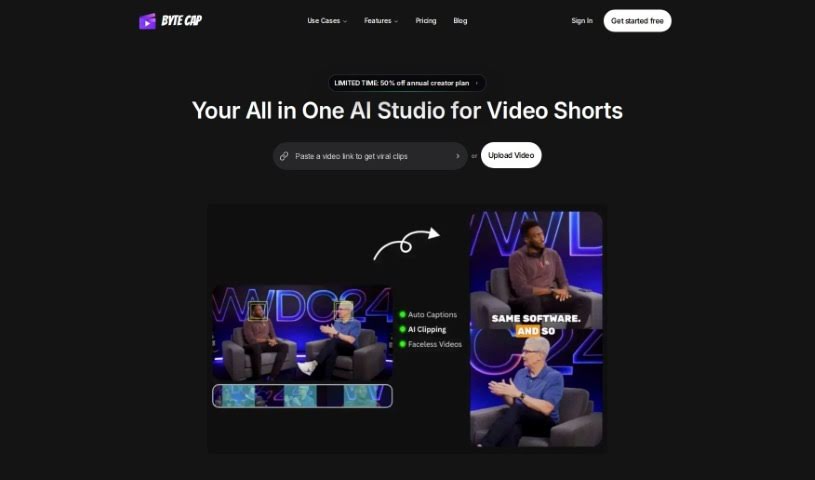
Bytecap is a browser-based captioning tool for video creators. It uses a speech recognition system with roughly 99% accuracy to generate captions automatically, then lets you refine them in an interactive editor. Captions can be customized extensively — font styles, colors, effects, on-screen position, and size — to match your brand.
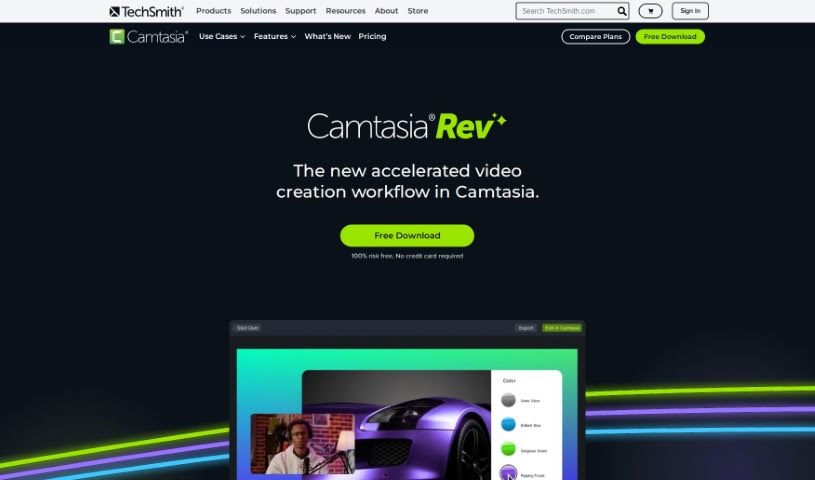
Camtasia Rev is an AI-powered workflow built into Camtasia that speeds up video creation. It automates much of the formatting and polish: it can produce content sized for different screens, adjust layouts to fit your needs, and apply background effects and filter templates with a single click. It also simplifies adding annotations and transitions, and it connects with Audiate so you can edit audio as if it were text. The result is polished, on-brand videos produced with less manual work.
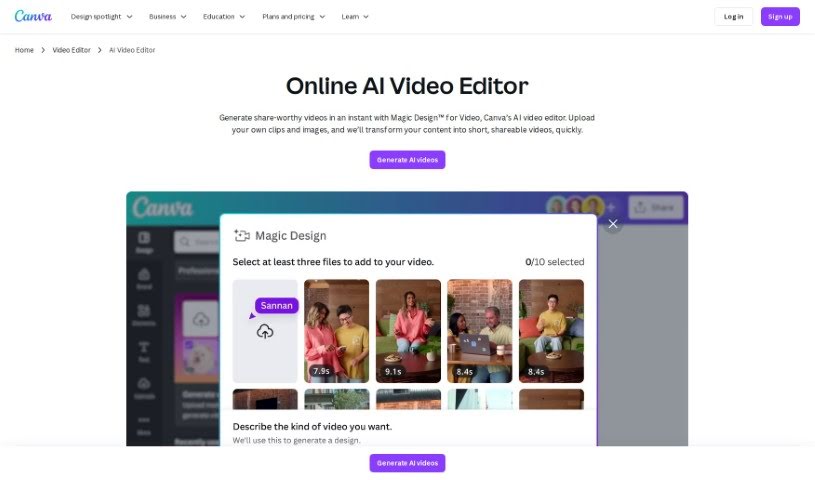
Canva's AI Video Editor is a browser-based tool that uses artificial intelligence to help you edit videos faster. It analyzes your footage to identify scenes, objects, and people, then suggests or applies edits automatically — cutting dead air, adding transitions, and applying effects. The goal is to remove the tedious, repetitive parts of editing so video creation is more accessible, whether you're a beginner or an experienced editor.
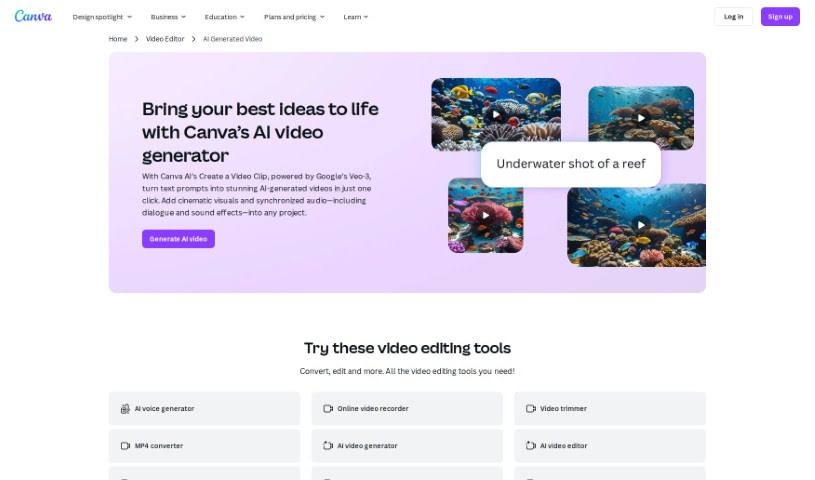
The AI Video Generator is an assistant that automatically creates video content. It uses AI to analyze your images, text, and audio, then assembles dynamic visuals into a finished video. You can adjust the output by choosing different styles, templates, and effects to match your needs. The goal is to simplify video creation so more people and businesses can produce visual content without manual editing.
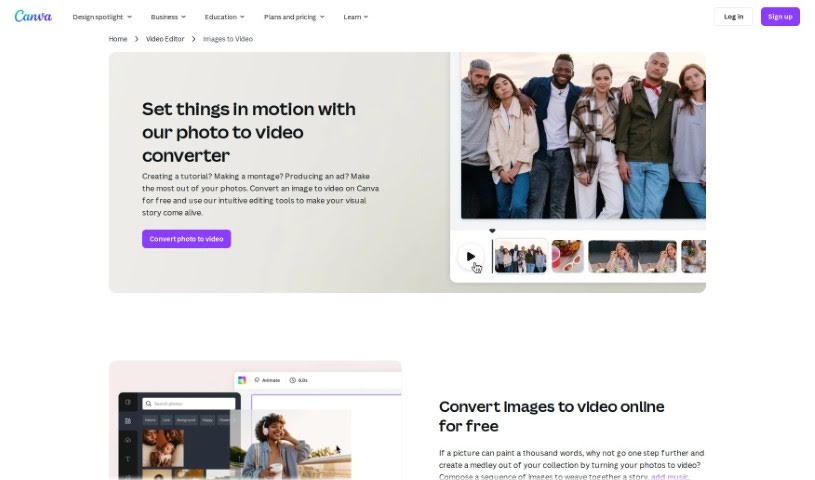
Canva's Photo to Video Converter is a feature built into Canva that turns a collection of photos into a video slideshow. You can import images, add transitions between them, overlay text, and include background music. The result is a video presentation suitable for social media, presentations, or personal projects — all without leaving the Canva platform.
Setting up physical camera rigs, arranging scene lighting, hiring actors, and waiting for long video renders can make video production an expensive, time-consuming effort. Whether you need custom visual clips for a marketing campaign, animated scenes for a digital story, or background b-roll for a presentation, turning abstract ideas into moving images takes serious work. It’s easy to stall creative projects when traditional video shoots require big budgets and full production crews.
These generative video platforms act as capable creative partners. They convert written prompts and reference images into fluid video scenes, helping you test visual directions faster and produce high-quality video content without a full crew.
Creating custom video scenes without a physical camera crew used to be nearly impossible for small teams. Generative video tools take descriptive text prompts, script outlines, or static images and turn them into realistic motion clips, digital animations, and cinematic sequences in seconds. Instead of starting with a blank project timeline or searching through generic stock libraries, you get custom video drafts ready to edit, polish, and include in your final export.
Maintaining visual consistency across multiple shots and scenes gets much easier, as well. Early generative video tools often suffered from sudden visual shifts between clips, making long-form content feel disjointed. Advanced video platforms allow you to lock in character appearances, lighting conditions, and art styles across sequential generations, helping you build coherent multi-shot stories or product showcases that keep a unified visual identity.
Prototyping visual ideas and producing custom b-roll also becomes far more practical. Developing storyboards or testing different aesthetic styles for a commercial project used to take extensive pre-production work. AI video platforms let you quickly generate dozens of concept clips, experiment with dynamic camera angles, and build interactive visual previews before spending time on full-scale edits.
Practical Features to Look For:
- Text-to-video rendering: Systems that convert written prompts and script outlines into realistic video clips and animated scenes.
- Image-to-video animation: Tools that take static photos, artwork, or product shots and add realistic camera motion and subject movement.
- Style and camera movement controls: Settings that let you specify camera angles, movement speed, lighting styles, and visual aesthetics.
- Character and visual consistency: Features that preserve key subject traits, facial features, and clothing across multiple generated clips.
- Multi-format aspect ratio exports: Options for generating footage sized specifically for widescreen displays, square social posts, or vertical mobile feeds.
Creating high-impact video content will always depend on your imagination, emotional intuition, and director’s eye. Software can’t replace original human vision or an understanding of what moves an audience, but handing off initial scene rendering and rapid video drafting gives you back the time needed to shape a great story.
Take a look through the video generation tools below to turn your written ideas into dynamic video clips.
Weekly picks of the best AI tools we've researched and added — no spam, unsubscribe anytime.
Join 25,000+ AI enthusiasts. No spam, unsubscribe anytime.