10LevelUp
Video Generation Video Editing
Learn more
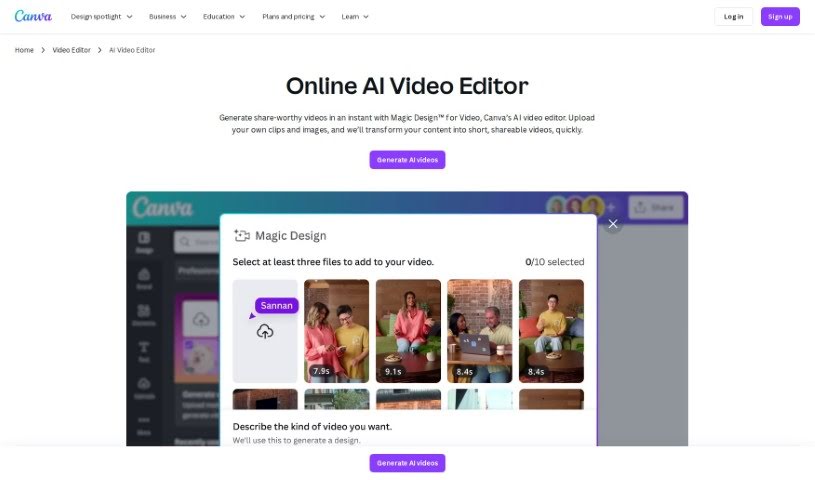
Discover what Canva's AI Video Editor is and how it uses AI to speed up trimming, transitions, and effects in your video projects.
Canva’s AI Video Editor is a browser-based tool that uses artificial intelligence to help you edit videos faster. It analyzes your footage to identify scenes, objects, and people, then suggests or applies edits automatically — cutting dead air, adding transitions, and applying effects. The goal is to remove the tedious, repetitive parts of editing so video creation is more accessible, whether you’re a beginner or an experienced editor.
The typical workflow looks like this:
Canva’s AI Video Editor suits anyone who wants to speed up video editing without learning complex software: content creators, marketers, and casual users who need polished results quickly. Because it runs inside Canva’s platform, it fits naturally into existing Canva design workflows.
For current pricing and feature details, check the official Canva AI Video Editor page.
Related
Discover more tools in similar categories
Weekly picks of the best AI tools we've researched and added — no spam, unsubscribe anytime.
Join 25,000+ AI enthusiasts. No spam, unsubscribe anytime.