AI Tools for Video Generation

Discover the best Video Generation AI tools to enhance your productivity and creativity.

Page 4 of 28 • 333 total tools
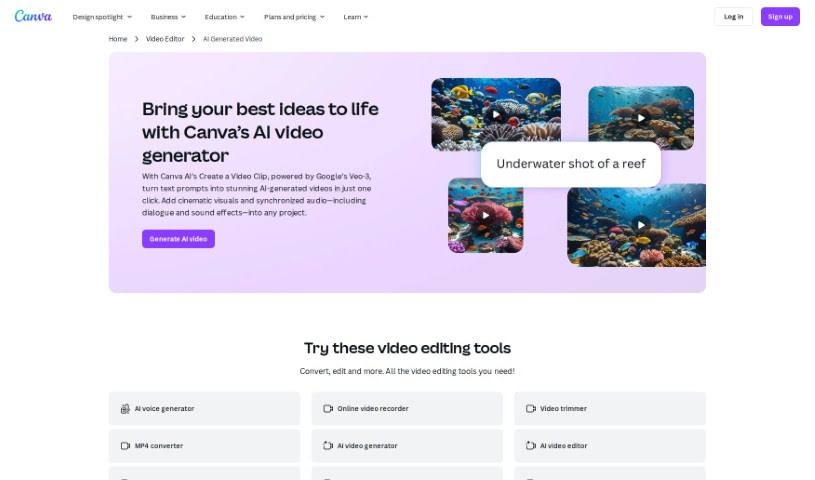
Screenshot of Canva AI Video Generator

Canva AI Video Generator

Freemium

The AI Video Generator is a smart assistant that automatically whips up video content for you. It's a really neat technology that lets you create engaging videos without spending ages on manual editing. Basically, it uses AI to look at your images, text, and audio, and then it puts together dynamic visuals. You can totally tweak it, though – pick different styles, templates, and effects to get exactly what you need. It really makes video creation much simpler, opening the door for more people and businesses to tell their stories visually and make a splash online.

Video Generation View Tool →
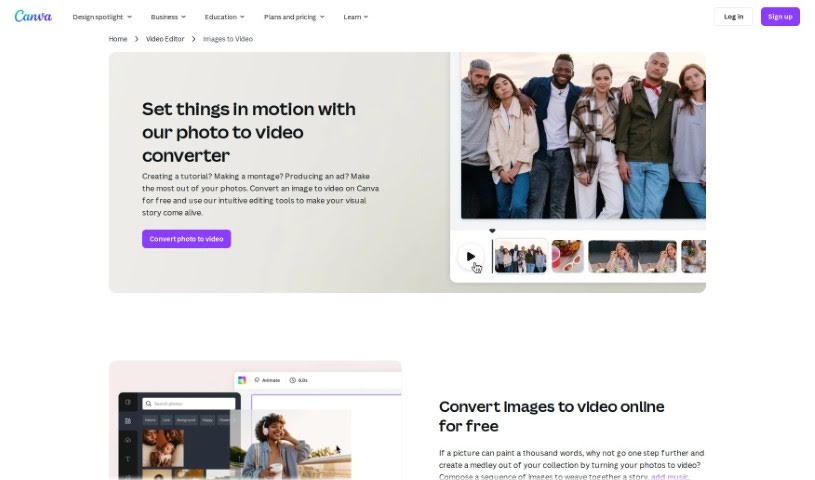
Screenshot of Canva Photo to Video Converter

Canva Photo to Video Converter

Freemium

Canva's Photo to Video Converter is your go-to tool for easily turning a collection of photos into a really engaging video presentation. It's a feature built right into Canva that lets you import your images, add smooth transitions between them, pop on some text, and even include background music. Basically, it helps you create professional-looking video slideshows for anything you need – whether it's for social media, a presentation, or just a personal project. It's a super user-friendly way to show off your photos in a much more dynamic and captivating way, perfect for anyone wanting to boost their visual storytelling skills without leaving the Canva platform.

Video Generation View Tool →
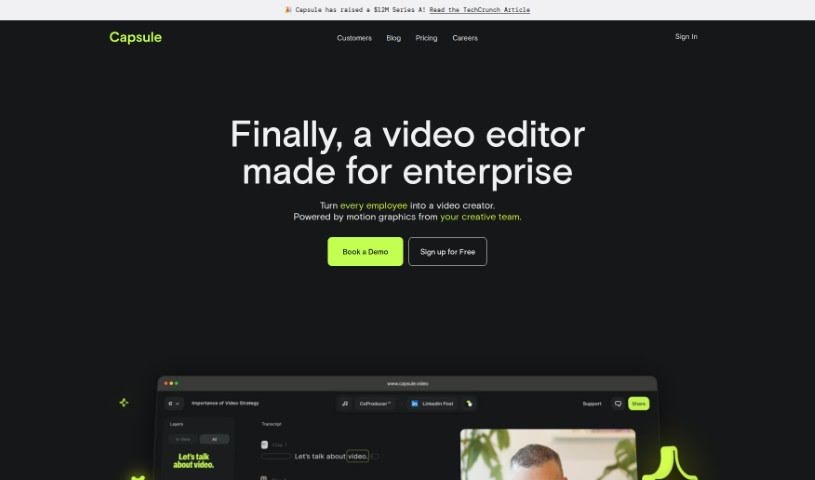
Screenshot of Capsule

Capsule

Freemium

Capsule is an AI-powered video editing platform built specifically for content and marketing teams. Its main goal is to make video editing much simpler and faster – we're talking up to 10 times easier! It also helps keep your brand looking consistent and makes it super easy for everyone on your team to work together. Capsule comes with cool features like motion design systems, which let you create really eye-catching graphics without needing a designer. Plus, there's an AI assistant called AI Co-Producer™ that can handle editing tasks for you, like cutting out unnecessary bits or filler words. You can edit videos just like you edit text, uploading, transcribing, fixing, cutting, and formatting everything smoothly in a shared workspace. On top of that, Capsule gives your videos a professional finish with stylish graphics, titles, animations, and even original B-roll footage generated right from your text prompts. The platform also prioritizes security and privacy, and it's backed by some pretty big names in AI and the future of work, which really adds to its credibility.

Video Generation View Tool →
Screenshot of Captions

Captions

Freemium

Captions is a really innovative platform that uses advanced AI to make video creation much simpler. It's designed to help people from all walks of life bring their ideas to life easily and effectively. With Captions, anyone can create professional-looking videos with just a few clicks, cutting out hours of tedious editing. The AI in Captions looks at your raw video and automatically creates captions that really boost the story by understanding the context, the emotions, and how the video flows. Plus, Captions has a bunch of other AI features, like adding music, sound effects, and transitions to make your videos more engaging. You can also use its powerful editing tools to trim clips, combine them, add visual effects, and apply filters. The platform makes it super easy to customize your captions – you can change the font, size, color, and where they appear, or pick from ready-made styles that fit your video's mood. Whether you're a pro videographer looking to speed up your workflow or a social media fan wanting to make eye-catching content, Captions is a great tool. Its easy-to-use interface and strong AI capabilities make storytelling accessible, opening up endless possibilities for video creation.

Video Generation View Tool →
Screenshot of Captions AI AI Avatar Generator

Captions AI AI Avatar Generator

Freemium

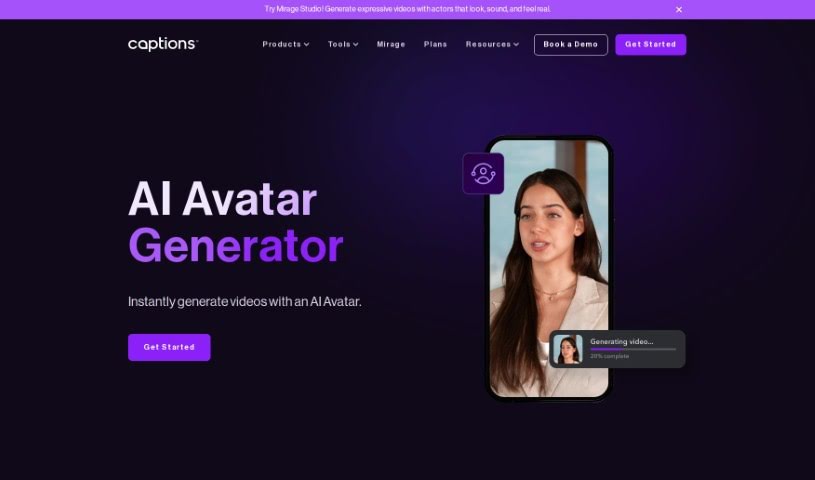
An AI Avatar Generator is a tool that lets you create digital versions of people using advanced machine learning and video processing. It is a way to cast realistic-looking avatars as the stars of your videos. You can then tweak all sorts of production details, like the camera angles, how the scene is lit, what the avatar wears, and the background. It's pretty straightforward to get started: just download the Captions app or head to their website. From there, you can pick from a wide variety of avatars, customize your video with different backgrounds and outfits, and then either write your own script or have the AI generate one for you. The final video can then be exported. What's really neat is that these AI avatars can actually talk! They use text-to-speech technology to deliver scripts in a way that sounds remarkably real and lifelike, making your video content much more dynamic and engaging.

Video Generation View Tool →
Screenshot of Captiwiz

Captiwiz

Freemium

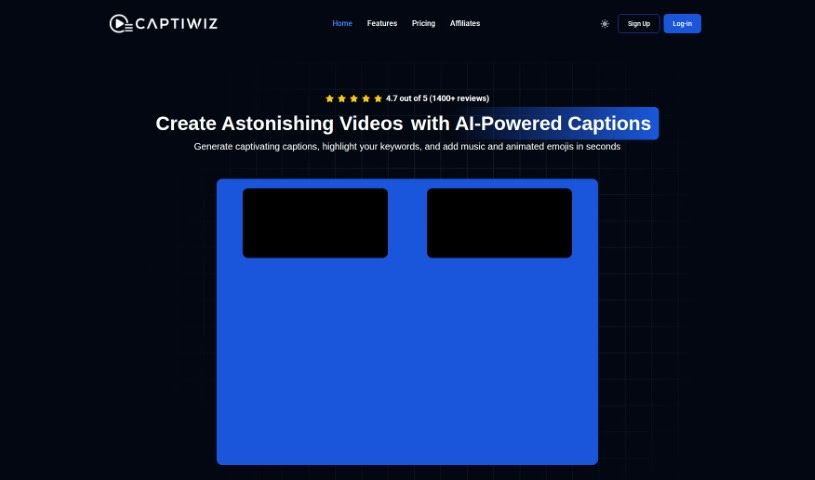
Captiwiz is a video editing tool that uses AI to automatically generate captions, highlight important keywords, add music, animated emojis, and sound effects. It also creates descriptions for social media platforms like Facebook, Instagram, YouTube, TikTok, and more. You can really make your videos stand out by customizing them with trendy fonts, fun animations, emojis, and sound effects, which helps boost audience engagement. Content creators, vloggers, influencers, and tech fans have given Captiwiz great reviews, saying it's a game-changer for making videos more engaging and captivating.

Video Generation View Tool →
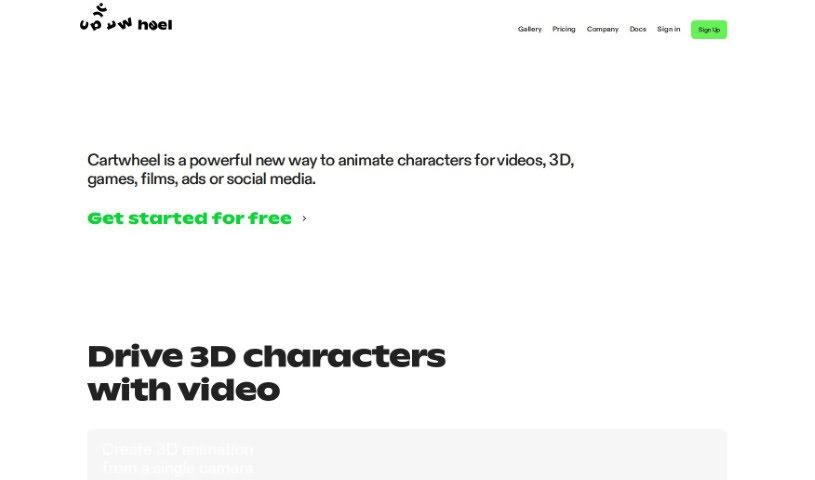
Screenshot of Cartwheel

Cartwheel

Freemium

Cartwheel is a digital coupon and savings program that Target introduced to help customers get discounts on all sorts of products. You can check out the Cartwheel app or their website to find deals on everything from groceries and household essentials to clothing. It's super easy to add offers to your account – just click on them. Then, when you check out, the discounts are automatically applied if your account is linked, or you can just scan the app. Cartwheel really makes saving money on your shopping trips straightforward, and it's a go-to tool for anyone who likes to keep an eye on their budget and make shopping a bit more fun and cost-effective.

Video Generation View Tool →
Screenshot of Casablanca

Casablanca

Freemium

Casablanca is a software solution designed to make your video calls feel more natural and authentic. It's all about creating genuine interactions, making sure you have real eye contact, and ensuring your facial movements look natural. How does it do this? It uses something called GAN technology, which stands for Generative Adversarial Networks. This tech helps create digital eye contact in real-time. Basically, it keeps your gaze focused on the person you're talking to on the other side of the camera and aligns your head just right for that perfect, natural eye contact.

Video Generation View Tool →
Screenshot of Centropo

Centropo

Freemium

Centropo is a video creation tool powered by AI, built specifically for real estate agents. It really simplifies making professional-looking videos for property listings by automatically generating them. The goal here is to make video creation fast, affordable, and easy. It uses AI to create engaging videos that really highlight what's great about a property. All you need to do is give it a link to a property website or a listing from any real estate app, and it'll create high-quality videos. These videos showcase the key features and can even include a voice-over using your own description. Centropo's videos are designed to grab the attention of potential buyers, giving real estate agents a real edge in marketing their listings effectively.

Video Generation View Tool →
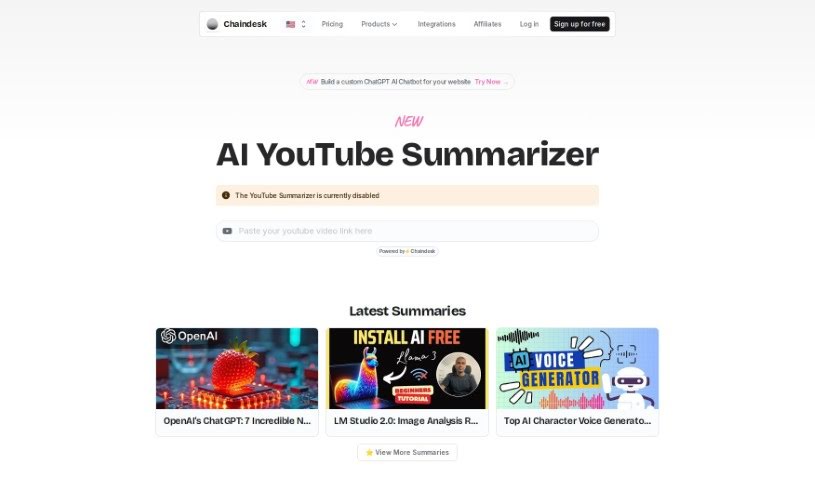
Screenshot of Chaindesk AI YouTube Summarizer

Chaindesk AI YouTube Summarizer

Freemium

The AI YouTube Summarizer is your personal assistant for YouTube videos. It's a smart tool, built with the power of ChatGPT and Chaindesk, designed to give you the main ideas from any YouTube video in a neat, concise summary. This means you can get the gist of a video really quickly without having to sit through the whole thing. It's super handy for anyone who needs to pull out key information fast – whether you're a researcher diving into topics, a content creator keeping up with trends, or just someone who wants to learn something new from YouTube without the time commitment. The summaries it creates are accurate, offering quick insights that are perfect for academic work or professional use. Best of all, it's free! It works with videos that have spoken words and captions, and it delivers these summaries in just seconds, though naturally, longer or more complex videos might take a tiny bit more time.

Video Generation View Tool →
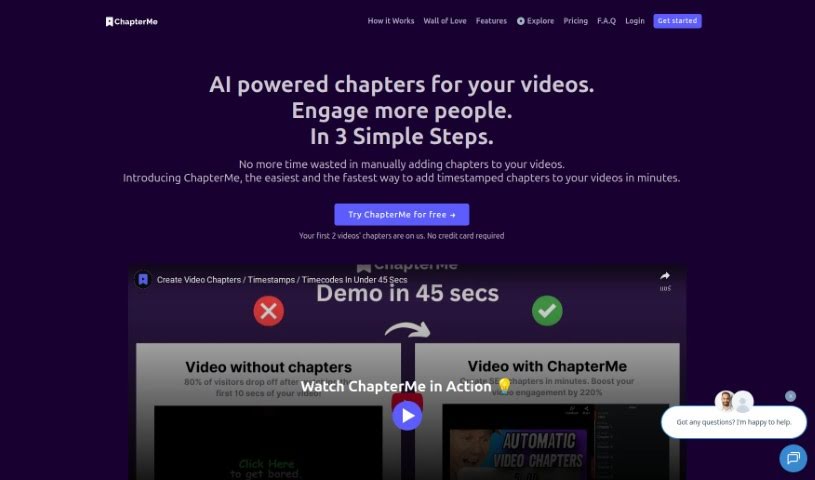
Screenshot of Chapterme

Chapterme

Freemium

ChapterMe is a neat tool that uses ChapterGPT to make adding time-stamped chapters to your videos and podcasts super simple. Honestly, it cuts down the time you'd spend doing this manually by a lot. This means creators can speed up their production and make their content more engaging for viewers. The idea behind ChapterMe is to help creators and companies deliver content that's both informative and easy to navigate, generating chapters automatically in just a few minutes. Plus, you can even tweak how the video player looks to match your brand, which could help get more plays.

Video Generation View Tool →
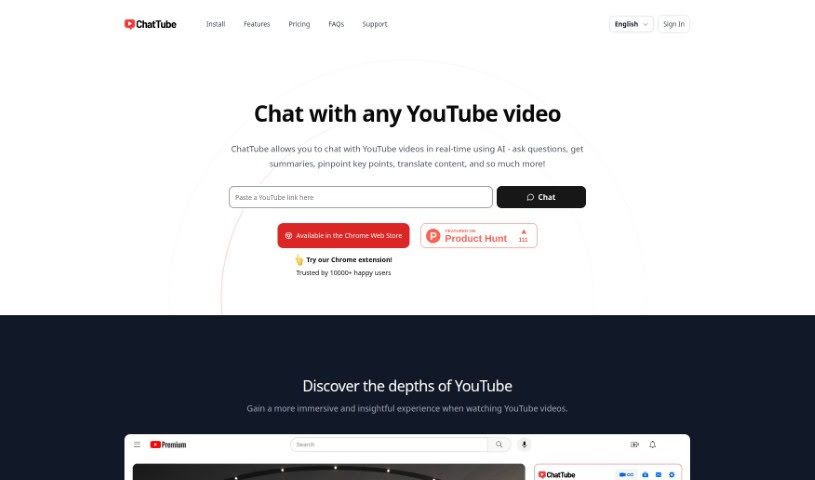
Screenshot of ChatTube

ChatTube

Freemium

ChatTube is a smart Chrome extension that really upgrades your YouTube experience. It lets you have personalized chats with an AI right there as you watch videos. You can ask questions, get quick summaries, find the most important parts, translate things, and so much more, all in real-time. ChatTube offers a few different pricing options, so you can pick one that fits how much you plan to use it, whether that's just a little or a lot. These plans give you daily access to video chats, messaging, support for videos that don't have transcripts, and even priority email help. Plus, ChatTube keeps a record of your chats so you can pick up where you left off, and it also has a history of the videos you've interacted with. They're really keen on hearing what users think and are always working on making it even better, with plans to let you even interact with content from the comment section down the road. It works with most browsers based on Chrome and supports chatting in many different languages.

Video Generation View Tool →

Stay Updated with AI Tools

Get weekly updates on the latest AI tools, trends, and insights delivered to your inbox

Join 25,000+ AI enthusiasts. No spam, unsubscribe anytime.