AI Tools for Video Generation

Discover the best Video Generation AI tools to enhance your productivity and creativity.

Page 5 of 28 • 333 total tools
Screenshot of Chillin

Chillin

Freemium

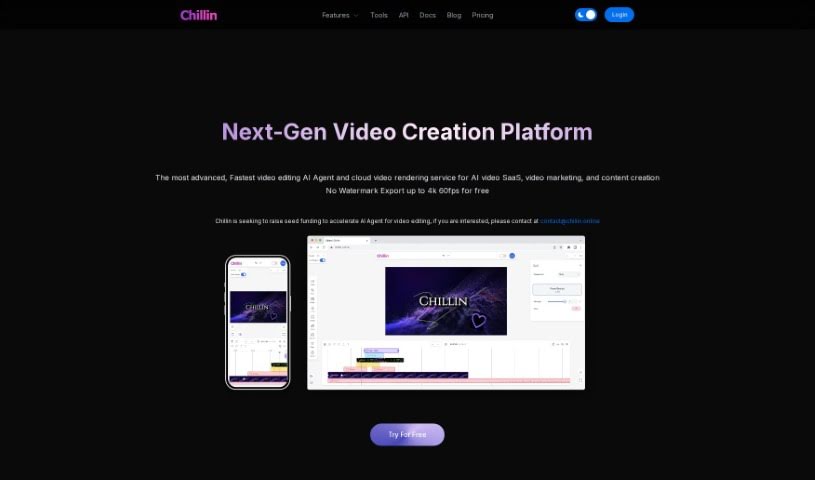
Chillin is an online video editor that's powered by AI, making it super easy for anyone to create really good-looking videos without any watermarks. It's packed with advanced tools, so you can do things like create complex animations, add cool effects, work with keyframes, and use smooth transitions. Plus, it can automatically generate captions, compress images and GIFs, and even convert videos to GIFs. You can export your finished videos in stunning 4K resolution at 60 frames per second if you're on a desktop, or 1080p at 60fps on your phone. Chillin also supports many different languages and offers handy tools for compressing images and GIFs, all without adding those annoying watermarks.

Video Generation View Tool →
Screenshot of Chopcast

Chopcast

Freemium

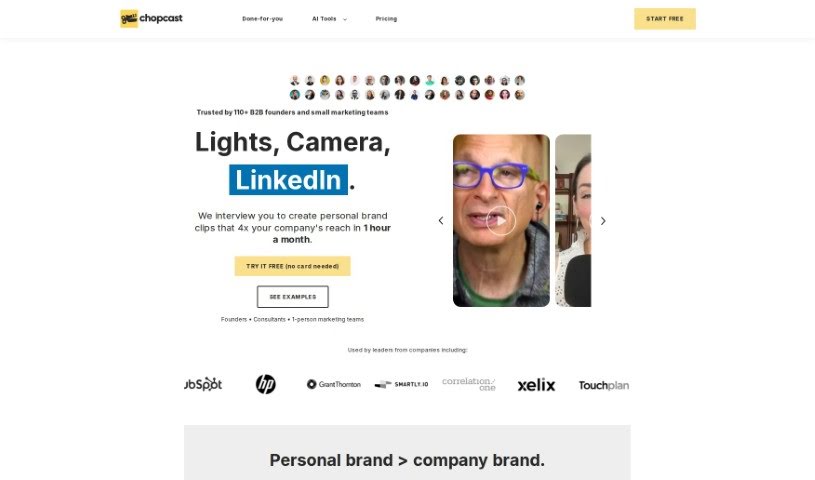
Chopcast is a platform designed to help you repurpose your content. It uses natural language processing (NLP) technology to automatically find, edit, and share the most important moments from your longer recordings. This makes it super easy to use those highlights for your marketing and sales efforts. You can choose from a free plan or paid options, which let you create edited videos, podcasts, articles from transcripts, and even .SRT files for more advanced video editing. If you want to make more clips, you can simply search for keywords or use the topics Chopcast suggests. The platform offers handy features like AI video highlights, a clip maker, video trimming, and automatic subtitles. Basically, it helps you get more out of your content without needing complicated tools or spending hours on manual editing. Chopcast is really aimed at B2B founders and small marketing teams, helping them create personalized clips for their brands. They also offer services like Studio Sessions, podcast repurposing, quick turnaround times, LinkedIn captions, and strategy consulting. You can give Chopcast a try for free with a 7-day trial. After that, you can pick a paid plan based on how long the videos you upload are. The AI technology is there to help automatically spot those impactful moments in your videos, so you can create concise and engaging clips perfect for social media.

Video Generation View Tool →
Screenshot of Choppity

Choppity

Freemium

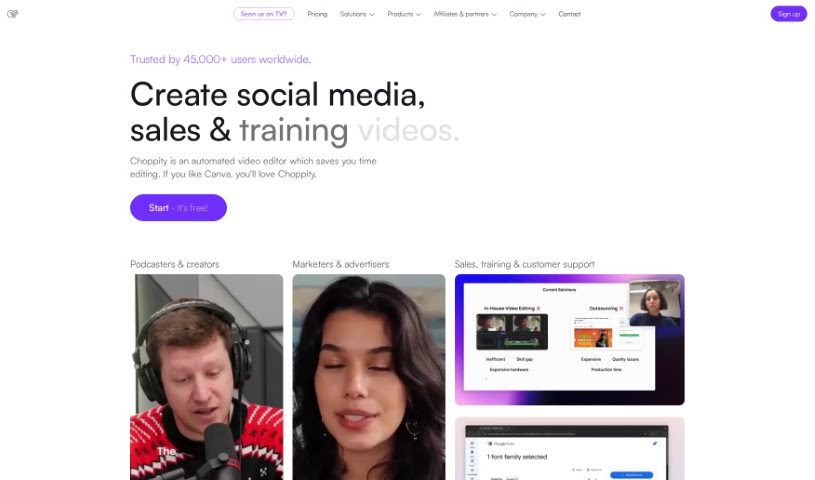
Choppity is a video editing tool that uses AI to quickly turn your longer videos into engaging clips perfect for social media. It's packed with features designed to make your life easier. Think 'magic clipsâ„¢' that automatically find the most interesting parts of your video, background effects (VFX) to make your text, images, or b-roll look professional, and even profanity censoring to keep your content social media-friendly. You can also add custom captions with your own fonts and styles, plus music and sound effects. If you like having more control, there's a timeline editor too. People who've used it really like how much time it saves and how easy it is to use. Plus, they emphasize that while the AI does a lot, they also offer great human customer support.

Video Generation View Tool →
Screenshot of ClipBuddy

ClipBuddy

Freemium

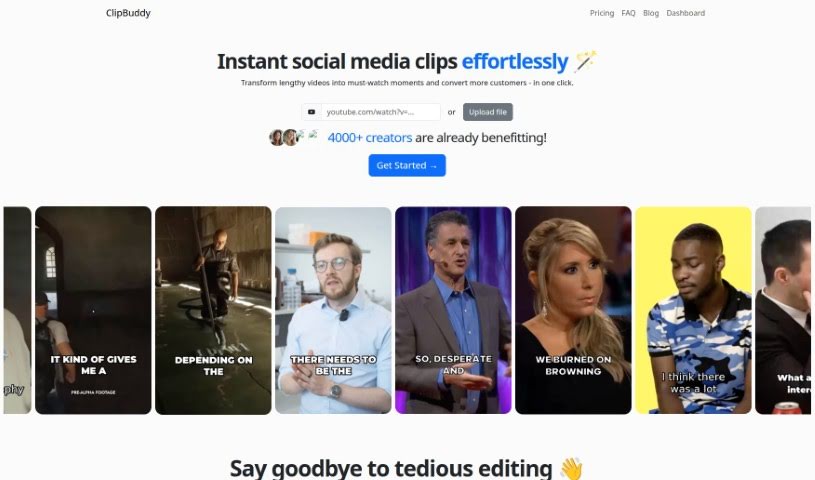
ClipBuddy is a handy tool designed to help you turn those long videos into short, snappy clips that are perfect for social media. Think TikTok, Instagram Reels, YouTube Shorts, Facebook, LinkedIn, and Snapchat – ClipBuddy makes your content shine on all of them. It uses AI to find the most interesting moments in your videos, adds dynamic captions to grab attention, makes sure the transitions between visuals and audio are super smooth, and automatically resizes your videos to the ideal 9:16 format.

Video Generation View Tool →
Screenshot of Clipchamp

Clipchamp

Freemium

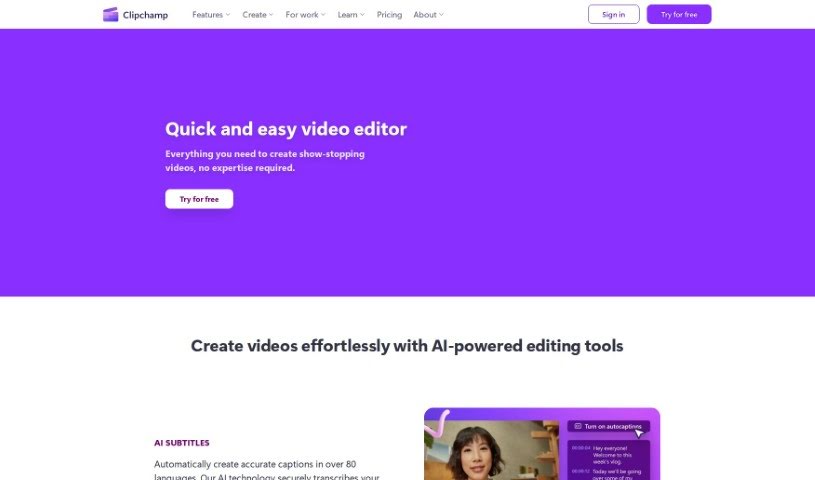
Clipchamp is a really popular online video editing platform. What makes it stand out is how easy it is to use, even if you're not a tech whiz. It's packed with features that let you create and edit videos quickly, without needing a ton of technical know-how. You can easily trim clips, cut out unwanted parts, add text overlays, smooth transitions between scenes, and even apply filters to give your videos a specific look. Plus, Clipchamp gives you access to a huge library of stock media – think videos, images, and music – that you can drop right into your projects. It handles lots of different video formats, and you can even share your finished creations straight to social media. Basically, it’s a super handy and flexible tool for anyone, whether you're an individual or a business, who wants to make professional-looking videos without a fuss.

Video Generation View Tool →
Screenshot of Clipcision

Clipcision

Freemium

Clipcision is an AI-powered tool designed to help you manage your YouTube channel and boost your content strategy. It's packed with AI-trained modules and features that make managing your content and workflow much smoother, ultimately helping your channel perform better. It is your all-in-one assistant for YouTube.

Video Generation View Tool →
Screenshot of Clipfly AI

Clipfly AI

Freemium

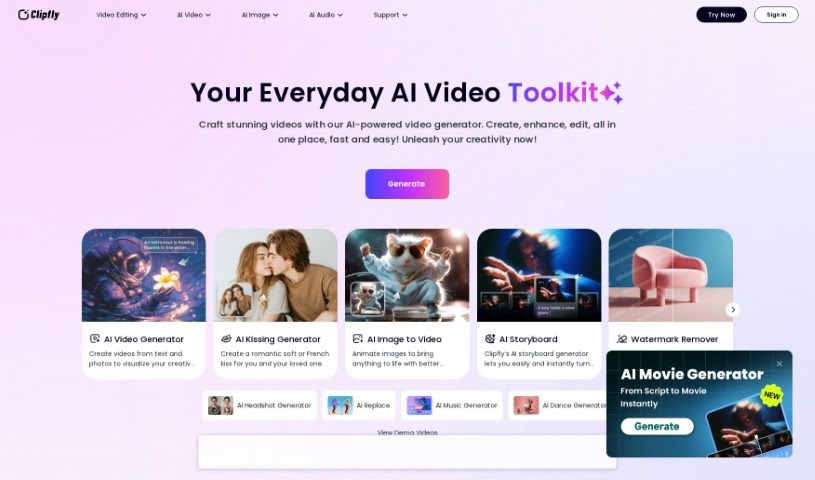
Clipfly AI is a really neat artificial intelligence (AI) tool that's changing the game for video editing. It is a smart assistant that helps you make your videos look amazing, automating a lot of the tedious parts. It uses machine learning, which is basically a way for computers to learn and improve, to offer smart solutions. This includes things like automatically spotting different scenes in your footage, tracking objects as they move, and even turning spoken words into text. By using Clipfly AI, creators can save a ton of time and effort, and the best part? You get professional-looking results without needing to be a seasoned pro. The goal here is to make video editing simpler and more accessible for everyone, no matter your experience level.

Video Generation View Tool →
Screenshot of ClipFM

ClipFM

Freemium

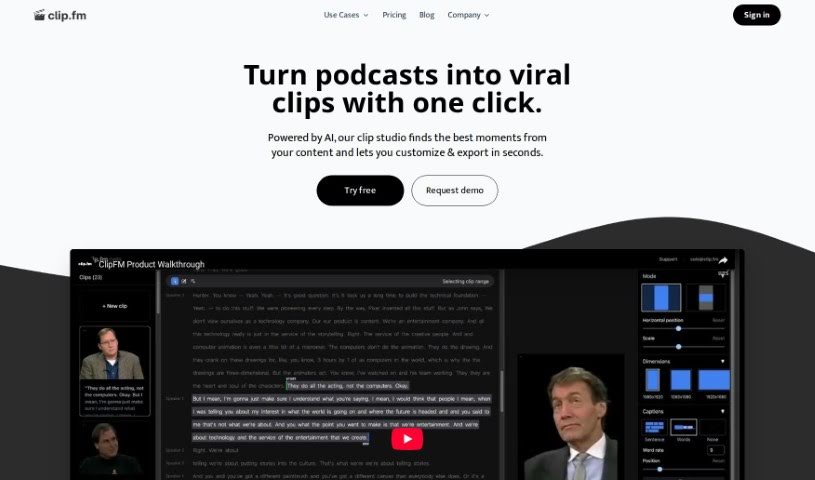
ClipFM is a really smart AI tool built to help creators and podcasters easily turn long videos into catchy short clips, perfect for social media. It uses AI to find the most interesting parts of your videos, so you can tweak them and share them in just minutes. This platform is great for podcasters, editors, marketers, agencies, and studios – it's a much more affordable way to get clips than hiring traditional editing services. Plus, its easy-to-use interface lets you fine-tune the AI's clip selections to make sure they're exactly how you want them.

Video Generation View Tool →
Screenshot of Cliplama

Cliplama

Freemium

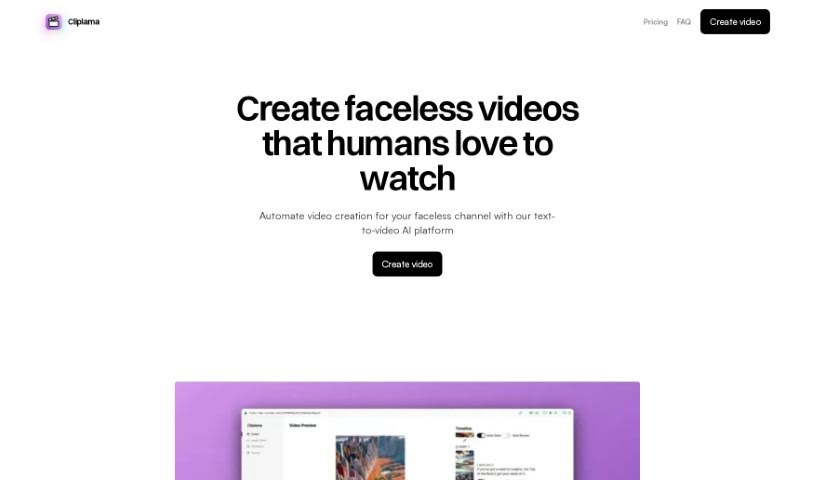
Cliplama is a handy tool that really automates the whole video creation process. It's packed with features designed to make your life easier, like turning text into video, automatically writing scripts for you, adding cool, trendy transitions, and even including an auto-zoom effect. You can also choose from different caption styles, scale your content easily, and even auto-post directly to your social media platforms. Plus, it supports various aspect ratios, generates videos super fast, and is great for creating ads or educational materials. It even has specific interfaces for TikTok and Reels, and can produce YouTube-ready videos. On top of that, it generates background music automatically, lets you pick narration voice styles, includes images and photos automatically, and can even create GIFs for your videos.

Video Generation View Tool →
Screenshot of Clipmaker

Clipmaker

Freemium

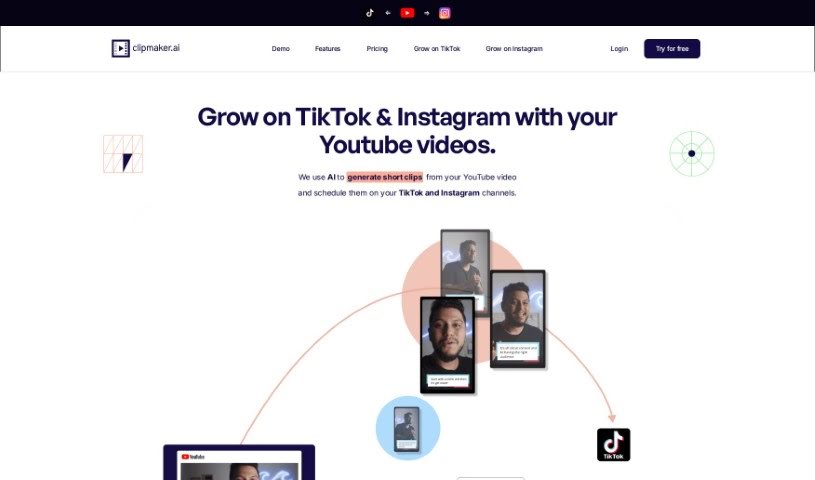
Clipmaker is an AI-powered tool designed to help you turn your YouTube videos into engaging short clips. It is your go-to for creating content perfect for platforms like TikTok and Instagram. It's packed with features to make this process super smooth. You get instant AI-generated clips, customizable templates so your brand always looks consistent, subtitles that are automatically added to boost engagement, and a handy auto-schedule feature for posting directly to TikTok and Instagram. Basically, Clipmaker uses AI to simplify how you share your content across different social media channels, aiming to help your social media presence grow faster.

Video Generation View Tool →
Screenshot of Clips AI

Clips AI

Freemium

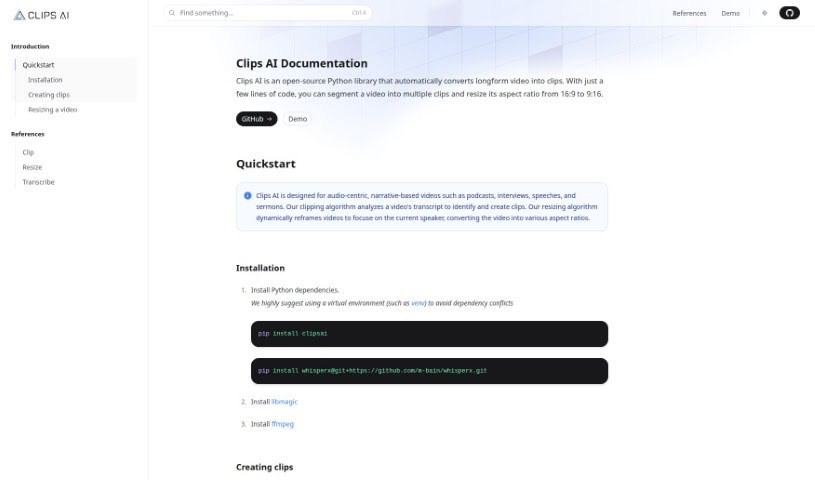
Clips AI is a handy, open-source Python library that makes it super easy to chop up long videos into smaller clips. Plus, it can resize them to different aspect ratios with just a few lines of code. It's especially great for videos that tell a story, like podcasts, interviews, speeches, and sermons. The way it works is pretty neat: Clips AI looks at your video's transcript to figure out the best places to cut clips. Then, its resizing feature automatically reframes the video to keep the current speaker front and center. To get started with Clips AI, you'll first need to transcribe your video using WhisperX. This tool is helpful because it tells you exactly when each word starts and stops. You'll also need a Hugging Face access token to resize videos using Pyannote, which helps with speaker diarization. You can find detailed instructions for using Pyannote on its HuggingFace page.

Video Generation View Tool →
Screenshot of Clipwing

Clipwing

Freemium

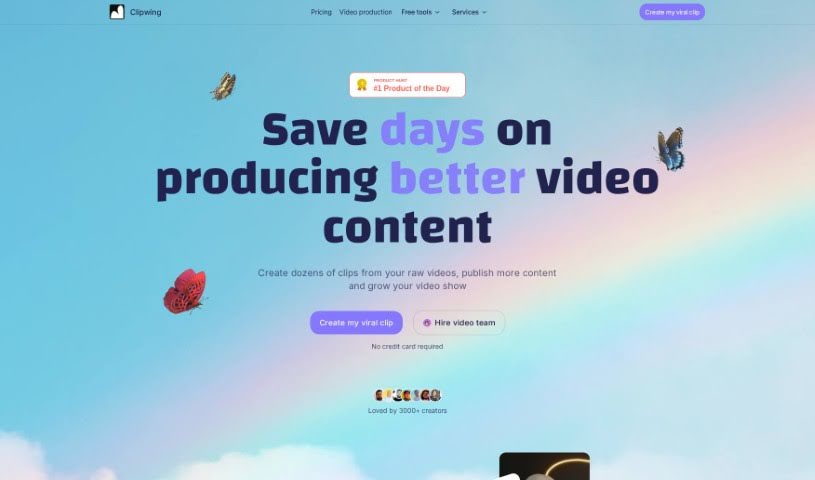
Clipwing is a handy video editing tool that uses AI to transcribe your videos and pinpoint the most interesting moments. You can then pick out specific segments and add engaging subtitles to make your videos pop. It's especially great for videos where people are talking, like podcasts, interviews, product demos, and lectures. Clipwing handles all sorts of video formats – landscape, portrait, and square. It can generate transcripts, highlight text to create clips, automatically focus on speakers, resize videos for different platforms, add subtitles, include soundtracks, and lets you create as many clips as you want. Right now, it works with English videos, and there's a free plan with a monthly video minute limit, plus subscription options for more features and storage.

Video Generation View Tool →

Stay Updated with AI Tools

Get weekly updates on the latest AI tools, trends, and insights delivered to your inbox

Join 25,000+ AI enthusiasts. No spam, unsubscribe anytime.