Top AI Text-to-Speech Tools

AI Tools for Text To Speech

Discover the best Text To Speech AI tools to enhance your productivity and creativity.

Page 7 of 8 • 93 total tools
Screenshot of Texttovoice

Texttovoice

Freemium

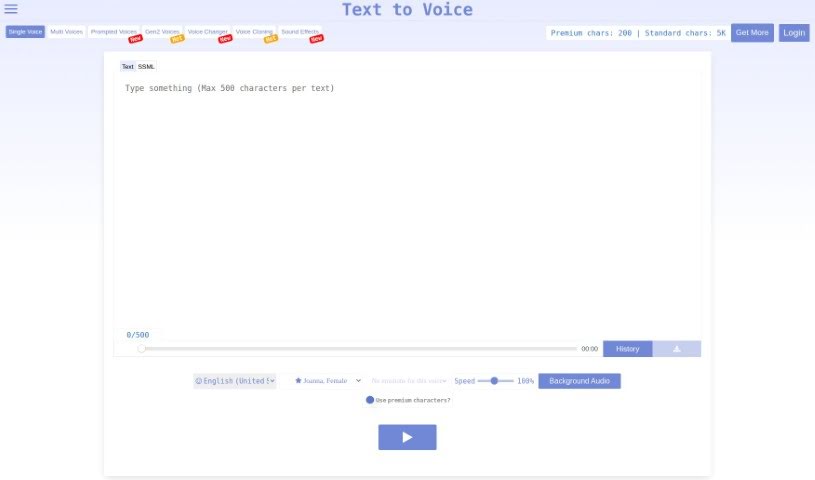
Text to Speech is an online tool that turns written text into spoken English using AI. It offers a variety of English voices, both male and female, each with different emotional tones. Its Generation 2 voices sound lifelike and capture emotion based on the text you enter. The interface is simple to use, letting you adjust playback speed and add background audio — a convenient way to create natural-sounding voiceovers.

Text To Speech View Tool →
Screenshot of TopMediai

TopMediai

Freemium

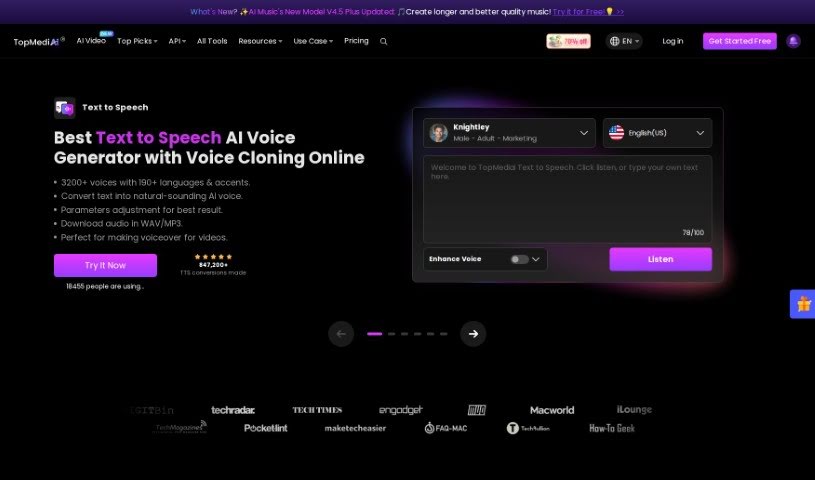
TopMediai is an online platform offering AI tools for content creators, aimed at improving efficiency on multimedia projects. Its toolset includes Voice Cloning, AI Song Cover generation, an AI Music Generator, a Voice Enhancer, AI Dubbing, a Vocal Remover, Speech to Speech conversion, a Voice Changer, an AI Art Generator, a Background Eraser, and a Watermark Remover.

Text To Speech View Tool →
Screenshot of TTS Reader

TTS Reader

Freemium

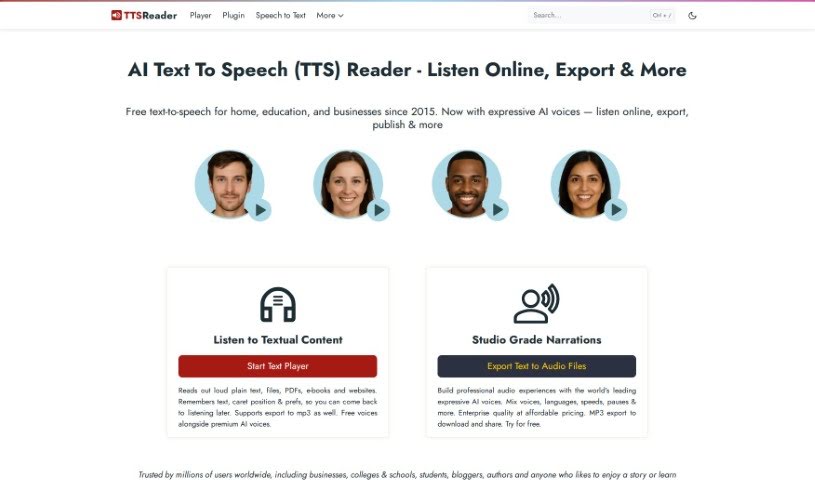
TTS Reader is a free text-to-speech tool that runs in modern browsers like Chrome, Firefox, and Safari. It supports multiple languages and accents, and Chrome users can access Google's high-quality voices. There is nothing to download and no login or account required — you can start listening immediately.

Text To Speech View Tool →
Screenshot of TTS Tool

TTS Tool

Freemium

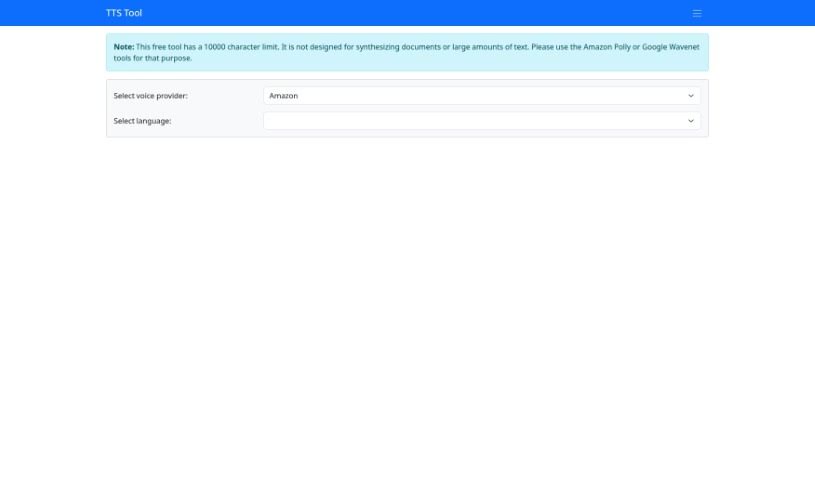
TTS Tool is a software application that converts written text into spoken words using speech synthesis technology. It reads text aloud accurately, which is useful if you prefer listening to content or find extended reading difficult. You can adjust the output by choosing different voices, changing the speech rate, and selecting from various languages.

Text To Speech View Tool →
Screenshot of TTSLabs

TTSLabs

Freemium

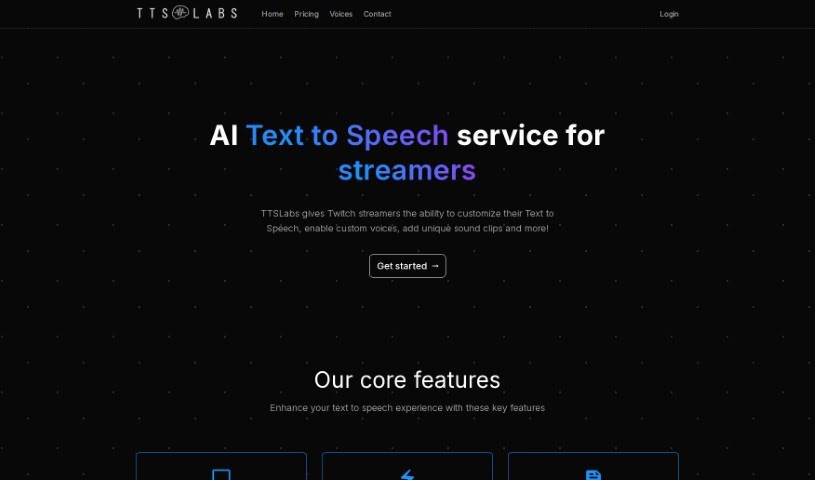
TTSLabs is a text-to-speech tool for streamers, offering custom voices and voice alerts through several subscription plans.

Text To Speech View Tool →
Screenshot of Ttsmaker

Ttsmaker

Freemium

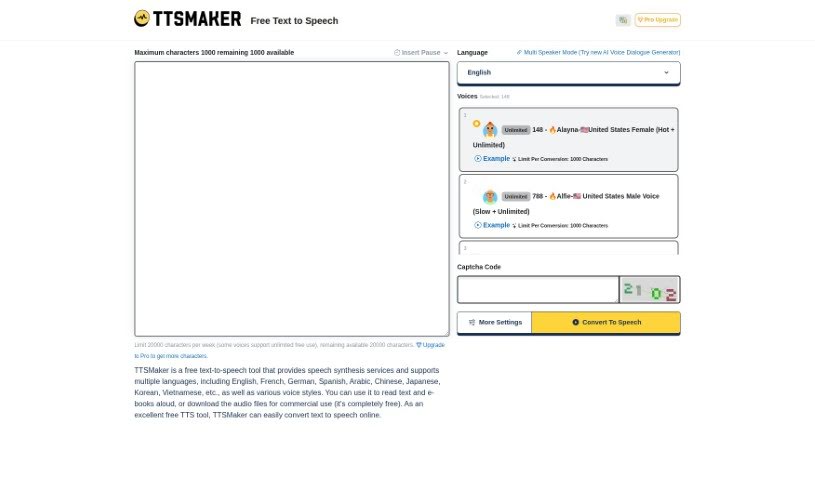
Ttsmaker is a free online tool that turns text into speech. It offers over 200 AI voices across a wide range of languages, including English, French, German, Spanish, Arabic, Chinese, Japanese, Korean, and Vietnamese, among others. You can choose from various voice styles to have your text or e-books read aloud, then download the resulting audio files.

Text To Speech View Tool →
Screenshot of ttsMP3.com

ttsMP3.com

Freemium

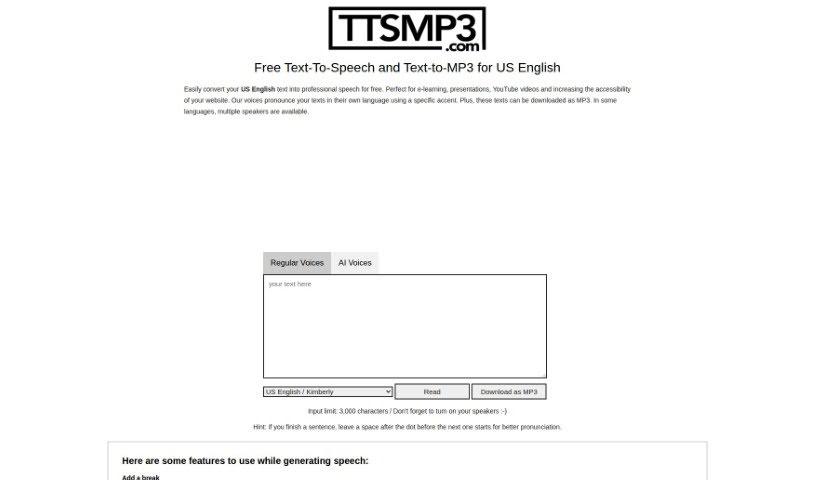
TtsMP3.com is a text-to-speech service that converts text into natural-sounding speech. It supports over 28 languages, including US English, and offers a variety of voices and accents. Converted speech can be downloaded as MP3 files.

Text To Speech View Tool →
Screenshot of Unmixr

Unmixr

Freemium

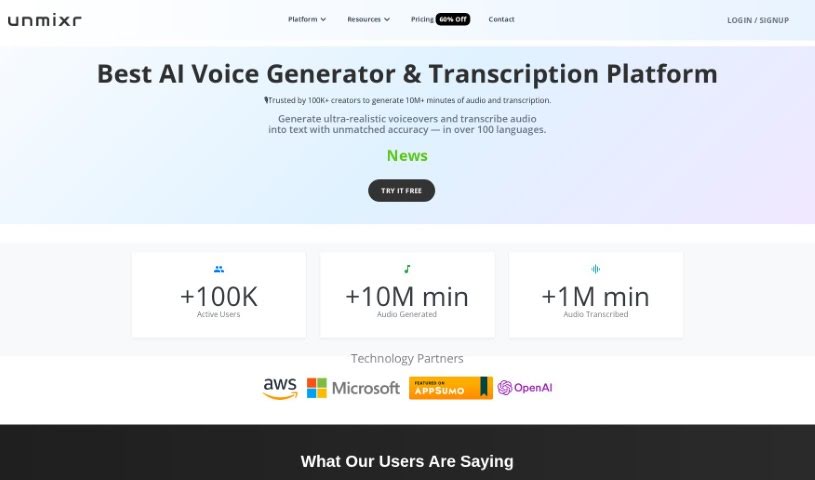
Unmixr is a suite of AI tools for content creators, combining AI voiceover, audio/video dubbing, AI chat, and copywriting in one platform. Its text-to-speech engine offers emotion-based voices with customizable speaking styles, pitch, and speaking rate — 1,000 AI voices across 104 languages and 155 accents. Transcription accuracy is reported at around 99%.

Text To Speech View Tool →
Screenshot of Unreal Speech

Unreal Speech

Freemium

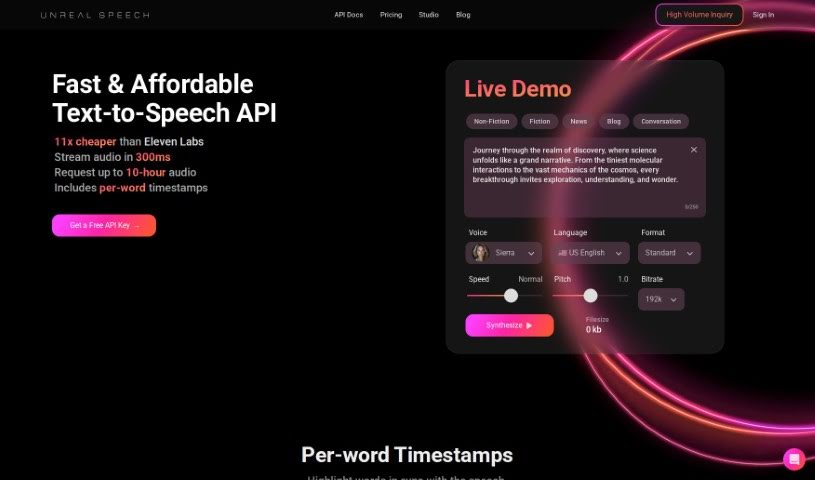
Unreal Speech is an affordable text-to-speech API. Compared to providers like Eleven Labs, Play.ht, Amazon, Microsoft, and Google, it offers a significantly lower price point — savings of up to 95% and a 4x cost advantage over the industry giants. It can convert up to 500,000 characters (about 10 hours of audio) in 15 minutes, and up to 500 characters in 0.3 seconds.

Text To Speech View Tool →
Screenshot of Verbatik

Verbatik

Freemium

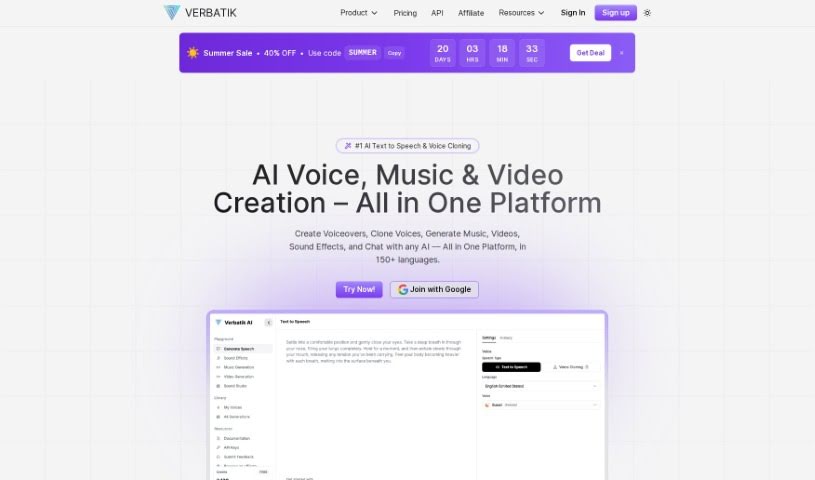
Verbatik is an AI platform specializing in text-to-speech and voice cloning. It offers voice generation in 142 languages and access to over 300 realistic text-to-speech voices for creating AI voiceovers. Voices can be customized by characteristics like gender and age, with control over pacing, tone, and emphasis. You can also layer in background music and ambient sound effects. The voice library is regularly expanded, with voices designed to sound accurate, natural, and human-like.

Text To Speech View Tool →
Screenshot of Veritone Voice

Veritone Voice

Freemium

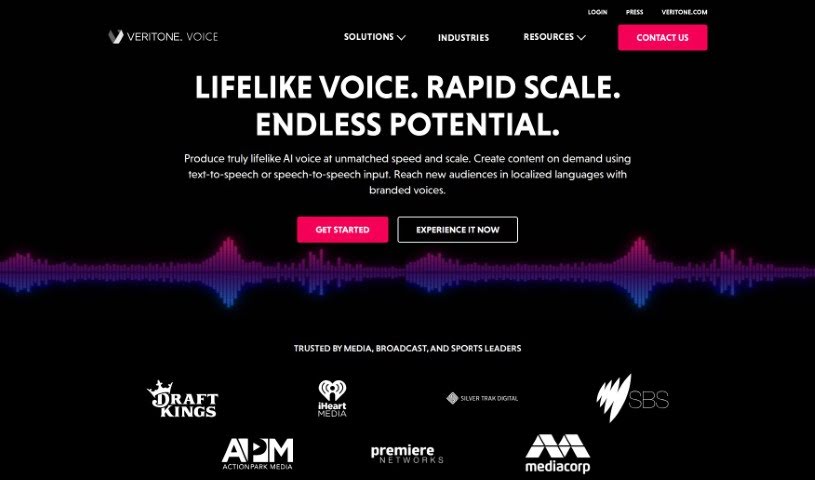
Veritone Voice is an AI solution for creating and managing realistic synthetic voices. It supports both text-to-speech and speech-to-speech conversion, building custom voice models that mimic specific vocal characteristics. With consent, you can clone voices — including those of well-known figures — and use them to produce content in many languages.

Text To Speech View Tool →
Screenshot of Voicemailcraft

Voicemailcraft

Freemium

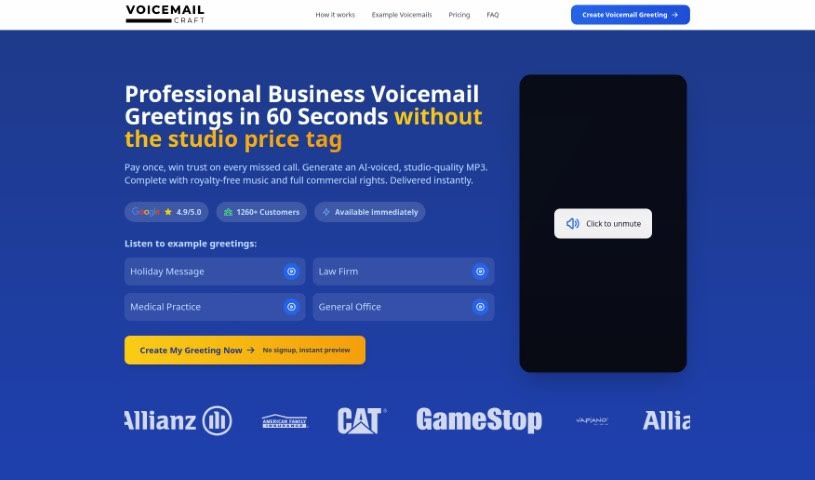
VoiceMailCraft is a platform for creating custom voicemail greetings with a personal touch, suited to both individuals and businesses. Features include an easy-to-use voicemail maker, text-to-speech conversion, male voice options, and AI-generated greetings. The goal is professional, tailored voicemail messages that sound like you or your brand, combining technology with a human feel.

Text To Speech View Tool →

About Text To Speech tools

Renting studio time, hiring voice talent, and spending hours recording or editing audio can quickly slow down your production schedule. Whether you need a crisp video voiceover, an audio version of a blog post for better accessibility, or natural narration for e-learning modules, turning scripts into quality audio takes time and money. Re-recording flubbed lines, fixing background noise, or waiting days for finished files drains momentum fast.

These text-to-speech platforms act as reliable studio assistants. They turn written text into natural-sounding voiceovers, speed up post-production, and make audio creation accessible without replacing human storytellers.

Lifelike Narration, Localization, and Text-Based Edits

Transforming written copy into lifelike narration used to require high-end microphones and soundproof rooms. Modern text-to-speech tools analyze punctuation, sentence structure, and context to deliver speech with realistic pacing, emphasis, and tone. Instead of listening to robotic monotones, you get fluid audio that sounds like a real person reading your script, making it ideal for podcasts, explainer videos, or training materials.

Expanding your content across global audiences gets much simpler, too. Recording the same script in multiple languages or regional accents normally requires hiring native speakers from around the world. AI voice platforms translate and narrate your text in dozens of languages while keeping a consistent voice identity, letting you reach international listeners without overspending your budget.

Updating existing audio content also becomes far less painful. When a product name, price, or script detail changes, traditional audio projects require re-booking talent and re-recording entire lines. With text-based audio editing, you simply update the words in your written draft, and the software generates fresh, seamless audio that matches the surrounding track.

Key Capabilities to Look For:

  • Realistic voice synthesis: Systems that generate lifelike speech with natural inflection, appropriate pauses, and customizable emotional tone.
  • Voice cloning and customization: Features that let you create custom digital voices or reproduce specific voice characteristics from short sample recordings.
  • Multi-language and dialect support: Tools that translate and render spoken text across dozens of languages with authentic regional accents.
  • Text-based audio editing: Controls that let you modify spoken audio tracks simply by editing the text transcript.
  • Commercial licensing and export options: Platforms offering high-resolution audio files with clear commercial rights for web, broadcast, or internal use.

Creating powerful audio content will always rely on clear scriptwriting, thoughtful direction, and compelling storytelling. Software can’t replace genuine human warmth or artistic performance, but handling routine voice generation and quick edits keeps your production running smoothly.

Take a look through the text-to-speech tools below to find the right assistant for your narration workflow.

The Best AI Text To Speech Tools

  1. ElevenLabs: Great for voiceovers for e-learning content.
  2. Speechify: Perfect for reading audiobooks seamlessly.
  3. NaturalReader: Helps enhance learning with spoken content.
  4. Narakeet: Use it to generate lifelike voiceovers for videos.
  5. 1Minai: Combines text-to-speech, transcription and image generation in one platform.
  6. Ttsmaker: Good for narrating e-learning content.
  7. tts MP3.com: Useful for voiceovers for multimedia projects.
  8. Top Mediai: Offers natural voice narration for videos.
  9. Murf.ai: Excellent for interactive e-learning narration.
  10. Fake You: Converts text to lifelike speech.
  11. Voicemaker: Provides dynamic voiceovers for educational apps.
  12. TTS Reader: Reads ebooks aloud for convenience.
  13. Speechgen.io: Enhances presentations with audio narration.
  14. Resemble AI: Offers real-time narration for audiobooks.
  15. ReadSpeaker: Provides accessible reading for diverse audiences.
New tools, in your inbox.

Weekly picks of the best AI tools we've researched and added — no spam, unsubscribe anytime.

Join 25,000+ AI enthusiasts. No spam, unsubscribe anytime.