What is NaturalReader?
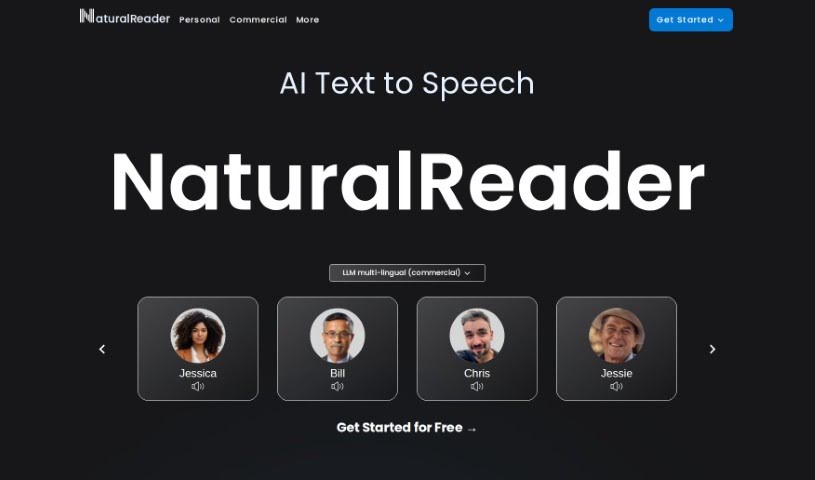
NaturalReader is a really versatile text-to-speech platform. It uses high-quality AI voices to turn your written text into spoken words, making it super handy for all sorts of things. You can use it online, through its mobile app, for schoolwork, or even for professional voice-overs. Whether you need a free text-to-speech service, a mobile app for when you’re out and about, or commercial licenses for your business, NaturalReader has plans to fit. They really focus on making the technology accessible and easy to use, no matter what device you’re on.
Who created NaturalReader?
NaturalReader comes from NaturalSoft Limited, the company that developed this text-to-speech platform with its great AI voices. While the founder’s name isn’t something they’ve shared, the company’s main goal is clear: to offer services that are both accessible and user-friendly for everyone – whether for personal use, education, or business. They offer free text-to-speech conversion, a handy mobile app, and options for commercial licensing. Essentially, NaturalReader aims to make reading easier for people and help businesses create professional voice-overs.
What is NaturalReader used for?
NaturalReader is incredibly versatile! Here are just some of the ways people use it:
- Content Creation: Make voiceover audio for your YouTube videos, produce training materials with AI voices, or generate audio for your eLearning courses. You can even create audiobooks with AI voices or produce voice-overs for commercial projects.
- Accessibility: It’s a fantastic tool for enhancing accessibility with text-to-speech applications, helping more people engage with written content.
- Voice Cloning: You can even clone voices using AI technology for specific projects.
- Format Support: It handles PDFs and many other formats for voice generation.
- Assistive Technology: It serves as a great assistive technology for anyone needing text-to-speech support.
- Instant Voice Cloning: Need a voice quickly? It offers instantaneous voice cloning.
- Business & Public Use: Use it in public or business settings for announcements or information.
- Improved Reading: It really helps improve the reading experience for both personal and educational users.
- Natural Voice-overs: Generate natural-sounding voice-overs for all sorts of projects.
- On-the-Go Access: The mobile app means you can use it anywhere.
- Educational Support: They offer group plans specifically for educational institutions.
- Core Functionality: At its heart, it converts written text into spoken words.
- Platform Versatility: It’s designed for online use, mobile apps, and educational settings.
- Commercial Use: Get commercial licenses for professional voice-over work.
- User Experience: It consistently improves the reading experience for personal and educational users.
- Project Versatility: Generates natural-sounding voice-overs for a wide range of projects.
- Device Accessibility: It’s accessible across different devices and platforms.
- Free Service: Offers a free text-to-speech service with AI voices.
- Mobile Convenience: The mobile app is great for on-the-go access.
- Group Plans: Provides group plans for educational institutions.
- Business Needs: Commercial licenses are tailored to business needs.
Who is NaturalReader for?
NaturalReader is a fantastic tool for a wide range of users:
- Educators
- Students
- Business professionals
- YouTubers
- Teachers
- ELearning professionals
- Audiobook Creators
- Trainers
How to use NaturalReader?
Getting started with NaturalReader is pretty straightforward. Here’s a simple breakdown:
- Accessing NaturalReader:
- You can head over to the NaturalReader website to use it online, or if you prefer on-the-go access, just download the mobile app from the App Store.
- Exploring the Features:
- Free Text-to-Speech: You can use the free text-to-speech services online, which come with AI voices.
- Commercial License: If you need it for professional voice-over work, you can get a commercial license.
- Education Plans: For schools and institutions, there are group plans designed specifically for educational needs.
- User-Friendly Interface: Whether you need an individual package, a group plan, or a commercial one, the interface makes it easy to access and tailor to your specific needs.
- Getting Started:
- It’s easy to begin! Just sign up for free to start using NaturalReader’s services without any initial cost.
- Quick FAQs:
- Who’s Behind It? NaturalSoft Limited is the company that created NaturalReader.
- Where to Download? You can get the mobile app from the App Store.
- Free Trial? Yes, you can try NaturalReader for free – no upfront payment needed.
- What Plans Are There? You can choose from plans for personal use, educational group plans, or commercial licenses.
- Key Features? Enjoy free text-to-speech conversion online, powered by AI voices.
By following these steps, you’ll be able to effectively use NaturalReader for all sorts of personal, educational, and commercial projects, thanks to its high-quality AI voices and user-friendly design.