What Exactly is Speechify?
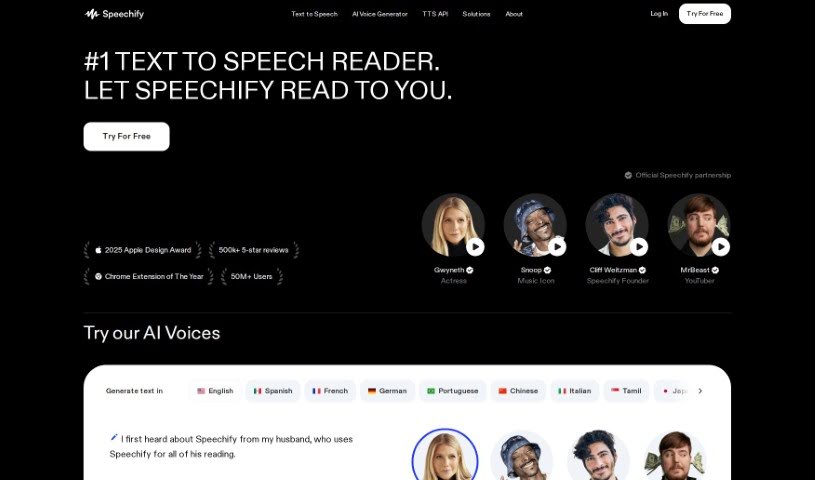
Speechify is a really handy text-to-speech app designed to help you get through PDFs, books, articles, emails, and so much more, but at a much quicker pace. It is a way to speed-read with your ears! This clever tool lets you listen to content while you’re busy doing other things – maybe you’re walking the dog, going for a run, or just tackling your daily chores. The person behind Speechify, Cliff Weitzman, actually has dyslexia. He created the app to help himself, and then others like him, read faster and actually remember what they’re reading. It’s pretty popular, too, with over 30 million people using it. One of its cool features is voice cloning, which lets you create your own personalized voice clones for listening.
So, Who Created Speechify?
Speechify was founded by Cliff Weitzman. The company’s whole focus is on text-to-speech technology, aiming to make it easier for everyone to consume written material through audio. Cliff himself is a Harvard dropout who decided to become an entrepreneur. He started Speechify with a clear goal: to make written content more accessible to absolutely everyone, especially those who might struggle with traditional reading, like people with learning disabilities. Speechify’s fresh approach has really caught people’s attention because of how it boosts productivity and improves accessibility, both in school and at work.
Who Can Benefit from Speechify?
This tool is a great fit for a wide range of people:
- Students: You can use text-to-speech to speed up reading for schoolwork, whether it’s PDFs, Google Docs, or textbooks for exam prep.
- Teachers: It can help you review materials or even create audio versions of lessons.
- Researchers: Quickly get through dense academic papers and studies.
- Writers: Listen back to your own work or research materials.
- Journalists: Stay on top of news articles and interview transcripts.
- Lawyers: Efficiently review legal documents and case files.
- Medical Professionals: Keep up with the latest research and patient notes.
- Marketers: Digest industry reports and competitor analysis.
- Business Executives: Listen to reports and articles during commutes or downtime.
- Librarians: Manage and review large volumes of text.
- Auditors: Process financial reports and compliance documents.
- Authors: Review manuscripts or research for your next book.
- Translators: Listen to source texts for better comprehension.
- Content Creators: Gather information and inspiration for your projects.
- Software Developers: Read documentation and technical articles.
How Do I Actually Use Speechify?
Getting started with Speechify is pretty straightforward. Here’s a quick rundown:
- Where You Can Use It: You can access Speechify across a bunch of platforms – iOS, Android, Chrome, Mac, and Microsoft Edge. And the best part? You only need one account for all of them.
- Reading Articles on the Go: If you’re on your computer, you can use the Speechify Chrome Extension to read an article. Once you’ve bookmarked it, you can easily switch to listening on your iPhone or Android device without missing a beat.
- Turning Text into Speech: Speechify is a really popular tool for converting text into spoken words. People all over the world use it to create audio versions of pretty much any text they need to read.
- Who It’s Great For: Speechify really shines for different kinds of users:
- Students: It’s fantastic for reading school materials faster, like PDFs, Google Docs, and textbooks, which really helps when you’re studying for exams.
- Professionals: You can save a ton of time by listening to work-related content while you’re commuting or even during a workout.
- Casual Readers: It’s a pleasure to just listen to your favorite books or even fan fiction.
- People with Learning Differences: If you have dyslexia, ADHD, or low vision, Speechify can be a real game-changer, helping you overcome reading hurdles.
- Extra Cool Features: Speechify also boasts some really advanced speech models. These were developed by a team of PhDs, so you’re getting top-notch technology that sounds incredibly natural.
By following these simple steps, you can really make the most of Speechify, using it on different devices and for all sorts of tasks to make your reading and listening experience so much better.