AI Text Generation Tools

AI Tools for Text Generation

Discover the best Text Generation AI tools to enhance your productivity and creativity.

Page 23 of 84 • 998 total tools
Screenshot of CypherChat

CypherChat

Freemium

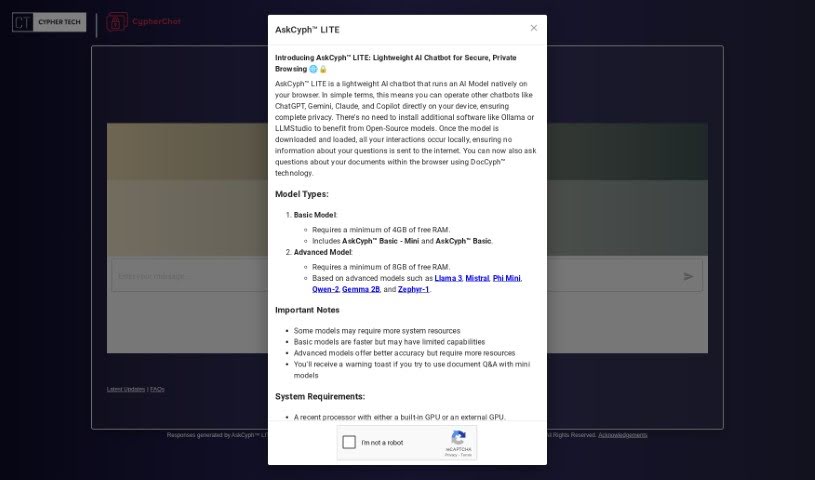
CypherChat is AskCyph™ LITE, an AI chatbot from Cypher Tech Inc. that runs an AI model directly in your web browser. Because the model runs locally on your device, no data is sent over the internet, and your questions stay private. The project's goal is to run AI capabilities on users' own devices rather than in the cloud.

Text Generation View Tool →
Screenshot of D-ID Video Translate

D-ID Video Translate

Freemium

Video Translate takes the audio from your videos and converts it into different languages. It makes video content accessible in your own language, either through subtitles or by translating the spoken words directly. This is useful for reaching international audiences, learning a new language, or simply watching videos in a language other than the original. The tool uses speech recognition and translation algorithms to make videos easier to understand regardless of the viewer's language.

Text Generation View Tool →
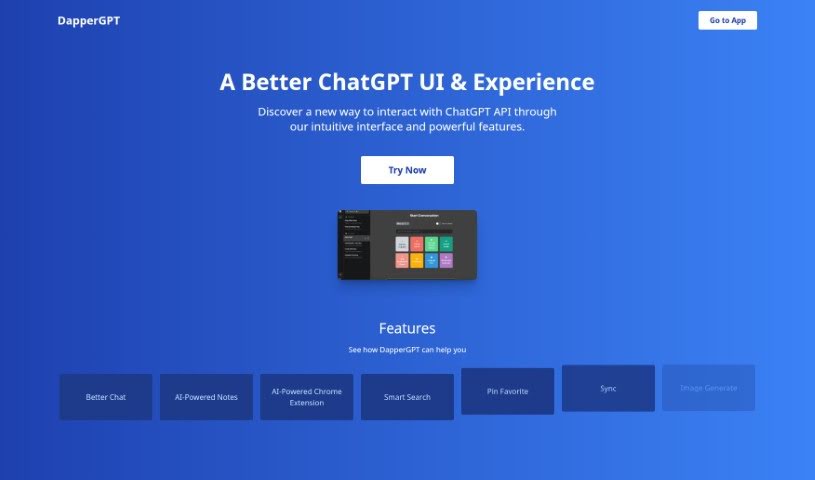
Screenshot of DapperGPT

DapperGPT

Freemium

DapperGPT is an AI chat tool that offers a smoother, more intuitive experience than standard ChatGPT. It includes features like 'Better Chat' for more dynamic conversations, AI-powered notes for capturing thoughts quickly, and a smart search function for finding information fast. You can personalize your experience by pinning favorite chats, and it also offers voice-to-text, text-to-voice, and image generation capabilities. It supports character instructions, prompts, and code generation for a range of content creation tasks.

Text Generation View Tool →
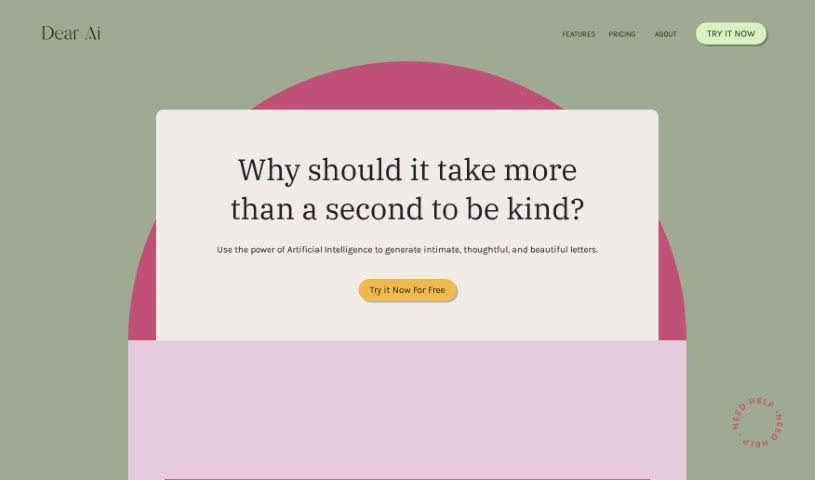
Screenshot of Dear Ai

Dear Ai

Freemium

Dear AI is a letter-writing assistant powered by artificial intelligence. It helps you create personalized letters for any occasion in moments, with a tone you can adjust to match your feelings. The platform blends speed and efficiency with a personal touch, and it also prompts reflection on how AI affects personal communication and relationships.

Text Generation View Tool →
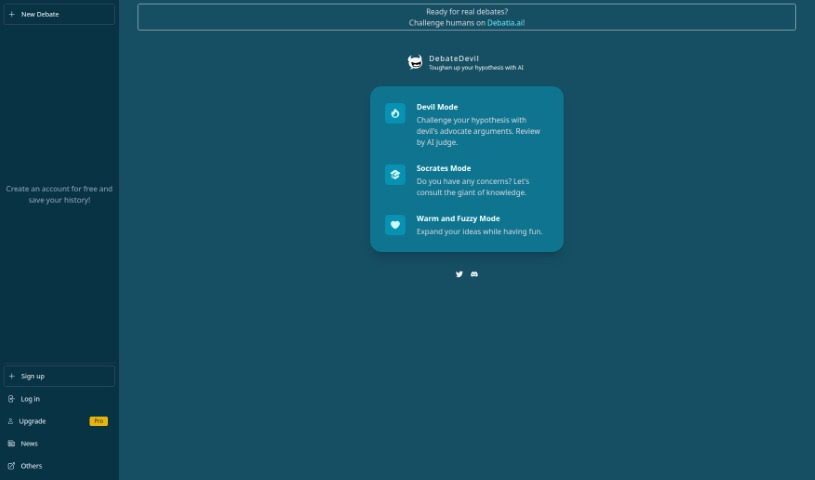
Screenshot of DebateDevil

DebateDevil

Freemium

DebateDevil is an AI chat platform built for debating ideas. It generates counterarguments and offers objective takes on a wide range of topics. Every conversation runs in one of three modes:

Text Generation View Tool →
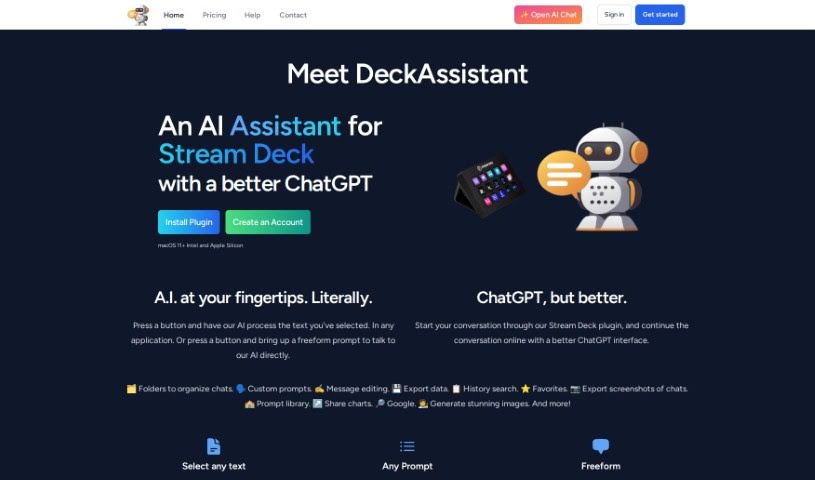
Screenshot of Deckassistant

Deckassistant

Freemium

DeckAssistant is a Stream Deck plugin that connects your Stream Deck to an AI assistant powered by ChatGPT. Select text in any application, press a button on your Stream Deck, and the AI processes it for you. A freeform prompt feature also lets you ask the AI questions directly.

Text Generation View Tool →
Screenshot of Decodeai

Decodeai

Freemium

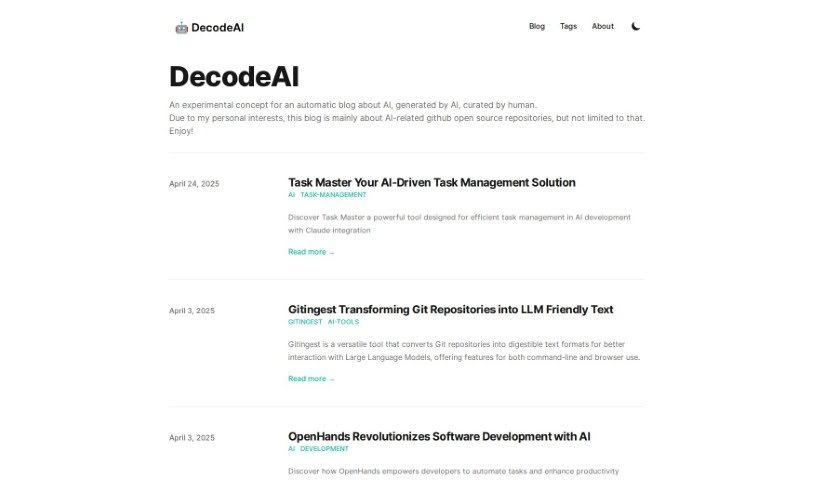
DecodeAI is a blog where artificial intelligence drafts the content and human editors refine each post before publication. It focuses on AI topics, with particular emphasis on open-source AI software repositories on GitHub.

Text Generation View Tool →
Screenshot of DeepAI

DeepAI

Freemium

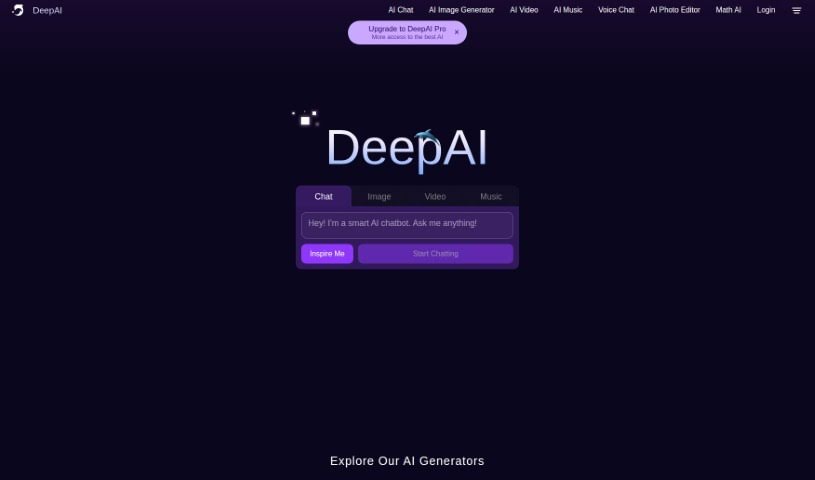
DeepAI is a platform that brings together a variety of AI technologies and APIs, including a Text To Image - AI Image Generator API. This API lets you type in a text prompt, and the AI turns it into a unique image. You can pick different styles for your creations, such as cute creatures, fantastical worlds, or cyberpunk looks. Generated images can be downloaded and used for commercial projects. While the images may not be perfectly photorealistic, you can tweak and improve them. The API works with many programming languages, and there are various pricing options depending on usage. DeepAI Pro subscribers get access to additional features and more styles for image generation.

Text Generation View Tool →
Screenshot of DeepAI AI Text Generator

DeepAI AI Text Generator

Freemium

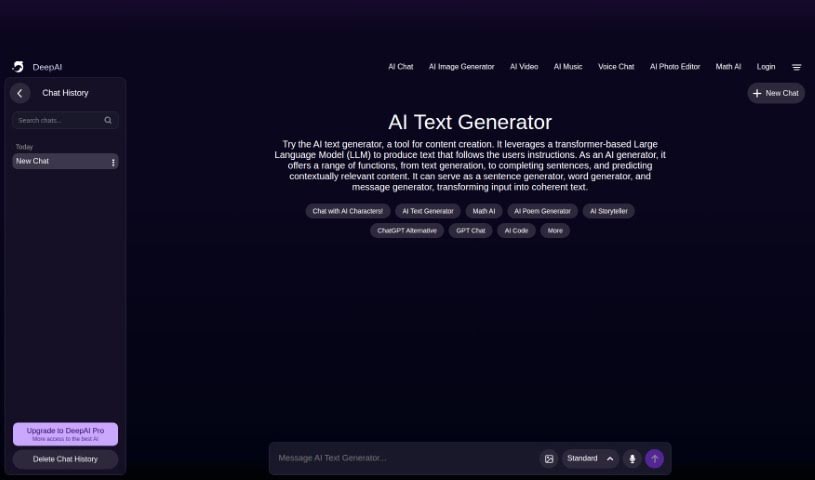
DeepAI's AI Text Generator is a writing assistant built on a Large Language Model (LLM) that uses transformer technology. It can write new content from scratch, finish sentences, or predict what text should come next based on your input, turning instructions into coherent writing.

Text Generation View Tool →
Screenshot of DeepBeat

DeepBeat

Freemium

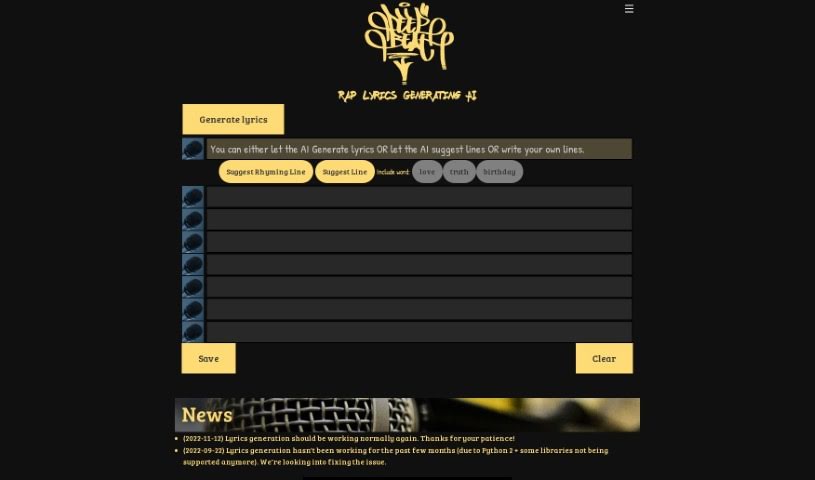
DeepBeat is a program that uses machine learning to create new rap lyrics by combining lines from existing rap songs so that they rhyme and make sense together. It was developed by Eric Malmi, Stephen Fenech, and Pyry Takala and launched on November 6, 2015. The underlying technology is described in their research paper, "DopeLearning: A Computational Approach to Rap Lyrics Generation."

Text Generation View Tool →
Screenshot of Deepchat

Deepchat

Freemium

Deep Chat is an open-source chat component for communicating with a wide range of AI APIs. Connect it directly to popular AI service providers or link it to your own servers. The source code is available on GitHub, the component is highly customizable, and its design supports future AI services as they emerge. It was developed by Ovidijus Parsiunas.

Text Generation View Tool →
Screenshot of Deeper

Deeper

Freemium

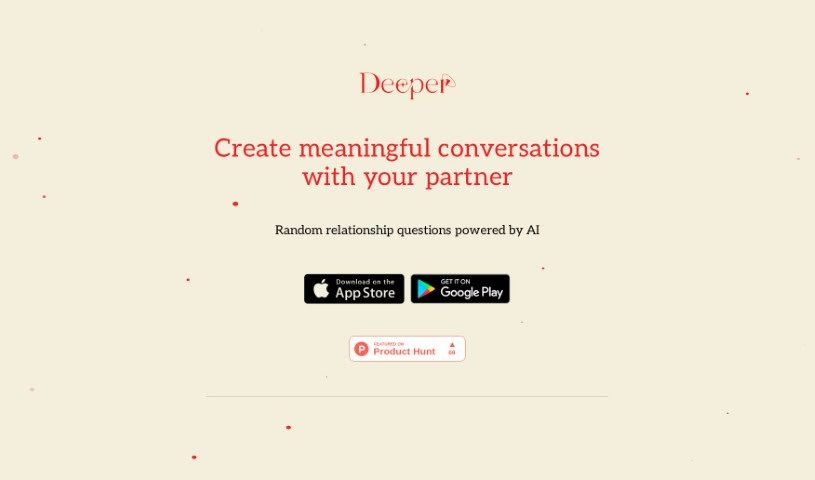
Deeper: Relationship Questions is a mobile app that generates random relationship questions using OpenAI's GPT-4 model. Its goal is to improve communication between partners by encouraging more meaningful conversations through a wide variety of questions. The app is available on the App Store (iOS) and Google Play Store (Android).

Text Generation View Tool →

About Text Generation tools

Staring at a blinking cursor while trying to draft marketing copy, outline a blog post, or clear out an inbox can quickly drain your creative energy. Whether you’re scaling up content for a business, drafting social posts across multiple platforms, or summarizing dense reports, putting thoughts into polished words takes hours of focused effort. It’s easy to waste time wrestling with sentence structure and writer’s block when deadlines loom.

These text generation tools act as flexible writing partners. They don’t replace human creativity or pump out generic filler, but they help you draft initial ideas faster, rephrase existing copy, and maintain a consistent voice across all your written work.

Drafting Outlines, Content Repurposing, and Tone Tweaks

Starting a new project from scratch is often the slowest part of any writing task. Smart text generators take brief prompts or rough notes and build structured outlines, introductory paragraphs, or complete section drafts in seconds. Instead of staring at an empty page, you get a working draft that gives you something concrete to edit and refine.

Converting one piece of content into multiple formats becomes far simpler, as well. AI text tools allow you to quickly turn a long-form article into catchy social media snippets, email newsletter updates, or brief summaries. You can easily adjust length and formatting to fit different platforms without rewriting the core message from scratch every time.

Refining tone and keeping your style consistent across projects gets much easier, too. Matching the right tone for different audiences can be tricky when managing multiple brands or client accounts. Modern text assistants let you adjust text to sound formal, casual, persuasive, or authoritative with quick prompts—helping clean up awkward phrasing and keeping messaging clear.

Key Capabilities to Look For:

  • Tone and style controls: Settings that let you adjust casual, formal, or persuasive writing tones to match your brand voice.
  • Multi-format templates: Pre-built frameworks designed for specific content types like blog outlines, ad copy, emails, and social posts.
  • Long-form context retention: Features that allow tools to maintain consistent logic and context across longer articles and reports.
  • Summarization and rewriting: Tools that help shorten long documents, expand bullet points, or rephrase paragraphs while keeping the original meaning intact.
  • Multi-language generation: Software that can write, translate, and adapt content across several languages without losing nuance.

Great writing will always depend on your personal perspective, critical thinking, and unique voice. Software cannot replicate true human empathy or replace your subject matter expertise. But letting smart tools handle routine drafting, rephrasing, and formatting gives you back the time and mental energy needed to sharpen your core message.

Explore the text generation tools below to find the right assistant for your writing workflow.

The Best AI Text Generators

  1. ChatGPT: Great for creative writing prompts.
  2. Google Translate: Useful for quickly translating generated text snippets.
  3. DeepSeek: Good for generating creative content for writers.
  4. Gemini: Helps with original story creation for writers.
  5. Claude: Excellent for creative writing and content generation.
  6. Grok: Ideal for generating creative storytelling prompts.
  7. Microsoft Copilot: Helps create engaging marketing content.
  8. DeepL Translate: Offers seamless content translation and generation.
  9. DeepAI: Lets you create custom content from prompts.
  10. Meta AI: Provides creative story prompts for writers.
  11. Chat Blackbox: Helps craft creative content quickly.
  12. Monica: Makes creating engaging blog posts easy.
  13. Papago: Acts as a creative content generation assistant.
  14. Sider: Offers professional content creation assistance.
  15. Humanize AI: Helps you craft engaging content effortlessly.
New tools, in your inbox.

Weekly picks of the best AI tools we've researched and added — no spam, unsubscribe anytime.

Join 25,000+ AI enthusiasts. No spam, unsubscribe anytime.