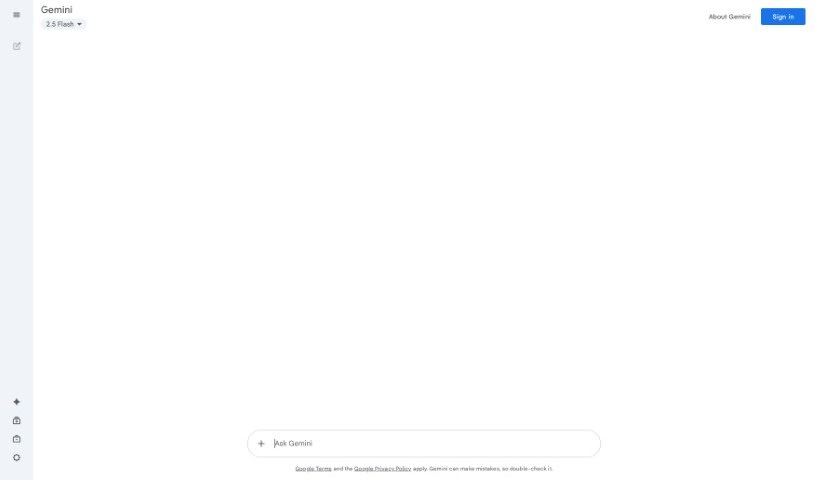
Screenshot of Gemini

Gemini

Learn what Gemini is and how to use it effectively in (2025). Explore its features and how it compares with other Chatbots.

Google Gemini has rapidly gained traction as a leading AI platform, garnering 139.40 million total visits in February 2025. This impressive figure really highlights its growing popularity and influence in the AI space.

Users are particularly drawn to Google Gemini for its ability to boost workflow productivity through intelligent search, content creation, coding assistance, data analysis, and so much more.

Its seamless integration into popular Google products like Google Docs, Gmail, and Google Search makes it really accessible and convenient for both individuals and businesses alike.

What Exactly is Google Gemini?

Google Gemini is Google’s AI chatbot, and it was previously known as Google Bard. It’s really positioned as a strong alternative to other AI chatbots out there, like ChatGPT.

You can access Gemini for free simply by signing in with your Google account on the Gemini website or through its mobile app on both Android and iOS.

To use Gemini, you just type or speak your questions or prompts into the chat bar. You can also upload images if you want to ask questions about them. Gemini will then analyze your input and generate a relevant response for you.

Who Created Gemini?

Gemini was created by Google, and its development was a really large-scale collaborative effort across multiple Google teams. This included teams from Google Research and Google DeepMind.

The very first version of Gemini, called Gemini 1, was released in December 2023. This version positioned it as a powerful multimodal AI model, meaning it was capable of understanding and generating text, images, audio, and video.

It serves as the successor to Google’s earlier chatbot, Bard, which was then rebranded to Gemini in early 2024.

What is Gemini Used For?

Gemini is an AI made by Google, and it helps people with a lot of different tasks. It can understand and create text, images, audio, and video, which makes it very useful in many areas.

People use Gemini for things like:

  • Answering questions (think of it like a really smart helper).
  • Writing emails, stories, blogs, and a whole lot more.
  • Learning new things or studying.
  • Helping with code and programming.
  • Summarizing long texts or documents so you can get the gist quickly.
  • Creating images or designs.
  • Understanding videos or voice messages.
  • Helping with tasks both in school and at work.

Who Can Use Gemini?

Honestly, anyone can use Gemini! This includes:

  • Students: They can use it to study, do homework, write essays, and learn new topics.
  • Professionals: It really helps with writing emails, creating reports, summarizing documents, and generally improving productivity.
  • Creatives: Writers, artists, and designers can use Gemini to brainstorm ideas, write stories, and create visual content.
  • Developers: Programmers can get help with writing code, fixing errors, and learning programming languages.
  • Everyday Users: Anyone can use Gemini to ask questions, learn something new, plan activities, or just get quick help with everyday tasks.

Different Models of Gemini

Google has released several versions of Gemini, and each one is designed for different devices and uses. These models have different levels of power and abilities, so you can pick the one that best suits your needs.

Gemini 1

This was the very first version, and it was launched in December 2023. It actually came in three different sizes:

  • Gemini Nano: This one is small and light, specifically made to run on phones and other small devices.
  • Gemini Pro: This is more powerful and is used for many tasks on the web and within apps.
  • Gemini Ultra: This is the most advanced version, designed for really complex tasks and professional use.

Gemini 1.5

Launched in February 2024, Gemini 1.5 is a really well-balanced model that’s designed for everyday tasks. It supports multimodal input, which means it can handle different types of data, and it delivers strong performance while still being cost-effective.

Gemini 2.0 Flash-Lite

This was introduced as a lighter and more affordable version of 2.0 Flash. This model is really optimized for speed and scalability.

It can handle audio, image, video, and text input. Plus, it features a massive 1 million token context window, which makes it ideal for applications that need low-latency and high-efficiency.

Gemini 2.0 Flash

Officially released on February 5, 2025, Gemini 2.0 Flash is Google’s most advanced multimodal model.

It supports complex inputs, including audio, images, video, and text. It’s built for demanding use cases like code generation, file analysis, and real-time interaction.

Is Gemini Free to Use?

Yes, Google Gemini is free to use for individuals who are 18 and over and have a personal Google account. It’s also available for those with a Google Workspace account, provided their administrator has enabled access to Gemini.

For those who are looking for enhanced capabilities, Gemini Advanced is available through the Google One AI Premium subscription. This costs $19.99 per month and includes a one-month free trial.

This subscription gives you access to more advanced AI models, priority access to new features, and additional benefits like 2 TB of Google One storage.

How is Gemini Different from ChatGPT?

Here’s a table that really highlights the key differences between Google Gemini and OpenAI ChatGPT:

| Feature | Google Gemini

Related AI Tools

Discover more tools in similar categories that might interest you

Stay Updated with AI Tools

Get weekly updates on the latest AI tools, trends, and insights delivered to your inbox

Join 25,000+ AI enthusiasts. No spam, unsubscribe anytime.