AI Project Management Tools

AI Tools for Project Management

Discover the best Project Management AI tools to enhance your productivity and creativity.

Page 6 of 21 • 251 total tools
Screenshot of Endurance

Endurance

Freemium

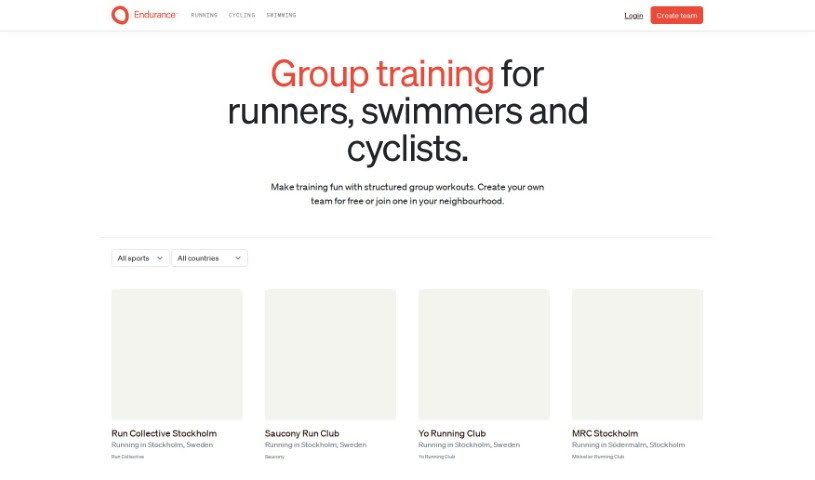
Endurance is a training platform for endurance athletes — runners, swimmers, and cyclists. It works as a marketplace for group training sessions: you can create a team, invite friends, or open it to people in your local community. Workouts are structured and shared through scheduling tools that adapt to each member based on their heart rate and pace zones. The goal is to build motivation, accountability, and enjoyment of health and wellness goals through training together.

Project Management View Tool →
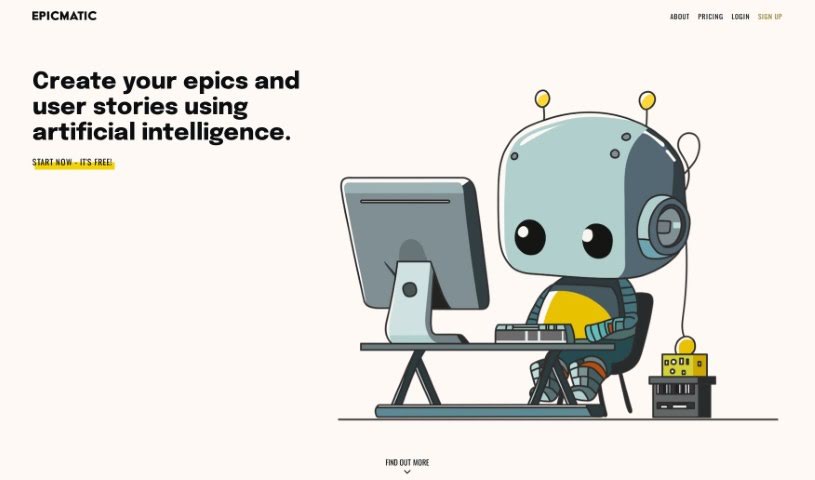
Screenshot of Epicmatic

Epicmatic

Freemium

Epicmatic is an AI-powered tool for creating agile epics and user stories. It helps teams organize and prioritize work, and adjust as project requirements change. The interface is clean and minimalist, with an AI assistant that supports task creation alongside several navigation options.

Project Management View Tool →
Screenshot of EpicTopia AI

EpicTopia AI

Freemium

EpicTopia AI blends artificial intelligence with personal development. The app helps you track different life paths you're on, offering AI-powered action plans, visual progress tracking, and prompts for self-reflection. Its goal is to support personal growth through a thoughtful, strategic approach to reaching your goals. For partnership or investment inquiries, contact [[email protected]](/cdn-cgi/l/email-protection#79111c151516391c09101a0d16091018571a1614).

Project Management View Tool →
Screenshot of EstimateAI

EstimateAI

Freemium

EstimateAI is a time management tool that uses artificial intelligence to generate accurate estimates for how long tasks will take, tailored to each user. It requires no technical expertise and is built for freelancers, startups, and large companies alike. The core idea is smoother task management through precise time estimates, with data kept safe and private to support reliable decisions and better team productivity.

Project Management View Tool →
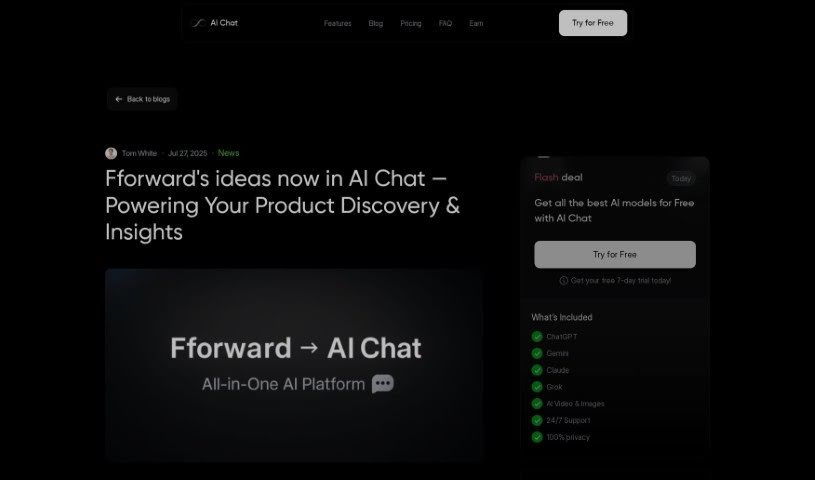
Screenshot of Fforward

Fforward

Freemium

Fforward was an AI product copilot designed to help users spot hidden assumptions, plan experiments, and create key product documents such as story maps, opportunity trees, and PRDs. A central feature was the Weekly Product Review, a shared working session meant to keep work on track and maintain accountability. The service was free to use while it was active.

Project Management View Tool →
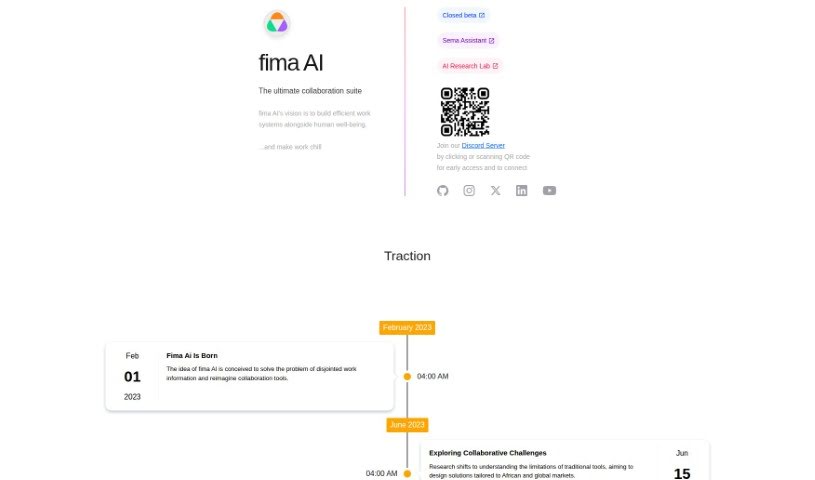
Screenshot of Fima Ai

Fima Ai

Freemium

Fima AI is a collaboration suite designed to boost team productivity and simplify workflow management. It brings chat, collaborative document editing, project management, video calls, and a whiteboard together in a single place. The platform works for teams of all sizes, with flexible pricing that starts with a free plan and goes up to custom solutions for businesses. Standout features include instant messaging, connections with other tools you already use, and access to over 100 templates to help projects get off the ground quickly.

Project Management View Tool →
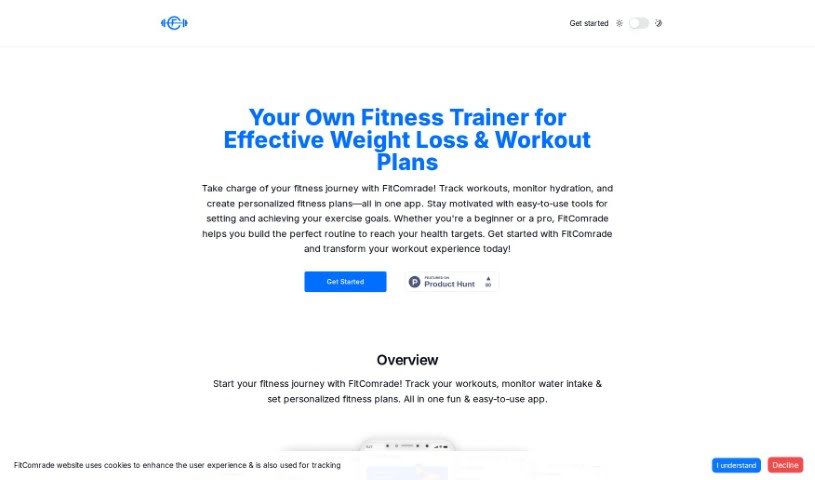
Screenshot of FitComrade

FitComrade

Freemium

FitComrade is a mobile fitness app that combines workout tracking with a range of supporting tools. It includes an Exercise Encyclopedia with over 1,300 exercises, a Custom Workout Planner, a Nutrition Logger, and a Water Tracker. AI-powered exercise suggestions and mental wellness support are also part of the app, with additional AI-driven personalization features planned.

Project Management View Tool →
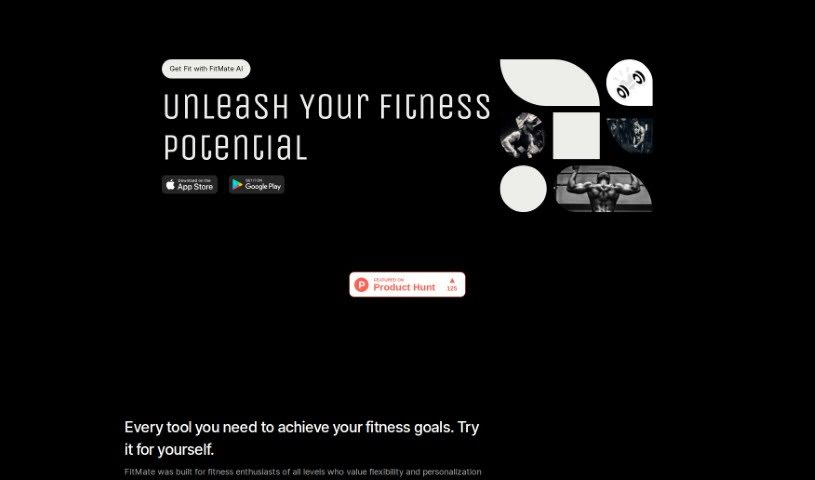
Screenshot of FitMate AI

FitMate AI

Freemium

FitMate is a free fitness app built for people who want flexibility and personalized workout plans. It offers tailored workouts, a large exercise library, on-the-fly workout creation, progress tracking, and strong privacy protection — all workout data stays private and is never shared. No signup or account is required: download the app from the App Store and start exercising right away.

Project Management View Tool →
Screenshot of Flexberry AI Assistant

Flexberry AI Assistant

Freemium

Flexberry AI Assistant is a software tool that helps business analysts and UI/UX designers work more efficiently. It uses artificial intelligence to handle routine tasks such as text analysis and the creation of mockup forms, SQL scripts, and UML diagrams. Its features can be customized to fit a company's needs, whether for analysis, design planning, or preparing project documentation. Professionals can use it to quickly build prototypes and minimum viable products (MVPs) that follow industry standards, improving productivity and streamlining the solution development process.

Project Management View Tool →
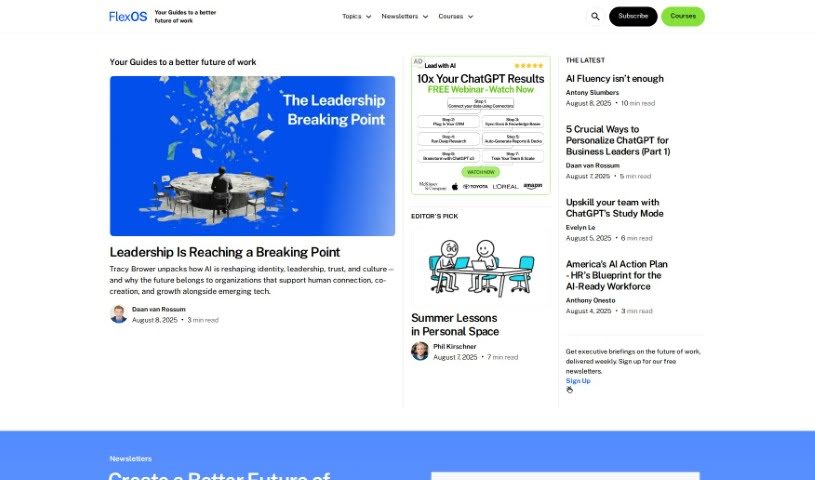
Screenshot of FlexOS

FlexOS

Freemium

FlexOS is an AI-powered project management tool that breaks large projects into smaller, manageable tasks. You can download to-do lists, set timelines, and assign work to team members. Tasks are structured to meet SMART criteria — Specific, Measurable, Achievable, Relevant, and Time-bound — and the tool offers productivity tips such as the Two-Minute Technique. No sign-up or registration is required: visit the FlexOS website and start planning. FlexOS supports team collaboration by letting you monitor progress and adjust tasks, and it works alongside other task trackers and project planning tools.

Project Management View Tool →
Screenshot of Floutwork

Floutwork

Freemium

Floutwork is an all-in-one desktop productivity app for macOS and Windows, designed with freelancers in mind. It combines tasks, calendar, email, goals, notes, and time tracking in a single interface. Web apps can also be opened directly inside Floutwork, keeping your entire workflow in one place.

Project Management View Tool →
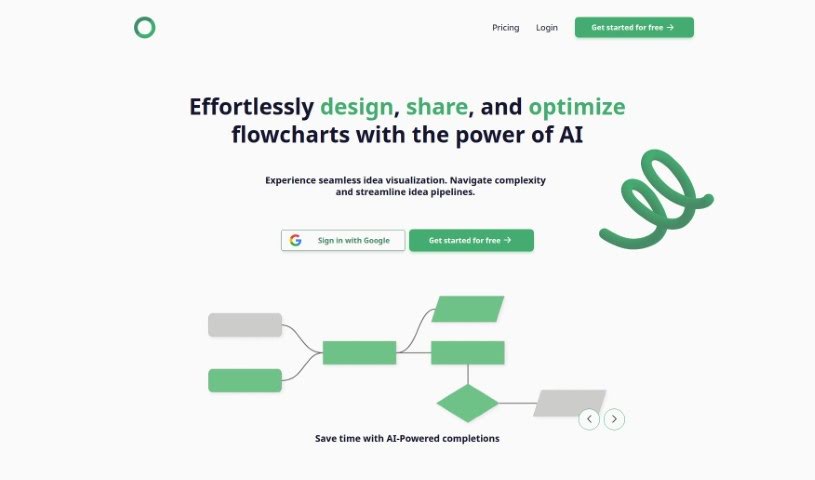
Screenshot of Flowsage

Flowsage

Freemium

Flowsage is a platform for designing, sharing, and optimizing flowcharts. It combines AI-powered smart completions, real-time collaboration, flowchart refinement tools, and built-in project management in a single workspace.

Project Management View Tool →

About Project Management tools

Keeping a complex project moving when team deadlines shift and task dependencies get tangled is a constant juggling act. (I once spent two full hours updating Gantt chart dependencies after a developer went on sick leave, only to realize I’d pushed three client deliverables into the wrong week.) Between tracking status updates, reallocating team workloads, summarizing status meetings, and hunting down missing deliverables, administrative upkeep drains your day. When managing the project board takes more time than guiding the actual work, staying on schedule gets tough.

These AI platforms act as high-speed operations assistants for project managers, Scrum masters, operations leads, and team coordinators. They handle routine status tracking, predict scheduling bottlenecks, and generate clear project reports in seconds so you can focus on leading your team.

Automating Updates, Timeline Risks, and Action Items

Automating routine status tracking and project updates keeps your team focused on real work. Sifting through dozens of Slack messages or checking individual board cards just to build a weekly progress update eats up valuable time. Smart project assistants read team activity across your workspace, pull out completed milestones, and draft concise status reports for stakeholders automatically.

Predicting timeline risks and balancing team workloads prevents burnout before deadlines hit. Trying to spot hidden scheduling overlaps or resource bottlenecks across multiple simultaneous projects can feel overwhelming. AI scheduling engines analyze task durations, evaluate historical team velocity, and flag potential delays early, giving you room to adjust assignments before a crunch happens.

Synthesizing meeting action items and updating task boards keeps everyone aligned after every call. Listening through recorded syncs or reading raw transcripts just to assign follow-up tasks manually takes unnecessary effort. Intelligent meeting tools pull out key decisions, create new task cards on your project board, and tag the right team members automatically, ensuring nothing falls through the cracks.

Key Capabilities to Look For:

  • Automated status report generation: Systems that scan workspace activity to draft progress updates and executive summaries.
  • Predictive timeline and risk analysis: Software that evaluates team capacity and task dependencies to flag potential project bottlenecks early.
  • Natural language task creation: Tools that let you create, assign, and schedule tasks by typing plain English commands or uploading call transcripts.
  • Workload and resource balancing: Features that track team bandwidth across projects to prevent over-allocation and burnout.
  • Cross-platform workspace integration: Connectors that sync tasks seamlessly across apps like Jira, Asana, Trello, Slack, and email.

Successful project management will always depend on personal leadership, clear communication, and keeping people motivated. Software can update a board, predict a delay, or draft a status summary, but guiding a team through unexpected changes requires human empathy and judgment.

Take a look through the tools below to find the right project management helper for your team.

The Best AI Project Management Tools

  1. Odoo: for making team collaboration on tasks easier.
  2. N8N: for automatically updating project tools.
  3. Servicenow: for smoother project tracking and reporting.
  4. Whimsical: for simplifying project planning tasks.
  5. Mermaid Chart: for creating visual project timelines.
  6. Pitch: for getting real-time team updates and tracking progress.
  7. Git Mind: for making project timelines and tasks run more smoothly.
  8. Motion: for better team task coordination.
  9. Mindmap: for visualizing project milestones and tasks.
  10. Contra: for managing projects and contracts without a hitch.
  11. Creately: for real-time project tracking and updates.
  12. Spike: for making team communication effortless.
  13. Sintra: for simplifying how team tasks are assigned.
  14. Reclaim AI: for fitting project tasks into your calendar.
  15. Lucid: for managing project timelines and workflows.
New tools, in your inbox.

Weekly picks of the best AI tools we've researched and added — no spam, unsubscribe anytime.

Join 25,000+ AI enthusiasts. No spam, unsubscribe anytime.