Top AI Productivity Tools

AI Tools for Productivity

Discover the best Productivity AI tools to enhance your productivity and creativity.

Page 93 of 108 • 1290 total tools
Screenshot of Tabmate

Tabmate

Freemium

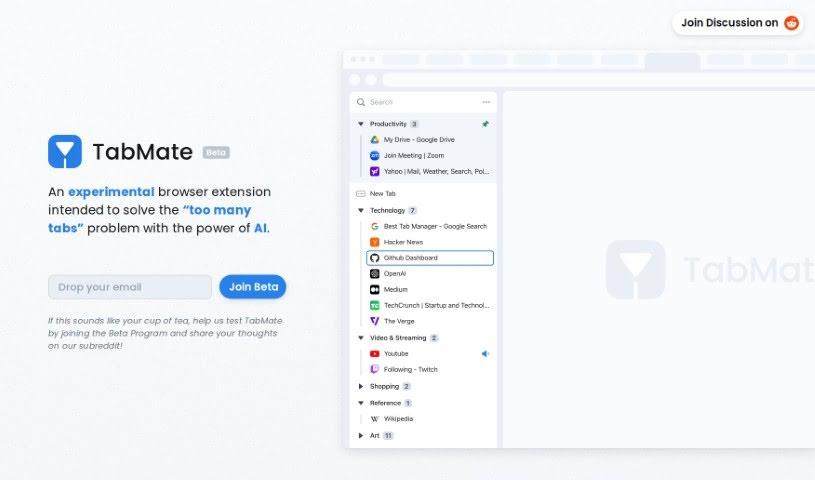
TabMate is a browser extension that uses AI to manage large numbers of tabs. Once installed in Google Chrome or another Chromium-based browser — such as Edge, Brave, or Vivaldi — it automatically sorts and categorizes your open tabs as you browse, with no manual effort required. You can customize how it organizes tabs, or arrange them yourself if you prefer.

Productivity View Tool →
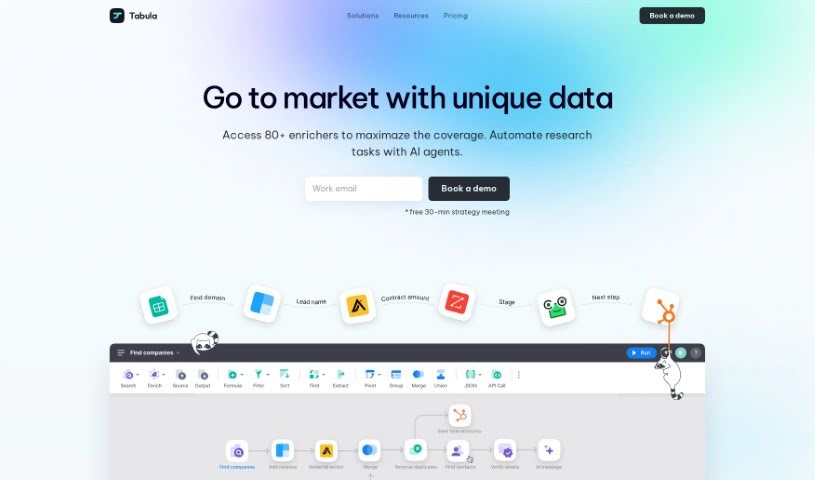
Screenshot of Tabula

Tabula

Freemium

Tabula is an AI-powered platform for data transformation and visualization, built for business and data teams. It makes data analysis accessible without advanced coding skills and combines information from different areas — such as sales and product data — to give a complete picture of the business.

Productivity View Tool →
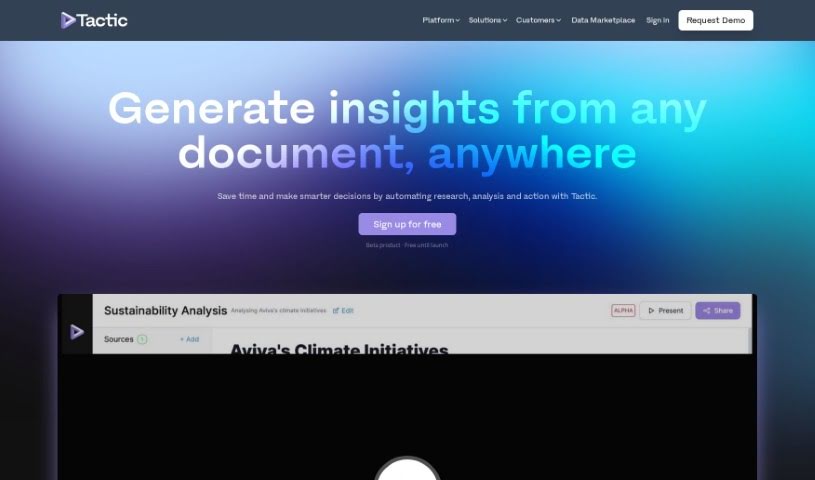
Screenshot of Tactic

Tactic

Freemium

Tactic is an AI app builder designed to help teams work with data more efficiently. Its core capabilities include importing data, extracting key information from unstructured text, creating data visualizations, and connecting different information sources through integrations.

Productivity View Tool →
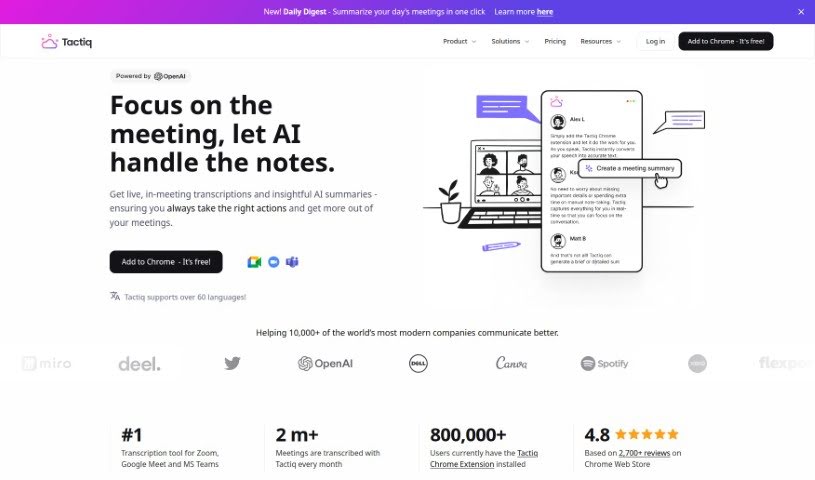
Screenshot of Tactiq

Tactiq

Freemium

Tactiq is a Chrome extension that transcribes meetings in real time on Google Meet, Zoom, and MS Teams. It works without recording audio and labels who said what, producing an accurate live transcript of the conversation.

Productivity View Tool →
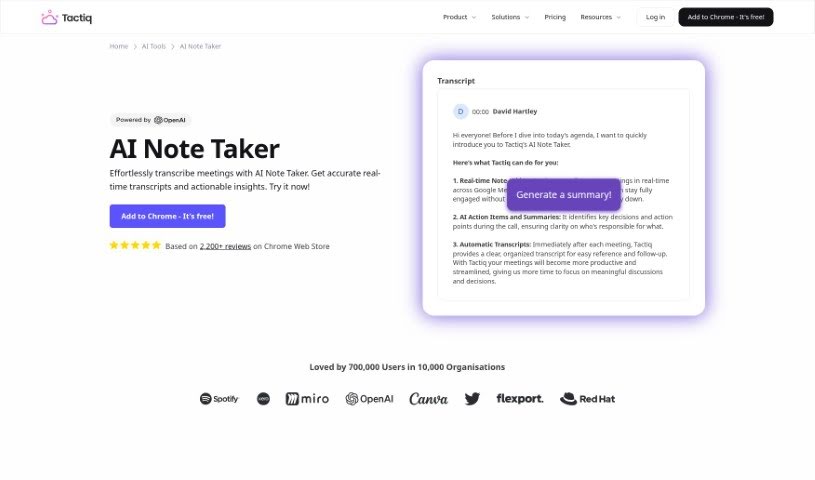
Screenshot of Tactiq AI Note Taker

Tactiq AI Note Taker

Freemium

Tactiq AI Note Taker is an AI-powered tool that transcribes meetings in real time, generates AI summaries, and suggests action items. It works with popular meeting platforms including Google Meet, Zoom, and Microsoft Teams, so you get accurate notes without manual typing. Tactiq also offers AI prompts designed to help you get more out of your meeting notes and support collaboration on shared notes.

Productivity View Tool →
Screenshot of Tagbox

Tagbox

Freemium

Tagbox is a digital asset management tool for creative teams. It uses AI to automatically analyze images, apply tags, and make visual content searchable, helping teams collaborate and save time. Features include custom tags, advanced search filters, team collaboration, and fast data migration.

Productivity View Tool →
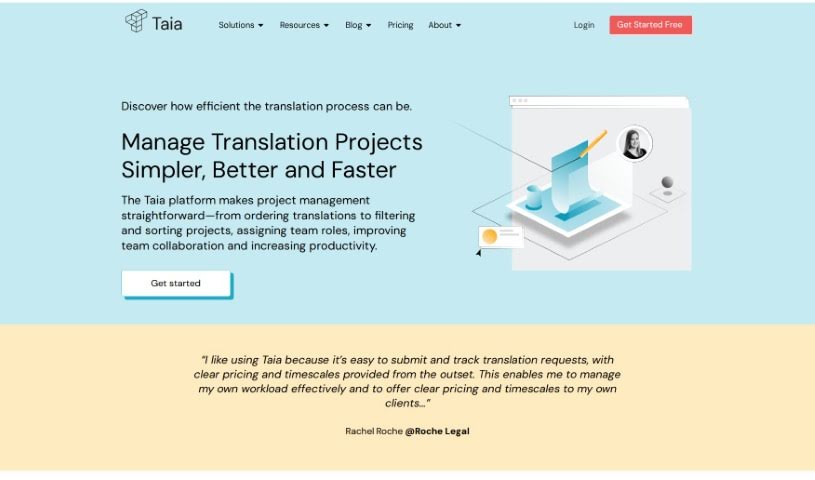
Screenshot of Taia

Taia

Freemium

Taia is a project management platform designed specifically for translation projects. It acts as a central hub for collaboration, timeline control, and professional language services. You can submit projects in real time, get instant quotes, set your own delivery dates, and handle communication directly within the platform instead of over email. The platform supports multiple users and lets you control exactly what each user can do, with a customizable interface and project status monitoring built in. The goal is to save time and increase productivity through flexible delivery dates, simpler communication, and detailed control over user permissions.

Productivity View Tool →
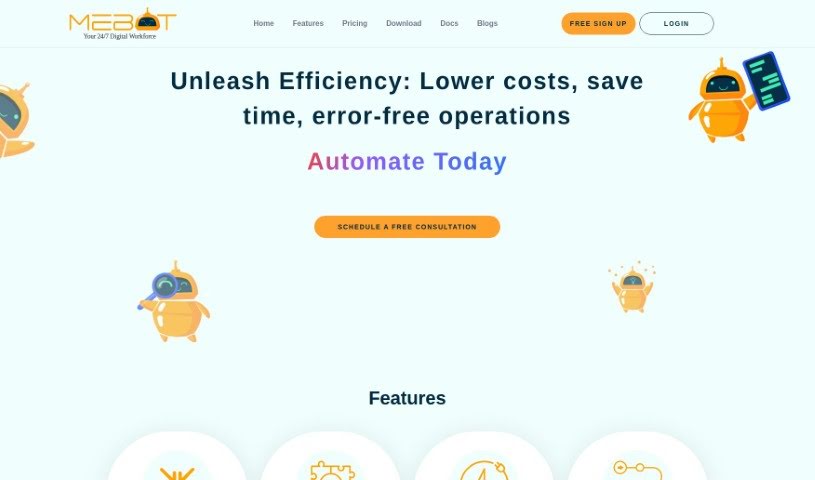
Screenshot of takemebot

takemebot

Freemium

takemebot is an automation tool designed to handle repetitive, time-consuming business tasks that people usually perform manually. Its key features include:

Productivity View Tool →
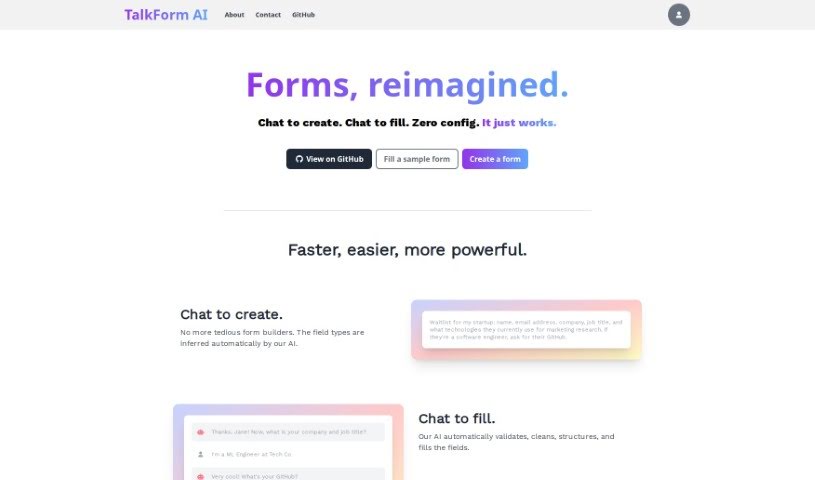
Screenshot of TalkForm AI

TalkForm AI

Freemium

TalkForm AI lets you create and fill out forms through conversation. Instead of using a traditional form builder, describe what you need in a chat, and the AI infers the required data types for each field. As respondents complete the form, the AI validates answers, cleans the data, and keeps everything structured for analysis.

Productivity View Tool →
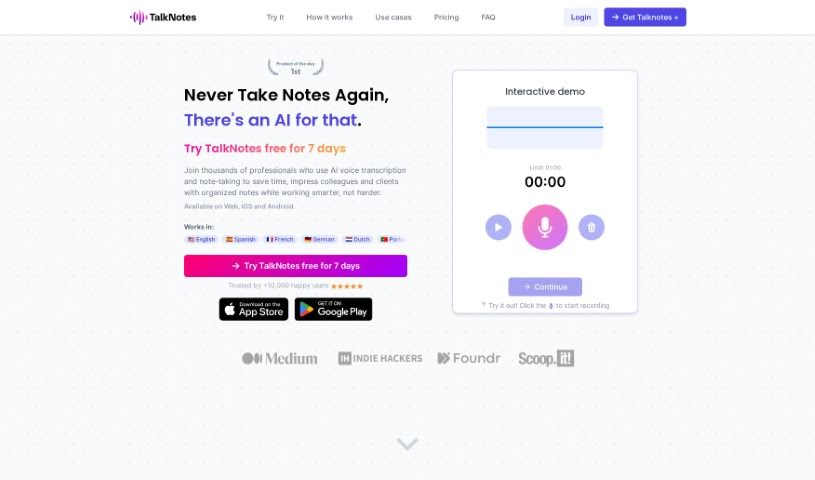
Screenshot of Talknotes

Talknotes

Freemium

Talknotes is an AI assistant for customer support, built to help you handle repetitive questions faster. It works from pre-designed message templates: the AI scans your templates and selects the best response for each inquiry, letting you answer at roughly twice the normal speed. You can personalize messages by importing real-time data from your own apps, and it connects with customer support tools like Freshdesk and Crisp. Direct support is available when you need it.

Productivity View Tool →
Screenshot of Talktotables

Talktotables

Freemium

Talktotables is an AI application for managing and analyzing databases. It is built specifically to work with the Chinook database and offers real-time data visualization, CSV and JSON export, custom queries, and built-in error detection. The tool supports data interchange and API development, handles relational database operations, and features a user-friendly interface with a modular design that adapts to different databases. It is accessible on GitHub.

Productivity View Tool →
Screenshot of Talpa Search

Talpa Search

Freemium

Talpa Search is an AI-powered library search tool developed by LibraryThing. It uses AI technology from Claude AI and ChatGPT to understand plain-English queries, then verifies results against a database of over 30 million titles and 100 million editions. This cross-referencing is designed to prevent the AI from inventing books that don't exist — a common problem with AI-generated search results.

Productivity View Tool →

About Productivity tools

Having a task list that seems to grow longer by the hour is a fast track to burnout. Between managing clogged email inboxes, jumping across context-heavy browser tabs, updating project boards, and tracking down files, everyday administrative work drains momentum. When managing your workflow takes more energy than doing your actual job, staying focused gets tough.

These workflow platforms act as high-speed productivity partners for task management, scheduling, and daily automation. They won’t replace your personal discipline or strategic priorities, but they handle routine administrative tasks so you can protect your focus time.

Organizing daily tasks and scheduling focus blocks takes far less manual effort. Manually moving deadlines around when a project slips or trying to carve out focus time between back-to-back meetings usually leaves you with a chaotic calendar. Smart scheduling assistants evaluate your working habits, auto-prioritize tasks, and block out dedicated focus time on your calendar before your day gets overrun.

Clearing out email backlogs and workspace communications becomes much faster, too. Sifting through dozens of unread messages just to pull out two urgent client requests wastes valuable time. Intelligent inbox tools summarize long email threads, draft contextual replies, and sort low-priority newsletters away from critical messages—helping you reach inbox zero without reading every word.

Synthesizing notes and cross-platform information creates a central memory hub. Losing track of an important project link or a quick thought saved in a random document stalls your momentum when you need it most. AI productivity assistants search across your workspace apps, notes, and bookmarked links, letting you ask plain-English questions to pull up specific files, meeting notes, or ideas in seconds.

Key Capabilities to Consider:

  • Smart calendar and time blocking: Systems that auto-schedule tasks into your calendar around existing meetings and focus preferences.
  • Contextual email and message drafting: Tools that scan long communication threads to generate concise replies and action items.
  • Universal workspace search: Software that connects with your documents, notes, and cloud storage to retrieve files through simple prompts.
  • Task prioritization algorithms: Applications that rank daily action items by urgency, deadlines, and project dependencies.
  • Workflow automation builders: Connectors that trigger actions across different apps without requiring manual data entry.

Daily productivity will always depend on clear personal priorities and healthy work habits. Software can organize a calendar, draft an email reply, and index your notes, but choosing what truly deserves your time requires human judgment.

Explore the productivity tools below to take control of your workday.

The Best AI Productivity Tools

  1. Perplexity: for automating tasks and helping with management.
  2. Small PDF.com: for smoother document management for teams.
  3. Gamma: for document creation tools that save time.
  4. Odoo: for a task management and collaboration app.
  5. Zoom: for analyzing and summarizing meeting content.
  6. N8N: for smoother team onboarding processes.
  7. Prezi: for engaging team collaboration sessions.
  8. Tableau: for creating reports and dashboards more easily.
  9. Data Camp: for efficient team collaboration workflows.
  10. Otter.ai: for getting action items from meetings without the fuss.
  11. Tenorshare: for easily summarizing long PDF documents.
  12. Slidesgo: for creating professional presentations efficiently.
  13. Facecheck Id: for streamlining identity verification tasks.
  14. HIX.AI: for boosting writing speed with smart tools.
  15. Tactiq: for automating meeting notes for teams.
New tools, in your inbox.

Weekly picks of the best AI tools we've researched and added — no spam, unsubscribe anytime.

Join 25,000+ AI enthusiasts. No spam, unsubscribe anytime.