AI Tools for Productivity

Discover the best Productivity AI tools to enhance your productivity and creativity.

Page 80 of 114 • 1361 total tools

In today’s busy world, staying productive can feel like a real challenge. With so much to do, constant notifications, and distractions everywhere, having the right tools to manage your time well is more important than ever. That’s where AI productivity tools come in—they’re designed to make your work smoother, handle repetitive tasks for you, and keep you organized.

These smart solutions have come a long way recently. They’ve gone from simple task managers to complete systems that can adapt to what you need. Whether you’re trying to organize your day better, improve how your team works together, or finally tackle that huge inbox, the right AI tools can make a big difference.

As I looked into the best AI productivity tools out there, I tried out several apps that promise to make you more efficient and focused. From smart schedulers to new project management systems, there are tons of options to help you get your time back.

So, if you’re ready to boost your productivity and make the most of your workday, you’re in the right place. Here’s a list of great AI productivity tools that are definitely worth checking out. Let’s explore how to work smarter together!

The best AI Productivity Tools

  1. Perplexity for automating tasks and helping with management.
  2. Small PDF.com for smoother document management for teams.
  3. Gamma for document creation tools that save time.
  4. Odoo for a task management and collaboration app.
  5. Zoom for analyzing and summarizing meeting content.
  6. N8N for smoother team onboarding processes.
  7. Prezi for engaging team collaboration sessions.
  8. Tableau for creating reports and dashboards more easily.
  9. Data Camp for efficient team collaboration workflows.
  10. Otter.ai for getting action items from meetings without the fuss.
  11. Tenorshare for easily summarizing long PDF documents.
  12. Slidesgo for creating professional presentations efficiently.
  13. Facecheck Id for streamlining identity verification tasks.
  14. HIX.AI for boosting writing speed with smart tools.
  15. Tactiq for automating meeting notes for teams.

How do AI productivity tools work?

AI productivity tools use machine learning to look at how you work and make your tasks more efficient. These tools are built to handle lots of information, spotting patterns and your preferences to help smooth out your workflows. By understanding how you use different apps, AI can suggest personal improvements to boost your productivity.

Basically, these tools use natural language processing (NLP) to understand and respond to what you ask. For example, they can schedule meetings, set reminders, or create reports just by understanding simple requests. This saves you time and cuts down on manual work.

Many AI productivity apps connect with popular tools like calendars, email, and project management software. This connection lets them gather information and automate tasks across different places. As a result, you get a smooth, connected experience that improves how you work day-to-day.

AI productivity tools also learn from how you use them to get better over time. The more you use a tool, the better it gets at guessing what you need and offering helpful suggestions. This ability to adapt is what makes AI tools increasingly valuable for improving productivity for both individuals and teams.

Plus, these tools can look at data about how you complete tasks and suggest ways to improve. For instance, if you often miss deadlines, the AI might suggest better ways to manage your time. By giving you useful insights, AI productivity tools help you work smarter, not just harder.

In the end, AI productivity tools show how technology can change everyday tasks into more efficient processes. By automating routine jobs and offering personal insights, they help you focus on what’s most important—hitting your goals and being more effective overall.

Our best AI productivity tools at a glance

RankNameBest forPlans and PricingRating
1PerplexityAutomating tasks and helping with management.N/A4.70 (10 reviews)
2SmallPDF.comSmoother document management for teams.Paid plans start at $9/month.4.73 (11 reviews)
3GammaDocument creation tools that save time.N/A4.79 (19 reviews)
4OdooA task management and collaboration app.N/A4.67 (6 reviews)
5ZoomAnalyzing and summarizing meeting content.Paid plans start at $15.99/month.4.73 (11 reviews)
6N8NSmoother team onboarding processes.Paid plans start at $50/month.4.58 (12 reviews)
7PreziEngaging team collaboration sessions.Paid plans start at $19/month.4.18 (11 reviews)
8TableauCreating reports and dashboards more easily.N/A4.70 (43 reviews)
9DataCampEfficient team collaboration workflows.Paid plans start at $25/month.4.71 (24 reviews)
10Otter.aiGetting action items from meetings without the fuss.Paid plans start at $13.59/month.4.73 (11 reviews)
11TenorshareEasily summarizing long PDF documents.N/A4.64 (11 reviews)
12SlidesgoCreating professional presentations efficiently.N/A4.68 (22 reviews)
13Facecheck IdStreamlining identity verification tasks.N/A4.42 (19 reviews)
14HIX.AIBoosting writing speed with smart tools.N/A4.36 (11 reviews)
15TactiqAutomating meeting notes for teams.N/A4.64 (11 reviews)
Screenshot of Qtr

Qtr

Freemium

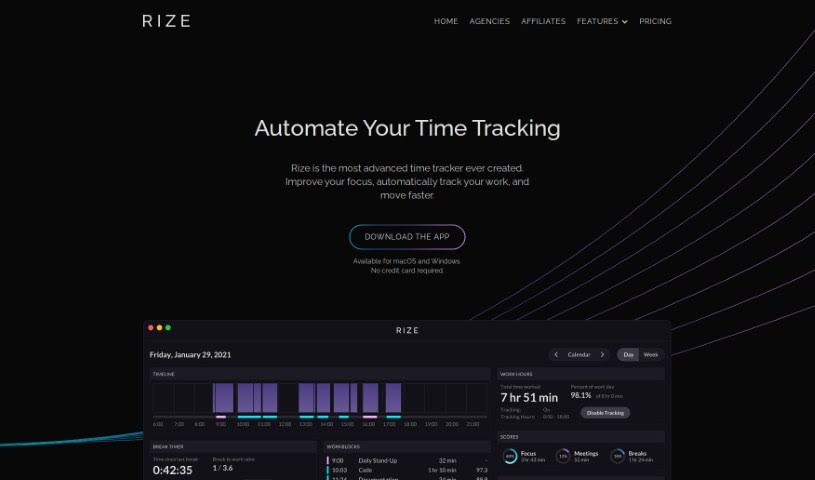
QTR is a really smart quarterly planner. It helps you bridge the gap between your big-picture, long-term goals and your day-to-day tasks. With QTR, you can set clear goals for the quarter and then break them down into super-detailed daily plans. It is organizing your entire life into weekly sprints, time-blocking your tasks so you know exactly when you'll do them, keeping journals for reflection, planning out your projects, and keeping a close eye on your progress. It's basically an all-in-one productivity tool designed to help you actually reach your ambitions.

Screenshot of Quadratic

Quadratic

Freemium

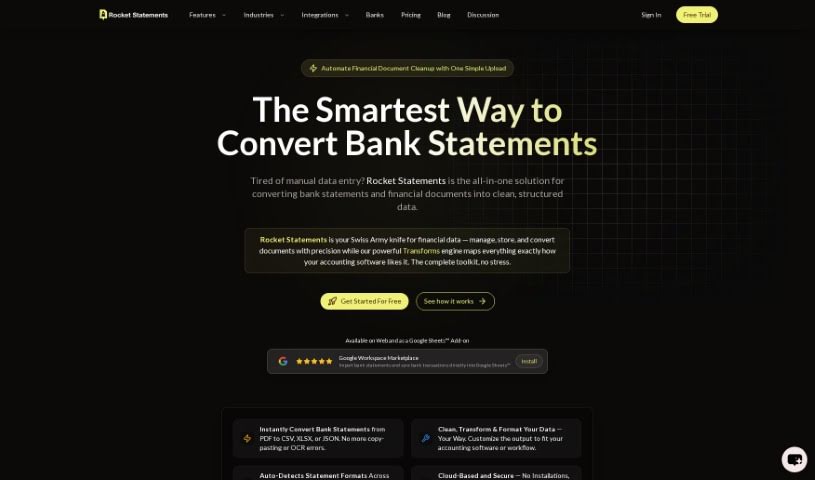
Quadratic is a really neat, modern data spreadsheet. It is a blend – it's got the familiar simplicity of traditional spreadsheets, but it also packs in the advanced power you'd expect from programming languages and database management systems. It all happens right in your web browser, giving you a huge, expansive canvas to work with even really large datasets, and it handles them efficiently. This tool is built for people who work with data every day, like data scientists, business analysts, and engineers. It even offers AI-enhanced autocomplete suggestions, powered by GPT 4.0, to make writing code and formulas a breeze. Quadratic currently supports Python, and they're planning to add SQL and JavaScript soon, which will make manipulating and analyzing your data even more seamless. You can also collaborate with others in real-time, thanks to its multiplayer functionality. Plus, it includes data visualization tools like Plotly, and direct SQL queries are on the way. The team really focused on performance, so you get a smooth, fast user experience thanks to technologies like Web Assembly and WebGL.

Screenshot of Quandri

Quandri

Freemium

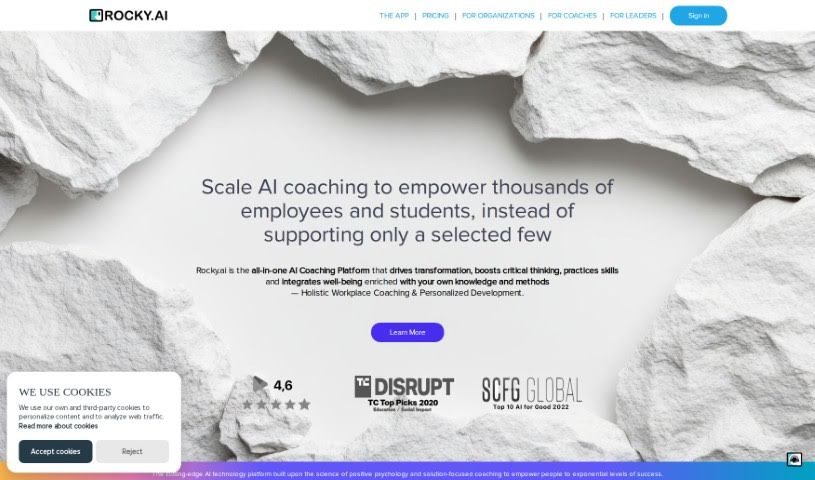
Quandri is a software company based in Vancouver, Canada. They specialize in creating digital workers, which are essentially bots designed to automate tasks specifically for insurance brokerages. These digital workers are automated assistants that can handle things like renewals, managing documents, and downloading data. The main goal here is to boost efficiency by cutting down on human errors and making everyone more productive. Quandri uses artificial intelligence and advanced automation techniques to build these digital workers, and they're made to fit right into your current systems without a fuss. The company really focuses on offering solutions that are good for your budget and bring clear benefits, like making workflows run smoother and more predictably.

Screenshot of Quartzite AI

Quartzite AI

Freemium

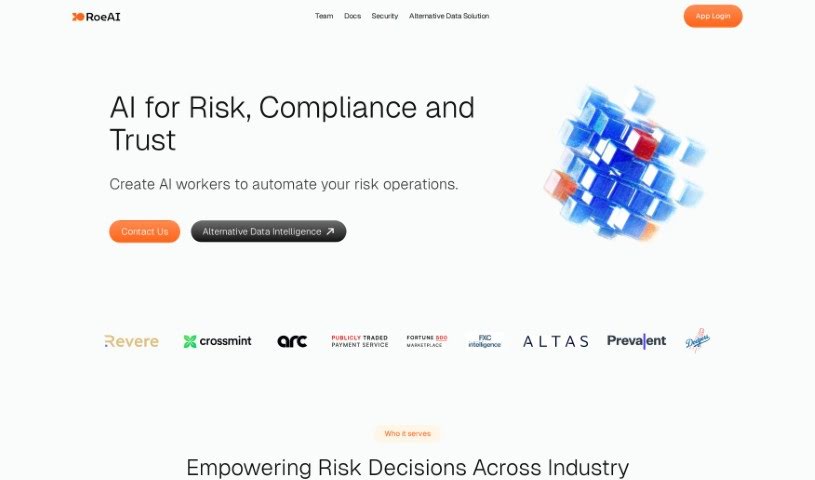
Quartzite AI is a natural metamorphic rock, formed when sandstone is subjected to intense heat and pressure. It's known for being incredibly durable and looking great, which is why people often choose it for countertops, flooring, and wall coverings, both inside and outside. This stone usually has a glassy look and comes in a variety of colors and patterns, adding a touch of elegance wherever it's used. Because it's so hard and resistant to heat, Quartzite AI is a fantastic choice for kitchens and bathrooms. Its unique combination of natural beauty and strength makes it a popular material for making homes and businesses look better and work more smoothly.

Screenshot of Querio

Querio

Freemium

Querio is your go-to data assistant, built specifically for folks who aren't deep into coding or complex spreadsheets. It’s a data analytics tool that makes asking questions of your data incredibly simple, even if you don't know SQL, Python, or advanced Excel. You can easily link up your data sources, like HubSpot or your app's database, and then just ask for the information you're looking for. The whole idea is to cut down on the time you spend wrestling with queries, so you can actually spend more time digging into what the data means and coming up with new ideas. People seem to really like Querio because it's easy to use, it can handle pretty complicated questions, and it gives you back accurate, clear results without a fuss.

Screenshot of Quest Labs AI

Quest Labs AI

Freemium

Quest Labs is a smart tool that uses AI to help companies boost their in-app adoption, keep users engaged, and increase revenue. It does this by making user experiences and workflows much simpler. It is a way for companies to build great user experiences without needing to write any code, making it super easy to deploy Software Development Kits (SDKs). The platform provides customizable UI SDKs, which are great for personalizing how users first get started and stay engaged. It also offers AI-driven insights to help activate users, lets you run A/B tests, and connects with all sorts of other systems and platforms. Ultimately, Quest Labs wants to help you grow your user base by guiding them with AI, reach the right people with your data integrations, and offers solid customer support along with strong security measures. You can choose from different pricing plans, including a free option and enterprise solutions that come with custom insights and 24/7 support.

Screenshot of Questflow

Questflow

Freemium

Questflow is a network for decentralized AI agents that work together automatically. It lets you set up multiple AI agents to handle tasks on their own, build these AI workflows, and even reward the people who create these AI agents with real-world incentives. It's a platform that makes automating tasks super simple, whether it's sending emails, updating your calendar, organizing databases, or posting on social media, all just by typing what you need.

Screenshot of Question Base

Question Base

Freemium

Question Base is a handy tool built to help teams answer questions faster, especially within specific communication channels. It is a smart assistant that keeps track of every question asked. It can automatically respond, capture new answers as they come up, and works seamlessly with Slack. The main idea is to cut down on how often people need to ask the resident experts for help. It aims to generate answers naturally from the discussions happening, bringing existing knowledge to the forefront. This really helps build a culture where everyone learns and shares, and it means fewer interruptions to people's actual work. Right now, Question Base is in beta, so there are still some unknowns about pricing down the line and how well it will integrate with Slack. Also, the accuracy of its answers will depend a lot on the data available in your channels.

Screenshot of Questmate

Questmate

Freemium

Questmate is your go-to platform for creating step-by-step guides, or 'Quests,' to get all sorts of things done. You can build these Quests for tasks like filling out forms, following checklists, managing workflows, or even cooking from a recipe. The cool part? You can either work through these Quests yourself whenever you need to, or you can hand them off to someone else to complete. Even better, you can add a cash reward to encourage others to tackle your Quests. The platform also connects your requests with services like Open AI, helping you find the perfect AI or service for whatever you need. Seriously, Questmate can handle a huge range of tasks, from setting up forms and websites to getting physical jobs done, arranging transportation, making purchases, or even scraping data from websites.

Screenshot of Quicky AI

Quicky AI

Freemium

QuickyAI is a handy browser extension that works hand-in-hand with ChatGPT. It’s designed to boost your productivity by letting you tap into AI’s power right as you browse the web. What can it do? Well, it integrates instantly with ChatGPT, makes summarizing articles or web pages super simple, lets you create and save your own custom prompts, and keeps your chat history organized. You can pick between a Basic or Premium plan, and they even throw in a 7-day free trial. Basically, it lets you use ChatGPT on pretty much any website you visit, letting you tailor your AI interactions to whatever you need. It’s a really flexible tool, perfect for solopreneurs, developers, content creators, and project managers alike.

Screenshot of Quilgo

Quilgo

Freemium

Quilgo is a really neat online platform for making and giving quizzes and tests. It uses AI tools to make sure the testing experience is trustworthy for recruiters, businesses, and educators alike. Some of its best features include instant quiz generation powered by AI, quizzes you can tailor to your needs, a question randomizer and shuffler, AI proctoring tools to keep things honest, flexible test settings, and detailed reports so you can see how everyone did. Plus, it works with Google Forms, and they offer both a free trial and paid plans to fit different budgets and needs.

Screenshot of Quills AI

Quills AI

Freemium

Quills AI is your smart assistant for diving into data. It's an AI tool built to help you analyze and visualize information without all the usual hassle. What's really neat is how it lets you ask questions about your data using everyday language. It can even figure out and write the complex SQL queries for you, and it offers personalized prompts to guide you. Quills AI is designed to be useful across many different industries. It can connect with chatbots, making data access even smoother, and you can easily export your findings in common formats like CSV and PDF. Ultimately, Quills AI helps you make better decisions by uncovering key insights from your data, which really boosts how productive you are and how quickly you can make those important choices.

Stay Updated with AI Tools

Get weekly updates on the latest AI tools, trends, and insights delivered to your inbox

Join 25,000+ AI enthusiasts. No spam, unsubscribe anytime.