Top AI Productivity Tools

AI Tools for Productivity

Discover the best Productivity AI tools to enhance your productivity and creativity.

Page 77 of 108 • 1290 total tools
Screenshot of Quilgo

Quilgo

Freemium

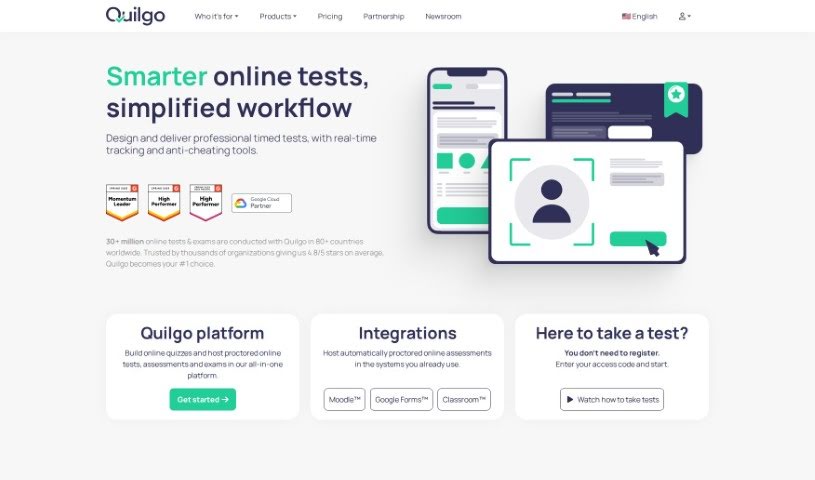
Quilgo is an online platform for creating and administering quizzes and tests. It uses AI tools to support a trustworthy testing experience for recruiters, businesses, and educators. Key features include instant AI-powered quiz generation, customizable quizzes, a question randomizer and shuffler, AI proctoring, flexible test settings, and detailed reporting. It also integrates with Google Forms, and offers a free trial plus paid plans.

Productivity View Tool →
Screenshot of Quills AI

Quills AI

Freemium

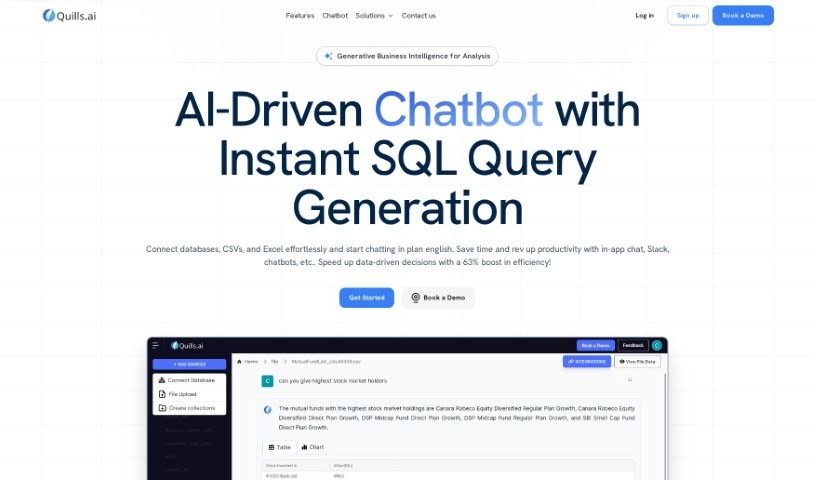
Quills AI is an assistant for analyzing and visualizing data. Ask questions about your data in everyday language and it writes the SQL queries for you, generates visualizations, and offers personalized prompts to guide your analysis. It works across many industries, connects with chatbots, and exports findings in common formats like CSV and PDF. The goal is to help you surface key insights faster and make decisions more quickly.

Productivity View Tool →
Screenshot of Quivr

Quivr

Freemium

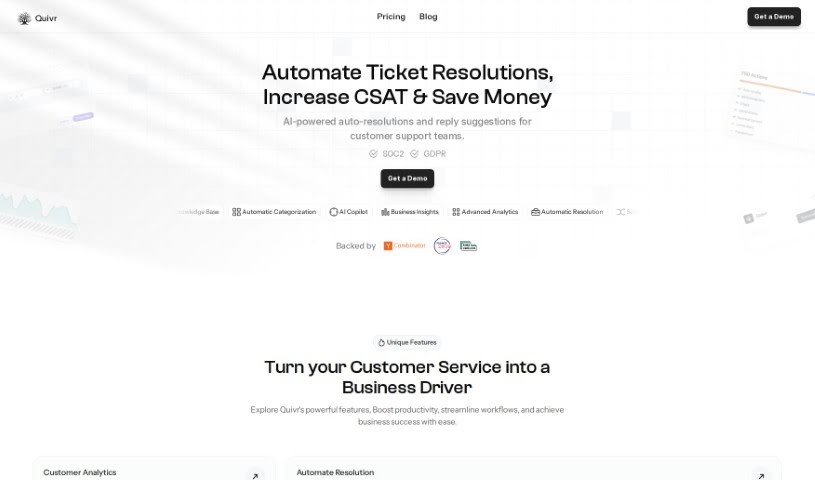
Quivr is a personal AI-powered second brain that lives in the cloud. New users get 100 message credits and 3 "brains" — separate storage spaces, each with 50MB capacity — making it easy to test the platform. A free plan is also available. For those who prioritize privacy, Quivr can be run locally on your own system. Data stored on Quivr's servers is kept confidential, encrypted, and accessible only by you. Credits are refreshed at the start of each month after you activate your subscription.

Productivity View Tool →
Screenshot of R.o.b. (Robot Of Business)

R.o.b. (Robot Of Business)

Freemium

Robot Of Business (R.o.b.) is a service that creates custom automation workflows tailored to how your business works. Rather than offering a one-size-fits-all tool, it designs automation solutions around your existing processes, with the goal of making your business run more smoothly and efficiently.

Productivity View Tool →
Screenshot of R2 Copilot

R2 Copilot

Freemium

R2 Copilot is an AI assistant designed for business communications, with a strong focus on privacy. It is powered by GPT technology and works as an add-in for Microsoft Office 365 products, a Telegram Bot, and an extension for various online services and applications. Its main goal is to boost productivity while keeping AI interactions private and secure.

Productivity View Tool →
Screenshot of Rapid Editor

Rapid Editor

Freemium

Rapid Editor is an AI-powered mapping tool that combines OpenStreetMap data with machine learning to speed up mapping tasks. It analyzes high-resolution satellite imagery to predict features like roads, then loads those predictions into the RapiD map editing tool for review and editing. The tool integrates directly with OpenStreetMap, uses Maxar satellite imagery, and supports humanitarian efforts such as disaster response mapping and community training workshops.

Productivity View Tool →
Screenshot of Rapidminer

Rapidminer

Freemium

RapidMiner is a data science software platform that serves as an all-in-one workbench for working with data. It provides a unified environment for the full range of data-related tasks: data preparation, building machine learning models, deep learning, text mining, and predictive analytics.

Productivity View Tool →
Screenshot of Raw Query

Raw Query

Freemium

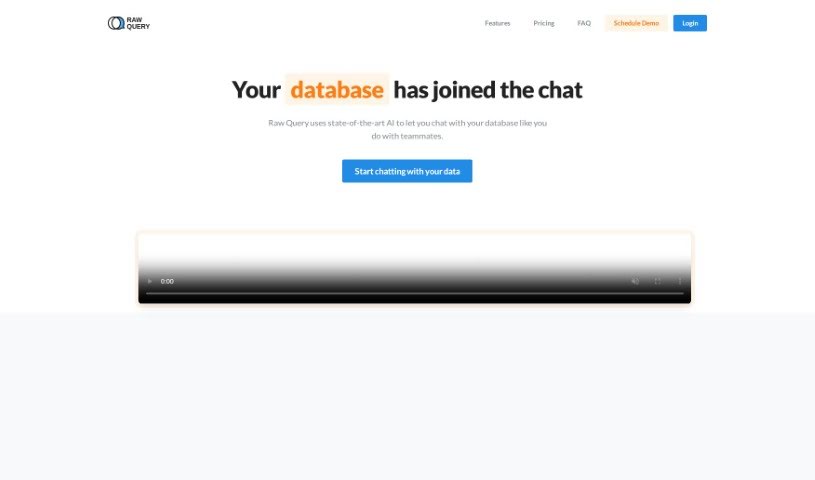
Raw Query simplifies database interaction by using plain English. Instead of writing SQL or building internal tools, you chat with your database: ask for client email addresses, add new sales figures, or update existing records. It works with Postgres, MySQL, and MariaDB, offers affordable plans, and is mobile-friendly.

Productivity View Tool →
Screenshot of Rawbot

Rawbot

Freemium

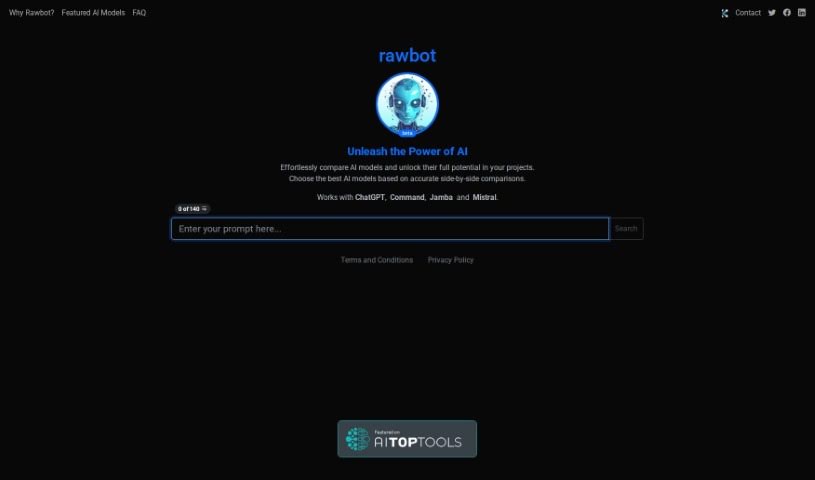
Rawbot is an AI model comparison tool that provides performance analysis, cost and efficiency evaluations, and side-by-side model comparisons. It identifies strengths and weaknesses across options, supports tailored evaluations, and simplifies decision-making for researchers and developers. The interface requires JavaScript, and the platform receives regular updates.

Productivity View Tool →
Screenshot of Raycast AI

Raycast AI

Freemium

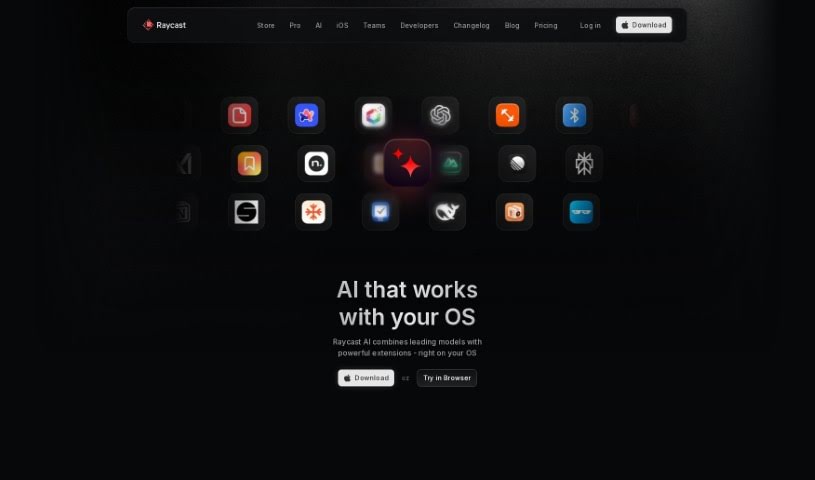
Raycast AI is a productivity tool built for Mac users. It automates daily tasks and adds a layer of AI context to help you work faster. Core features include AI conversations with ChatGPT, AI commands that speed up common tasks, and API integrations for building custom extensions.

Productivity View Tool →
Screenshot of Read AI

Read AI

Freemium

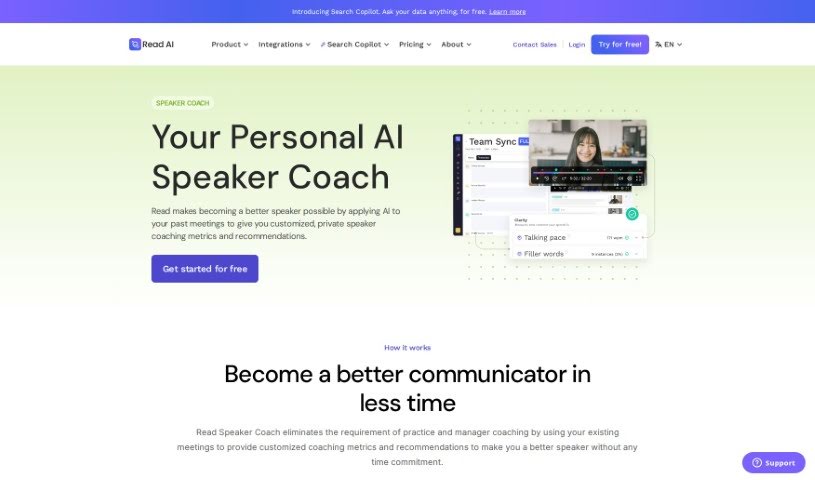
Read AI is a personalized speaker coaching tool that analyzes your past meetings to help you communicate more clearly, inclusively, and impactfully. It examines your speaking patterns, identifies specific areas for improvement, and provides actionable recommendations. Feedback can be replayed and reviewed in context, so improvement happens through your regular meetings — no separate practice sessions required.

Productivity View Tool →
Screenshot of Readpal

Readpal

Freemium

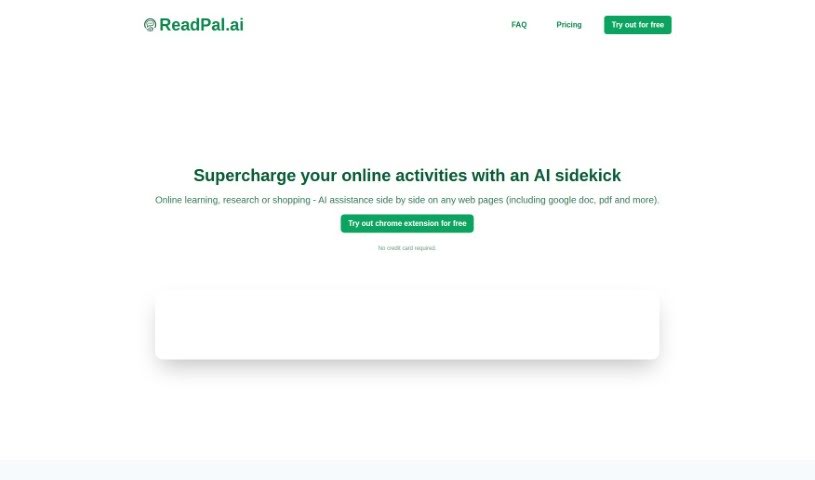
ReadPal is an AI assistant for reading, researching, and shopping online, available as a Chrome extension. It provides instant explanations, quick summaries, recommendations, and deeper insights into whatever you're viewing. You can trigger it with keyboard shortcuts, right-click context menus, or one-click prompts, and it works with Google Docs, PDFs, and web pages (YouTube support is planned).

Productivity View Tool →

About Productivity tools

Having a task list that seems to grow longer by the hour is a fast track to burnout. Between managing clogged email inboxes, jumping across context-heavy browser tabs, updating project boards, and tracking down files, everyday administrative work drains momentum. When managing your workflow takes more energy than doing your actual job, staying focused gets tough.

These workflow platforms act as high-speed productivity partners for task management, scheduling, and daily automation. They won’t replace your personal discipline or strategic priorities, but they handle routine administrative tasks so you can protect your focus time.

Organizing daily tasks and scheduling focus blocks takes far less manual effort. Manually moving deadlines around when a project slips or trying to carve out focus time between back-to-back meetings usually leaves you with a chaotic calendar. Smart scheduling assistants evaluate your working habits, auto-prioritize tasks, and block out dedicated focus time on your calendar before your day gets overrun.

Clearing out email backlogs and workspace communications becomes much faster, too. Sifting through dozens of unread messages just to pull out two urgent client requests wastes valuable time. Intelligent inbox tools summarize long email threads, draft contextual replies, and sort low-priority newsletters away from critical messages—helping you reach inbox zero without reading every word.

Synthesizing notes and cross-platform information creates a central memory hub. Losing track of an important project link or a quick thought saved in a random document stalls your momentum when you need it most. AI productivity assistants search across your workspace apps, notes, and bookmarked links, letting you ask plain-English questions to pull up specific files, meeting notes, or ideas in seconds.

Key Capabilities to Consider:

  • Smart calendar and time blocking: Systems that auto-schedule tasks into your calendar around existing meetings and focus preferences.
  • Contextual email and message drafting: Tools that scan long communication threads to generate concise replies and action items.
  • Universal workspace search: Software that connects with your documents, notes, and cloud storage to retrieve files through simple prompts.
  • Task prioritization algorithms: Applications that rank daily action items by urgency, deadlines, and project dependencies.
  • Workflow automation builders: Connectors that trigger actions across different apps without requiring manual data entry.

Daily productivity will always depend on clear personal priorities and healthy work habits. Software can organize a calendar, draft an email reply, and index your notes, but choosing what truly deserves your time requires human judgment.

Explore the productivity tools below to take control of your workday.

The Best AI Productivity Tools

  1. Perplexity: for automating tasks and helping with management.
  2. Small PDF.com: for smoother document management for teams.
  3. Gamma: for document creation tools that save time.
  4. Odoo: for a task management and collaboration app.
  5. Zoom: for analyzing and summarizing meeting content.
  6. N8N: for smoother team onboarding processes.
  7. Prezi: for engaging team collaboration sessions.
  8. Tableau: for creating reports and dashboards more easily.
  9. Data Camp: for efficient team collaboration workflows.
  10. Otter.ai: for getting action items from meetings without the fuss.
  11. Tenorshare: for easily summarizing long PDF documents.
  12. Slidesgo: for creating professional presentations efficiently.
  13. Facecheck Id: for streamlining identity verification tasks.
  14. HIX.AI: for boosting writing speed with smart tools.
  15. Tactiq: for automating meeting notes for teams.
New tools, in your inbox.

Weekly picks of the best AI tools we've researched and added — no spam, unsubscribe anytime.

Join 25,000+ AI enthusiasts. No spam, unsubscribe anytime.