20Paths
Productivity Documentation
Learn more
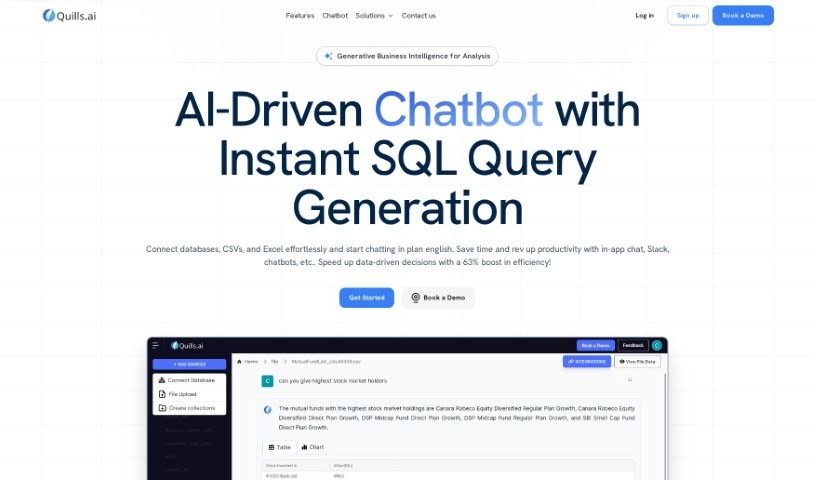
Discover what Quills AI is and how it turns plain-language questions into SQL queries, visualizations, and shareable reports.
Quills AI is an assistant for analyzing and visualizing data. Ask questions about your data in everyday language and it writes the SQL queries for you, generates visualizations, and offers personalized prompts to guide your analysis. It works across many industries, connects with chatbots, and exports findings in common formats like CSV and PDF. The goal is to help you surface key insights faster and make decisions more quickly.
Quills AI was launched by a founder who prefers to remain anonymous. The core idea is straightforward: talk to your data in natural language, no SQL expertise required, and get clear visualizations from the results.
The tool serves a broad range of roles. Business and data leaders can use it for quick insights and streamlined reporting. Analysts can speed up analysis and visualization tasks. Product, marketing, and sales teams can track user behavior, campaign performance, and customer trends. Developers can query data and integrate it into applications. Venture capitalists can assess market data and investment opportunities, and operations teams can monitor and improve efficiency.
Related
Discover more tools in similar categories
Weekly picks of the best AI tools we've researched and added — no spam, unsubscribe anytime.
Join 25,000+ AI enthusiasts. No spam, unsubscribe anytime.