Top AI Productivity Tools

AI Tools for Productivity

Discover the best Productivity AI tools to enhance your productivity and creativity.

Page 70 of 108 • 1290 total tools
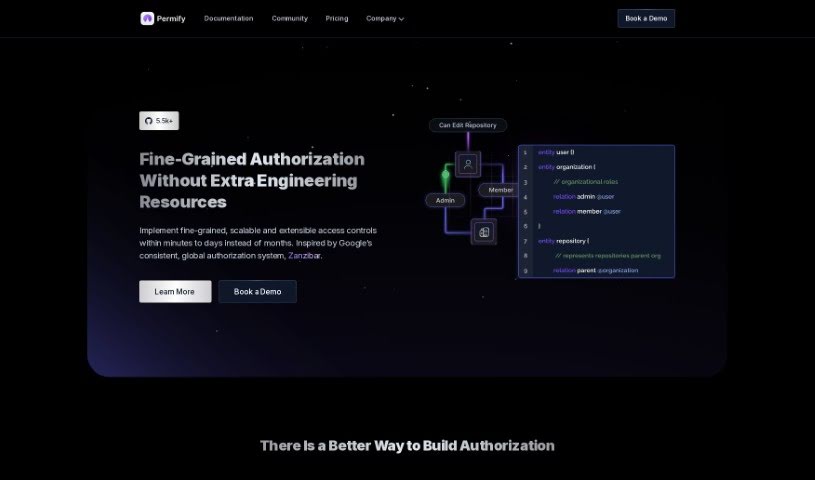
Screenshot of Permify

Permify

Freemium

Permify is a platform for adding detailed access controls to your systems. It acts as a central hub for authorization, keeping permission management consistent across all your applications and making testing, debugging, and updating permissions simpler.

Productivity View Tool →
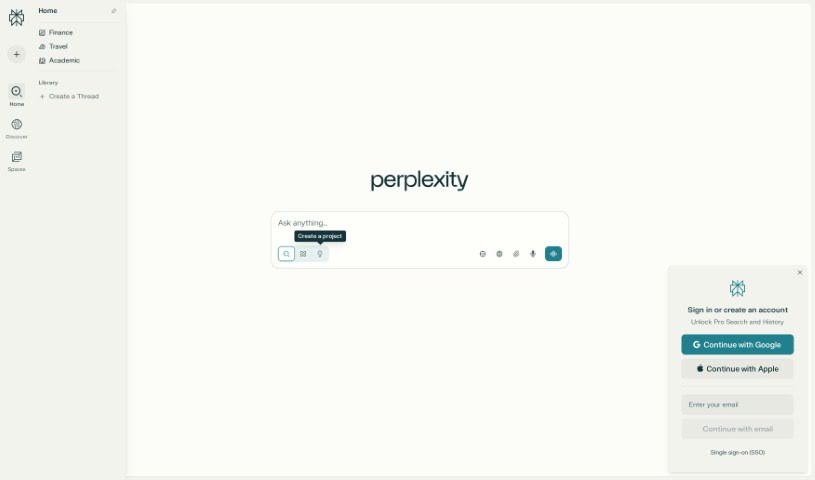
Screenshot of Perplexity

Perplexity

Freemium

Perplexity AI is an AI-powered search engine that answers questions directly with citations and concise summaries.

Productivity View Tool →
Screenshot of Personal AI

Personal AI

Freemium

Personal AI is a personalized AI extension built for you or your brand. It uses your own data, facts, and opinions to create what the company calls Personal Language Models — AI models trained on content specific to you. The result is a responsive, interactive assistant that sounds like you, reflects your brand's personality, and stays true to your core values. Beyond automating tasks, it gives you control over the content your AI generates, so it matches your desired tone, style, and message. That makes it easier to connect with your audience, create content, and build a consistent online presence.

Productivity View Tool →
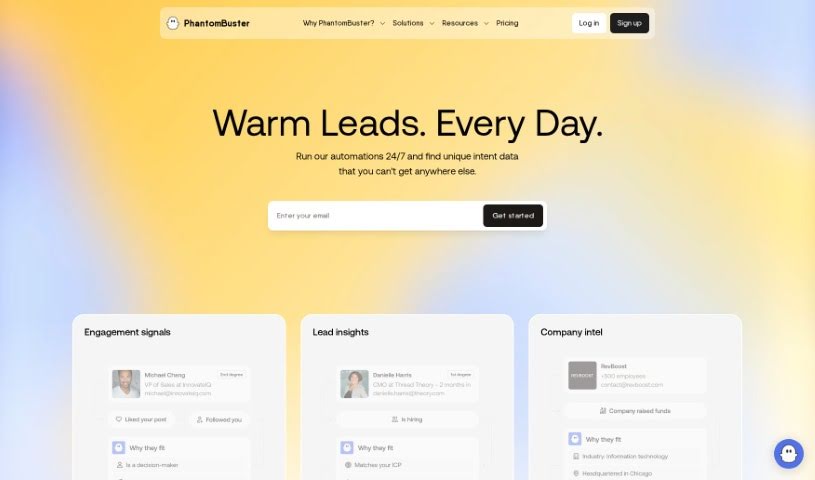
Screenshot of PhantomBuster

PhantomBuster

Freemium

PhantomBuster is a cloud-based automation tool that handles repetitive tasks and data gathering across many web platforms. It can automate workflows, pull in data for lead generation, and connect with other services through its flexible API. For businesses, this means saving time, working more efficiently, and sharpening marketing strategies by using data effectively.

Productivity View Tool →
Screenshot of Phew AI Tab

Phew AI Tab

Freemium

Phew AI Tab is a Google Chrome extension that uses AI to manage browser tabs automatically. It tackles tab overload by grouping tabs, suspending inactive ones to conserve memory, and organizing browsing to keep Chrome responsive.

Productivity View Tool →
Screenshot of Picterra

Picterra

Freemium

Picterra is a Swiss company, founded in 2016, that provides AI-driven geospatial solutions. Its platform offers tools for detecting objects, tracking changes, and finding patterns in geospatial imagery, including satellite images, aerial photos, and drone footage. The goal is to make complex geospatial analysis simpler, helping businesses speed up, streamline, and scale their work with geospatial data.

Productivity View Tool →
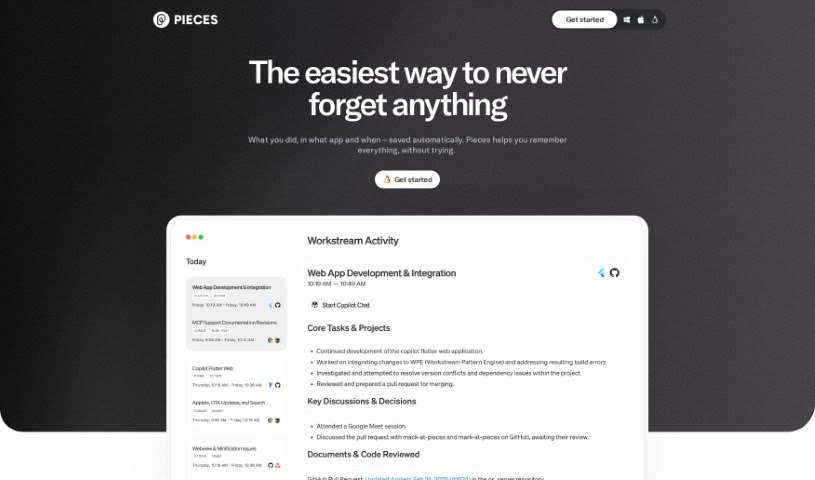
Screenshot of Pieces for Developers

Pieces for Developers

Freemium

Pieces for Developers is an AI-powered assistant that helps developers and creators manage code snippets, workflow context, and related materials inside the tools they already use.

Productivity View Tool →
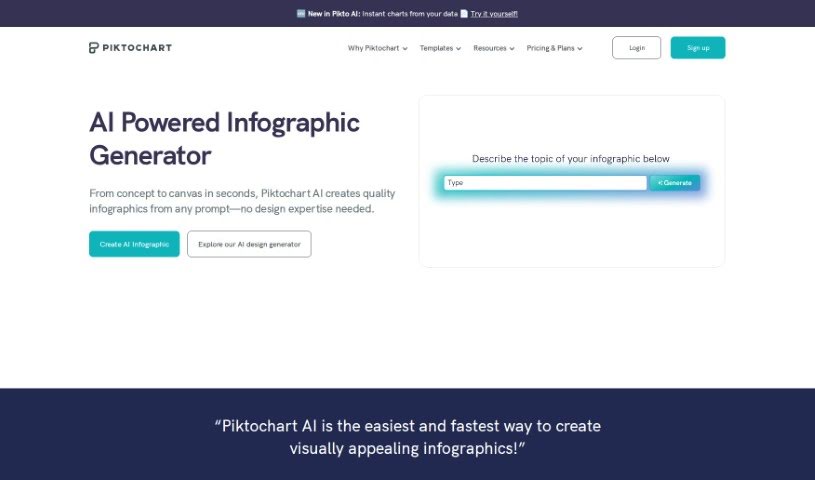
Screenshot of Piktochart AI Infographic Maker

Piktochart AI Infographic Maker

Freemium

Piktochart AI Infographic Maker uses artificial intelligence to generate infographics without requiring design experience. It includes a large library of templates, icons, and design elements, and its intuitive interface lets non-designers produce professional-looking infographics for presentations, reports, and social media posts.

Productivity View Tool →
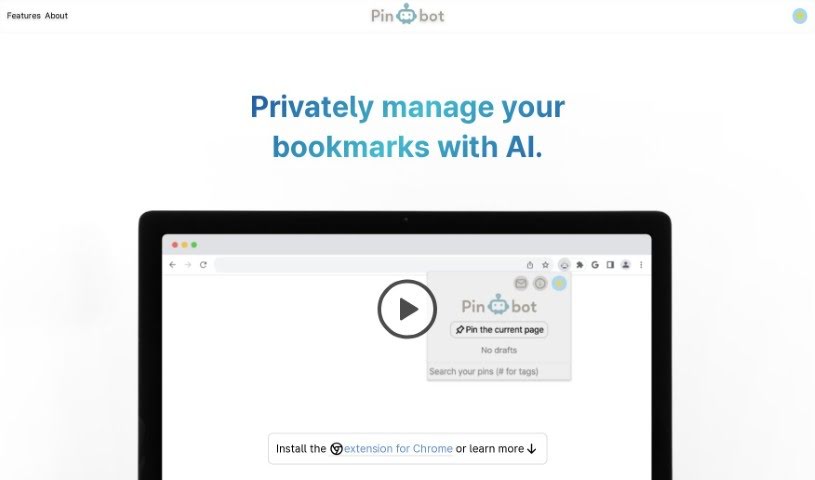
Screenshot of Pinbot

Pinbot

Freemium

Pinbot is a browser extension, built for Chrome, that uses AI to search your browser history privately. Its algorithms can find pages in your history even when you don't remember the exact words they contained, and you can narrow results by date range, specific website URL, or both.

Productivity View Tool →
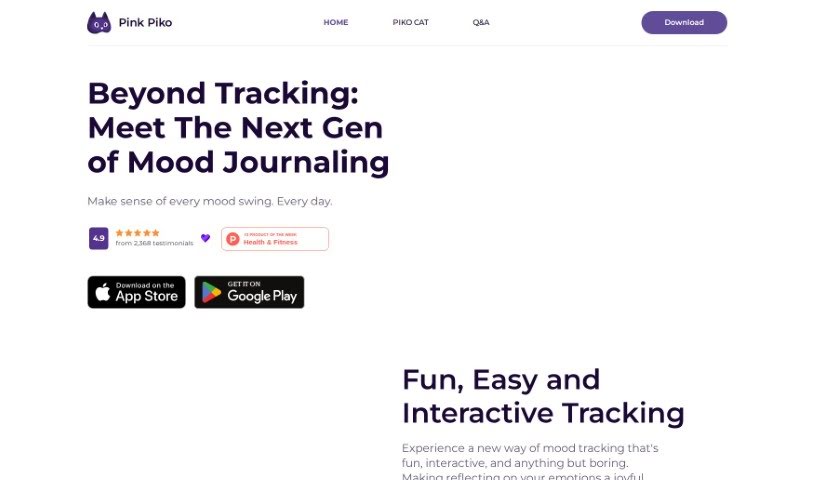
Screenshot of Pink Piko

Pink Piko

Freemium

Pink Piko is an AI-powered mood journaling app that helps you understand your mood patterns and build emotional resilience. A guide called Piko Cat walks you through documenting and reflecting on your emotions with daily prompts, while the app provides personalized insights and interactive tracking to support emotional well-being.

Productivity View Tool →
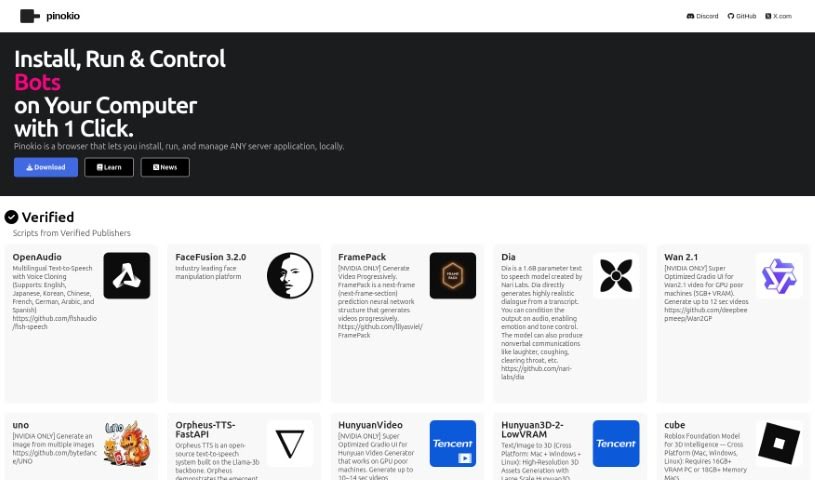
Screenshot of Pinokio

Pinokio

Freemium

Pinokio is a browser built to install, run, and control applications rather than just browse websites. Developed by the Pinokio Factory, it uses automation to simplify installing and running programs, bringing a range of AI tools and models together in one interface.

Productivity View Tool →
Screenshot of Pitch

Pitch

Freemium

Pitch is a presentation software designed to make creating and sharing presentations easier and more effective. It includes AI-assisted content drafting, customizable templates, smart editing tools, real-time team collaboration, and detailed analytics that show how presentations perform. You can also connect your favorite apps so data and visuals work together smoothly. Founded in 2018, Pitch focuses on making ideas more valuable and work more enjoyable.

Productivity View Tool →

About Productivity tools

Having a task list that seems to grow longer by the hour is a fast track to burnout. Between managing clogged email inboxes, jumping across context-heavy browser tabs, updating project boards, and tracking down files, everyday administrative work drains momentum. When managing your workflow takes more energy than doing your actual job, staying focused gets tough.

These workflow platforms act as high-speed productivity partners for task management, scheduling, and daily automation. They won’t replace your personal discipline or strategic priorities, but they handle routine administrative tasks so you can protect your focus time.

Organizing daily tasks and scheduling focus blocks takes far less manual effort. Manually moving deadlines around when a project slips or trying to carve out focus time between back-to-back meetings usually leaves you with a chaotic calendar. Smart scheduling assistants evaluate your working habits, auto-prioritize tasks, and block out dedicated focus time on your calendar before your day gets overrun.

Clearing out email backlogs and workspace communications becomes much faster, too. Sifting through dozens of unread messages just to pull out two urgent client requests wastes valuable time. Intelligent inbox tools summarize long email threads, draft contextual replies, and sort low-priority newsletters away from critical messages—helping you reach inbox zero without reading every word.

Synthesizing notes and cross-platform information creates a central memory hub. Losing track of an important project link or a quick thought saved in a random document stalls your momentum when you need it most. AI productivity assistants search across your workspace apps, notes, and bookmarked links, letting you ask plain-English questions to pull up specific files, meeting notes, or ideas in seconds.

Key Capabilities to Consider:

  • Smart calendar and time blocking: Systems that auto-schedule tasks into your calendar around existing meetings and focus preferences.
  • Contextual email and message drafting: Tools that scan long communication threads to generate concise replies and action items.
  • Universal workspace search: Software that connects with your documents, notes, and cloud storage to retrieve files through simple prompts.
  • Task prioritization algorithms: Applications that rank daily action items by urgency, deadlines, and project dependencies.
  • Workflow automation builders: Connectors that trigger actions across different apps without requiring manual data entry.

Daily productivity will always depend on clear personal priorities and healthy work habits. Software can organize a calendar, draft an email reply, and index your notes, but choosing what truly deserves your time requires human judgment.

Explore the productivity tools below to take control of your workday.

The Best AI Productivity Tools

  1. Perplexity: for automating tasks and helping with management.
  2. Small PDF.com: for smoother document management for teams.
  3. Gamma: for document creation tools that save time.
  4. Odoo: for a task management and collaboration app.
  5. Zoom: for analyzing and summarizing meeting content.
  6. N8N: for smoother team onboarding processes.
  7. Prezi: for engaging team collaboration sessions.
  8. Tableau: for creating reports and dashboards more easily.
  9. Data Camp: for efficient team collaboration workflows.
  10. Otter.ai: for getting action items from meetings without the fuss.
  11. Tenorshare: for easily summarizing long PDF documents.
  12. Slidesgo: for creating professional presentations efficiently.
  13. Facecheck Id: for streamlining identity verification tasks.
  14. HIX.AI: for boosting writing speed with smart tools.
  15. Tactiq: for automating meeting notes for teams.
New tools, in your inbox.

Weekly picks of the best AI tools we've researched and added — no spam, unsubscribe anytime.

Join 25,000+ AI enthusiasts. No spam, unsubscribe anytime.