Top AI Productivity Tools

AI Tools for Productivity

Discover the best Productivity AI tools to enhance your productivity and creativity.

Page 7 of 108 • 1290 total tools
Screenshot of April AI

April AI

Freemium

April AI is a personal speech coach that joins your calls. After you log in with your Google account, it joins meetings live, listens to the conversation, and sends detailed feedback to your email once the call ends. It accounts for the context of each meeting and your communication style, so the feedback is relevant and tailored to your personal development.

Productivity View Tool →
Screenshot of Arc53

Arc53

Freemium

Arc53 is the company behind DocsGPT (also known as DocsGPT Live), an open-source assistant that delivers instant answers from your documents. It connects to data sources, chatbots, and internal tools to support team productivity and customer interactions, and it works with PDFs, plain text files, and Microsoft Office documents.

Productivity View Tool →
Screenshot of Archbee

Archbee

Freemium

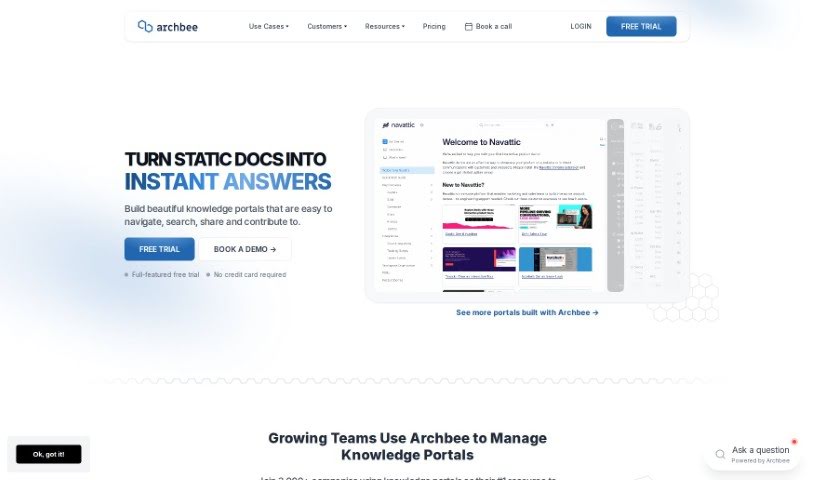
Archbee is a documentation platform for building and managing documentation portals that answer questions for both users and developers. It includes generative AI for quick answers, collaborative content creation tools, team review processes, custom blocks, and integrations that streamline workflows. Users often highlight its ease of use, particularly for creating technical documentation quickly. More than 3,000 teams across various industries use the platform.

Productivity View Tool →
Screenshot of Arcwise

Arcwise

Freemium

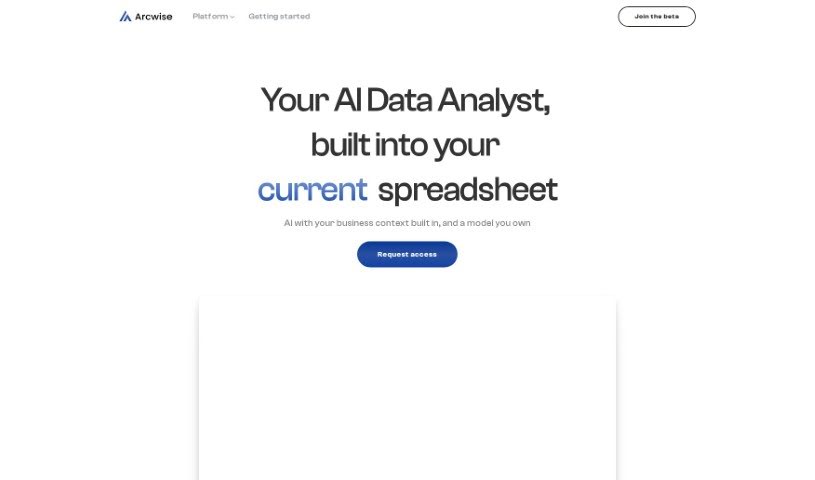
Arcwise is an AI assistant for Google Sheets, powered by GPT. You describe what you need in plain English, and it helps you understand, clean, and process your data — like chatting with your spreadsheet. You can ask for formula suggestions, trace how calculations connect, tidy up addresses, convert date formats, summarize information, and pull data from web pages directly into a table.

Productivity View Tool →
Screenshot of Ardor Fitness

Ardor Fitness

Freemium

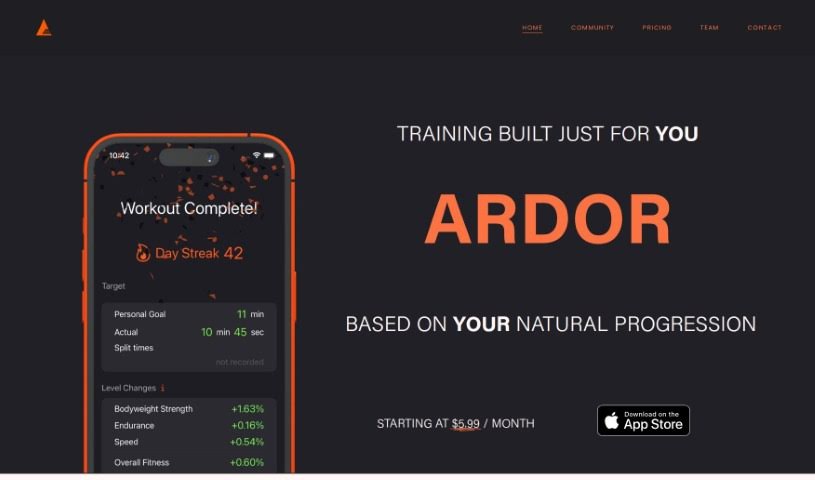
Ardor Fitness is an AI-powered personal training tool that builds daily workouts around your schedule, equipment, interests, abilities, and goals. It predicts what you'll be capable of in each session, then adjusts the next workout based on your performance and energy levels. Progress is tracked over time, and evolving daily challenges let you compete with yourself. The team's goal is to make fitness accessible and enjoyable through machine learning combined with expert input.

Productivity View Tool →
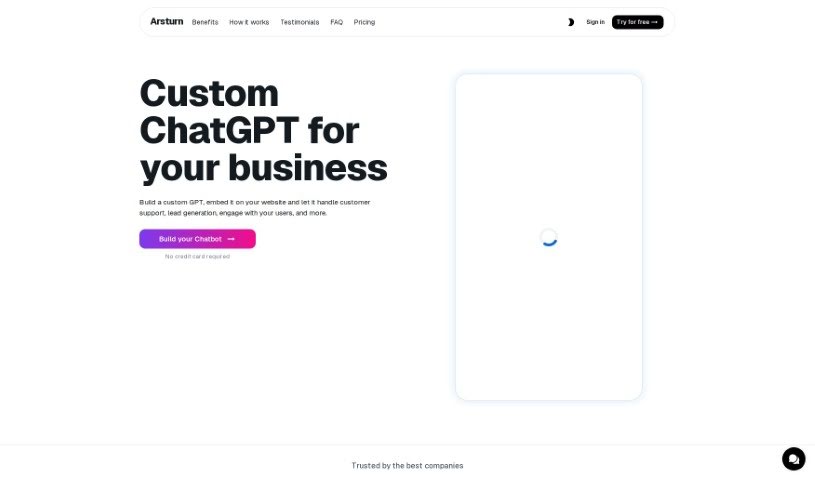
Screenshot of Arsturn

Arsturn

Freemium

Arsturn is a platform built by a team focused on improving digital experiences. Its goal is to make digital life smoother and more productive by offering smart, user-friendly solutions for tasks of varying complexity. The platform uses advanced technology to deliver performance and reliability, with tools designed for both professionals and individuals.

Productivity View Tool →
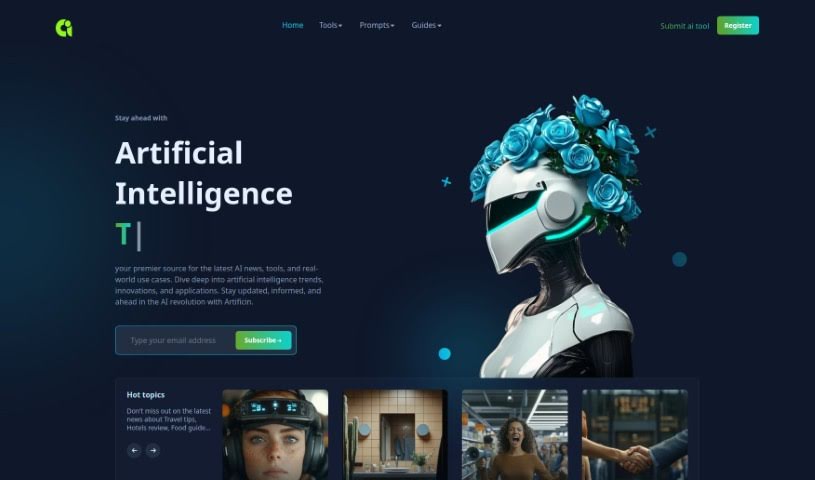
Screenshot of Artificin

Artificin

Freemium

Artificin is an AI presentation tool built into Google Slides. You enter a topic, a presentation type, and a desired length, and it generates fully editable slides. The tool includes a library of more than 100 professionally designed slide templates and automatically builds diagrams, flowcharts, and infographics. Its Instant AI for Google Slides feature streamlines presentation workflows.

Productivity View Tool →
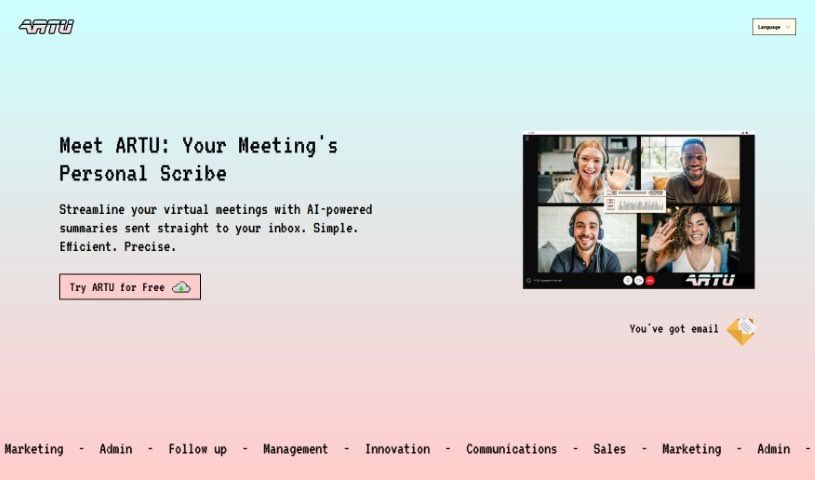
Screenshot of Artu

Artu

Freemium

Artu is an AI assistant built for virtual meetings. It automatically generates meeting minutes, summaries, next steps, key topics, and participant details, then emails everything as soon as the meeting ends. You install it through the Artu Meetings Chrome extension, which also lets Artu join your online meetings and help keep them organized.

Productivity View Tool →
Screenshot of Ask String

Ask String

Freemium

Ask String (also referred to as STRING) is an AI-powered analytics platform for data analysis. It integrates data from multiple sources and applies machine learning to surface trends, patterns, and anomalies. The founder of STRING is not mentioned in the available information. Its core capabilities include:

Productivity View Tool →
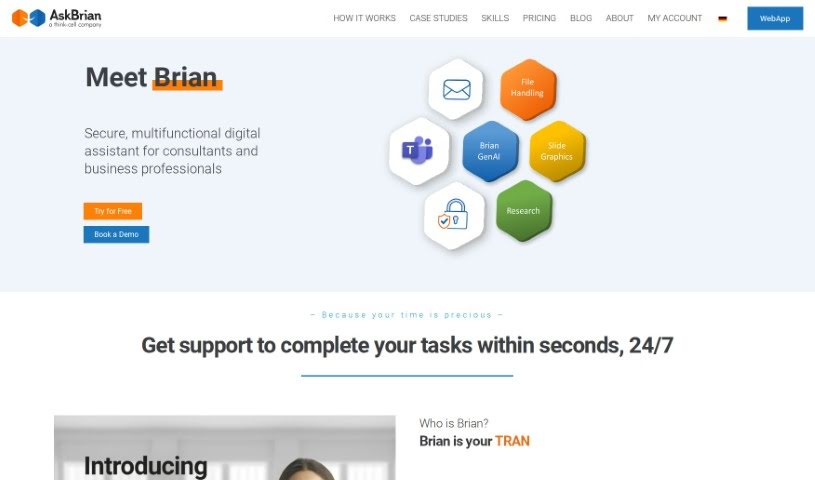
Screenshot of AskBrian

AskBrian

Freemium

AskBrian is an AI assistant built for management consulting professionals. It handles data discovery, data cleaning, document translation, and presentation support, reducing time spent on repetitive tasks so users can focus on client work. Core capabilities include language translation, detailed analysis of public company financials, and help building slide presentations.

Productivity View Tool →
Screenshot of AskCSV

AskCSV

Freemium

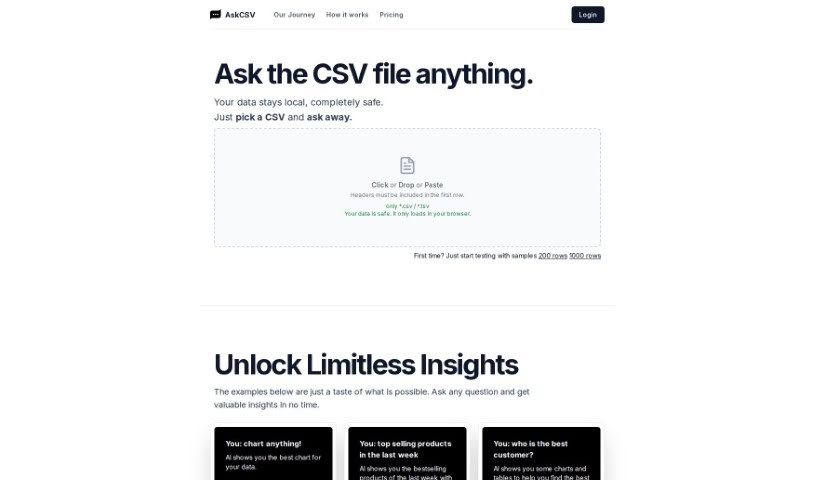
AskCSV is a browser-based tool for analyzing CSV files through conversation. Load a file, ask questions in plain language, and the AI returns insights as charts and tables. All processing happens locally in your browser—files are never uploaded to a server, so your data stays private and intact.

Productivity View Tool →
Screenshot of Askexcel

Askexcel

Freemium

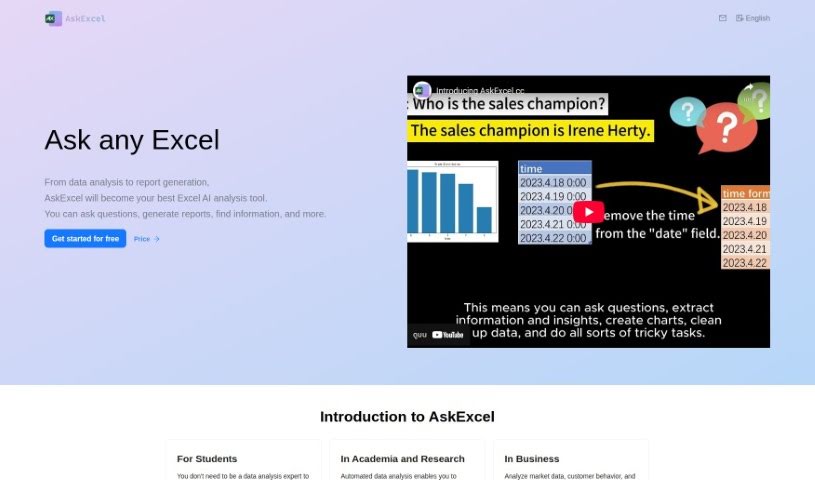
AskExcel is an AI assistant built for Excel users. It generates reports, creates charts, locates specific information, and answers questions about data analysis. The tool emphasizes speed, ease of use, and data security, and supports multiple languages so users can work in the language they prefer.

Productivity View Tool →

About Productivity tools

Having a task list that seems to grow longer by the hour is a fast track to burnout. Between managing clogged email inboxes, jumping across context-heavy browser tabs, updating project boards, and tracking down files, everyday administrative work drains momentum. When managing your workflow takes more energy than doing your actual job, staying focused gets tough.

These workflow platforms act as high-speed productivity partners for task management, scheduling, and daily automation. They won’t replace your personal discipline or strategic priorities, but they handle routine administrative tasks so you can protect your focus time.

Organizing daily tasks and scheduling focus blocks takes far less manual effort. Manually moving deadlines around when a project slips or trying to carve out focus time between back-to-back meetings usually leaves you with a chaotic calendar. Smart scheduling assistants evaluate your working habits, auto-prioritize tasks, and block out dedicated focus time on your calendar before your day gets overrun.

Clearing out email backlogs and workspace communications becomes much faster, too. Sifting through dozens of unread messages just to pull out two urgent client requests wastes valuable time. Intelligent inbox tools summarize long email threads, draft contextual replies, and sort low-priority newsletters away from critical messages—helping you reach inbox zero without reading every word.

Synthesizing notes and cross-platform information creates a central memory hub. Losing track of an important project link or a quick thought saved in a random document stalls your momentum when you need it most. AI productivity assistants search across your workspace apps, notes, and bookmarked links, letting you ask plain-English questions to pull up specific files, meeting notes, or ideas in seconds.

Key Capabilities to Consider:

  • Smart calendar and time blocking: Systems that auto-schedule tasks into your calendar around existing meetings and focus preferences.
  • Contextual email and message drafting: Tools that scan long communication threads to generate concise replies and action items.
  • Universal workspace search: Software that connects with your documents, notes, and cloud storage to retrieve files through simple prompts.
  • Task prioritization algorithms: Applications that rank daily action items by urgency, deadlines, and project dependencies.
  • Workflow automation builders: Connectors that trigger actions across different apps without requiring manual data entry.

Daily productivity will always depend on clear personal priorities and healthy work habits. Software can organize a calendar, draft an email reply, and index your notes, but choosing what truly deserves your time requires human judgment.

Explore the productivity tools below to take control of your workday.

The Best AI Productivity Tools

  1. Perplexity: for automating tasks and helping with management.
  2. Small PDF.com: for smoother document management for teams.
  3. Gamma: for document creation tools that save time.
  4. Odoo: for a task management and collaboration app.
  5. Zoom: for analyzing and summarizing meeting content.
  6. N8N: for smoother team onboarding processes.
  7. Prezi: for engaging team collaboration sessions.
  8. Tableau: for creating reports and dashboards more easily.
  9. Data Camp: for efficient team collaboration workflows.
  10. Otter.ai: for getting action items from meetings without the fuss.
  11. Tenorshare: for easily summarizing long PDF documents.
  12. Slidesgo: for creating professional presentations efficiently.
  13. Facecheck Id: for streamlining identity verification tasks.
  14. HIX.AI: for boosting writing speed with smart tools.
  15. Tactiq: for automating meeting notes for teams.

New tools, in your inbox.

Weekly picks of the best AI tools we've researched and added — no spam, unsubscribe anytime.

Join 25,000+ AI enthusiasts. No spam, unsubscribe anytime.