AI Tools for Productivity

Discover the best Productivity AI tools to enhance your productivity and creativity.

Page 8 of 114 • 1361 total tools

In today’s busy world, staying productive can feel like a real challenge. With so much to do, constant notifications, and distractions everywhere, having the right tools to manage your time well is more important than ever. That’s where AI productivity tools come in—they’re designed to make your work smoother, handle repetitive tasks for you, and keep you organized.

These smart solutions have come a long way recently. They’ve gone from simple task managers to complete systems that can adapt to what you need. Whether you’re trying to organize your day better, improve how your team works together, or finally tackle that huge inbox, the right AI tools can make a big difference.

As I looked into the best AI productivity tools out there, I tried out several apps that promise to make you more efficient and focused. From smart schedulers to new project management systems, there are tons of options to help you get your time back.

So, if you’re ready to boost your productivity and make the most of your workday, you’re in the right place. Here’s a list of great AI productivity tools that are definitely worth checking out. Let’s explore how to work smarter together!

The best AI Productivity Tools

  1. Perplexity for automating tasks and helping with management.
  2. Small PDF.com for smoother document management for teams.
  3. Gamma for document creation tools that save time.
  4. Odoo for a task management and collaboration app.
  5. Zoom for analyzing and summarizing meeting content.
  6. N8N for smoother team onboarding processes.
  7. Prezi for engaging team collaboration sessions.
  8. Tableau for creating reports and dashboards more easily.
  9. Data Camp for efficient team collaboration workflows.
  10. Otter.ai for getting action items from meetings without the fuss.
  11. Tenorshare for easily summarizing long PDF documents.
  12. Slidesgo for creating professional presentations efficiently.
  13. Facecheck Id for streamlining identity verification tasks.
  14. HIX.AI for boosting writing speed with smart tools.
  15. Tactiq for automating meeting notes for teams.

How do AI productivity tools work?

AI productivity tools use machine learning to look at how you work and make your tasks more efficient. These tools are built to handle lots of information, spotting patterns and your preferences to help smooth out your workflows. By understanding how you use different apps, AI can suggest personal improvements to boost your productivity.

Basically, these tools use natural language processing (NLP) to understand and respond to what you ask. For example, they can schedule meetings, set reminders, or create reports just by understanding simple requests. This saves you time and cuts down on manual work.

Many AI productivity apps connect with popular tools like calendars, email, and project management software. This connection lets them gather information and automate tasks across different places. As a result, you get a smooth, connected experience that improves how you work day-to-day.

AI productivity tools also learn from how you use them to get better over time. The more you use a tool, the better it gets at guessing what you need and offering helpful suggestions. This ability to adapt is what makes AI tools increasingly valuable for improving productivity for both individuals and teams.

Plus, these tools can look at data about how you complete tasks and suggest ways to improve. For instance, if you often miss deadlines, the AI might suggest better ways to manage your time. By giving you useful insights, AI productivity tools help you work smarter, not just harder.

In the end, AI productivity tools show how technology can change everyday tasks into more efficient processes. By automating routine jobs and offering personal insights, they help you focus on what’s most important—hitting your goals and being more effective overall.

Our best AI productivity tools at a glance

RankNameBest forPlans and PricingRating
1PerplexityAutomating tasks and helping with management.N/A4.70 (10 reviews)
2SmallPDF.comSmoother document management for teams.Paid plans start at $9/month.4.73 (11 reviews)
3GammaDocument creation tools that save time.N/A4.79 (19 reviews)
4OdooA task management and collaboration app.N/A4.67 (6 reviews)
5ZoomAnalyzing and summarizing meeting content.Paid plans start at $15.99/month.4.73 (11 reviews)
6N8NSmoother team onboarding processes.Paid plans start at $50/month.4.58 (12 reviews)
7PreziEngaging team collaboration sessions.Paid plans start at $19/month.4.18 (11 reviews)
8TableauCreating reports and dashboards more easily.N/A4.70 (43 reviews)
9DataCampEfficient team collaboration workflows.Paid plans start at $25/month.4.71 (24 reviews)
10Otter.aiGetting action items from meetings without the fuss.Paid plans start at $13.59/month.4.73 (11 reviews)
11TenorshareEasily summarizing long PDF documents.N/A4.64 (11 reviews)
12SlidesgoCreating professional presentations efficiently.N/A4.68 (22 reviews)
13Facecheck IdStreamlining identity verification tasks.N/A4.42 (19 reviews)
14HIX.AIBoosting writing speed with smart tools.N/A4.36 (11 reviews)
15TactiqAutomating meeting notes for teams.N/A4.64 (11 reviews)
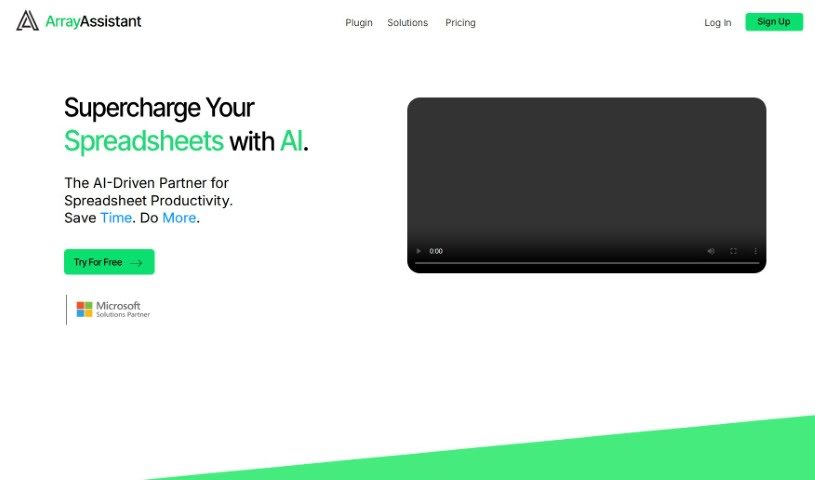
Screenshot of Array Assistant

Array Assistant

Freemium

Array Assistant is an AI-powered tool built to make working with spreadsheets much easier. It is your smart helper for Microsoft Excel. It can automate a bunch of common tasks, like creating complex formulas for you, cleaning up messy data, summarizing long pieces of text, explaining tricky problems you encounter, and even helping you design your own automations right within Excel. The goal is to help both professionals and students use spreadsheets more smoothly. It offers quick text generation and efficient tools for tidying up your data. You can try Array Assistant for free, and they have different pricing plans based on how many requests you plan to make each month.

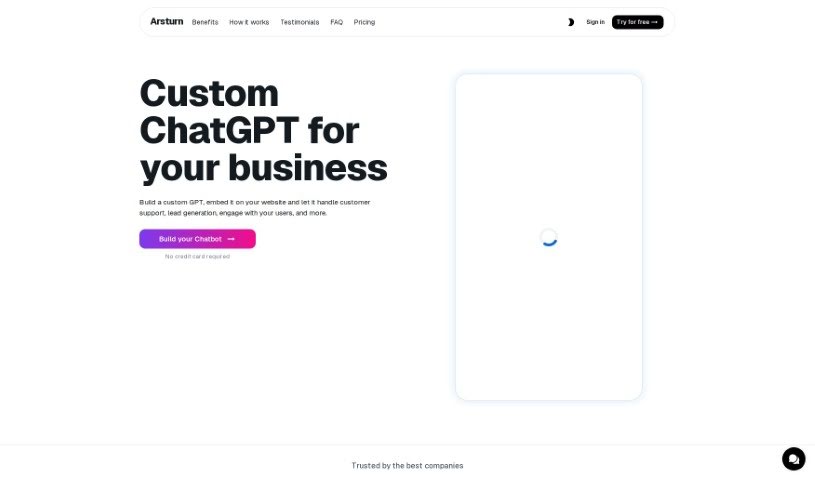
Screenshot of Arsturn

Arsturn

Freemium

Arsturn is a platform built to make your digital life smoother and more productive. It offers smart, user-friendly solutions designed to help you tackle all sorts of tasks efficiently. It is a toolkit packed with advanced technology that really gets things done, focusing on performance and dependability. It's all about boosting your productivity and making sure you have great support whenever you need it. Arsturn's goal is to completely change how you approach tasks, whether they're simple or really complex, by blending the latest tech with interfaces that are genuinely easy to use.

Screenshot of Artificin

Artificin

Freemium

Artificin is a smart AI tool built right into Google Slides, designed to help you create and edit presentations. Imagine just typing in your topic, the kind of presentation you need, and how long you want it to be – Artificin does the rest, crafting fully-editable slides for you. What really sets it apart is its library of over 100 professionally designed slide templates. It uses these to automatically build diagrams, flowcharts, and infographics, making your presentations look great and get your message across clearly.

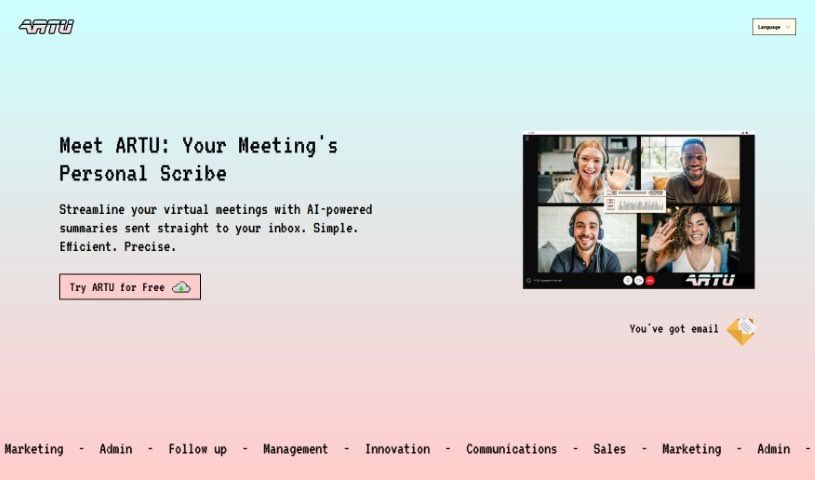
Screenshot of Artu

Artu

Freemium

Artu is an AI assistant designed to make virtual meetings much smoother. It automatically creates meeting minutes, summaries, identifies next steps, highlights key topics, and lists participant details, sending it all to your email right after the meeting wraps up. You can easily use it with a Chrome extension, which makes coordinating and organizing your meetings a breeze. Artu takes data security seriously, processing and organizing your information safely. They offer different subscription plans – Personal, Business, and Corporate – each with features to boost your productivity. You can also store and organize all sorts of content, like ideas, tasks, videos, links, and social media posts. Artu works with many communication tools, including email, WhatsApp, Discord, and Telegram. This means you can assign tasks, share content, and even have Artu join your online meetings through the Artu Meetings Chrome extension to help keep things efficient.

Screenshot of Ask String

Ask String

Freemium

A string is a simple sequence of characters – like letters, numbers, or symbols – that computers use to represent text. You can find strings everywhere in programming! They can be short or long, and most programming languages let you do all sorts of things with them, like storing what a user types in, showing messages on screen, or working with text data.

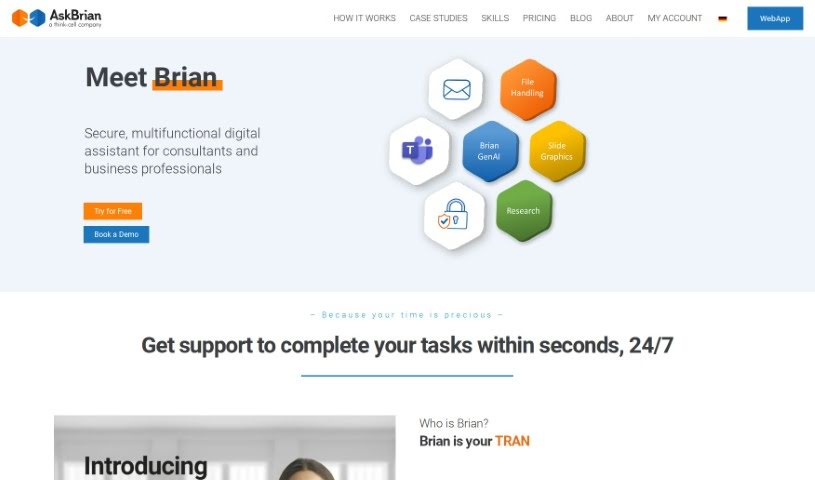
Screenshot of AskBrian

AskBrian

Freemium

AskBrian is a smart AI assistant built specifically for management consulting pros. It is your digital sidekick for tasks like digging up data, cleaning it up, translating documents, and a whole lot more. The main idea is to help you work faster, save precious time, and cut down on all those tedious, repetitive jobs. This way, you can spend more time on the really important stuff that adds value for your clients. AskBrian can translate languages, give you a deep dive into public company financials, and even help you put together slick slide presentations. People who've used it say they've saved a ton of time and gotten way more efficient.

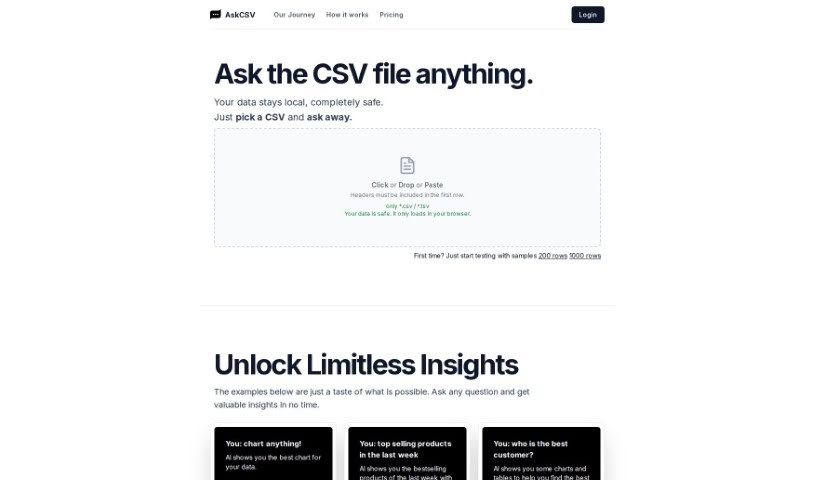
Screenshot of AskCSV

AskCSV

Freemium

AskCSV is a really user-friendly platform built for digging into your CSV files. It is a way to chat with your data! You can simply ask questions, and it'll give you valuable insights right away. It uses AI to help you out, and the best part? Your data stays super secure because everything is processed right in your browser. No need to upload anything to a server! AskCSV makes data analysis simple, keeps your data local, offers AI-driven insights, lets you ask questions interactively, and you never have to worry about uploading your files.

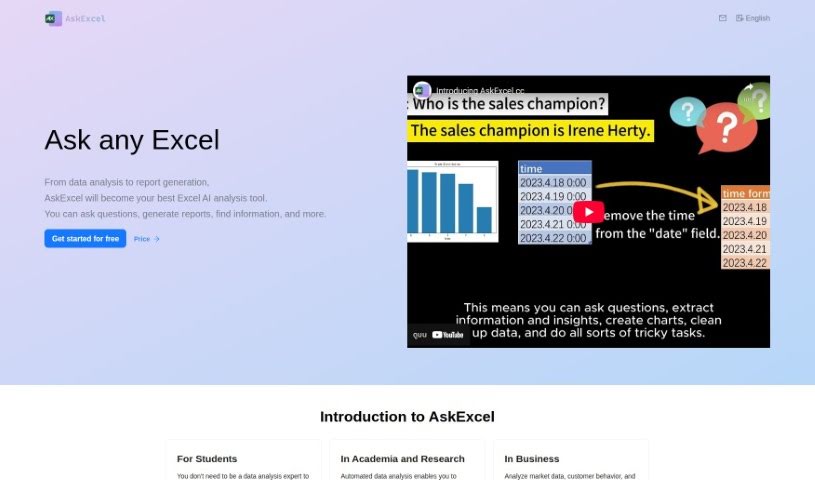
Screenshot of Askexcel

Askexcel

Freemium

AskExcel is a really handy AI tool built specifically for people who use Excel. It is your smart assistant for digging into your data. It can help you whip up reports, find specific pieces of information, and answer all sorts of questions you might have about your data analysis or reports.

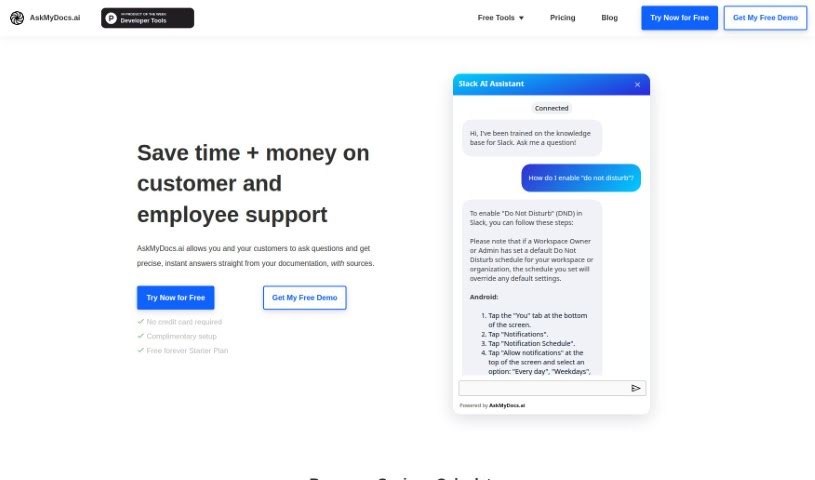
Screenshot of Askmydocs

Askmydocs

Freemium

AskMyDocs.ai is a really handy tool designed to cut down on the time and cost of customer and employee support. How? By giving you precise, instant answers straight from your documentation sources. Basically, you can ask it questions, and it'll pull the answers directly from your docs. It connects with lots of different services like Zendesk and Gitbook, so you can link them up, train the AI on your knowledge bases, and then ask away to get the information you need.

Screenshot of Asknotion

Asknotion

Freemium

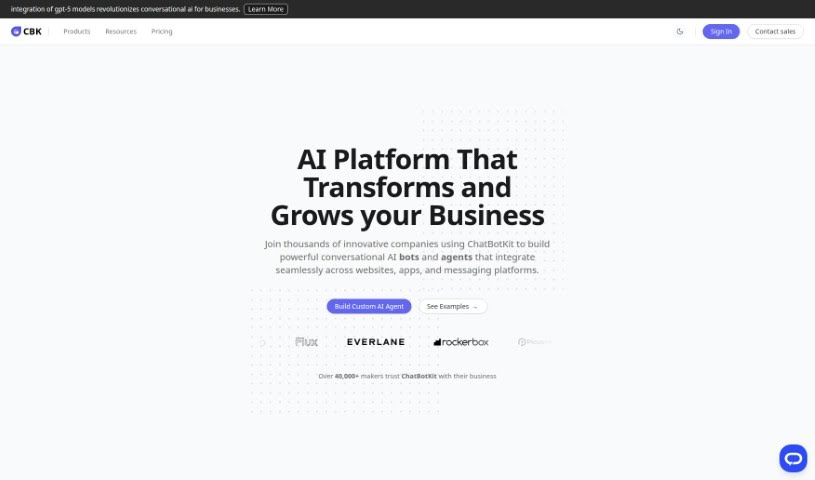
AskNotion is a really neat tool that lets you build your own ChatGPT-like chatbot, all trained on your Notion pages. This means you can chat with your own data easily, no coding needed! With AskNotion, you get some great perks: you can sync your Notion pages as much as you want, use up to 300,000 tokens for chatting and searching your AI-powered Notion pages, and even create as many as 1,000 chat sessions. The pricing is super clear, too. It starts at just $9.99 per user each month for the Starter package, and you can try it out risk-free for 5 days. AskNotion is all about making collaboration smoother, boosting your productivity, and really bringing out the best in your Notion pages by using AI.

Screenshot of Asknova

Asknova

Freemium

Asknova is your digital sidekick, ready to help you brainstorm, plan your next big move, create content, and manage your to-do list. What's really neat is that it lets you customize your own agents, manage commands, and even tweak how it behaves. It can also look back at your old notes, give you reminders, and switch between different ways of working. Plus, Asknova is built for teamwork, so you can use it to design services or even build games together with others.

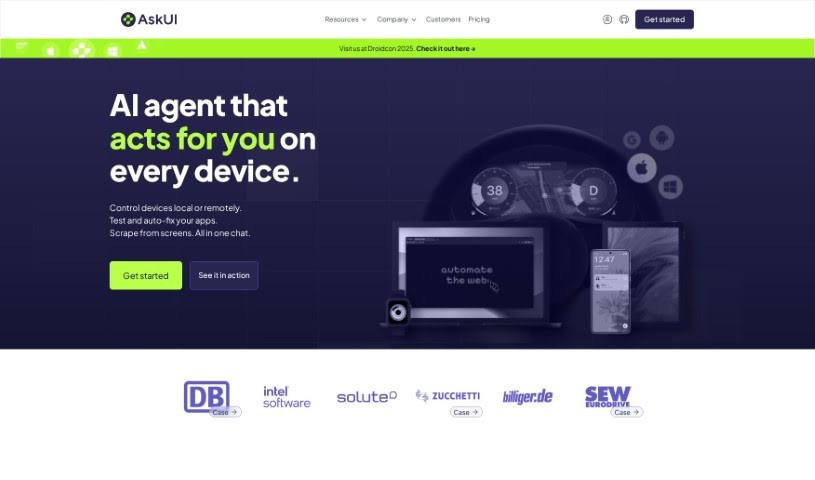
Screenshot of AskUI

AskUI

Freemium

AskUI is a truly innovative platform that's changing the game for user interface automation. It uses AI to make automating desktop, mobile, and web applications across Windows, macOS, and Linux incredibly smooth. It is a smart way to handle complex, platform-independent frameworks like Flutter, Xamarin, and QT, which means it works with a huge variety of applications. What's really neat is that AskUI doesn't rely on those old-school selectors. Instead, it uses AI to identify elements based on how they look, which really simplifies things for enterprise apps like SAP, ServiceNow, Citrix, and Salesforce. This makes building cross-application workflows much more reliable. Because it focuses on visual recognition, AskUI offers a scalable automation framework that's a great fit whether you're a small business or a massive global enterprise.

Stay Updated with AI Tools

Get weekly updates on the latest AI tools, trends, and insights delivered to your inbox

Join 25,000+ AI enthusiasts. No spam, unsubscribe anytime.