AI Tools for Productivity

Discover the best Productivity AI tools to enhance your productivity and creativity.

Page 59 of 114 • 1361 total tools

In today’s busy world, staying productive can feel like a real challenge. With so much to do, constant notifications, and distractions everywhere, having the right tools to manage your time well is more important than ever. That’s where AI productivity tools come in—they’re designed to make your work smoother, handle repetitive tasks for you, and keep you organized.

These smart solutions have come a long way recently. They’ve gone from simple task managers to complete systems that can adapt to what you need. Whether you’re trying to organize your day better, improve how your team works together, or finally tackle that huge inbox, the right AI tools can make a big difference.

As I looked into the best AI productivity tools out there, I tried out several apps that promise to make you more efficient and focused. From smart schedulers to new project management systems, there are tons of options to help you get your time back.

So, if you’re ready to boost your productivity and make the most of your workday, you’re in the right place. Here’s a list of great AI productivity tools that are definitely worth checking out. Let’s explore how to work smarter together!

The best AI Productivity Tools

  1. Perplexity for automating tasks and helping with management.
  2. Small PDF.com for smoother document management for teams.
  3. Gamma for document creation tools that save time.
  4. Odoo for a task management and collaboration app.
  5. Zoom for analyzing and summarizing meeting content.
  6. N8N for smoother team onboarding processes.
  7. Prezi for engaging team collaboration sessions.
  8. Tableau for creating reports and dashboards more easily.
  9. Data Camp for efficient team collaboration workflows.
  10. Otter.ai for getting action items from meetings without the fuss.
  11. Tenorshare for easily summarizing long PDF documents.
  12. Slidesgo for creating professional presentations efficiently.
  13. Facecheck Id for streamlining identity verification tasks.
  14. HIX.AI for boosting writing speed with smart tools.
  15. Tactiq for automating meeting notes for teams.
How do AI productivity tools work?

AI productivity tools use machine learning to look at how you work and make your tasks more efficient. These tools are built to handle lots of information, spotting patterns and your preferences to help smooth out your workflows. By understanding how you use different apps, AI can suggest personal improvements to boost your productivity.

Basically, these tools use natural language processing (NLP) to understand and respond to what you ask. For example, they can schedule meetings, set reminders, or create reports just by understanding simple requests. This saves you time and cuts down on manual work.

Many AI productivity apps connect with popular tools like calendars, email, and project management software. This connection lets them gather information and automate tasks across different places. As a result, you get a smooth, connected experience that improves how you work day-to-day.

AI productivity tools also learn from how you use them to get better over time. The more you use a tool, the better it gets at guessing what you need and offering helpful suggestions. This ability to adapt is what makes AI tools increasingly valuable for improving productivity for both individuals and teams.

Plus, these tools can look at data about how you complete tasks and suggest ways to improve. For instance, if you often miss deadlines, the AI might suggest better ways to manage your time. By giving you useful insights, AI productivity tools help you work smarter, not just harder.

In the end, AI productivity tools show how technology can change everyday tasks into more efficient processes. By automating routine jobs and offering personal insights, they help you focus on what’s most important—hitting your goals and being more effective overall.

Our best AI productivity tools at a glance

RankNameBest forPlans and PricingRating
1PerplexityAutomating tasks and helping with management.N/A4.70 (10 reviews)
2SmallPDF.comSmoother document management for teams.Paid plans start at $9/month.4.73 (11 reviews)
3GammaDocument creation tools that save time.N/A4.79 (19 reviews)
4OdooA task management and collaboration app.N/A4.67 (6 reviews)
5ZoomAnalyzing and summarizing meeting content.Paid plans start at $15.99/month.4.73 (11 reviews)
6N8NSmoother team onboarding processes.Paid plans start at $50/month.4.58 (12 reviews)
7PreziEngaging team collaboration sessions.Paid plans start at $19/month.4.18 (11 reviews)
8TableauCreating reports and dashboards more easily.N/A4.70 (43 reviews)
9DataCampEfficient team collaboration workflows.Paid plans start at $25/month.4.71 (24 reviews)
10Otter.aiGetting action items from meetings without the fuss.Paid plans start at $13.59/month.4.73 (11 reviews)
11TenorshareEasily summarizing long PDF documents.N/A4.64 (11 reviews)
12SlidesgoCreating professional presentations efficiently.N/A4.68 (22 reviews)
13Facecheck IdStreamlining identity verification tasks.N/A4.42 (19 reviews)
14HIX.AIBoosting writing speed with smart tools.N/A4.36 (11 reviews)
15TactiqAutomating meeting notes for teams.N/A4.64 (11 reviews)
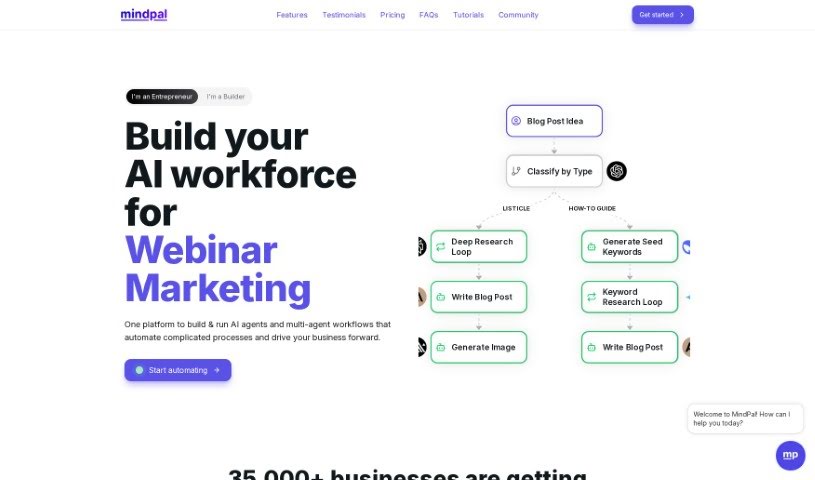
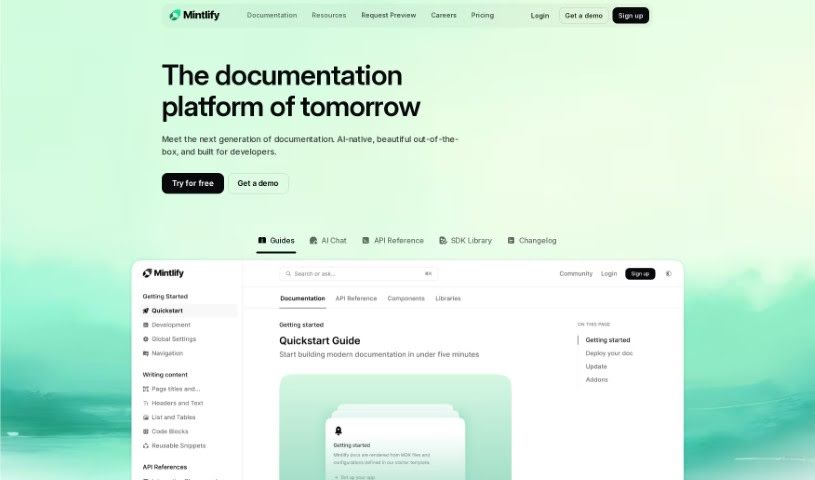
Screenshot of Mavex

Mavex

Freemium

Mavex is a smart tool that uses an AI executive assistant named Mavy to help you manage your day-to-day tasks. Mavy is your personal assistant, ready to tackle things like scheduling meetings, drafting emails, and keeping your calendar in order. It's designed to make your life easier by handling follow-ups and managing your schedule efficiently.

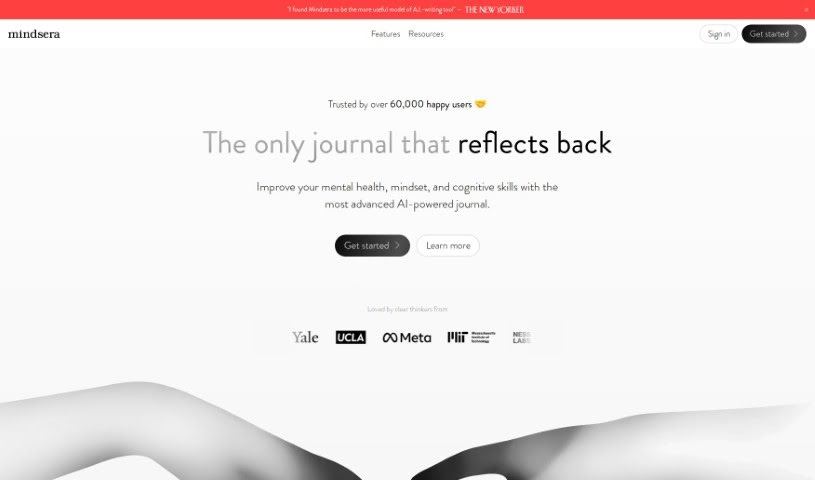
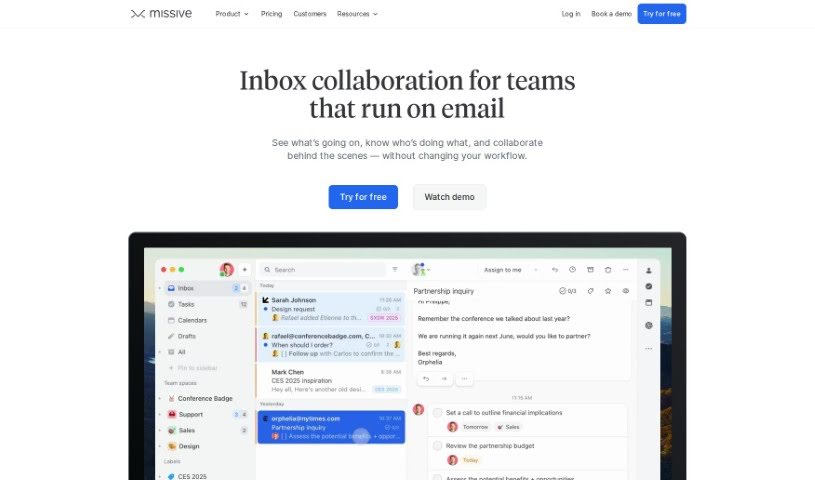
Screenshot of Max

Max

Freemium

Max is an AI-powered assistant designed to completely change how you work with data. It is your go-to for making data analysis much simpler and faster. It's built to speed up your data analysis tasks, giving you insights right when you need them and transforming complicated data into easy-to-understand stories. Max uses GPT-3.5 Turbo along with AnswerRocket's smart analytics tools to quickly sort through data and offer helpful analysis suggestions. You'll find its interface really easy to use, which makes exploring data and making decisions a breeze. Some of the standout things Max can do include analyzing data up to 10 times faster than usual, really getting to know your specific business and data needs, offering built-in advanced analytics tools, processing data much quicker than a person could, and even suggesting insights you might not have thought of. Essentially, Max is your flexible partner for making decisions based on data, ensuring you always have the information you need close at hand.

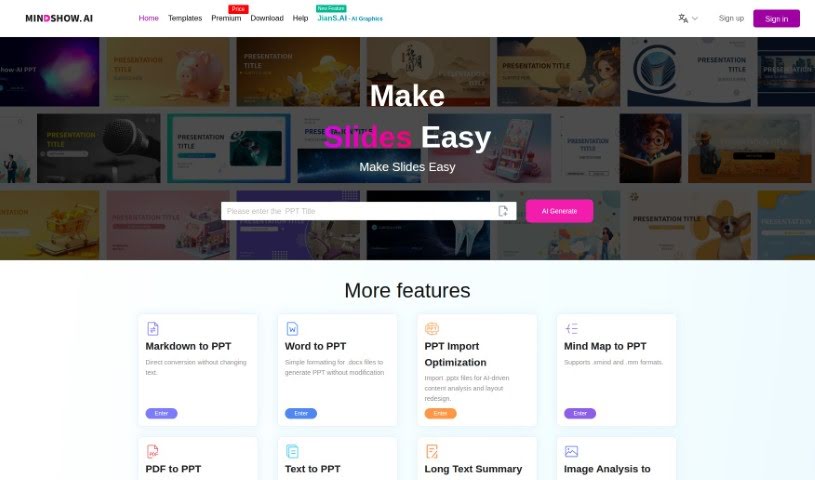
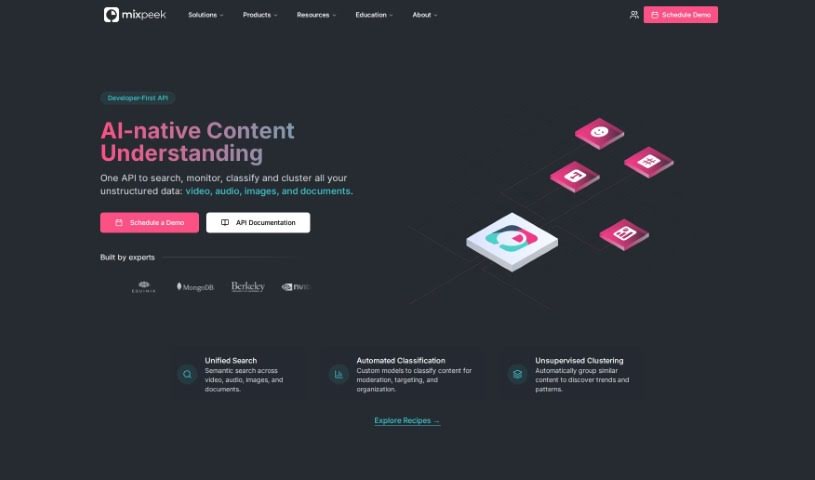
Screenshot of Mayday

Mayday

Freemium

Mayday is a smart, AI-powered calendar app designed to help people with packed schedules manage their time much better. It is your all-in-one hub for your calendar, to-do list, and scheduling needs, all working together with artificial intelligence to keep your day organized, protect your focus time, and help you get things done efficiently. It can automatically schedule meetings and tasks, learn your personal preferences to find the best times, suggest ideal meeting slots for your team, figure out the best moments for your tasks with very little input from you, and even reschedule things automatically to keep your calendar flexible.

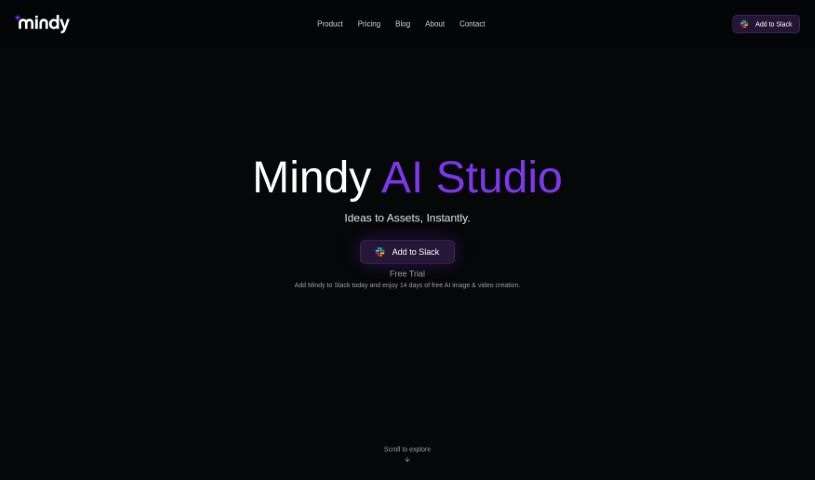
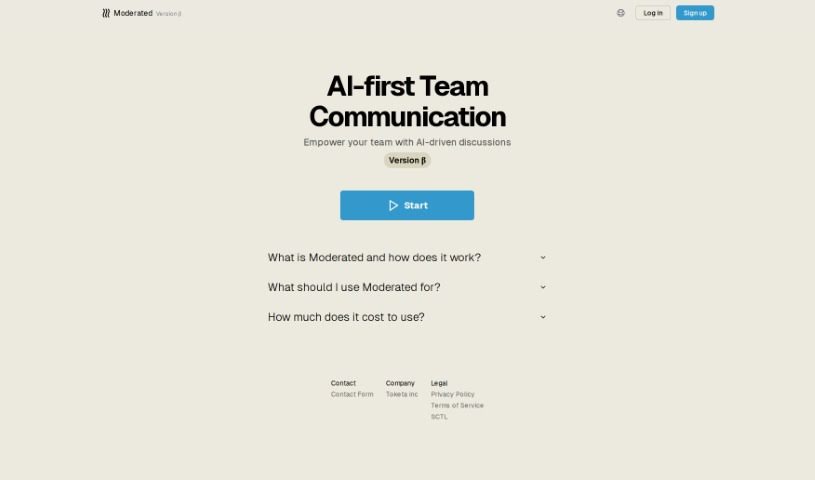
Screenshot of Mealbymeal

Mealbymeal

Freemium

MealByMeal is a smart tool that helps you count calories and track your meals, all through simple text messages. You don't even need a special app for it! Just text the tool what you've eaten and your current weight. It then logs this information, giving you pretty accurate estimates of your calories and macronutrients for a huge variety of foods. MealByMeal uses AI to turn your text messages into detailed food log entries. The more you tell it, the better its calorie and macro estimations become. Plus, you can even use voice commands to log your meals, and they offer premium nutrition tracking at prices that won't break the bank. Basically, it makes calorie counting way easier and helps you hit your weight goals.

Screenshot of MealGenie

MealGenie

Freemium

MealGenie is a smart recipe assistant that uses AI to help you find and plan tasty, healthy meals. Whether you're craving something specific or just want to try a new cuisine, MealGenie has you covered. It offers a handy search function, a random recipe generator for when you're feeling adventurous, and all the details you need – from ingredient lists to step-by-step cooking instructions. Plus, you can filter by dietary needs, create personalized meal plans, and even generate shopping lists. The goal here is to make healthy eating easier by matching recipes to your tastes, what you have on hand, and any dietary restrictions you might have. Now, it's not perfect – the cuisine variety is a bit limited, you can't upload your own recipes, and it doesn't sync across devices or work offline. There are also no video tutorials, and the meal plan structure is pretty fixed. But even with these points, MealGenie is a really useful tool for planning your meals, finding new dishes, and organizing your cooking based on what you like and what you need to eat.

Screenshot of Meditaia

Meditaia

Freemium

Meditaia offers personalized meditation sessions, carefully crafted to fit what you need and prefer. It uses smart technology to customize your meditation based on what you're aiming for, how you're feeling, and what's going on in your life. No matter if you're just starting out or have been meditating for a while, Meditaia's goal is to help you find a deeper sense of calm and improve your focus. The service grows with you as you continue your meditation practice, ensuring you keep seeing results. It's designed for everyone, no matter their experience level. You can really tap into the power of personalized meditation with Meditaia to find inner peace and mental clarity.

Screenshot of Medoo

Medoo

Freemium

Medoo is a smart coaching software built to make the coaching process better for everyone involved – both coaches and the people they coach. It's all about boosting engagement, helping people see their progress, and keeping them on track. How does it do this? Well, it offers features like shared journaling, where both coach and coachee can record thoughts and insights, goal setting that turns big ideas into small, manageable steps, and progress tracking with helpful data visualizations. Plus, it uses AI to offer deeper insights. Medoo was actually developed with input from coaches and coachees themselves, creating a collaborative space that really helps with communication and accountability. It makes goal-setting easier by breaking down goals into actionable steps, encourages people to reflect on their journey, and makes it simple to look back at past coaching conversations thanks to that shared journaling feature.

Screenshot of Meet An AI

Meet An AI

Freemium

'Meet an AI' is a way to have a conversation with artificial intelligence, working together to learn and share information. It's designed to help people get a better handle on what AI technologies are and how they're used in different areas. The whole point is to make it easier for us to connect with AI, offering a space for genuine discussions and sharing knowledge. Through this, you can really get a feel for what AI can do, ask all your burning questions, and think about how AI might change things for all of us. Ultimately, 'Meet an AI' wants to make artificial intelligence less mysterious and encourage a more open, inclusive chat between people and smart machines.

Screenshot of Meet Summary

Meet Summary

Freemium

MeetSummary is a smart tool that uses advanced AI to make team collaboration much smoother. It automatically creates summaries of your meetings. This easy-to-use solution helps teams remember everything discussed, share context without a fuss, and stay focused on the conversation, rather than worrying about taking notes. Plus, MeetSummary keeps your meetings private and secure; it doesn't save any recordings or summaries after processing, so everything stays confidential. You can try MeetSummary for free for your first three meetings, and after that, it's an affordable monthly subscription. Boost your team's productivity and ensure communication flows easily with MeetSummary, your go-to automated meeting assistant. It offers key features like automated summaries, AI-powered technology, better focus, a simple interface, and secure data handling.

Screenshot of Meetcopilot.app

Meetcopilot.app

Freemium

Since Meetcopilot.app isn't directly mentioned in the files I have, I'll give you a general idea of what it's likely for.

Screenshot of Meetext

Meetext

Freemium

Meetext is an AI-powered tool that really changes how we take notes. It makes summarizing classes, meetings, and talks super easy, which helps you get more done. What makes Meetext special are its unique features and how simple it is to use. It's a fantastic help for teams working together and for anyone needing better meeting software. Basically, Meetext offers a complete way to organize and make sense of information from all sorts of conversations, and it does it quickly and well. By making summarizing content a smooth process, Meetext aims to simplify note-taking and boost productivity in many different situations.

Screenshot of MeetGeek

MeetGeek

Freemium

MeetGeek is an AI-powered meeting assistant designed to help teams run their meetings more smoothly and get more out of them. It is your personal meeting helper! It automatically records and transcribes your meetings, then gives you summaries, points out the most important parts, and pulls out useful insights from the conversations.

Stay Updated with AI Tools

Get weekly updates on the latest AI tools, trends, and insights delivered to your inbox

Join 25,000+ AI enthusiasts. No spam, unsubscribe anytime.