Top AI Productivity Tools

AI Tools for Productivity

Discover the best Productivity AI tools to enhance your productivity and creativity.

Page 47 of 108 • 1290 total tools
Screenshot of Jeda.ai

Jeda.ai

Freemium

Jeda.ai is described as the world's first all-in-one AI Visual Workspace, combining Generative AI with advanced visualization tools. It is designed to help you create, visualize, and analyze data more efficiently, enabling faster business decisions. The platform includes AI-powered features such as AI Use Cases, Template Analysis, Mind Map, Flowchart, Wireframe, Text Writer, Sticky Notes, Art generation, Data Analysis powered by DataGPT, and Document Analysis with DocumentGPT. It also offers Interactive AI Charts and Filters, Freeform AI Data Analysis, and the ability to download filtered data as a CSV file. Users report that it boosts productivity and strengthens data analysis.

Productivity View Tool →
Screenshot of Jigso

Jigso

Freemium

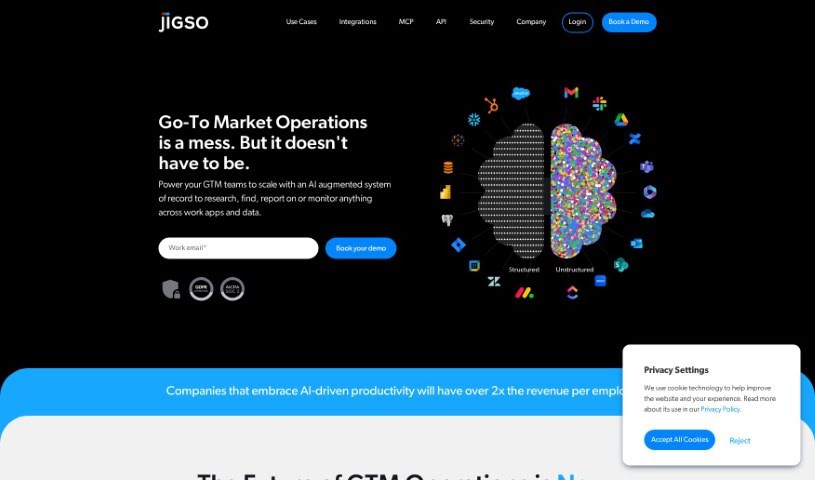
Jigso is an AI assistant that provides personalized help to individuals and businesses. It covers a broad range of tasks: content creation, copywriting, project management, graphic design, data science, customer support, finance, and e-commerce. It can also generate high-quality avatars and 4D models, act as a chatbot and writing assistant, and automate repetitive work such as email management and social media scheduling. The platform emphasizes ease of use and includes strong security measures to protect user information.

Productivity View Tool →
Screenshot of Jina AI PromptPerfect

Jina AI PromptPerfect

Freemium

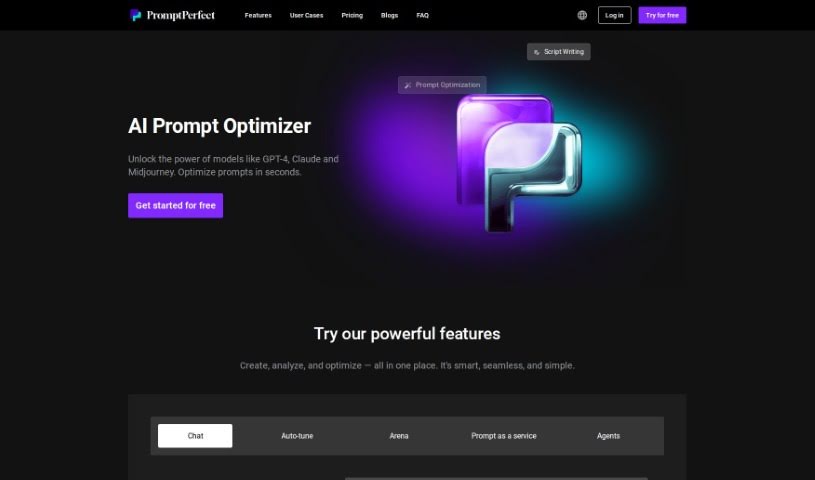
PromptPerfect is a prompt optimizer and prompt engineering assistant built for large language models (LLMs), large models (LMs), and LMOps. It is designed to make prompts work with popular AI tools like MidJourney, ChatGPT, GPT-3, DALL-E 2, and StableDiffusion, letting you develop, test, and use optimized prompts without complicated processes. It targets anyone involved in prompt engineering, content creation, or AI development who wants better results from AI-generated content.

Productivity View Tool →
Screenshot of Jina AI Rationale

Jina AI Rationale

Freemium

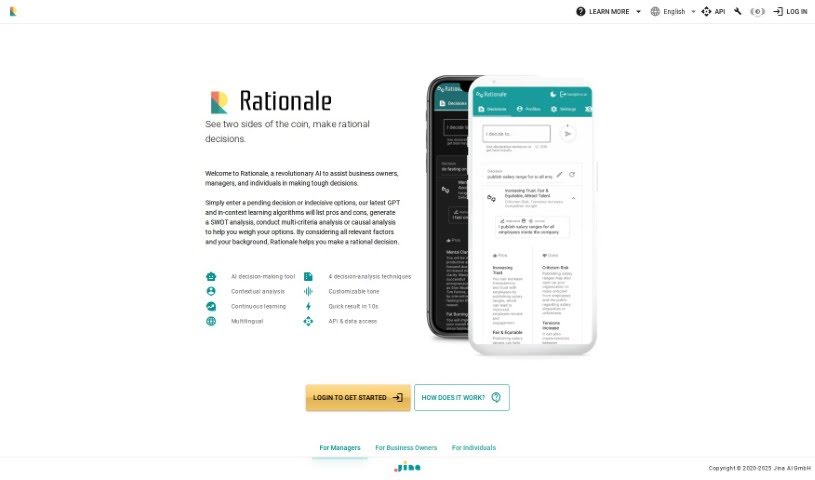
Rationale is a tool from Jina AI designed to help individuals and businesses make smarter decisions and work more efficiently. It focuses on completing tasks quickly, using advanced technology, and providing expert support. Its solutions can be customized to specific needs, and the interface is easy to use.

Productivity View Tool →
Screenshot of JiraGPT

JiraGPT

Freemium

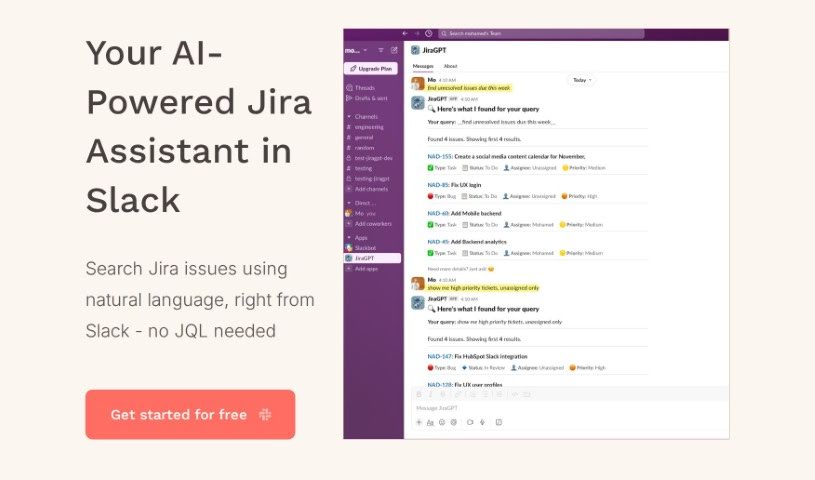
JiraGPT is an AI tool that lets you search Jira issues using everyday language, directly from Slack. Instead of learning Jira Query Language (JQL), you ask questions or give commands in plain English from your Slack channels.

Productivity View Tool →
Screenshot of Joia

Joia

Freemium

Joia is an open-source collaboration tool positioned as an alternative to ChatGPT for Teams. It lets teams create and share chatbots with each other, with a focus on transparency, community input, and privacy. All team interactions are managed from one central place.

Productivity View Tool →
Screenshot of Journable

Journable

Freemium

Journable is an AI-powered app that tracks diet and exercise through a chat interface. You log meals and workouts by describing them in conversation, and the AI provides immediate feedback on nutrition and activity so you can monitor calories in and out. It recognizes a wide range of foods — homemade meals, restaurant dishes, local favorites, and international cuisine — without manual database entry. You can also set personal health targets directly in the app.

Productivity View Tool →
Screenshot of Journey

Journey

Freemium

Journey is a tool for connecting with, converting, and onboarding customers through a single link. It combines adaptive slides, built-in video recording, interactive elements, and the ability to embed content from other popular tools, making it useful for presentations and for sharing information in a clear, engaging way. Companies like Reddit, Gumroad, and AngelList use Journey.

Productivity View Tool →
Screenshot of Jua

Jua

Freemium

Jua is a weather forecasting technology built for the energy sector. It uses a proprietary "Large Physics Model" that combines millions of primary data points, innovative data sources, and artificial intelligence to produce highly precise weather predictions. The result is a significant edge in temporal and local accuracy, enabling faster, better-informed decisions in energy trading.

Productivity View Tool →
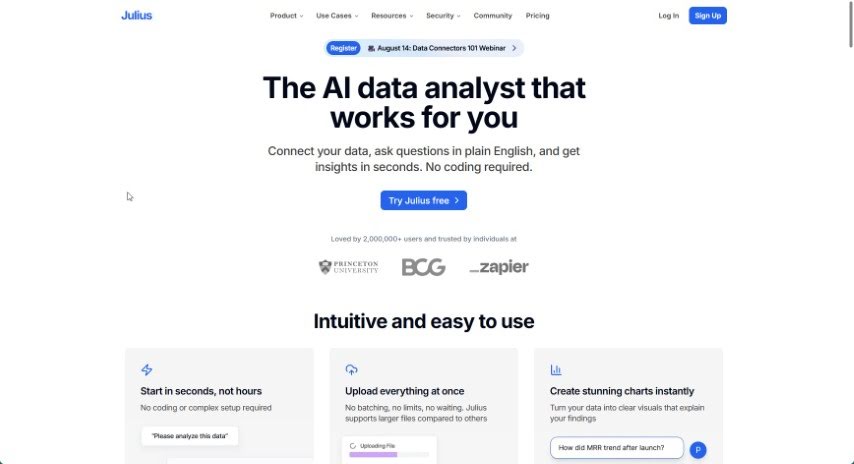
Screenshot of Julius AI

Julius AI

Freemium

Julius AI is an AI-powered data analyst that simplifies working with data. It lets you chat with your datasets, create dynamic graphs, and use advanced forecasting — all through an easy-to-use interface. This makes data analysis accessible whether you're an expert or just getting started.

Productivity View Tool →
Screenshot of Jumble Journal

Jumble Journal

Freemium

Jumble Journal is a journaling platform that uses vector embeddings and custom analysis to surface insights from your past entries. It lets you have a conversation with your past self by digging into key extracts, with the goal of supporting personal growth through reflective journaling.

Productivity View Tool →
Screenshot of Jumpboost

Jumpboost

Freemium

JumpBoost is a mobile app that measures how high you jump using your smartphone's camera. Record a jump, and the app's algorithms analyze the video to produce detailed metrics: jump height, flight time, knee and hip angles, and velocity.

Productivity View Tool →

About Productivity tools

Having a task list that seems to grow longer by the hour is a fast track to burnout. Between managing clogged email inboxes, jumping across context-heavy browser tabs, updating project boards, and tracking down files, everyday administrative work drains momentum. When managing your workflow takes more energy than doing your actual job, staying focused gets tough.

These workflow platforms act as high-speed productivity partners for task management, scheduling, and daily automation. They won’t replace your personal discipline or strategic priorities, but they handle routine administrative tasks so you can protect your focus time.

Organizing daily tasks and scheduling focus blocks takes far less manual effort. Manually moving deadlines around when a project slips or trying to carve out focus time between back-to-back meetings usually leaves you with a chaotic calendar. Smart scheduling assistants evaluate your working habits, auto-prioritize tasks, and block out dedicated focus time on your calendar before your day gets overrun.

Clearing out email backlogs and workspace communications becomes much faster, too. Sifting through dozens of unread messages just to pull out two urgent client requests wastes valuable time. Intelligent inbox tools summarize long email threads, draft contextual replies, and sort low-priority newsletters away from critical messages—helping you reach inbox zero without reading every word.

Synthesizing notes and cross-platform information creates a central memory hub. Losing track of an important project link or a quick thought saved in a random document stalls your momentum when you need it most. AI productivity assistants search across your workspace apps, notes, and bookmarked links, letting you ask plain-English questions to pull up specific files, meeting notes, or ideas in seconds.

Key Capabilities to Consider:

  • Smart calendar and time blocking: Systems that auto-schedule tasks into your calendar around existing meetings and focus preferences.
  • Contextual email and message drafting: Tools that scan long communication threads to generate concise replies and action items.
  • Universal workspace search: Software that connects with your documents, notes, and cloud storage to retrieve files through simple prompts.
  • Task prioritization algorithms: Applications that rank daily action items by urgency, deadlines, and project dependencies.
  • Workflow automation builders: Connectors that trigger actions across different apps without requiring manual data entry.

Daily productivity will always depend on clear personal priorities and healthy work habits. Software can organize a calendar, draft an email reply, and index your notes, but choosing what truly deserves your time requires human judgment.

Explore the productivity tools below to take control of your workday.

The Best AI Productivity Tools

  1. Perplexity: for automating tasks and helping with management.
  2. Small PDF.com: for smoother document management for teams.
  3. Gamma: for document creation tools that save time.
  4. Odoo: for a task management and collaboration app.
  5. Zoom: for analyzing and summarizing meeting content.
  6. N8N: for smoother team onboarding processes.
  7. Prezi: for engaging team collaboration sessions.
  8. Tableau: for creating reports and dashboards more easily.
  9. Data Camp: for efficient team collaboration workflows.
  10. Otter.ai: for getting action items from meetings without the fuss.
  11. Tenorshare: for easily summarizing long PDF documents.
  12. Slidesgo: for creating professional presentations efficiently.
  13. Facecheck Id: for streamlining identity verification tasks.
  14. HIX.AI: for boosting writing speed with smart tools.
  15. Tactiq: for automating meeting notes for teams.

New tools, in your inbox.

Weekly picks of the best AI tools we've researched and added — no spam, unsubscribe anytime.

Join 25,000+ AI enthusiasts. No spam, unsubscribe anytime.