Top AI Productivity Tools

AI Tools for Productivity

Discover the best Productivity AI tools to enhance your productivity and creativity.

Page 4 of 108 • 1290 total tools
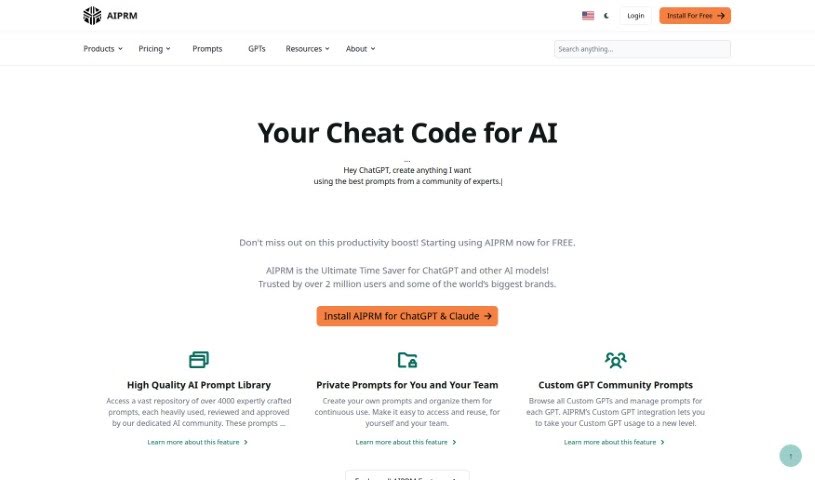
Screenshot of AIPRM

AIPRM

Freemium

AIPRM—also known as the AI Prompt Marketplace—is a prompt management platform for small businesses and individuals. It provides a community-driven library of prompts built by prompt engineers to help generative AI models perform at their best across text generation, design, and data work.

Productivity View Tool →
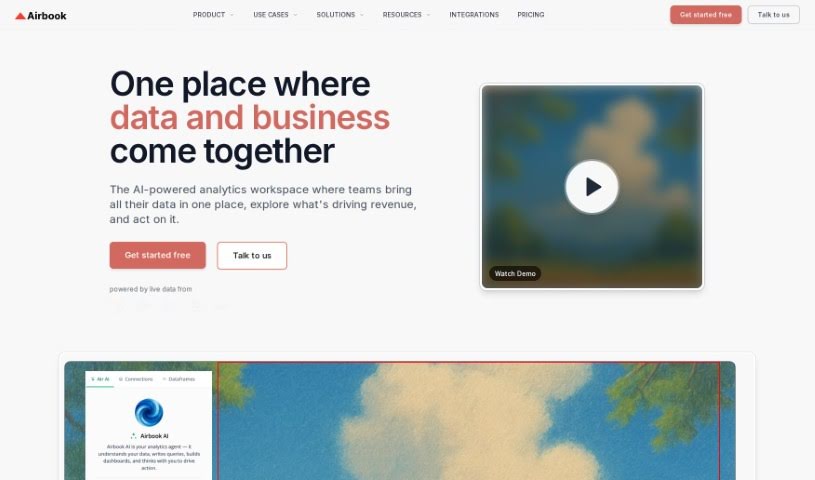
Screenshot of Airbook

Airbook

Freemium

Airbook is a collaborative analytics platform for building and sharing data insights. It connects to over 150 data sources — including databases, data warehouses, and business apps — and lets users work with data using SQL, Python, or a no-code interface, all in one place. Airbook's tech stack includes Python, AWS, GCP, TypeScript, React, and Supabase.

Productivity View Tool →
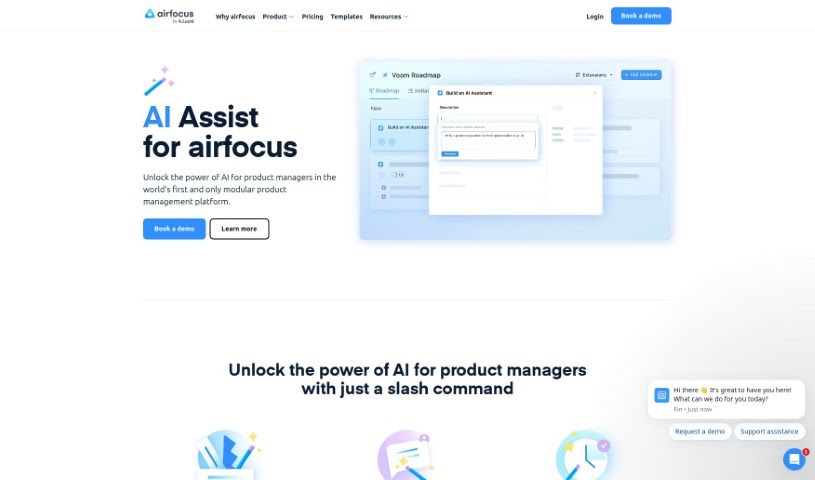
Screenshot of Airfocus AI Assist

Airfocus AI Assist

Freemium

Airfocus AI Assist is an AI assistant for product management. It helps product managers make data-driven decisions, prioritize work, and forecast product outcomes. The tool streamlines product management workflows, integrates with existing tools, and is built for product managers.

Productivity View Tool →
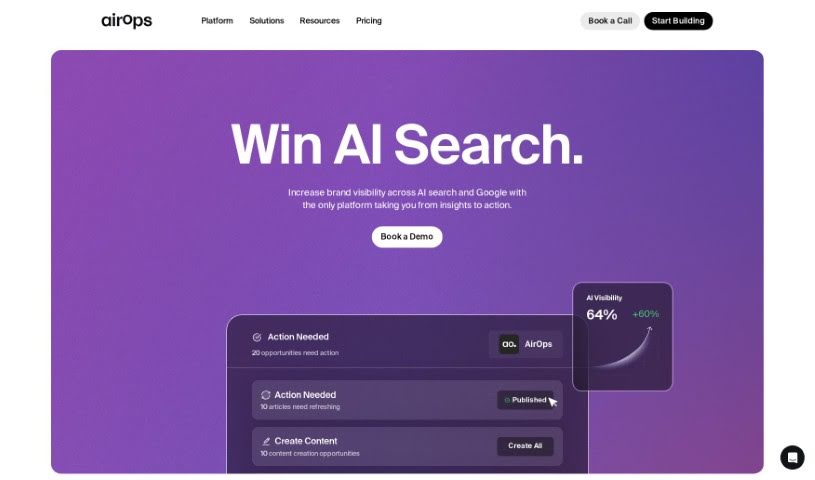
Screenshot of AirOps

AirOps

Freemium

AirOps is an AI-powered data tool for exploring data, building reusable datasets, and turning them into live documents, APIs, and custom apps. It handles image and audio inputs, large text workloads, and vector database retrieval, and supports app linking plus pre-built templates in AirOps Studio. Users can choose their AI model, bring their own API keys, and set up SAML/SSO with team management. The tool is available as a Chrome or Firefox extension, through an API, and integrates with Google Sheets and Snowflake, with bulk CSV upload.

Productivity View Tool →
Screenshot of Airparser

Airparser

Freemium

Airparser is a data extraction tool that uses GPT-4 to pull structured information from emails, PDFs, and other documents. It automates manual data entry, supports over 60 languages, and reads typed, scanned, or handwritten text. Connections to other tools run through APIs and webhooks, and data is protected with encryption and other security measures. Users highlight its ease of use, reliable handling of different document types, and efficient extraction. The team behind it is known for being helpful and quick to respond.

Productivity View Tool →
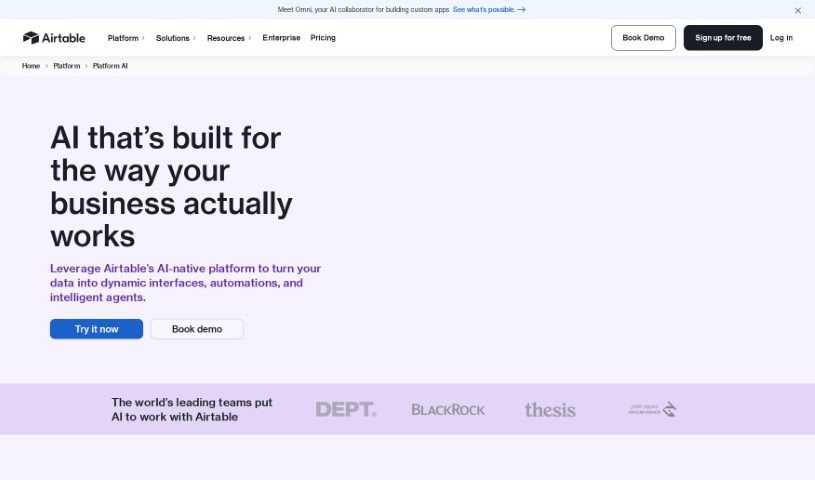
Screenshot of Airtable

Airtable

Freemium

Airtable is a platform for building custom business applications with built-in artificial intelligence, no coding required. It brings AI into everyday workflows to centralize and analyze data, track progress, automate repetitive tasks, and create custom reports. Teams can embed AI into existing processes, customize AI models to fit their needs, and make informed decisions while maintaining control over their data. The platform also supports customer relationship data management, keeps information secure, and connects with tools such as Slack, Google Drive, and Salesforce.

Productivity View Tool →
Screenshot of AIStud-io

AIStud-io

Freemium

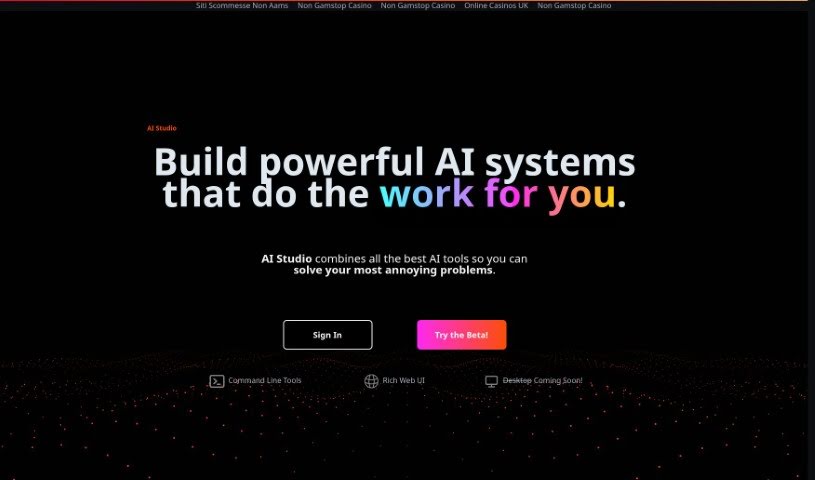
AIStud-io is an AI platform that brings together a suite of AI tools for automating everyday tasks and building complex AI systems. It pairs a Rich Web UI with command line tools for advanced operations, making it suitable for AI beginners and experienced developers alike. The platform aims to simplify AI development so it is accessible even without much coding experience. A desktop version is in development.

Productivity View Tool →
Screenshot of Aitable

Aitable

Freemium

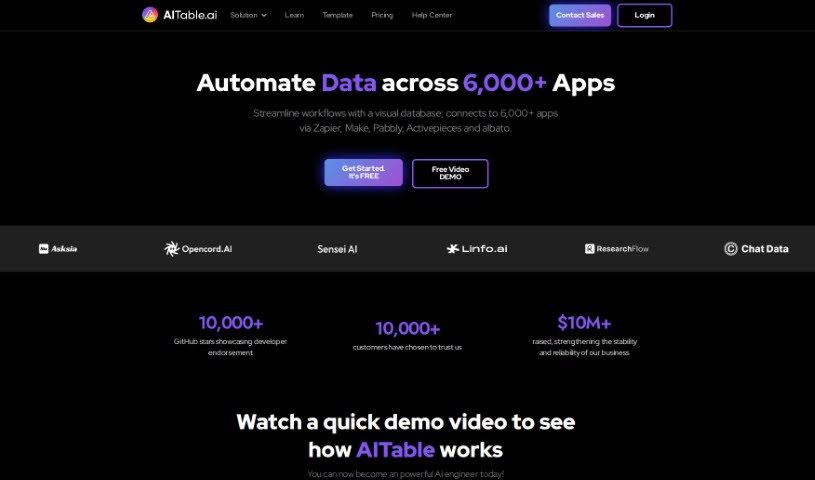
Aitable is a software company that uses AI to automate business tasks. It applies machine learning to repetitive jobs and decision-making, with the goal of increasing efficiency and simplifying workflows. Businesses can use it to make data-backed decisions, improve customer experiences, and identify growth opportunities, while its interface and customizable options are designed to help them adapt to market changes.

Productivity View Tool →
Screenshot of Aivia

Aivia

Freemium

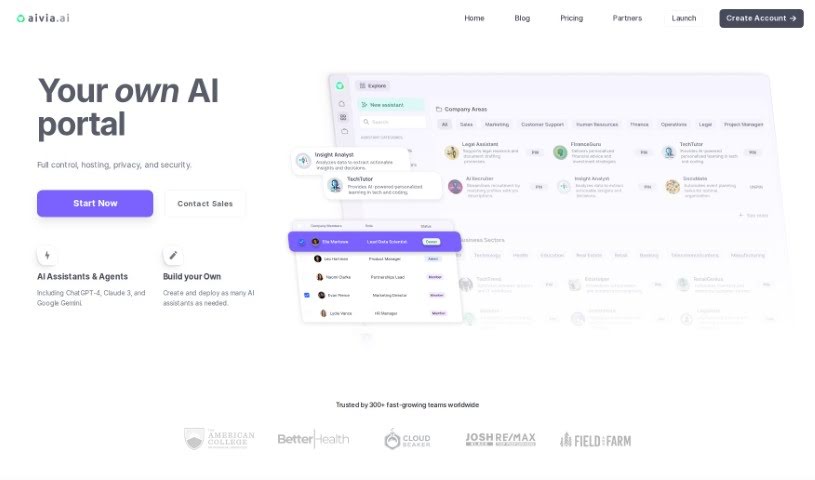
Aivia is an AI adoption platform for businesses. It provides a private, encrypted workspace where teams can access AI models such as ChatGPT-4 and Google AI, train custom AI assistants on their own data without coding, and deploy pre-trained Specialist Assistants for marketing, sales, finance, operations, and engineering. The platform also includes collaboration tools, a database of over 2,500 prompts, an AI Academy for professional development, and team management features covering billing, permissions, and privacy settings.

Productivity View Tool →
Screenshot of Aivocado

Aivocado

Freemium

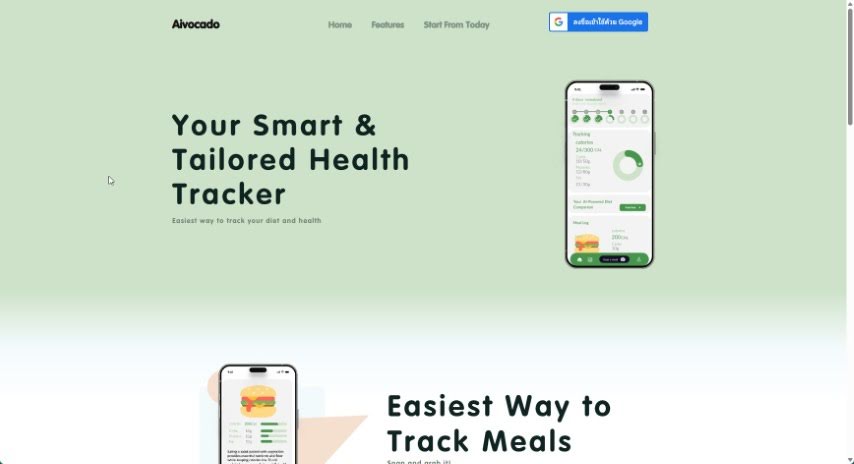
Aivocado is a health tracking tool that simplifies diet monitoring. Users photograph their meals, and the tool analyzes the images to produce a nutrition breakdown along with personalized diet advice aligned with their health goals. Launched by an unnamed creator, it is designed to make healthy eating more accessible through tailored tracking and guidance.

Productivity View Tool →
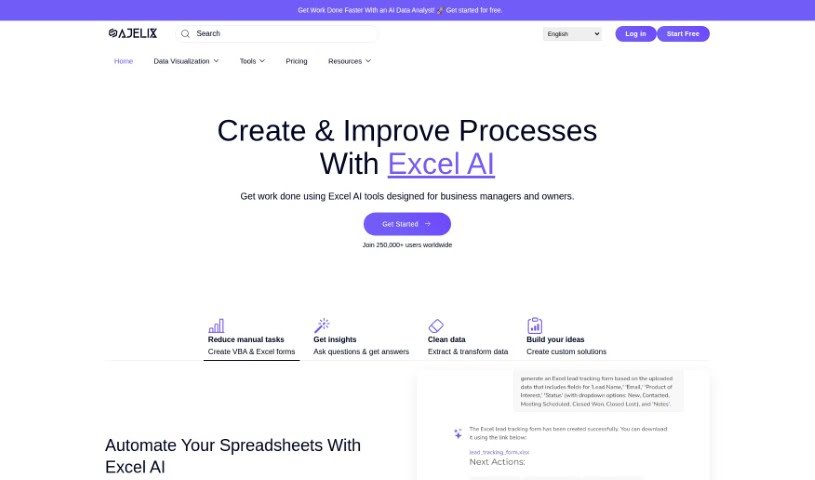
Screenshot of Ajelix

Ajelix

Freemium

Ajelix is an AI assistant for Excel and Google Sheets. It includes an AI Formula Generator, an AI VBA Script Generator, spreadsheet translation, template generation, a Formula and Script Library, an Excel Add-in, and a Virtual AI Assistant. The tools are built to speed up common spreadsheet work: writing formulas and scripts, translating files, and collaborating on shared sheets.

Productivity View Tool →
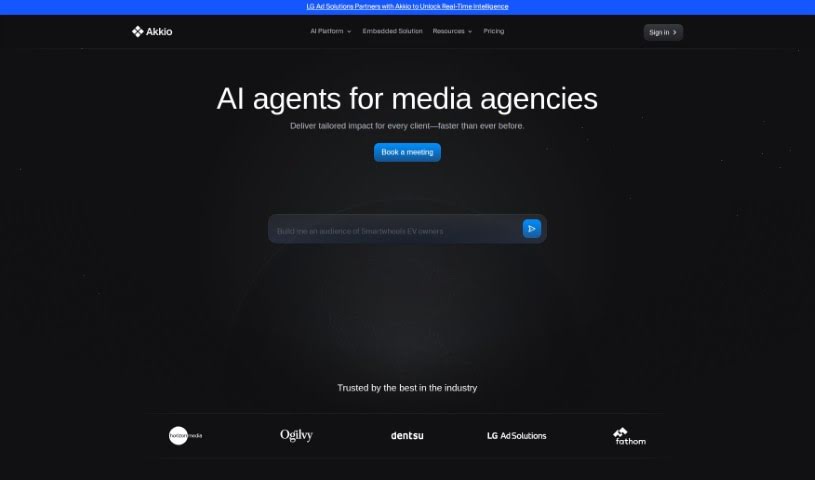
Screenshot of Akkio

Akkio

Freemium

Founded in 2019 and based in Cambridge, MA, Akkio is a generative AI platform for analytics and predictive modeling. It is built for digital agencies that want to use AI-powered analytics and predictive engines to create new revenue streams, deliver more client value, and increase productivity. Agencies can build client dashboards, forecast outcomes, tune KPIs, and prepare data from various sources. The platform is user-friendly, scalable, and reasonably priced, supporting real-time, data-driven decisions.

Productivity View Tool →

About Productivity tools

Having a task list that seems to grow longer by the hour is a fast track to burnout. Between managing clogged email inboxes, jumping across context-heavy browser tabs, updating project boards, and tracking down files, everyday administrative work drains momentum. When managing your workflow takes more energy than doing your actual job, staying focused gets tough.

These workflow platforms act as high-speed productivity partners for task management, scheduling, and daily automation. They won’t replace your personal discipline or strategic priorities, but they handle routine administrative tasks so you can protect your focus time.

Organizing daily tasks and scheduling focus blocks takes far less manual effort. Manually moving deadlines around when a project slips or trying to carve out focus time between back-to-back meetings usually leaves you with a chaotic calendar. Smart scheduling assistants evaluate your working habits, auto-prioritize tasks, and block out dedicated focus time on your calendar before your day gets overrun.

Clearing out email backlogs and workspace communications becomes much faster, too. Sifting through dozens of unread messages just to pull out two urgent client requests wastes valuable time. Intelligent inbox tools summarize long email threads, draft contextual replies, and sort low-priority newsletters away from critical messages—helping you reach inbox zero without reading every word.

Synthesizing notes and cross-platform information creates a central memory hub. Losing track of an important project link or a quick thought saved in a random document stalls your momentum when you need it most. AI productivity assistants search across your workspace apps, notes, and bookmarked links, letting you ask plain-English questions to pull up specific files, meeting notes, or ideas in seconds.

Key Capabilities to Consider:

  • Smart calendar and time blocking: Systems that auto-schedule tasks into your calendar around existing meetings and focus preferences.
  • Contextual email and message drafting: Tools that scan long communication threads to generate concise replies and action items.
  • Universal workspace search: Software that connects with your documents, notes, and cloud storage to retrieve files through simple prompts.
  • Task prioritization algorithms: Applications that rank daily action items by urgency, deadlines, and project dependencies.
  • Workflow automation builders: Connectors that trigger actions across different apps without requiring manual data entry.

Daily productivity will always depend on clear personal priorities and healthy work habits. Software can organize a calendar, draft an email reply, and index your notes, but choosing what truly deserves your time requires human judgment.

Explore the productivity tools below to take control of your workday.

The Best AI Productivity Tools

  1. Perplexity: for automating tasks and helping with management.
  2. Small PDF.com: for smoother document management for teams.
  3. Gamma: for document creation tools that save time.
  4. Odoo: for a task management and collaboration app.
  5. Zoom: for analyzing and summarizing meeting content.
  6. N8N: for smoother team onboarding processes.
  7. Prezi: for engaging team collaboration sessions.
  8. Tableau: for creating reports and dashboards more easily.
  9. Data Camp: for efficient team collaboration workflows.
  10. Otter.ai: for getting action items from meetings without the fuss.
  11. Tenorshare: for easily summarizing long PDF documents.
  12. Slidesgo: for creating professional presentations efficiently.
  13. Facecheck Id: for streamlining identity verification tasks.
  14. HIX.AI: for boosting writing speed with smart tools.
  15. Tactiq: for automating meeting notes for teams.
New tools, in your inbox.

Weekly picks of the best AI tools we've researched and added — no spam, unsubscribe anytime.

Join 25,000+ AI enthusiasts. No spam, unsubscribe anytime.