AI Photo Editors

AI Tools for Photo Editors

Discover the best Photo Editors AI tools to enhance your productivity and creativity.

Page 15 of 22 • 260 total tools
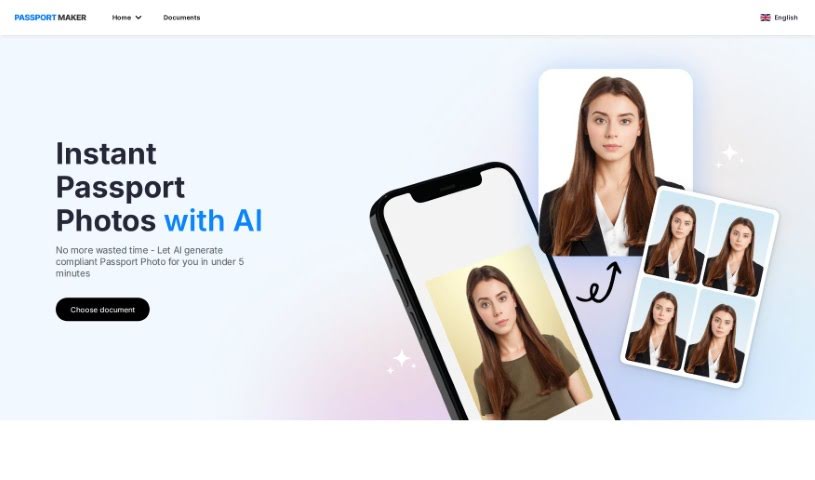
Screenshot of PassportMaker

PassportMaker

Freemium

PassportMaker is an online service that uses AI to create passport photos automatically. Upload a photo and the tool handles background removal, cropping to the required size, and image enhancement, producing photos that meet government rules worldwide. It lets you create official photos whenever and wherever you need them, without a professional photographer, and at a lower cost than traditional photo services.

Photo Editors View Tool →
Screenshot of Pet Booth

Pet Booth

Freemium

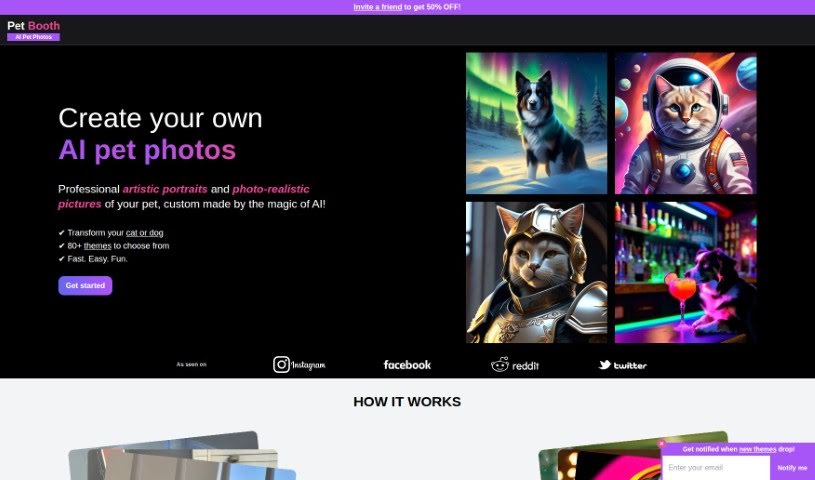
Pet Booth is an AI photo generator built for pets. Upload 10 to 20 photos of your cat or dog, and the tool generates up to 100 new images across more than 80 themes, with backgrounds and poses ranging from photo-realistic to artistic simulations. Processing takes about 30 minutes, and you receive an email notification when your images are ready to download.

Photo Editors View Tool →
Screenshot of Petalica Paint

Petalica Paint

Freemium

Petalica Paint is an AI tool that automatically adds color to images, especially sketches. You upload a sketch, and Petalica Paint colorizes it. You can add color hints to influence the final look, and a SketchSimplification feature helps clean up sketch lines. It offers three colorization styles: 'Tanpopo', 'Satsuki', and 'Canna' — with 'Canna' standing out for its shading and lighting effects. The tool also works directly within Pixiv Sketch and is available for commercial use under its terms of service.

Photo Editors View Tool →
Screenshot of Photify AI

Photify AI

Freemium

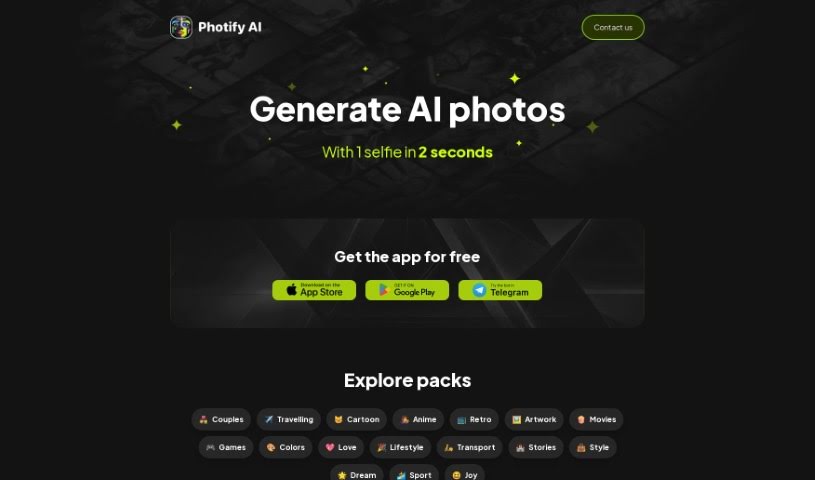
Photify AI is an app that uses AI to turn a single uploaded photo into many different looks. You can try new hairstyles, switch genders, or explore different skin tones with a tap. You can also try on outfits inspired by popular characters or fashion trends, and place yourself in different scenes and locations.

Photo Editors View Tool →
Screenshot of Photo AI Studio

Photo AI Studio

Freemium

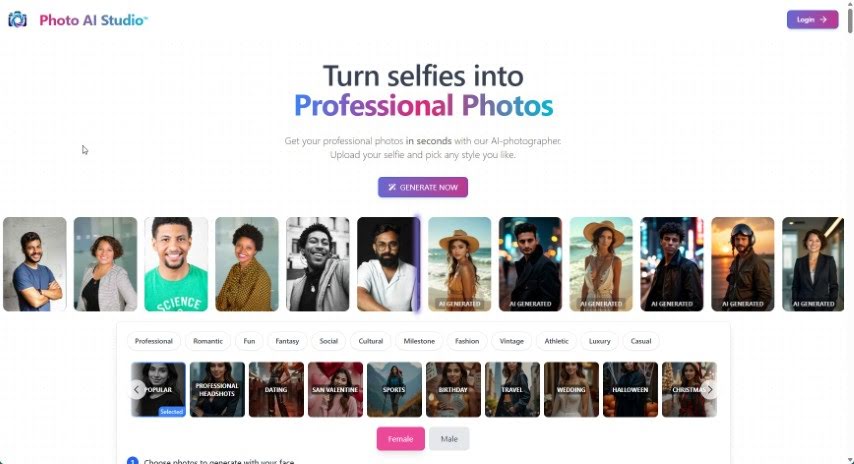
Photo AI Studio is a platform that uses AI to turn selfies into professional-quality photos. The generated images are realistic, resembling shots from a real photoshoot, and can be used for social media, LinkedIn profiles, and personal branding.

Photo Editors View Tool →
Screenshot of Photo Spells

Photo Spells

Freemium

Photo Spells is a professional photo editing service that uses AI technology to improve your images. It combines artificial intelligence with editing expertise to deliver high-quality results. You can retouch photos, add creative effects, remove background elements, and enhance detail. The platform is designed to be user-friendly, fast, and flexible across different photo styles.

Photo Editors View Tool →
Screenshot of Photoai.me

Photoai.me

Freemium

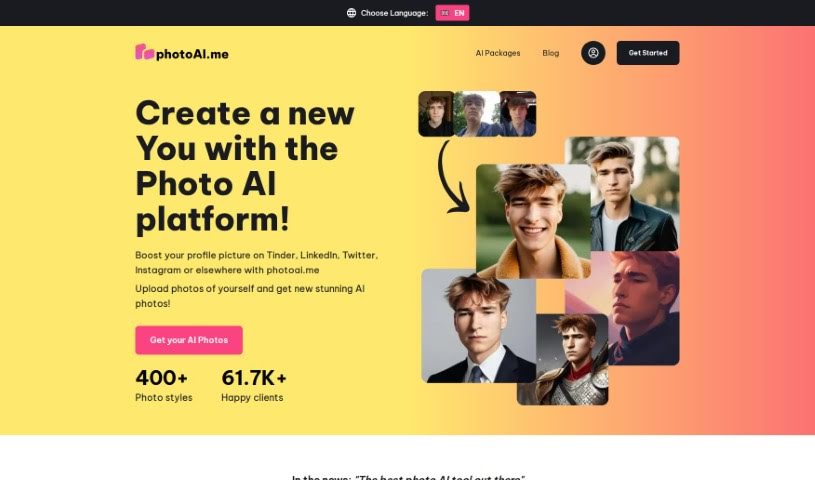
Photoai.me is an AI platform that generates personalized AI photos from your own pictures. You upload your photos, choose a style pack, and download the finished images. It's designed for updating profile pictures on sites like Tinder, LinkedIn, Twitter, and Instagram.

Photo Editors View Tool →
Screenshot of Photoaid

Photoaid

Freemium

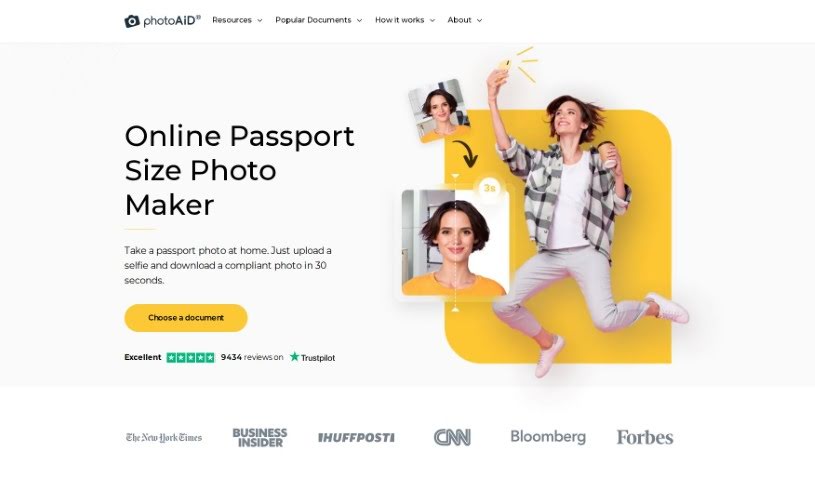
PhotoAiD is a smartphone-based service for biometric photos used in passports, visas, and other official IDs. The process takes three steps: upload or take a picture, have it verified by AI and human photo experts, then choose between prints or a digital copy. More than a million people worldwide have used the service, and PhotoAiD offers a double money-back guarantee if a photo is rejected.

Photo Editors View Tool →
Screenshot of PhotoDiva

PhotoDiva

Freemium

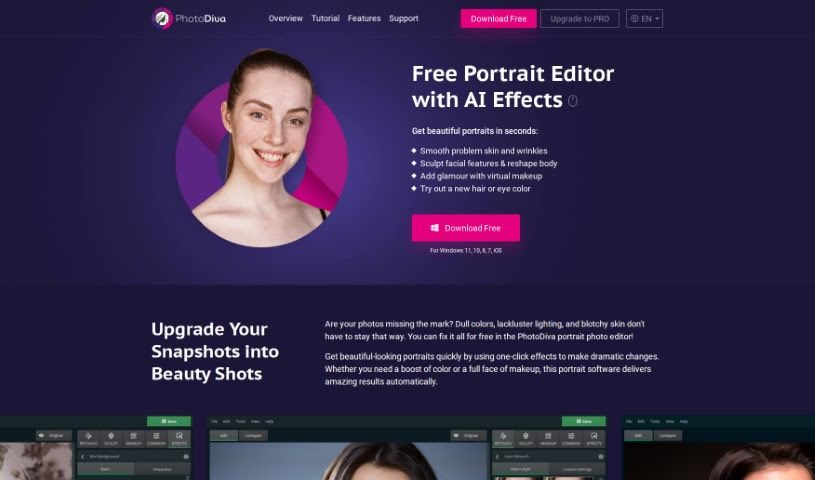
PhotoDiva is a free portrait editing software that uses AI-powered tools to retouch and enhance photos. It includes automatic retouching for smoothing skin, reshaping tools for subtle facial and body adjustments, blemish removal, a range of effects and filters, and background blurring to make the subject stand out. With it, you can retouch photos, reshape facial features, add virtual makeup, change backgrounds, and apply one-click filters. It works for everything from casual family photos to professional shoots, and a Pro version is available for advanced editing.

Photo Editors View Tool →
Screenshot of Photoenhanceai

Photoenhanceai

Freemium

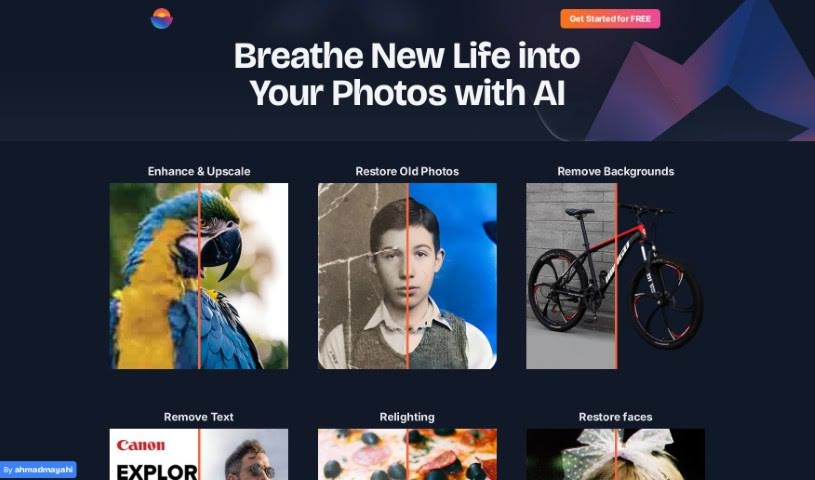
PhotoEnhanceAI is an AI-powered photo editor that automates the time-consuming parts of photo enhancement. It sharpens images, upscales them without losing quality, restores old or damaged pictures, removes and replaces backgrounds, brightens low-light shots, and cleans up unwanted clutter. It works particularly well on photos featuring people and is built to deliver professional results regardless of skill level.

Photo Editors View Tool →
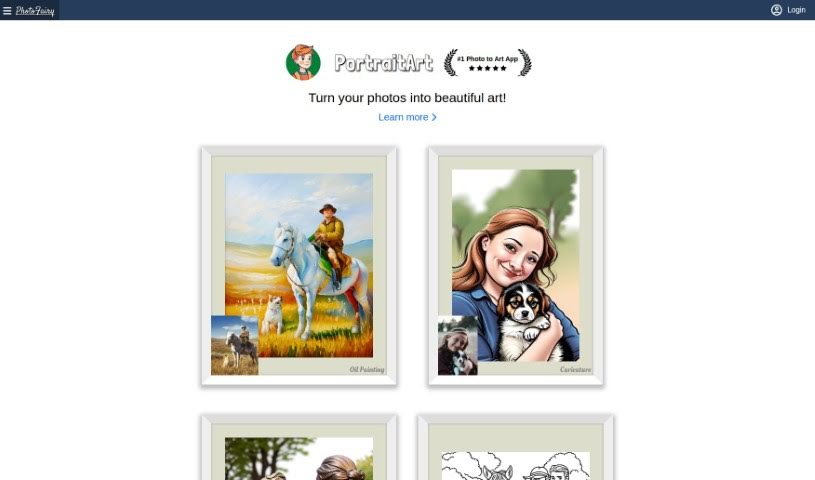
Screenshot of PhotoFairy

PhotoFairy

Freemium

PhotoFairy is a free, user-friendly platform for photo editing and graphic design, suitable for beginners and professionals alike. It includes over 50 preset styles plus a range of editing functions: removing backgrounds, cutting out objects, changing hairstyles, touching up faces, working with virtual objects, and creating double exposures. It also transforms photos into art styles such as oil paintings, pencil sketches, and watercolors. Examples are available on the website.

Photo Editors View Tool →
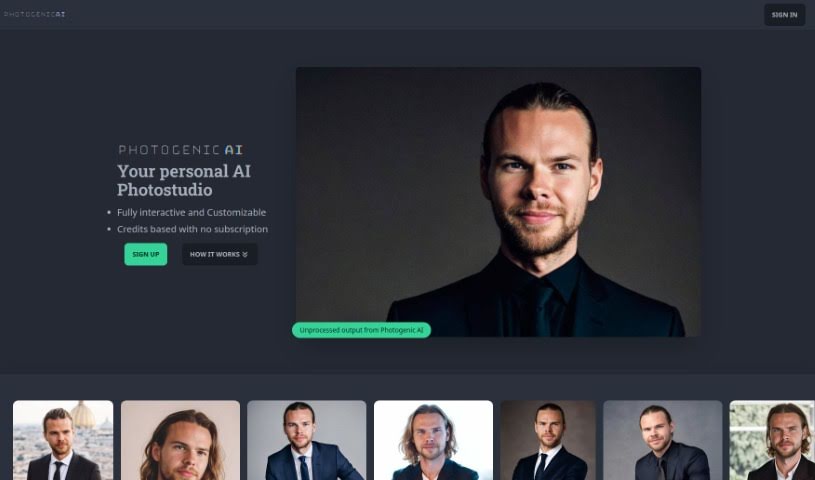
Screenshot of PhotogenicAI

PhotogenicAI

Freemium

PhotogenicAI is an AI-powered photostudio. You upload your own pictures to build a personalized AI Persona, then generate photos tailored to your preferences and any modifications you specify. A Style Copy feature recreates the look of any photo by imitating the details of an image you upload.

Photo Editors View Tool →

About Photo Editors tools

Hours spent carefully tweaking masks, brushing away stray blemishes, and fixing uneven lighting can exhaust even the most patient photographer. Whether you’re preparing product photos for an online store, polishing headshots for a client, or trying to rescue a noisy low-light memory, meticulous pixel-level editing eats up hours of creative time.

Built for photographers, designers, and creators, these AI photo editors act as high-speed darkroom assistants. They clean up distractions, enhance resolution, and handle tedious retouching tasks in seconds without replacing your artistic vision.

Generative Fill, Noise Cleanup, and Portrait Retouching

Removing distracting background elements and extending canvas boundaries takes seconds instead of hours. Trying to eliminate unwanted tourists, power lines, or stray trash cans with traditional clone stamps often ruins natural textures. Generative AI tools scan surrounding pixels and reconstruct background elements like brick walls, foliage, or ocean waves—letting you erase distractions cleanly or expand a canvas aspect ratio with realistic detail.

Automating technical cleanup and image enhancement restores low-quality or damaged photos instantly. Dealing with digital noise from high-ISO shoots, soft focus, or low-resolution files usually means compromising on sharpness. Intelligent enhancement software applies targeted denoising, deblurring, and super-resolution upscaling to sharpen critical details like hair strands and fabric textures without introducing harsh artifacts.

Speeding up portrait retouching and color grading keeps your editing pipeline moving. Selecting complex subjects like wind-blown hair or adjusting skin tones across an entire batch of event photos used to require detailed manual masking. AI portrait editors recognize facial features, smooth skin textures naturally, adjust lighting angles, and match color profiles across hundreds of images with a single click.

Key Capabilities to Consider:

  • Generative fill and object removal: Tools that replace erased objects or extend canvas margins by synthesizing matching backgrounds.
  • Smart subject and sky masking: Features that automatically detect people, backgrounds, or skies to apply isolated edits without tedious manual selections.
  • AI-powered denoise and upscaling: Software that removes low-light noise and increases image resolution for crisp print or web displays.
  • Batch style and color matching: Applications that analyze a reference image and apply consistent color grading across entire photo shoots.
  • Non-destructive layer editing: Editors that preserve your original photo files while letting you adjust or undo AI enhancements at any point.

Developing a distinct visual style will always depend on your creative eye, composition choices, and artistic perspective. Software can remove a distraction, sharpen a noisy frame, or adjust skin tones, but capturing a meaningful moment requires human emotion.

Explore the photo editing tools below to streamline your digital darkroom.

The Best AI Photo Editors

  1. Canva: for quick photo enhancements and edits online.
  2. Photopea: for easy photo retouching and improvements.
  3. Photoroom: for efficient batch editing for photographers.
  4. Pixlr: for simple photo enhancement and retouching.
  5. Cutout.pro: for smooth background removal for portraits.
  6. Pic Wish AI Photo Editor: for easy background removal for photos.
  7. Freepik Pikaso: for adding details to images.
  8. Adobe Firefly: for advanced photo improvements.
  9. Adstronaut: Turns everyday photos into studio-quality product and fashion visuals.
  10. Aftershoot: AI culling and editing tools for photographers working through large batches.
  11. Recraft: for consistent edits for brand visuals.
  12. Icons8: for removing tricky photo backgrounds.
  13. Dewatermark: for quick watermark removal for editors.
  14. AI Color: Colorizes black and white photos with AI restoration.
  15. AirBrush: for simple, precise photo retouching.
New tools, in your inbox.

Weekly picks of the best AI tools we've researched and added — no spam, unsubscribe anytime.

Join 25,000+ AI enthusiasts. No spam, unsubscribe anytime.