AI Tools for Photo Editors

Discover the best Photo Editors AI tools to enhance your productivity and creativity.

Page 16 of 23 • 273 total tools

In today’s world of social media and instant sharing, everyone wants stunning visuals. We take so many photos every day, so making yours stand out is really important. But, not everyone has the time or the skills to learn complicated photo editing software. That’s where AI photo editors come in—they’re your new best friends for creating beautiful pictures.

These smart tools have completely changed how we improve and work with our photos. Instead of spending hours tweaking every little detail, you can now get professional-quality results with just a few clicks. Thanks to AI advancements, many of these editors can automatically adjust colors, fix blemishes, and even add artistic effects, all customized for you.

I’ve spent time checking out and testing the best AI photo editing tools out there right now. Each platform has its own special features, from simple automatic fixes to more detailed creative options. So, whether you’re just looking to touch up family photos or you’re a photographer wanting to add that extra something, I’ve got you covered.

Come along as we explore the best AI photo editors that can make your images shine while saving you precious time. Let’s find out what makes editing easier and more enjoyable.

The best AI Photo Editors

  1. Canva for quick photo enhancements and edits online.
  2. Photopea for easy photo retouching and improvements.
  3. Photoroom for efficient batch editing for photographers.
  4. Pixlr for simple photo enhancement and retouching.
  5. Cutout.pro for smooth background removal for portraits.
  6. Pic Wish AI Photo Editor for easy background removal for photos.
  7. Freepik Pikaso for adding details to images.
  8. Adobe Firefly for advanced photo improvements.
  9. BeFunky to easily enhance and retouch portraits.
  10. SnapEdit to effortlessly improve and edit images.
  11. Recraft for consistent edits for brand visuals.
  12. Icons8 for removing tricky photo backgrounds.
  13. Dewatermark for quick watermark removal for editors.
  14. Topaz Labs to refine and improve image quality.
  15. AirBrush for simple, precise photo retouching.

How do AI photo editors work?

AI photo editors use smart algorithms powered by machine learning to improve and change images. Basically, these tools look at your photos, identifying things like colors, lighting, and textures. By comparing these elements to data they’ve learned from, they can suggest edits or create new features that make the picture look better overall.

Most AI photo editing software uses deep learning, especially something called convolutional neural networks (CNNs). These networks are trained on tons of images, which helps them spot patterns and tell different visual parts apart. This training lets the software do things like recognize objects, remove backgrounds, and retouch photos automatically, without you having to do it manually.

When you upload a picture, the AI checks its parts and makes them better based on what it’s learned. For instance, if a photo is too dark, an AI photo editor can brighten it up naturally. It does this by understanding the photo’s context, not just by applying a generic filter.

Lots of popular editing tools now include AI features so users can do complex edits easily. This includes automatically improving photos, suggesting styles, or even copying the editing choices professional photographers make. Because these tools learn and adapt, they keep getting better at their suggestions over time.

AI photo editors aren’t just for basic tweaks. They can also get creative, adding new features like textures or artistic effects. Using generative models, some AI tools can even create whole new backgrounds or elements that fit perfectly with the original photo. As technology keeps advancing, what these editors can do keeps growing.

If you’re curious about how AI works in photography, there are plenty of tutorials and resources available. They can help you learn how to use these tools well, whether for your personal projects or your professional work. AI has huge potential in photo editing, offering new solutions for both beginners and experts.

Our best AI photo editors at a glance

RankNameBest forPlans and PricingRating
1Canvaquick photo enhancements and edits online.N/A4.73 (11 reviews)
2Photopeaeasy photo retouching and improvements.N/A4.67 (12 reviews)
3Photoroomefficient batch editing for photographers.Paid plans start at $7.50/month.4.74 (38 reviews)
4Pixlrsimple photo enhancement and retouching.Paid plans start at $0.99/month.4.73 (11 reviews)
5Cutout.prosmooth background removal for portraits.N/A4.46 (13 reviews)
6PicWish AI Photo Editoreasy background removal for photos.N/A4.65 (43 reviews)
7Freepik Pikasoadding details to images.N/A4.67 (21 reviews)
8Adobe Fireflyadvanced photo improvements.N/A4.67 (6 reviews)
9BeFunkyeasily enhance and retouch portraits.Paid plans start at $83.88/year.4.69 (13 reviews)
10SnapEditeffortlessly improve and edit images.N/A4.73 (11 reviews)
11Recraftconsistent edits for brand visuals.N/A4.67 (3 reviews)
12Icons8removing tricky photo backgrounds.N/A3.64 (11 reviews)
13Dewatermarkquick watermark removal for editors.N/A4.67 (18 reviews)
14Topaz Labsrefine and improve image quality.N/A4.70 (10 reviews)
15AirBrushsimple, precise photo retouching.N/A4.78 (23 reviews)
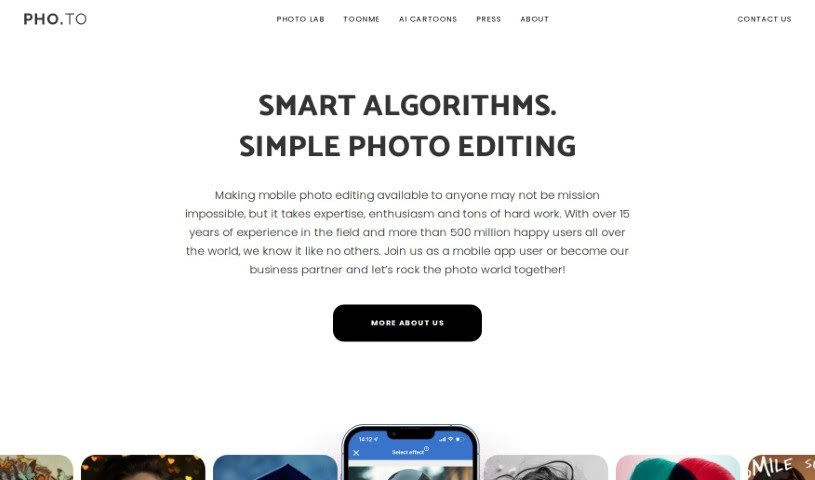
Screenshot of Photo Lab

Photo Lab

Freemium

Photo Lab is a really cool app that uses AI to help you edit your photos. It is a powerful toolkit for turning your everyday pictures into something special, even artistic. It's designed to be super easy to use, so you don't need to be a pro to get great results. One of its most popular features is the AI Cartoon Portrait Maker – you can take a selfie, and in no time, it'll create a professional-looking cartoon version of you. The app is built on smart technology, using machine learning for things like transferring art styles and figuring out where people are in a photo. This lets it do neat tricks like swapping out backgrounds or applying filters that feel like they came straight out of Photoshop. Plus, it has AI segmentation, which means it can get really detailed, letting you color specific parts like your hair, skin, or lips separately. You can also play around with virtual 3D masks, create fun face montages, and even use a Template Creator to design your own templates and share them with others. It really opens up a world of creative possibilities.

Screenshot of Photo Spells

Photo Spells

Freemium

Photo Spells is a professional service that helps you edit your photos. It uses advanced AI technology to make your images look even better, aiming for top-quality results by blending the power of artificial intelligence with real editing expertise. You can easily retouch photos, add cool creative effects, remove things from the background, and bring out more detail. It’s designed to be super user-friendly, quick, and flexible, working well for all sorts of photo styles and what people like.

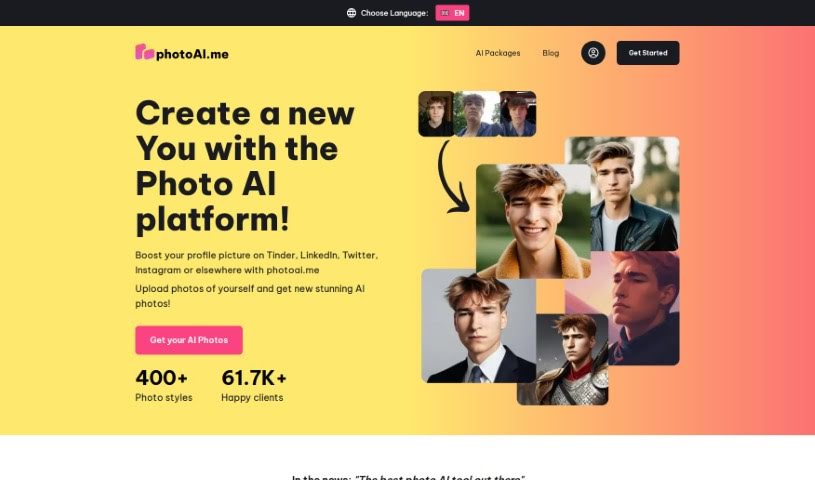
Screenshot of Photoai.me

Photoai.me

Freemium

Photoai.me is a really neat AI platform. It uses smart artificial intelligence to create unique, personalized AI photos just for you. It is a way to turn your everyday pictures into something truly special, with lots of different style packages for AI editing. It's super easy to update your profile pictures for sites like Tinder, LinkedIn, and Instagram. You just upload your photos, pick the style you like, and download the finished pictures. They take your privacy seriously, keeping your info safe on their servers. For the best results, they suggest uploading at least 20 close-up photos of yourself. Paying for the service is secure, handled by Stripe, and they accept various payment methods like credit cards, debit cards, and other popular online options depending on where you are.

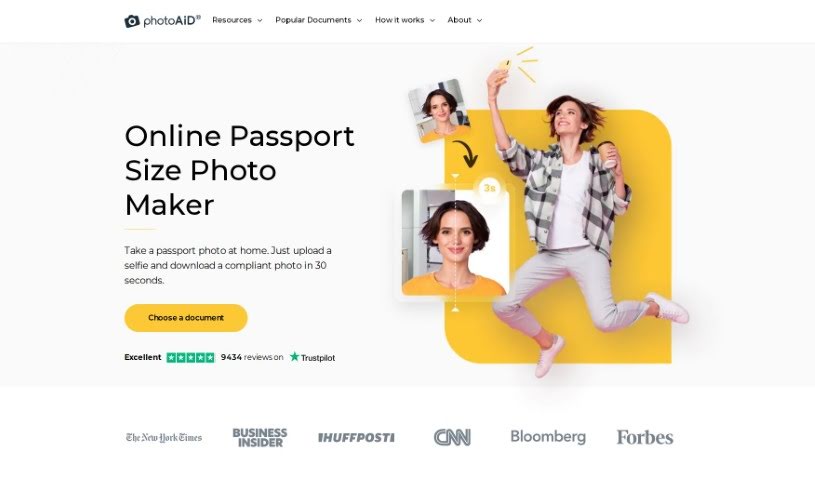
Screenshot of Photoaid

Photoaid

Freemium

PhotoAiD is your personal passport photo booth, right on your smartphone! It really simplifies getting those official biometric photos for passports, visas, and other ID needs. They focus on making the process smooth, ensuring dependable quality, and keeping customers happy, which is why PhotoAiD stands out from other passport photo apps. You get professional-grade biometric photos in just three simple steps: first, you upload or snap a picture. Then, both AI and human experts check it. Finally, you can choose to get prints or a digital copy. They've packed it with features like offering multiple photo choices, saving you time and money, and even validating your photo for you, all to make your experience as easy as possible. Plus, PhotoAiD offers special help and advice for all sorts of documents, including guidance for baby photos. Over a million people worldwide trust PhotoAiD, and they even offer a double money-back guarantee if your photo gets rejected. It’s a really convenient and reliable way to get your passport and visa photos sorted.

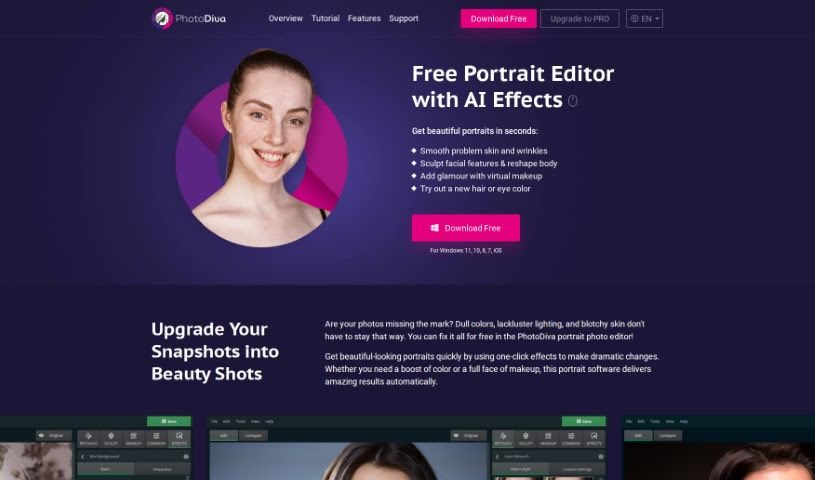
Screenshot of PhotoDiva

PhotoDiva

Freemium

PhotoDiva is a free portrait editing software that uses AI-powered tools to make your photos look even better. It is your personal digital retouching studio! It's packed with features like automatic retouching to smooth out skin, digital plastic surgery for subtle reshaping, blemish removal tools, a whole range of effects and filters, and even background blurring to make your subject pop. Basically, this software lets you effortlessly retouch photos, subtly reshape facial features, add virtual makeup, change backgrounds, and apply cool one-click filters. It’s great for everything from casual family photos to more professional shoots, and if you need even more power, there’s a Pro version available for advanced editing.

Screenshot of Photoenhanceai

Photoenhanceai

Freemium

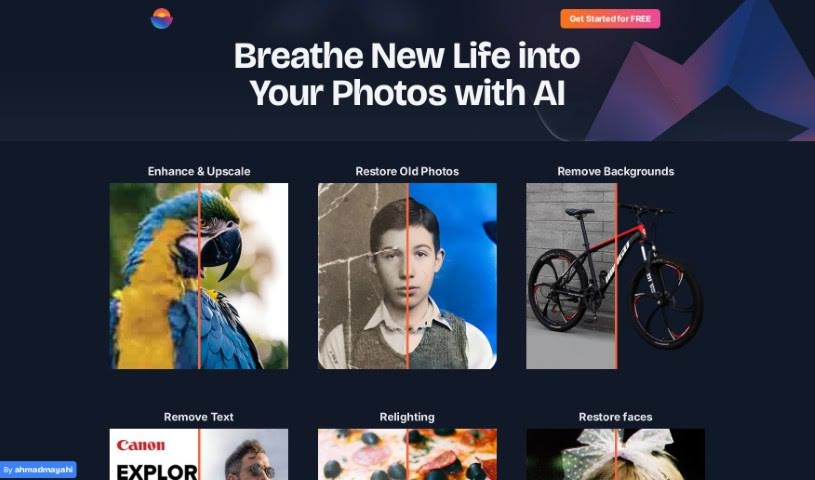
PhotoEnhanceAI is your go-to photo editing assistant. It uses really smart AI to handle a lot of the tricky, time-consuming parts of making your photos look great. What's it good at? Pretty much everything! It can make your photos sharper, blow them up without losing quality (upscaling), bring old or damaged pictures back to life, magically remove backgrounds, and even swap them out for new ones it creates. Plus, it's fantastic at brightening up those dark, nighttime shots and cleaning up any unwanted clutter in your images. It's especially good with photos that have people in them, offering professional results that anyone, from beginners to seasoned pros, can achieve.

Screenshot of PhotoFairy

PhotoFairy

Freemium

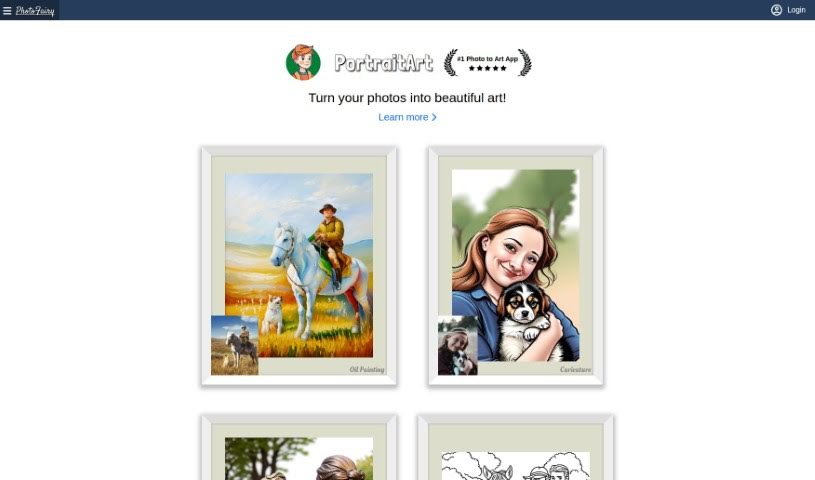
PhotoFairy is a really user-friendly platform, perfect whether you're just starting out with photo editing or you're already a seasoned pro in graphic design. It comes packed with over 50 different preset styles, plus a bunch of handy functions. You can easily remove backgrounds, cut out objects, change hairstyles, and even touch up faces to make them look their best. Plus, you can play around with virtual objects, create cool double exposures, and apply all sorts of styles to your images – and the best part? It's all free! PhotoFairy also shines when it comes to turning your photos into different art styles, like oil paintings, pencil sketches, or watercolors. You can see some great examples of what it can do on their website.

Screenshot of PhotogenicAI

PhotogenicAI

Freemium

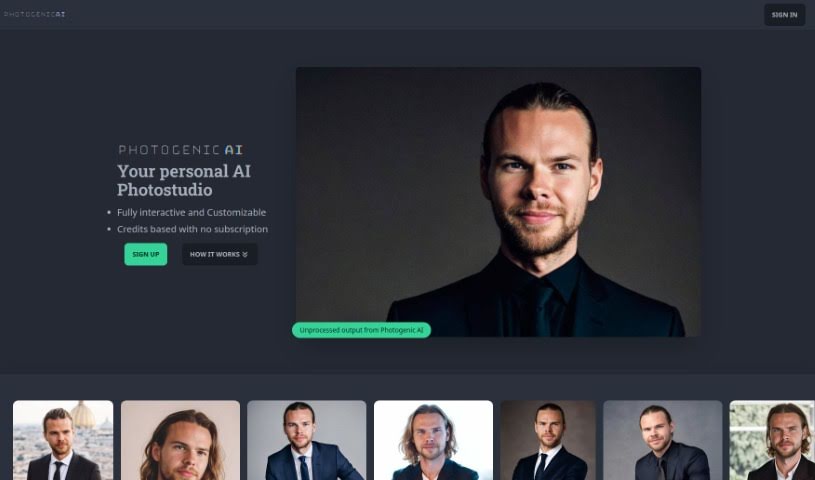
PhotogenicAI is a really neat AI-powered photostudio tool. It lets you create your very own AI Persona and then generate a whole bunch of high-quality photos. You start by uploading your own pictures to build your AI Persona. From there, you can create an endless stream of new images, all tailored to your specific preferences and any modifications you want to make. There's also a cool feature called Style Copy, which lets you recreate any photo by perfectly imitating all the details from an image you upload.

Screenshot of PhotoKit

PhotoKit

Freemium

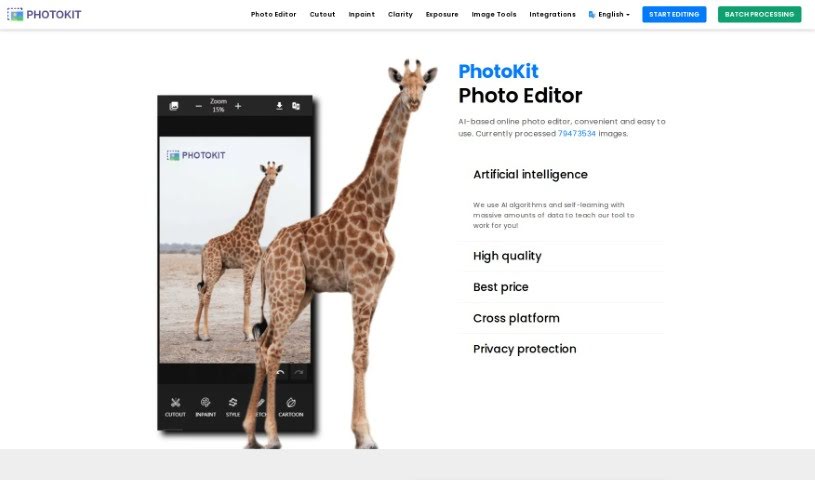
PhotoKit is an online photo editor that uses AI to make editing your pictures super simple. It is your go-to tool for all sorts of photo tasks. You can use it to enhance your photos, touch up portraits, easily remove backgrounds, add cool effects, and even create collages. It's designed to be really user-friendly, and the best part? You can access it on pretty much any device – Mac, Windows, Linux, or your phone. Plus, PhotoKit has handy batch processing tools. This means you can resize, crop, compress, convert, or apply filters to a whole bunch of images all at once. It really speeds things up! The AI behind PhotoKit is also great at improving image quality and making the whole editing process smoother.

Screenshot of Photopacks.ai

Photopacks.ai

Freemium

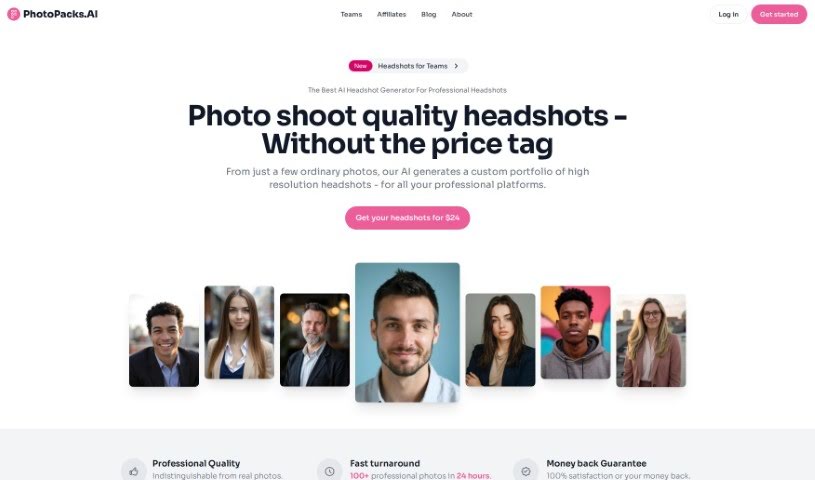
Photopacks.ai is a service that uses AI to create custom portfolios of high-resolution headshots from your everyday photos. It is getting professional-quality headshots that are so good, you can't tell them apart from real ones. You can expect over 100 professional photos in all sorts of styles, all created by AI artistry experts. The whole idea is to make high-quality headshots affordable and easy for everyone. Plus, they offer a 100% satisfaction guarantee – if you're not happy within 7 days, you can get a full refund.

Screenshot of Photopea

Photopea

Freemium

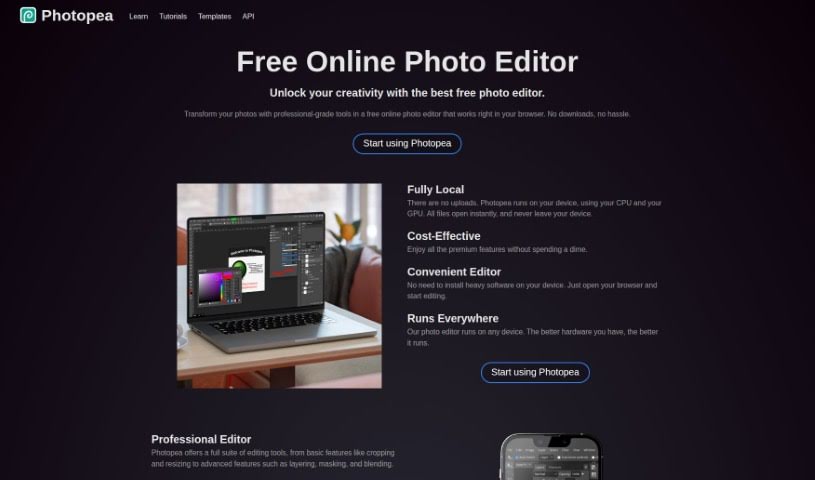
Photopea is a really capable image and graphics editor that you can use for free, right in your web browser. It's super handy because it works with all sorts of file formats, like PSD (Photoshop files), AI (Illustrator files), PDF, SVG, and even CDR. This means you can tackle a wide range of design projects without needing to install any software on your computer. Whether you're starting a new image from scratch or tweaking an existing one, Photopea has you covered. It offers a comprehensive set of design tools, including layers, masks, transform options, adjustments, various selection tools, drawing tools, text tools, and vector shape tools. Plus, it's got some neat AI-powered features, like tools that automatically remove backgrounds, upscale images, or fix spots with just one click, making those edits much quicker.

Screenshot of Photoroom

Photoroom

Freemium

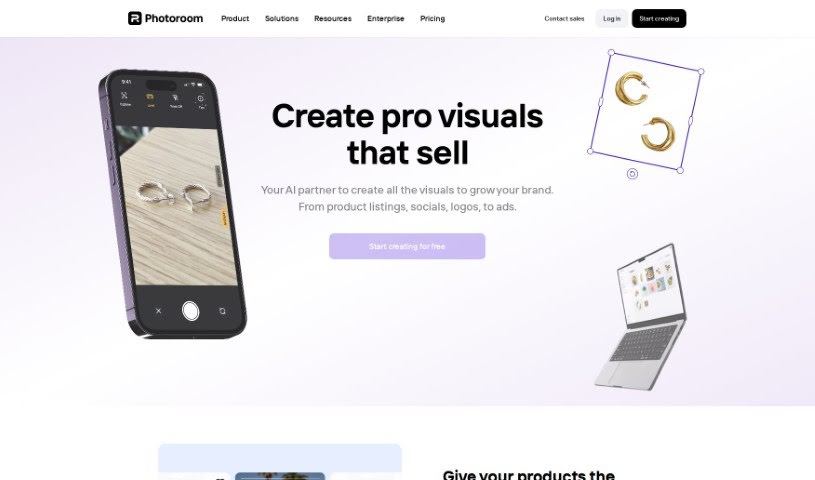
Photoroom offers a really neat tool that lets you create an endless supply of unique image backgrounds. It uses stable diffusion, meaning you can describe exactly what you want, and it'll generate backgrounds that match your vision perfectly. It is having a personal background artist on demand!

Stay Updated with AI Tools

Get weekly updates on the latest AI tools, trends, and insights delivered to your inbox

Join 25,000+ AI enthusiasts. No spam, unsubscribe anytime.