AI Tools for Photo Editors

Discover the best Photo Editors AI tools to enhance your productivity and creativity.

Page 15 of 23 • 273 total tools

In today’s world of social media and instant sharing, everyone wants stunning visuals. We take so many photos every day, so making yours stand out is really important. But, not everyone has the time or the skills to learn complicated photo editing software. That’s where AI photo editors come in—they’re your new best friends for creating beautiful pictures.

These smart tools have completely changed how we improve and work with our photos. Instead of spending hours tweaking every little detail, you can now get professional-quality results with just a few clicks. Thanks to AI advancements, many of these editors can automatically adjust colors, fix blemishes, and even add artistic effects, all customized for you.

I’ve spent time checking out and testing the best AI photo editing tools out there right now. Each platform has its own special features, from simple automatic fixes to more detailed creative options. So, whether you’re just looking to touch up family photos or you’re a photographer wanting to add that extra something, I’ve got you covered.

Come along as we explore the best AI photo editors that can make your images shine while saving you precious time. Let’s find out what makes editing easier and more enjoyable.

The best AI Photo Editors

  1. Canva for quick photo enhancements and edits online.
  2. Photopea for easy photo retouching and improvements.
  3. Photoroom for efficient batch editing for photographers.
  4. Pixlr for simple photo enhancement and retouching.
  5. Cutout.pro for smooth background removal for portraits.
  6. Pic Wish AI Photo Editor for easy background removal for photos.
  7. Freepik Pikaso for adding details to images.
  8. Adobe Firefly for advanced photo improvements.
  9. BeFunky to easily enhance and retouch portraits.
  10. SnapEdit to effortlessly improve and edit images.
  11. Recraft for consistent edits for brand visuals.
  12. Icons8 for removing tricky photo backgrounds.
  13. Dewatermark for quick watermark removal for editors.
  14. Topaz Labs to refine and improve image quality.
  15. AirBrush for simple, precise photo retouching.

How do AI photo editors work?

AI photo editors use smart algorithms powered by machine learning to improve and change images. Basically, these tools look at your photos, identifying things like colors, lighting, and textures. By comparing these elements to data they’ve learned from, they can suggest edits or create new features that make the picture look better overall.

Most AI photo editing software uses deep learning, especially something called convolutional neural networks (CNNs). These networks are trained on tons of images, which helps them spot patterns and tell different visual parts apart. This training lets the software do things like recognize objects, remove backgrounds, and retouch photos automatically, without you having to do it manually.

When you upload a picture, the AI checks its parts and makes them better based on what it’s learned. For instance, if a photo is too dark, an AI photo editor can brighten it up naturally. It does this by understanding the photo’s context, not just by applying a generic filter.

Lots of popular editing tools now include AI features so users can do complex edits easily. This includes automatically improving photos, suggesting styles, or even copying the editing choices professional photographers make. Because these tools learn and adapt, they keep getting better at their suggestions over time.

AI photo editors aren’t just for basic tweaks. They can also get creative, adding new features like textures or artistic effects. Using generative models, some AI tools can even create whole new backgrounds or elements that fit perfectly with the original photo. As technology keeps advancing, what these editors can do keeps growing.

If you’re curious about how AI works in photography, there are plenty of tutorials and resources available. They can help you learn how to use these tools well, whether for your personal projects or your professional work. AI has huge potential in photo editing, offering new solutions for both beginners and experts.

Our best AI photo editors at a glance

RankNameBest forPlans and PricingRating
1Canvaquick photo enhancements and edits online.N/A4.73 (11 reviews)
2Photopeaeasy photo retouching and improvements.N/A4.67 (12 reviews)
3Photoroomefficient batch editing for photographers.Paid plans start at $7.50/month.4.74 (38 reviews)
4Pixlrsimple photo enhancement and retouching.Paid plans start at $0.99/month.4.73 (11 reviews)
5Cutout.prosmooth background removal for portraits.N/A4.46 (13 reviews)
6PicWish AI Photo Editoreasy background removal for photos.N/A4.65 (43 reviews)
7Freepik Pikasoadding details to images.N/A4.67 (21 reviews)
8Adobe Fireflyadvanced photo improvements.N/A4.67 (6 reviews)
9BeFunkyeasily enhance and retouch portraits.Paid plans start at $83.88/year.4.69 (13 reviews)
10SnapEditeffortlessly improve and edit images.N/A4.73 (11 reviews)
11Recraftconsistent edits for brand visuals.N/A4.67 (3 reviews)
12Icons8removing tricky photo backgrounds.N/A3.64 (11 reviews)
13Dewatermarkquick watermark removal for editors.N/A4.67 (18 reviews)
14Topaz Labsrefine and improve image quality.N/A4.70 (10 reviews)
15AirBrushsimple, precise photo retouching.N/A4.78 (23 reviews)
Screenshot of ON1

ON1

Freemium

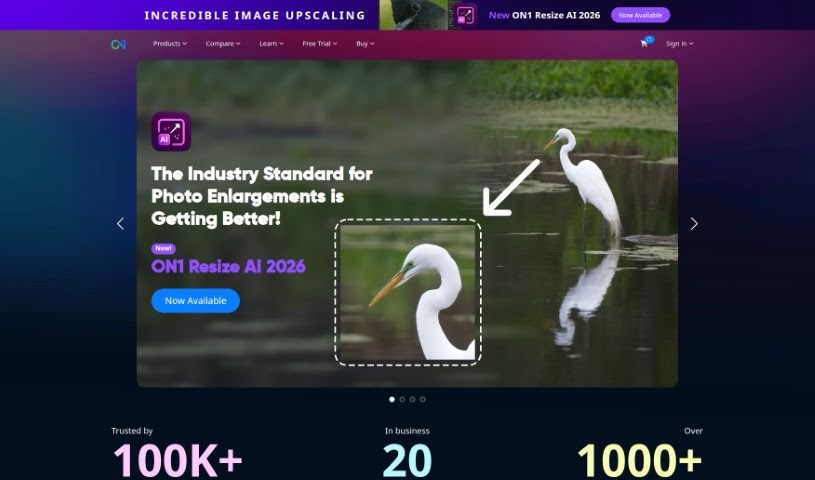
ON1 is a software company dedicated to helping photographers, whether they're just starting out or are seasoned pros, really bring their creative visions to life. They do this by offering innovative software that makes editing and managing your photos much simpler and more efficient. They are providing a whole suite of tools for everything from working with raw files, creating detailed masks and layers, making general photo enhancements, to keeping your photo library organized. Plus, ON1 really believes in building a community. They offer online forums, helpful tutorials, and lots of educational content to help photographers learn and improve their skills. Their Portrait AI Picture Retouching Plugin, for instance, uses machine learning to make retouching portraits a breeze. The company itself got its start back in 2005, and they've always been focused on making sure their customers are happy and that their products keep getting better to meet photographers' evolving needs.

Screenshot of Oneimg

Oneimg

Freemium

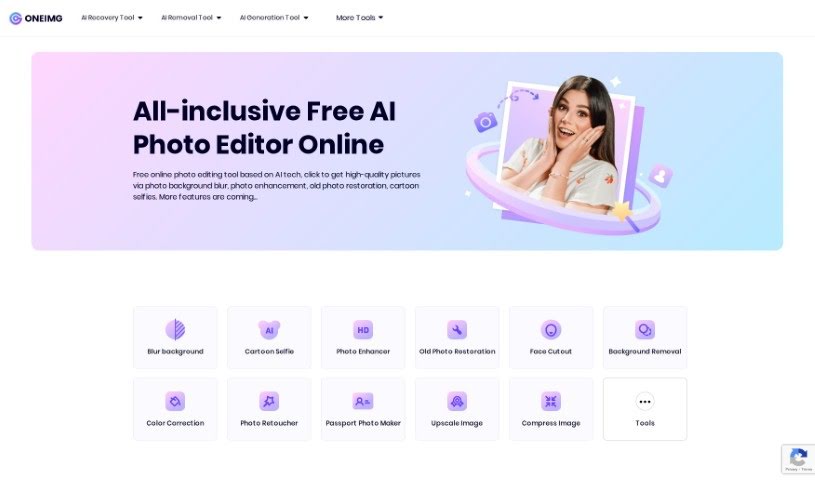
Oneimg is a free online platform that uses AI to help you enhance and edit photos. You can do all sorts of things with it, like blurring backgrounds, fixing old photos, turning yourself into a cartoon, removing backgrounds, cutting out faces, correcting colors, and retouching pictures. It also offers tools to shrink images, make them bigger, create memes, resize, crop, rotate, and convert them to different formats. The goal here is to make photo editing simple and quick, so you can get your photos looking great without a lot of fuss or manual work. Many people, especially designers and social media folks, really like Oneimg, particularly its background blur and cartoon selfie features. The old photo restoration is also a big hit for bringing damaged or old pictures back to life. Basically, Oneimg is a well-rounded, easy-to-use AI photo editor that helps users improve their images and get more done, thanks to its focus on being simple, versatile, and producing good quality results.

Screenshot of Onison Corporation

Onison Corporation

Freemium

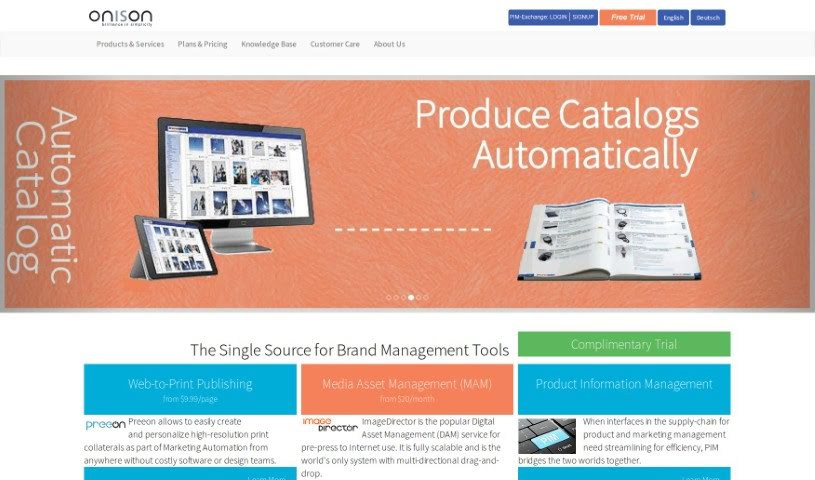
Onison offers a really smart Whitespace Tool that uses Artificial Intelligence to automatically swap out the background of your product photos. You can choose to replace it with pure white space, specific colors you like, or even a transparent background. What's great is that it keeps the original CMYK layers intact. This tool is built specifically for professional product photography, making your presentations look much better by adding drop shadows. It also supports common image formats like RGB JPG and PNG. Plus, it fits right into your brand management workflow with its Digital Asset Management (DAM) features, helping you keep your brand consistent and making it easier to manage web-to-print projects.

Screenshot of Opticlean

Opticlean

Freemium

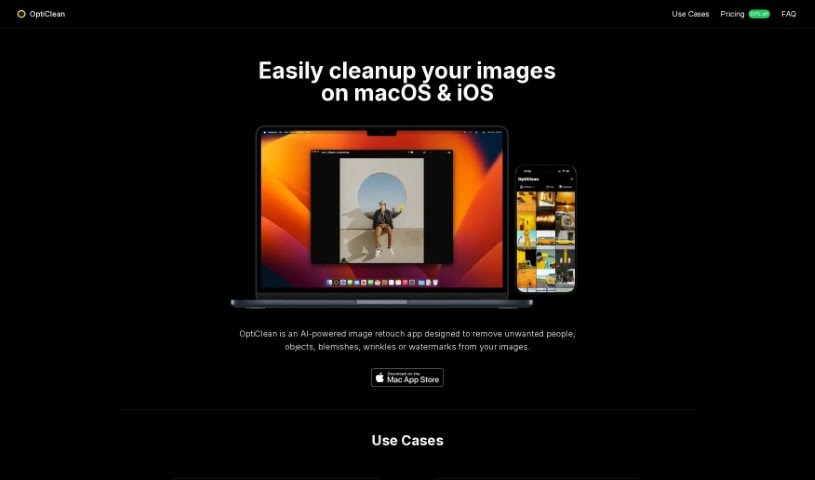
OptiClean is a smart tool that uses AI to make your images look better, quickly and easily. It's designed to clean up and improve your photos in a flash. What's really neat is that you can use it even when you're offline – no internet connection needed! Since it's built to work with Apple Silicon, it really shines when it comes to processing image cleanup tasks efficiently. Whether you're working with regular photos, cartoons, or even images created by AI, OptiClean handles them all, making it super versatile for all sorts of visual content. You can try it out for free for 7 days before deciding to buy it with a one-time purchase, which is a great way to see if it fits your needs. It’s a really handy solution for photographers, graphic artists, and anyone who loves AI-generated art, helping them polish their visual content without a fuss.

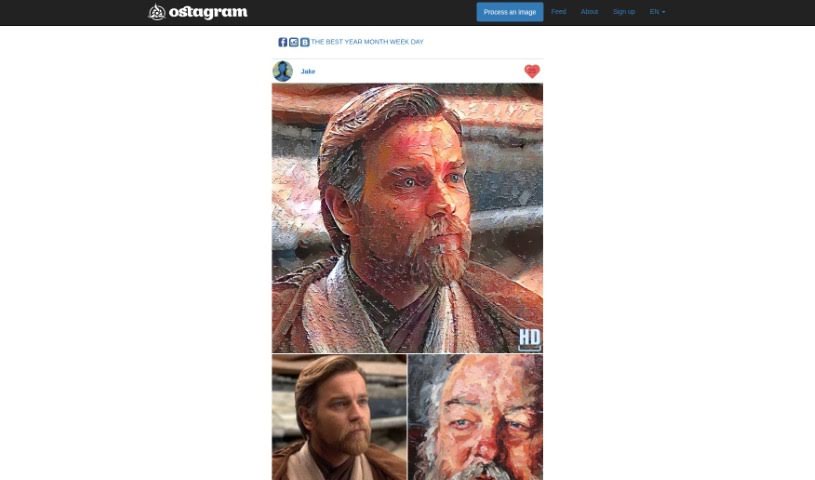
Screenshot of Ostagram

Ostagram

Freemium

Ostagram is a really fun tool that lets you mix images and change the style of your photos. You can upload a picture, pick from lots of different art styles, and blend them together. Imagine taking a selfie and making it look like a painting by Van Gogh, like his "Starry Night"! It's a free service, but if you're using it without paying, you might have to wait a little bit while your image is processed.

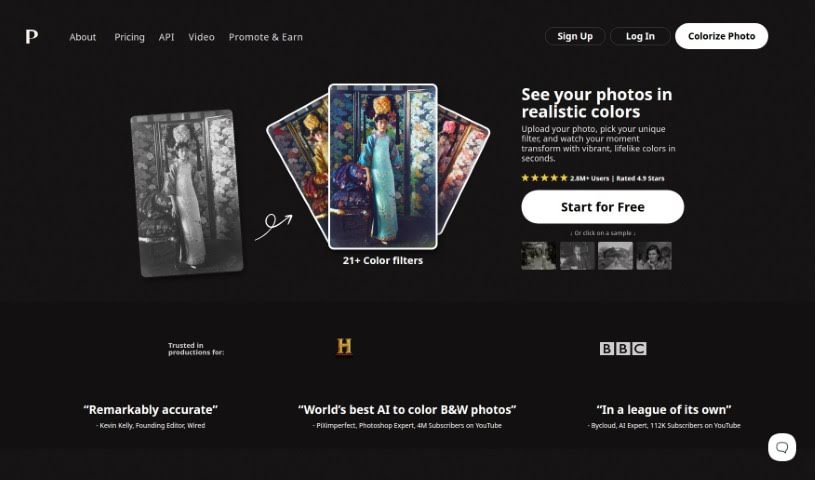
Screenshot of Palette.fm

Palette.fm

Freemium

Palette.fm is a really neat AI tool that lets you add color to old black-and-white photos, jazz up artworks, or give modern images a fresh look. It's super easy to use – you don't even need to sign up, and uploading your photos is a breeze. They offer different styles and plans to fit what you need. What makes Palette.fm stand out are its advanced algorithms and machine learning. This means it's great at getting the colors right, especially for skin tones. It handles details and tricky lighting really well, which is key to making images look vibrant and real. Whether you're a pro at colorizing or just trying it out for fun, Palette.fm is a versatile and efficient way to bring your images to life with realistic colors.

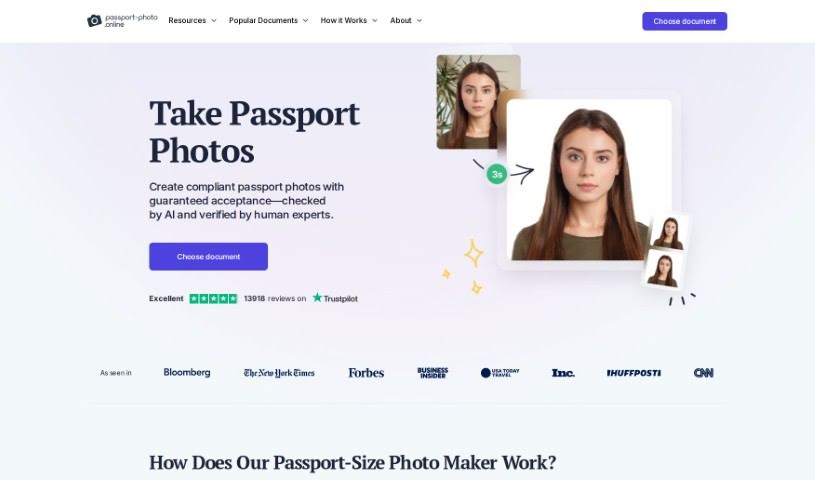
Screenshot of Passport Photo Online

Passport Photo Online

Freemium

Passport Photo Online is a really handy tool for making those official biometric photos you need for passports, visas, and ID cards. It is your personal photo studio, right at home! It makes the whole process super simple. You can snap a selfie or upload a picture you already have, and the tool uses smart AI to get it just right for official standards. Plus, experts double-check everything to make sure it's 100% compliant with all the rules. Once it's verified, you can download your digital photo right away or have printed copies sent to you. It’s a quick and easy way to get the job done.

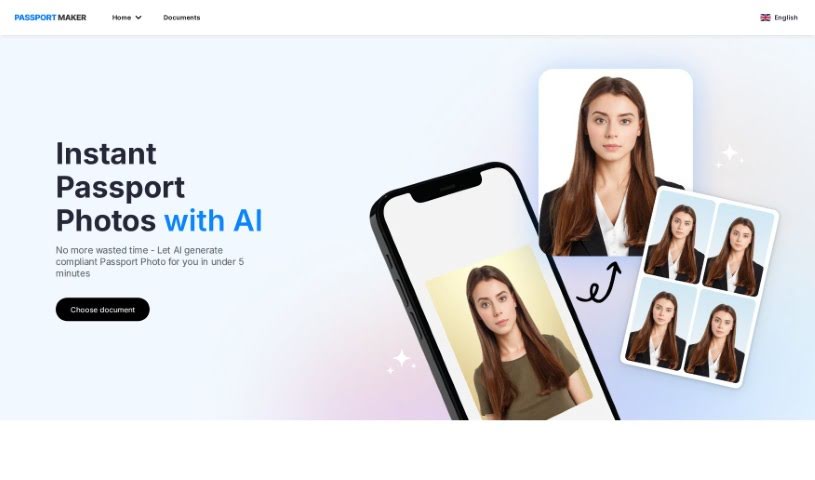
Screenshot of PassportMaker

PassportMaker

Freemium

PassportMaker is an online service that uses smart technology, especially AI algorithms, to automatically create passport photos. The goal of this platform is to make it simple for anyone to get high-quality passport photos that meet the specific rules from governments all over the world. You just upload a photo, and the AI handles things like removing the background, cropping it to the right size, and making the photo look better. PassportMaker lets you create passport photos whenever and wherever you want, so you don't need a professional photographer. Plus, it's cheaper than traditional photo services, making it a really practical choice when you need official photos for documents.

Screenshot of Pet Booth

Pet Booth

Freemium

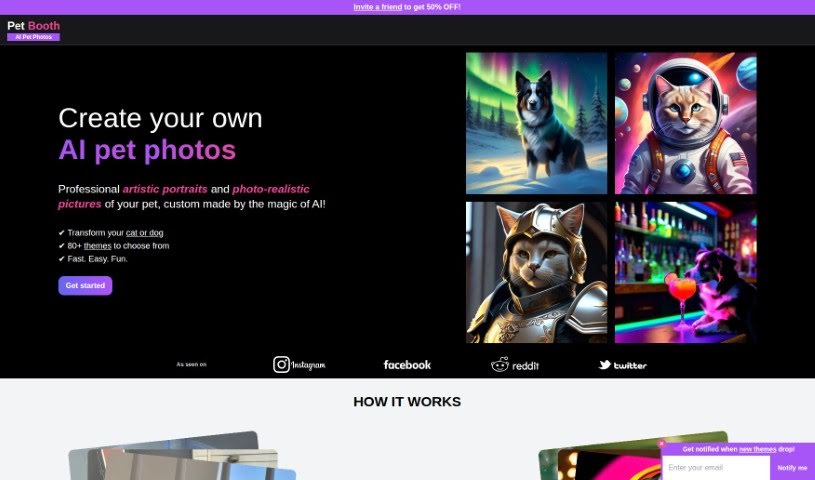
Pet Booth is a really fun, special photo booth service designed just for pets! It lets pet parents capture all sorts of memorable and playful moments with their furry best friends. The booth itself is built with pets in mind, making sure it's a comfy and safe spot for them to strike a pose. You can even customize the backgrounds and props, which makes for a super interactive and enjoyable experience for both the pets and their humans. It's absolutely perfect for any pet-centric events, parties, or just when you want to create some lasting memories with your beloved companions. Basically, Pet Booth aims to bring together the joy of taking pictures with the deep love we have for our pets, offering a creative way to celebrate that special bond.

Screenshot of Petalica Paint

Petalica Paint

Freemium

Petalica Paint is a neat AI tool that automatically adds color to your images, especially sketches. Preferred Networks developed it. You can upload a sketch, and Petalica Paint will color it for you. Want to guide the colors? You can add color hints to influence the final look. Plus, there's a handy SketchSimplification feature to help clean up your sketch lines. It offers three distinct colorization styles: 'Tanpopo', 'Satsuki', and 'Canna'. You can even use it directly within Pixiv Sketch, and it's available for commercial use, provided you follow their terms of service. The 'Canna' style, in particular, is great for its shading and lighting effects.

Screenshot of Photify AI

Photify AI

Freemium

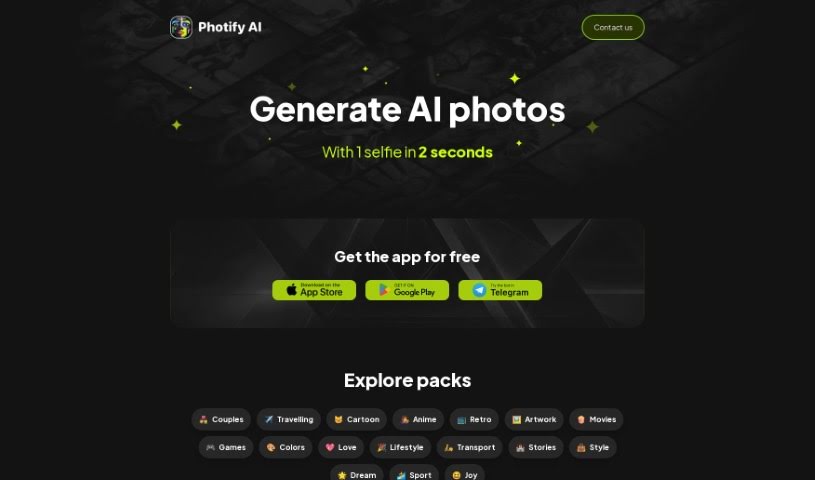
Photify AI is a really neat app that uses smart AI technology to take one photo you upload and turn it into tons of different, eye-catching looks. With Photify AI, you can easily try out new hairstyles, switch genders, or explore different skin tones, all with a simple tap. Plus, you can try on outfits inspired by popular characters or current fashion trends, and even place yourself in different scenes and places. This AI photo generator lets you create all sorts of looks and experiment with various styles, making it super easy to let your imagination run wild and see a new side of yourself.

Screenshot of Photo AI Studio

Photo AI Studio

Freemium

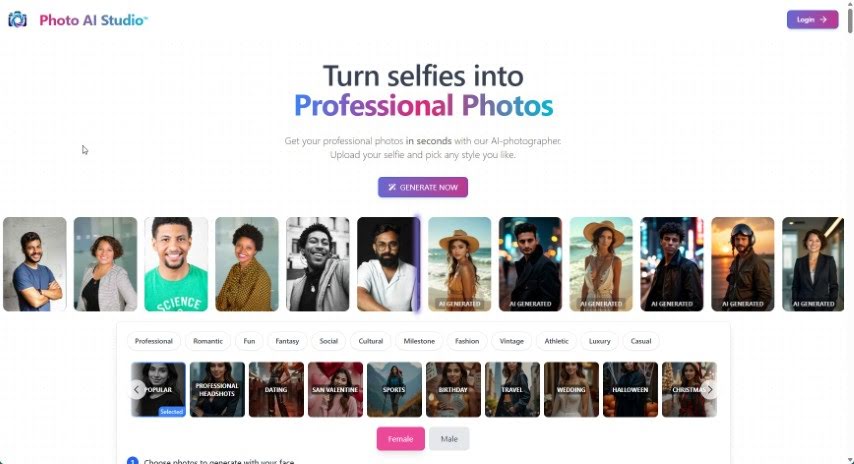
Photo AI Studio is a really neat platform that uses advanced AI to turn your selfies into professional-quality photos. It is your personal AI photographer! You can use these polished shots for all sorts of things – social media posts, your LinkedIn profile, or even just to boost your personal brand. What's great is the sheer variety of styles available. Whether you need a look for a dating profile, a sharp professional headshot, something sporty, travel-themed, or even wedding-ready, they've got you covered. Plus, it's super affordable and efficient. You get high-quality images fast, at prices that are hard to beat, and you don't even need a credit card or deal with spam. The photos it creates are incredibly realistic, almost like they were taken during a real photoshoot. And don't worry about your privacy; you own all your uploaded photos and have complete control over your data.

Stay Updated with AI Tools

Get weekly updates on the latest AI tools, trends, and insights delivered to your inbox

Join 25,000+ AI enthusiasts. No spam, unsubscribe anytime.