123RF AI Image Generator
Creative Image Generation
Learn More
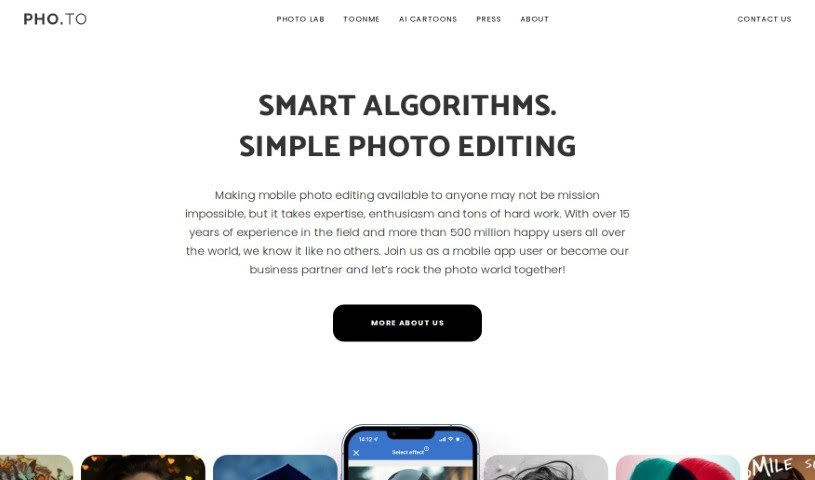
Discover what Photo Lab is and how to use it effectively in 2025. We'll explore its features and see how it stacks up against other photo editors.
Photo Lab is a really cool app that uses AI to help you edit your photos. It is a powerful toolkit for turning your everyday pictures into something special, even artistic. It’s designed to be super easy to use, so you don’t need to be a pro to get great results. One of its most popular features is the AI Cartoon Portrait Maker – you can take a selfie, and in no time, it’ll create a professional-looking cartoon version of you. The app is built on smart technology, using machine learning for things like transferring art styles and figuring out where people are in a photo. This lets it do neat tricks like swapping out backgrounds or applying filters that feel like they came straight out of Photoshop. Plus, it has AI segmentation, which means it can get really detailed, letting you color specific parts like your hair, skin, or lips separately. You can also play around with virtual 3D masks, create fun face montages, and even use a Template Creator to design your own templates and share them with others. It really opens up a world of creative possibilities.
VicMan LLC is the company behind Photo Lab. They launched the app back on March 4, 2019, with a clear goal: to offer fun and creative ways to edit photos. VicMan LLC is the driving force, providing users with over 1000 different effects, ways to combine faces, filters, and so much more. It didn’t take long for the app to become a big hit. It’s now one of the top photography apps you can find on both the App Store and Google Play, with millions of people – over 3 million weekly, in fact – enjoying what it has to offer.
Photo Lab is a great tool for a wide range of people who work with images or just love making their photos look amazing. This includes:
Basically, if you use photos in any capacity, you’ll likely find Photo Lab useful.
Ready to dive in and make your photos shine? Here’s a simple guide to using Photo Lab:
Following these easy steps should help you get the most out of Photo Lab. You’ll be creating stunning edited photos to share with friends and followers in no time!
Discover more tools in similar categories that might interest you
Get weekly updates on the latest AI tools, trends, and insights delivered to your inbox
Join 25,000+ AI enthusiasts. No spam, unsubscribe anytime.