AI Note Takers Explained: Top Tools & How They Work

AI Tools for Note Taking

Discover the best Note Taking AI tools to enhance your productivity and creativity.

Page 6 of 12 • 138 total tools
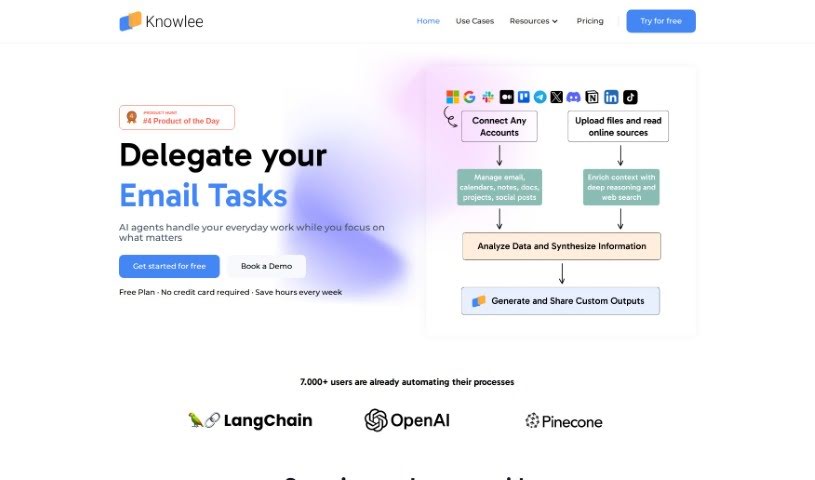
Screenshot of Knowlee AI

Knowlee AI

Freemium

Knowlee AI is a personal AI assistant that provides personalized insights and automated content creation. It connects to platforms you already use, including Gmail, Google Calendar, Outlook, OneDrive, and SharePoint, and can link to online data and other services through APIs. Plans range from a free option for individuals to enterprise packages for businesses that want to integrate AI into their workflows.

Note Taking View Tool →
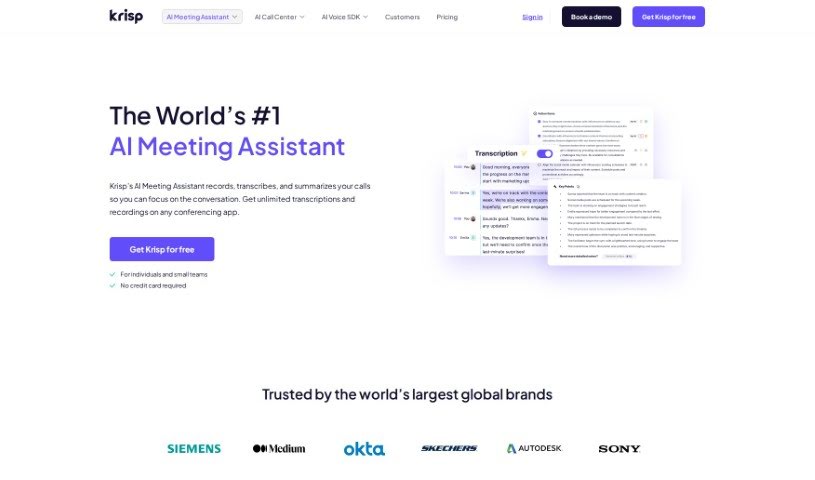
Screenshot of Krisp AI Meeting Assistant

Krisp AI Meeting Assistant

Freemium

Krisp AI Meeting Assistant is an online meeting tool that combines background noise cancellation, transcriptions, meeting summaries, and call recording. It automates note-taking, summarizes discussions, assigns tasks with deadlines, and lets you play back recordings synced with their transcriptions. It works with any conferencing app, and the free plan includes unlimited transcriptions with 96% accuracy. The product has won a Webby Award and has appeared on Forbes' "AI 50" and TIME's 100 "Best Inventions" lists.

Note Taking View Tool →
Screenshot of Laxis

Laxis

Freemium

Laxis is an AI-powered tool built for sales and meetings. It offers two main products: the AI Meeting Assistant and the AI SDR.

Note Taking View Tool →
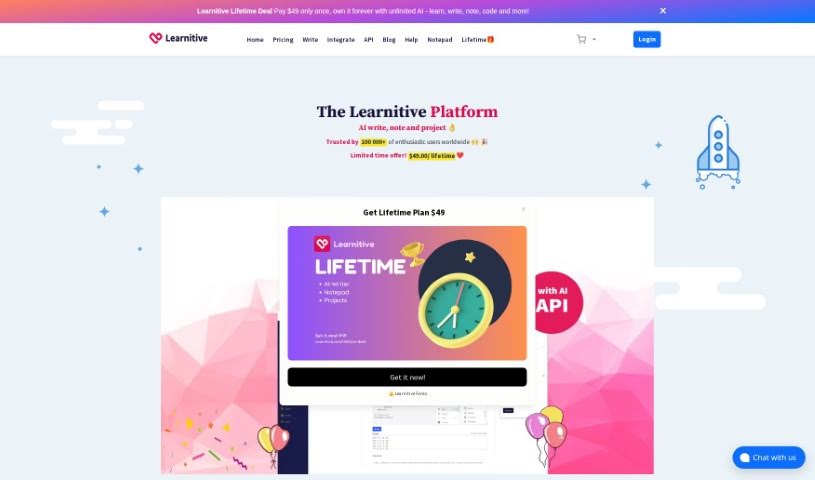
Screenshot of Learnitive

Learnitive

Freemium

Learnitive is an AI-powered e-learning platform that combines content creation, research, and productivity tools in one place. It includes an AI writer that generates unique content, a note-taking app called Notepad, and a project management tool. The platform uses AI for writing content and code, grammar checking, plagiarism detection, and rephrasing text. It also offers integrations such as API connections, plugins for WordPress, and browser add-ons, plus productivity features like Kanban boards and calendar tools.

Note Taking View Tool →
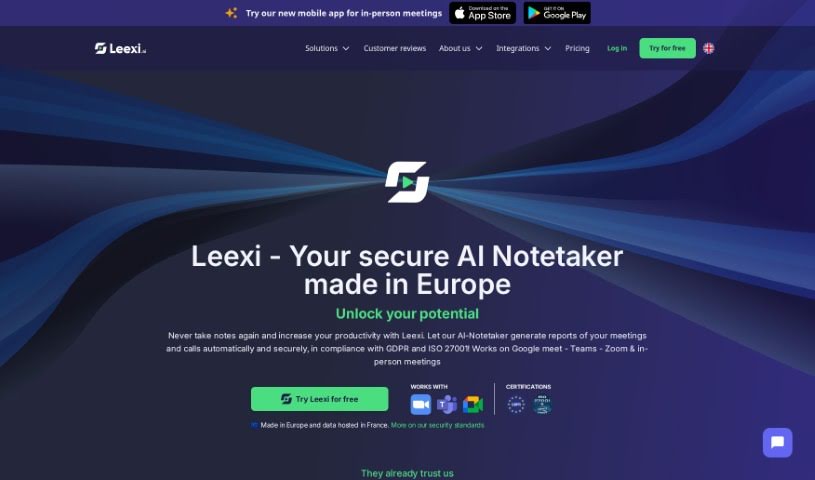
Screenshot of Leexi

Leexi

Freemium

Leexi is an AI meeting assistant that transcribes calls, creates summaries, breaks them into chapters, and analyzes conversations in detail. Results are available right after the call ends, automating note-taking and report writing so you can focus on the discussion itself.

Note Taking View Tool →
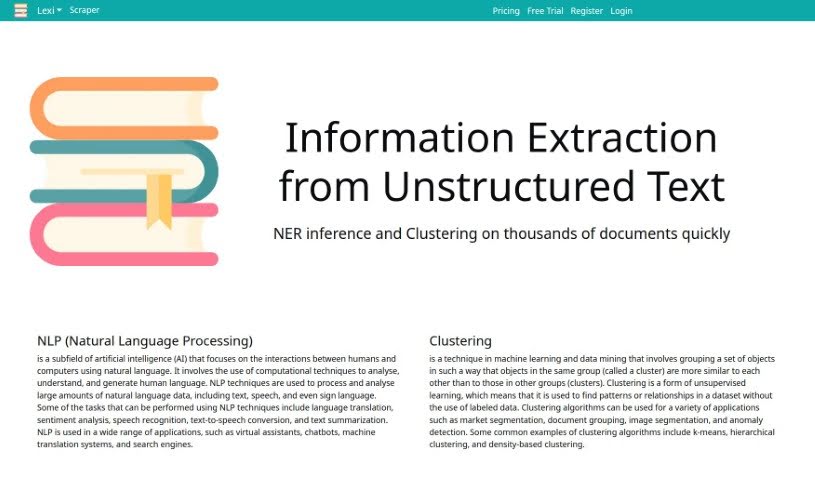
Screenshot of Lexi

Lexi

Freemium

Lexi is a virtual assistant built to streamline everyday tasks and boost productivity. It can help with scheduling, reminders, note-taking, and more, through an easy-to-use interface. Using smart technology, it learns your preferences and offers personalized help — useful whether you're managing appointments, organizing information, or simplifying your daily routine.

Note Taking View Tool →
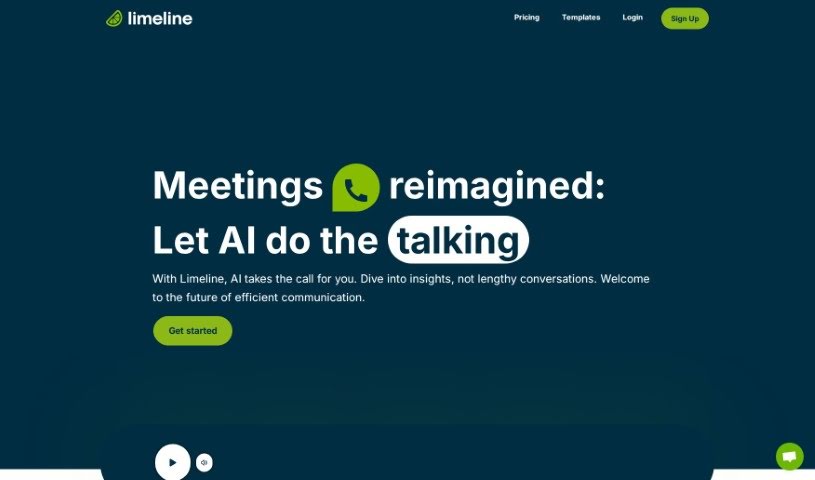
Screenshot of Limeline

Limeline

Freemium

Limeline is an AI assistant that automates meetings and phone calls. Instead of attending every conversation yourself, you create AI agents and share call links with the people you need to reach. The assistant handles the conversation, produces live transcripts during the call, and delivers a summary afterward. Every call is recorded for later review, and the call experience can be customized to match your branding. A mobile app for Android and iOS is planned.

Note Taking View Tool →
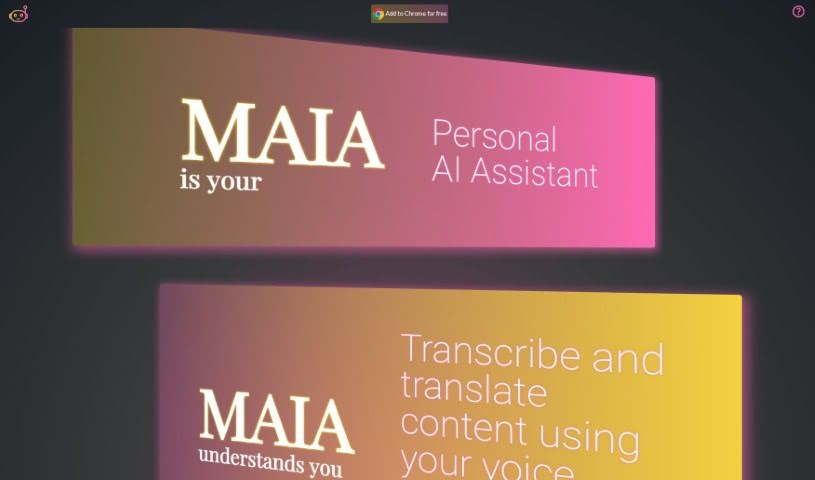
Screenshot of Maia Ai

Maia Ai

Freemium

Maia Ai, short for My AI Assistant, is a Google Chrome extension designed to make AI technology easy to use and affordable. It lets you transcribe and translate content just by speaking, improving accessibility and communication. Its features include summarizing what you're reading, generating new text, explaining complex subjects, simplifying information, translating languages, and converting speech to text. Once installed, it works on any webpage, making it a versatile way to boost what you can do online.

Note Taking View Tool →
Screenshot of Meet Summary

Meet Summary

Freemium

MeetSummary is an AI-powered meeting assistant that automatically creates summaries of your meetings. It helps teams remember what was discussed, share context, and stay focused on the conversation instead of taking notes.

Note Taking View Tool →
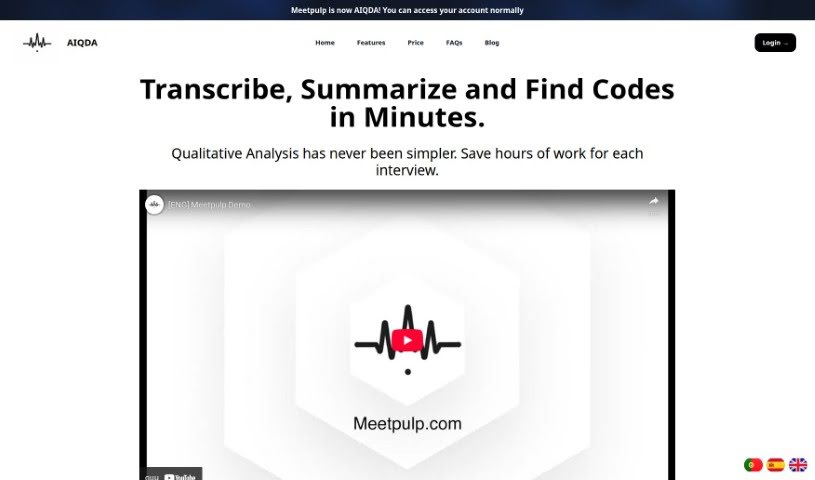
Screenshot of Meetpulp

Meetpulp

Freemium

MeetPulp is an AI meeting assistant that automates transcription, summarization, and task tracking. Core features include automatic transcription, real-time insights during discussions, reminders, annotation tools, and in-meeting task management.

Note Taking View Tool →
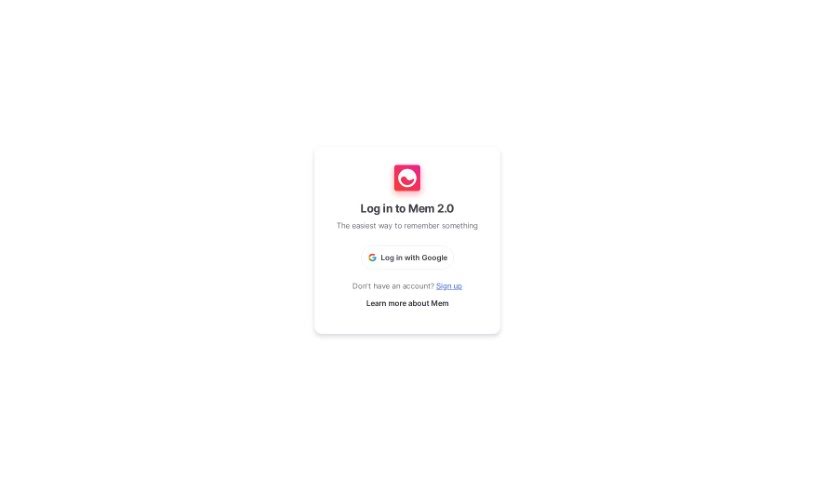
Screenshot of Mem

Mem

Freemium

Mem is a knowledge assistant designed to change how you find information. It lets you ask questions and create content directly from your own notes, making daily work more efficient.

Note Taking View Tool →
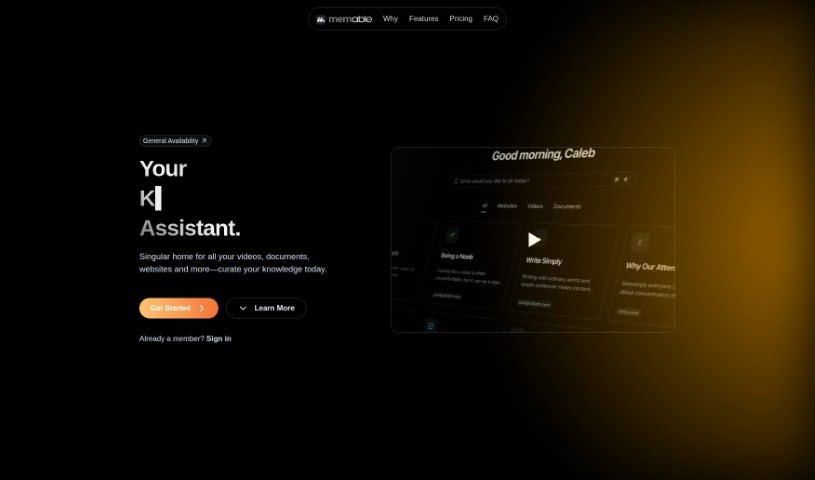
Screenshot of Memable

Memable

Freemium

Memable is a personal AI memory assistant — an AI-native bookmark and recall engine built to help you remember what matters. It provides a digital space to store and retrieve valuable insights, ideas, and references you come across, using artificial intelligence to organize and recall large amounts of information efficiently. The interface is user-friendly and adapts to how you prefer to work. Memable also emphasizes privacy with a comprehensive privacy policy, and members get personalized access through sign-in.

Note Taking View Tool →

About Note Taking tools

Sitting down after a long meeting or class to make sense of messy, typed notes is a common headache. Between scribbling down points while someone speaks, capturing action items, and organizing outlines later, taking notes by hand drains your focus. When you spend all your energy writing down words instead of listening, keeping track of big ideas gets tough.

Think of these tools as organized personal assistants for students, professionals, researchers, and project leads. They transcribe live audio, summarize key points, and structure scattered thoughts so you can find information quickly.

Real-Time Transcripts, Summaries, and Knowledge Graphs

Turning live audio and recorded conversations into searchable text takes seconds instead of hours. Trying to write down every word during a lecture or client call means missing out on real engagement. Modern speech-to-text assistants listen in the background, transcribe spoken dialogue in real time, and tag different speakers so you get a clean transcript without missing a detail.

Synthesizing long meetings and study sessions into clear summaries saves massive amounts of time. Reviewing five pages of raw text to find one key decision is tedious. Intelligent note-taking software scans your transcripts, pulls out main themes, and generates bulleted summaries with assigned action items. You get a quick overview to review in two minutes before moving on to your next task.

Building a searchable knowledge hub across large projects becomes far easier, too. Storing notes in separate files often means losing track of important facts over time. Smart note applications automatically link related topics across your digital notebook, suggest tags, and let you ask questions in plain English to pull up specific quotes or facts instantly.

Useful Features for Organization:

  • Real-time audio transcription: Systems that record spoken audio and convert it into accurate, timestamped text while distinguishing between speakers.
  • Automated summary creation: Features that condense long transcripts and meeting notes into clear bullet points, action items, and key takeaways.
  • Cross-note semantic search: Tools that let you search your entire note library using natural language questions rather than exact keyword matches.
  • Knowledge graph linking: Software that automatically connects related notes, ideas, and project references into an organized web of information.
  • Multi-platform synchronization: Applications that sync smoothly across desktop computers, web browsers, and mobile devices for quick access anywhere.

Great note taking will always depend on your curiosity, understanding, and personal organization style. Software can transcribe audio, generate a summary, and link related documents, but choosing what matters most requires your human judgment.

Browse the note-taking tools below to organize your workspace.

The Best AI Note Takers

  1. Otter.ai: for making team meetings smoother with AI notes.
  2. AI Diary: Journaling with mood tracking, writing analysis and voice entries.
  3. Fireflies AI: for easy automation of meeting recaps.
  4. Fathom AI: for simple meeting summaries and action items.
  5. PLAUD: for help transcribing lectures efficiently.
  6. AIConsole: Open-source desktop AI editor that automates tasks and drafts content.
  7. Notta: for making meeting summaries simple.
  8. Klangio: for turning lectures into music notes.
  9. Supernormal: for making meeting summaries easier.
  10. Jamie AI: for generating meeting summaries with ease.
  11. AiGenda: Transcribes meetings and highlights key agreements across call platforms.
  12. Voicenotes: for summarizing lectures into clear action items.
  13. Bubbles Notetaker: for smoother meeting notes and action items.
  14. Mentalyc: for automatically summarizing therapy sessions.
  15. Amanu: Team chat assistant that learns from your messages and meetings.
New tools, in your inbox.

Weekly picks of the best AI tools we've researched and added — no spam, unsubscribe anytime.

Join 25,000+ AI enthusiasts. No spam, unsubscribe anytime.