AI Tools for Note Taking

Discover the best Note Taking AI tools to enhance your productivity and creativity.

Page 5 of 13 • 145 total tools

Taking notes is a really important skill today, especially with how fast things move and how much information we deal with. Whether it’s for lectures, meetings, or just jotting down personal thoughts, good note-taking can totally change how we remember and use information. But honestly, handwritten notes can get messy, and typing sometimes feels like a race to get your thoughts down before they disappear.

That’s where AI note-taking tools come in. These aren’t just apps that type for you; they use artificial intelligence to help you organize, pull together information, and even find key insights on their own. If you find the right AI tool, you can easily move from messy notes to neat, digital ones.

I’ve spent the last few weeks checking out different options, and I’ve put together a list of the best AI note-taking tools out there right now. Each one has its own special features for different needs, from recording audio to summarizing long articles. So, whether you’re a student, a professional, or just someone who likes to stay organized, there’s likely something here for you.

If you’re ready to make your note-taking experience much better and get some valuable time back, let’s look at the top AI note-taking tools.

The best AI Note Takers

  1. Otter.ai for making team meetings smoother with AI notes.
  2. Tactiq to automatically capture meeting notes without any effort.
  3. Fireflies AI for easy automation of meeting recaps.
  4. Fathom AI for simple meeting summaries and action items.
  5. PLAUD for help transcribing lectures efficiently.
  6. Tldv to make meeting note-taking much smoother.
  7. Notta for making meeting summaries simple.
  8. Klangio for turning lectures into music notes.
  9. Supernormal for making meeting summaries easier.
  10. Jamie AI for generating meeting summaries with ease.
  11. Blu Dot to improve how efficiently you document meetings.
  12. Voicenotes for summarizing lectures into clear action items.
  13. Bubbles Notetaker for smoother meeting notes and action items.
  14. Mentalyc for automatically summarizing therapy sessions.
  15. Sembly AI to automate meeting notes and follow-ups.

How do AI note takers work?

AI note takers have become really helpful for managing information better. Basically, these apps use advanced natural language processing (NLP) to look at spoken or written text. They turn words into a structured format, which helps them spot main ideas, organize thoughts, and summarize content easily.

Most AI note takers use large language models (LLMs). These models have learned from tons of data, like articles, books, and conversations. This training helps them understand context, see how topics connect, and even guess what information is most important.

When you use an AI note taker, it processes what you input right away, whether you’re speaking notes during a meeting or typing ideas while studying. As it captures the information, it uses algorithms to break down sentences, pull out key points, and suggest insights. This lets you focus on your thoughts without worrying about missing anything important.

Lots of popular apps can connect with other tools, making it simple to manage your knowledge. For example, notes you take in an AI tool can sync with project management apps or cloud storage. This connection boosts productivity, making it easy to find and share information when you need it.

AI note takers are also flexible because they can handle different ways of inputting information, from typing to voice. You can speak notes for them to transcribe later, which makes them accessible and convenient. All in all, AI note takers are changing how we record and interact with information by using the latest technology.

Our best AI note takers at a glance

RankNameBest forPlans and PricingRating
1Otter.aiMaking team meetings smoother with AI notes.Paid plans start at $13.59/month.4.73 (11 reviews)
2TactiqAutomating meeting notes effortlessly.N/A4.64 (11 reviews)
3Fireflies AIEffortless meeting recap automationPaid plans start at $10/month.4.67 (12 reviews)
4Fathom AIEffortless meeting summaries and action itemsPaid plans start at $19/month.4.33 (24 reviews)
5PLAUDEfficient lecture transcription helpPaid plans start at Free/N/A.4.40 (15 reviews)
6TldvMaking meeting note-taking much smoother.N/A4.31 (13 reviews)
7NottaMaking meeting summaries simple.N/A4.72 (29 reviews)
8KlangioTurning lectures into music notesN/A4.74 (34 reviews)
9SupernormalMaking meeting summaries easier.Paid plans start at $18/month.4.79 (19 reviews)
10Jamie AIGenerating meeting summaries with ease.N/A4.33 (15 reviews)
11Blu DotImproving how efficiently you document meetings.N/A4.60 (25 reviews)
12VoicenotesSummarizing lectures into clear action items.N/A4.64 (11 reviews)
13Bubbles NotetakerMaking meeting notes and action items smoother.Paid plans start at $Free/month.4.64 (11 reviews)
14MentalycAutomatically summarizing therapy sessions.Paid plans start at $39.99/month.4.75 (12 reviews)
15Sembly AIAutomating meeting notes and follow-ups.Paid plans start at $20/month.4.64 (11 reviews)
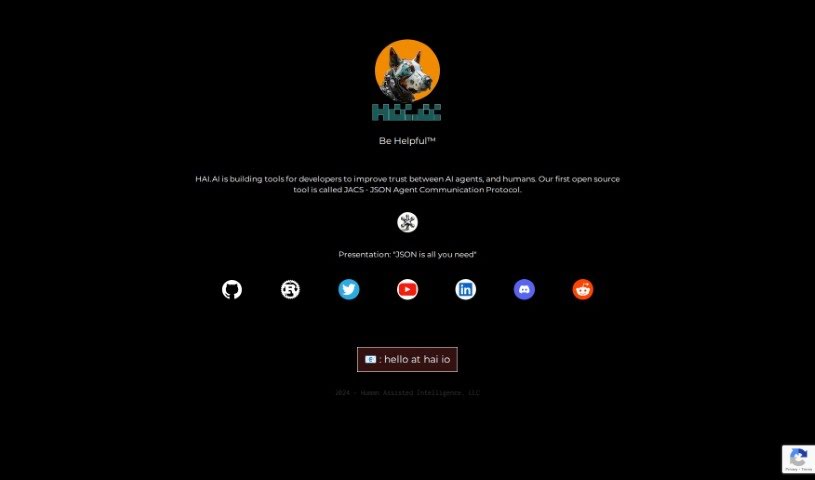
Screenshot of Hai.ai

Hai.ai

Freemium

Hai.ai offers a really neat way to manage your emails. It gives you a special @hai.ai email address, which is designed to make your online life simpler. It is a smart assistant that filters and summarizes all sorts of information, then sends you one consolidated email each day. This way, you get all the important stuff without the usual inbox chaos. As you use it, Hai.ai learns what you like and don't like, thanks to your feedback. This helps it tailor the content specifically for you, even connecting you with products and services that genuinely fit your interests. Their motto, "Be Helpfulâ„¢," really sums up their goal: to boost your productivity and help you stay informed without getting buried in emails. Key features include your own personalized email address, smart email summaries, a daily digest of important content, customization based on your feedback, and even suggestions for opportunities that match your preferences.

Screenshot of Heyday

Heyday

Freemium

Heyday is your personal AI copilot, built to help knowledge workers like you. It dives into your emails, documents, notes, and articles, pulling out key insights. From there, it can generate shareable content or build a searchable database of all that information. The goal is to make your work smoother by automatically creating meeting notes, helping you draft content, providing context-specific search results, curating your own knowledge base, and connecting with tools you already use, like Zoom, Notion, Gmail, Google Docs, Google Calendar, Slack, and Dropbox.

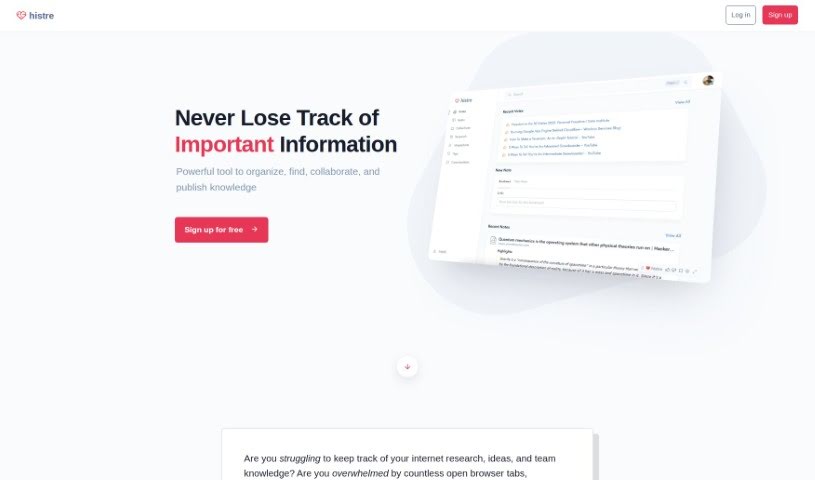
Screenshot of Histre

Histre

Freemium

Histre is a tool designed to help you organize and manage your internet research, ideas, and team knowledge really efficiently. It is your personal research assistant! It offers features like annotating, highlighting, collecting, summarizing, searching, and sharing information with ease. Histre's goal is to make the research process smoother, help you make better decisions, and improve collaboration, all while boosting your productivity and your team's speed. Plus, Histre takes your data privacy seriously. They promise never to sell your data to third parties and give you the option to delete it anytime, all backed by a solid privacy policy that truly respects your information.

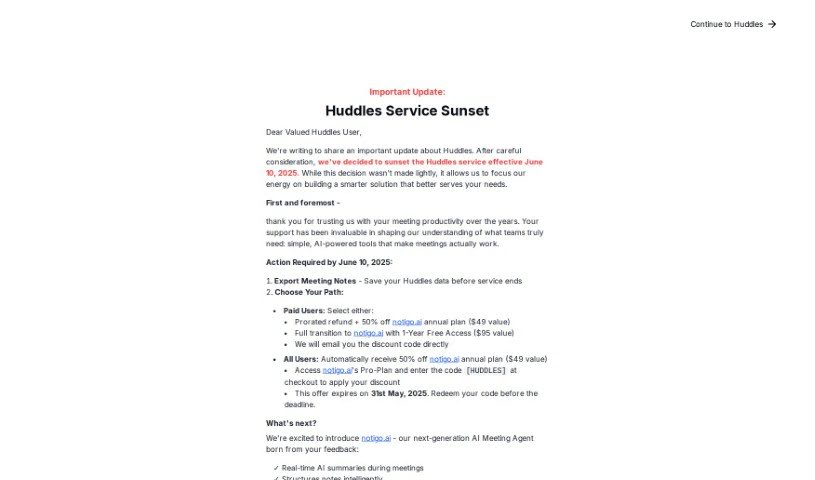
Screenshot of Huddles

Huddles

Freemium

Huddles is a platform built to make team meetings much better by really focusing on collaboration, making sure everyone gets a chance to speak, and driving towards clear, actionable results. You know how in regular meetings, some people talk a lot while others don't? Huddles aims to fix that imbalance, which often makes meetings less productive. It offers tools like AI-powered real-time note-taking, ready-made meeting templates, support for different languages, and ways for everyone to work together. The goal is to make meetings more efficient and keep everyone involved. Huddles is all about creating a meeting culture where teamwork and genuine interaction are key, helping teams reach their goals more effectively.

Screenshot of Humane AI Pin

Humane AI Pin

Freemium

The Humane AI Pin is a wearable gadget that acts like your personal assistant and a "second brain." It's designed to help you with all sorts of things, from making calls and sending messages to snapping photos and managing your digital to-do list. It comes with built-in AI assistants ready to help with research, understanding languages, taking pictures, and communicating. Plus, they're planning to add more specialized assistants, like a Nutritionist and a Shopper, down the line.

Screenshot of Ideaflow

Ideaflow

Freemium

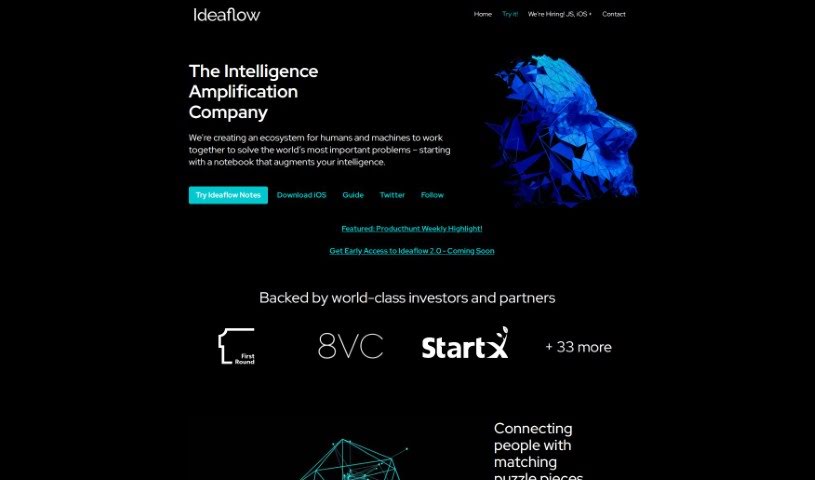
Ideaflow is your AI-powered digital notebook, built to make working with computers feel more natural and collaborative when you're tackling tough problems. It’s a place where you can keep all sorts of information – little bits of text, hashtags, pictures, voice notes that have been turned into text, and more. The really cool part is the 'ThoughtStream.' It’s this endlessly scrolling dashboard where you can just jot down ideas, notes, quotes, or anything that sparks your interest, without worrying about organizing it perfectly right away. You can use hashtags to group notes, link them together to show how they relate, or put them into folders you name yourself. Basically, Ideaflow helps you connect all those scattered pieces of information from different places in a really smooth way.

Screenshot of InfoBaseAI

InfoBaseAI

Freemium

InfoBaseAI is a really smart platform that's changing how we manage information by bringing AI right into the mix. It is your AI-powered research buddy. You can use its features like AI chats, organizing your content, and taking notes to get more done and make your research process smoother. With InfoBaseAI, you can upload documents and get immediate insights, ask questions in a conversational way with AI to really dig into a topic, and even check if your facts are solid thanks to built-in source validation. It helps you annotate your thoughts with AI's help, switch between different AI models to get just the results you need, and juggle multiple tasks without losing track, all while keeping your workspace neat and easy to navigate. Plus, there's a special Launch Week Promo happening – you can get 10% off using the code LAUNCHWEEK10. It’s a great chance to rethink how you handle information with the help of AI. Why not try it for free today and see for yourself how InfoBaseAI can transform your workflow?

Screenshot of Insightio

Insightio

Freemium

Insightio is a tool built to help product professionals easily pull out key insights from their user calls. You just drag and drop your audio or video files, and it does the heavy lifting. It helps you spot patterns and really dig into your data.

Screenshot of Jamie AI

Jamie AI

Freemium

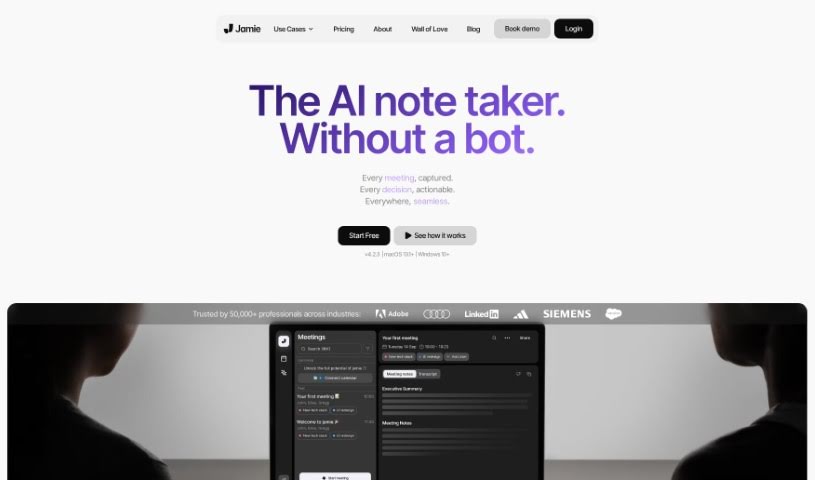
Jamie AI is a smart tool that takes notes for your meetings, helping both individuals and teams save time and get more done. It creates notes that sound like a real person wrote them, along with meeting summaries, full transcripts, and clear action items. It works smoothly with all sorts of tools and in different languages, meaning you don't have to worry about taking notes yourself during meetings. Jamie automatically handles the audio, pulling out tasks, noting down decisions, and even letting you search your meeting notes by meaning. Plus, they really care about privacy – all your data stays in Europe and is only processed when it absolutely needs to be. Lots of professionals have shared how Jamie makes their work simpler and saves them a ton of time.

Screenshot of Jamworks

Jamworks

Freemium

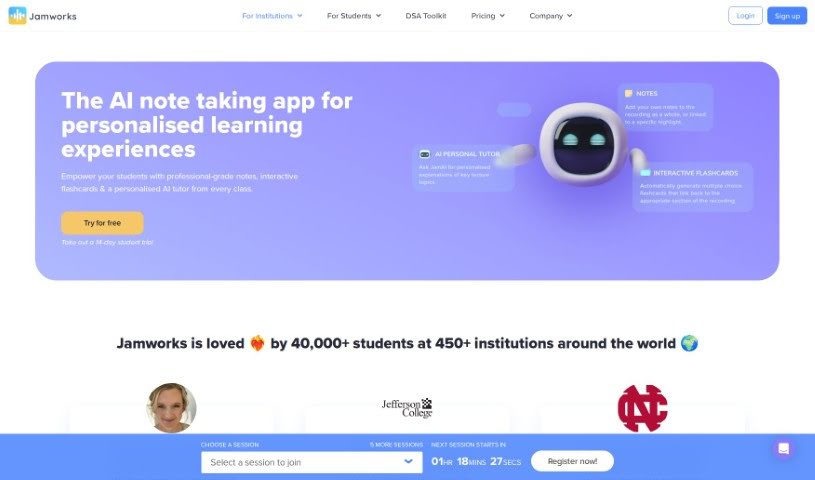
Jamworks is an AI-powered app designed to help students with their studies. It is your personal academic assistant. It can automatically create study materials, help you make interactive flashcards, provide live captions during classes, and even has AI chatbots ready to answer your class-specific questions. Plus, it's built to support students with disabilities, making learning more accessible for everyone. Jamworks works smoothly with major Learning Management Systems and supports many languages, really aiming to give every student a great learning experience.

Screenshot of Journable

Journable

Freemium

Journable is a smart app that uses artificial intelligence to make tracking your diet and exercise super simple, all through a chat. You can easily log your meals and workouts, and keep an eye on how you're doing with your personal health goals. The AI looks at what you tell it and gives you immediate feedback on your nutrition and exercise, so you can effortlessly track your calories in and out. What's really neat is that Journable understands all sorts of foods, whether they're local favorites or international dishes, and you don't need to mess with manual databases. You can set your own health targets right in the app, making it a really user-friendly way to track calories and log meals and workouts as they happen.

Screenshot of Jumble Journal

Jumble Journal

Freemium

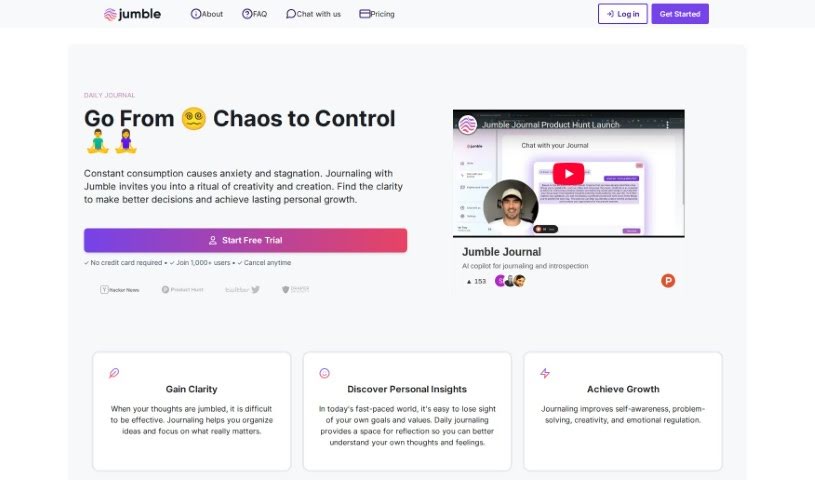
Jumble Journal isn't just another place to jot down your thoughts; it's a platform designed to go much further. It uses technology, specifically vector embeddings and custom analysis, to help you uncover really important insights from all your past journal entries. It is being able to have a conversation with your past self, digging into key extracts to really boost your personal growth. The whole idea behind Jumble Journal is to give you the tools to grow, thrive, and find happiness through thoughtful, reflective journaling.

Stay Updated with AI Tools

Get weekly updates on the latest AI tools, trends, and insights delivered to your inbox

Join 25,000+ AI enthusiasts. No spam, unsubscribe anytime.