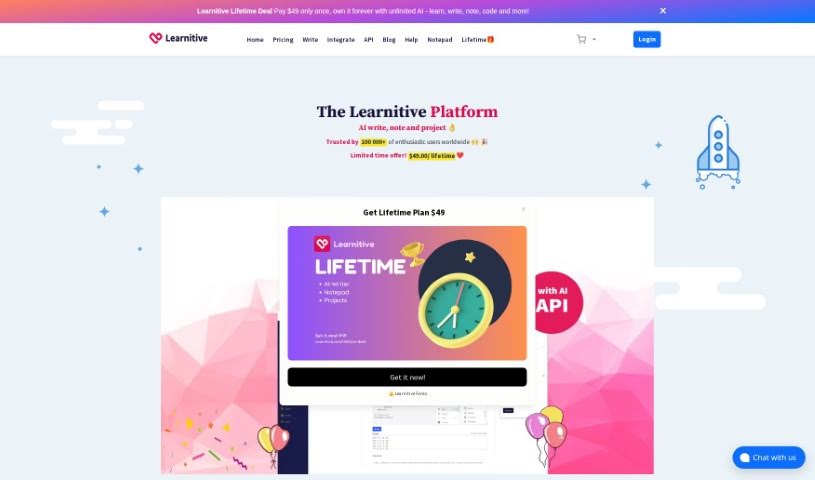
What is Learnitive?
Learnitive is an AI-powered e-learning platform packed with tools to help you create content, research effectively, and boost your productivity. It is your all-in-one digital assistant. It includes an AI writer that can generate unique content, a smart note-taking app called Notepad, and a project management tool designed to keep you on track. Learnitive uses AI for all sorts of tasks, from writing content and code to checking your grammar, detecting plagiarism, and even rephrasing text. Plus, it offers handy integrations like API connections, plugins for popular platforms like WordPress, and browser add-ons. You’ll also find productivity features like Kanban boards and calendar tools to keep everything organized. You can start with free AI workspaces that have some limits on AI words, or upgrade to a premium subscription for unlimited access. For educational agencies, there are even more advanced options, like custom domains and faster content creation through API connections.
Who created Learnitive?
Mehmet T., a Computer Science student, developed Learnitive. He found it so useful for his own academic research, content creation, and running code that he decided to share it. Essentially, Learnitive is an AI-driven e-learning platform built to help you create unique content and be more productive with its suite of AI tools, including its AI Writer, Notepad for notes, and Project management features.
What is Learnitive used for?
Learnitive is incredibly versatile! You can use it for:
- Creating and rewriting content
- Academic research and summarizing information
- Managing projects and your calendar
- Generating AI content and taking notes
- Exporting documents as PDFs
- Creating executable programming code and vector illustrations (like flowcharts or UML diagrams)
- Finding and inserting references from academic papers, Wikipedia, and images
- Managing tasks with built-in Kanban boards, calendars, notes, and to-do lists
- Customizing for educational agencies with your own domain and API connections
- Integrating with other platforms via API for faster content creation
- Using plugins for WordPress, Firefox, and Chrome
- Building interactive educational tools
- Researching, writing, and learning with AI widgets
- Generating full-length, optimized content and code in seconds
- Expanding your writing with AI-powered sentence completion and paragraph generation
- Improving your writing by paraphrasing and rewriting passages
- Creating multi-page documents and exporting them as PDFs with the E-Book Creator
- Connecting Learnitive with WordPress, Firefox, Chrome, and Microsoft Word
- Boosting productivity with Learnitive Notepad, your AI-powered note-taking app, which includes tools like a Markdown Note Editor, Code IDE, and Photo Editor
- Managing tasks efficiently with Learnitive Project, a clean project management tool
- Connecting educational platforms via API for quick content creation
- Research writing and creating code snippets
- Paraphrasing content
- Collaborating with AI
Who is Learnitive for?
Learnitive is a great tool for anyone involved in writing, research, or managing projects. This includes:
- Research Writers
- Computer Science Students
- Academic Writers
- Bloggers
- Researchers
- Writers
- Students
- Academics
- Educational Agencies
Basically, if you’re creating content, doing research, or managing tasks, Learnitive can likely help!
How to use Learnitive?
Getting started with Learnitive is straightforward. Here’s a quick guide:
- Explore the Tools: Learnitive offers a variety of features like the AI writer, Notepad, and Project management tools. You can use AI widgets, AI Books, and the AI API to research, write, and create content efficiently.
- Master the AI Writer: Use the AI writer for everything from spell checks and grammar corrections to plagiarism detection and generating AI content and code. The AI widgets are also great for improving your writing quality through paraphrasing and rewriting.
- Get Organized with Notepad: The AI-powered Learnitive Notepad is perfect for taking notes. It supports markdown formatting, code editing, photo editing, and PDF creation. You get 1MB of free storage, and you can easily add more with prepaid coupons.
- Streamline with Project Management: Check out Learnitive Project, a clean, clutter-free project management tool designed for individuals like solopreneurs, freelancers, and academics. It helps you stay organized and focused with features like Kanban boards and a calendar.
- Integrate Seamlessly: Learnitive works smoothly with platforms you already use, such as WordPress, Firefox, Chrome, and Microsoft Word. Connecting Learnitive with different applications and tools can really boost your workflow.
- Consider a Subscription: If you find yourself using the platform a lot, a subscription offers unlimited access to premium features, including higher AI word limits. You can pay using common methods like Visa, MasterCard, and PayPal.
- Join the Community: Connect with other Learnitive users and draw inspiration from testimonials. Many users have found the platform incredibly beneficial for both learning and productivity.
Remember, Learnitive is a flexible AI-enabled platform built for interactive learning and content creation. Its unique features, like the AI writer, Notepad, and Project tools, are designed to make your workflow much smoother and more effective.