20Paths
Productivity Documentation
Learn more
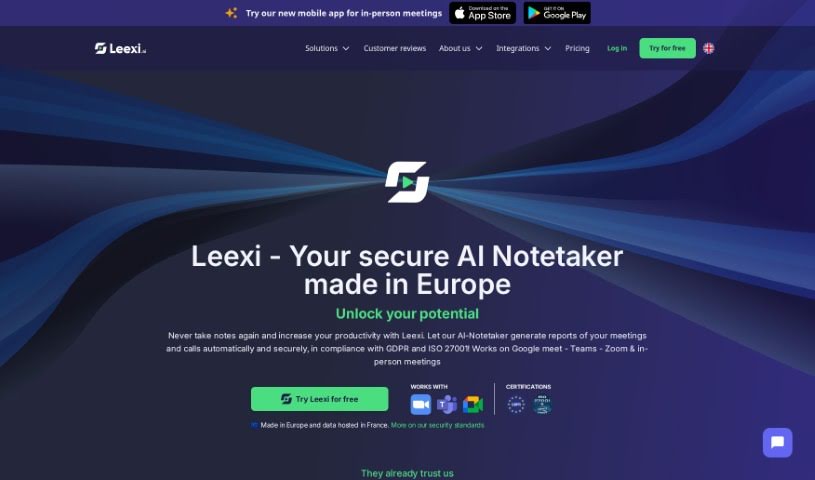
Discover Leexi, an AI meeting assistant that transcribes calls, generates summaries, and analyzes conversations automatically.
Leexi is an AI meeting assistant that transcribes calls, creates summaries, breaks them into chapters, and analyzes conversations in detail. Results are available right after the call ends, automating note-taking and report writing so you can focus on the discussion itself.
Leexi suits professionals in recruitment, consulting, sales, customer success, finance, journalism, marketing, and real estate. It offers AI-powered coaching, smoother onboarding, and a central place to access all your conversations.
Security is a priority: Leexi is compliant with GDPR and ISO 27001 standards, undergoes regular penetration tests, and encrypts data end to end. It works with most major video conferencing and phone tools, supports over 100 languages, and can be set up in minutes.
Leexi was created by Benoit Marcellin, CEO of Nomination, a company offering an AI meeting tool focused on productivity through transcription, summarization, chaptering, and call analysis.
Leexi connects with popular CRM tools including Pipedrive, HubSpot, Salesforce, and Microsoft Dynamics 365. It supports more than 100 languages, including French, Dutch, English, and Spanish.
Related
Discover more tools in similar categories
Weekly picks of the best AI tools we've researched and added — no spam, unsubscribe anytime.
Join 25,000+ AI enthusiasts. No spam, unsubscribe anytime.