AI Note Takers Explained: Top Tools & How They Work

AI Tools for Note Taking

Discover the best Note Taking AI tools to enhance your productivity and creativity.

Page 4 of 12 • 138 total tools
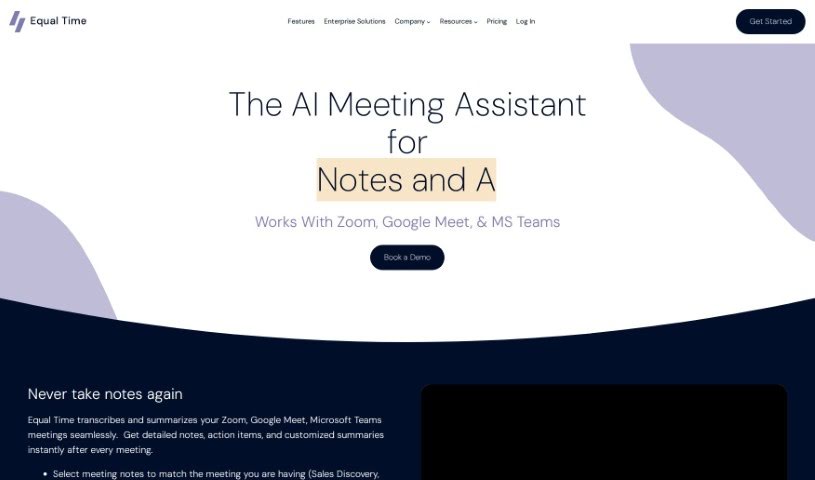
Screenshot of Equal Time

Equal Time

Freemium

Equal Time is a virtual meeting assistant that makes meetings on Zoom, Google Meet, and Microsoft Teams more inclusive and productive. It tracks speaking time, offers real-time feedback on participation, and generates AI-powered meeting notes with transcripts and action items. It's a good fit for DEI leaders, managers, teachers, coaches, HR professionals, and engineering teams focused on diversity, inclusion, and equity.

Note Taking View Tool →
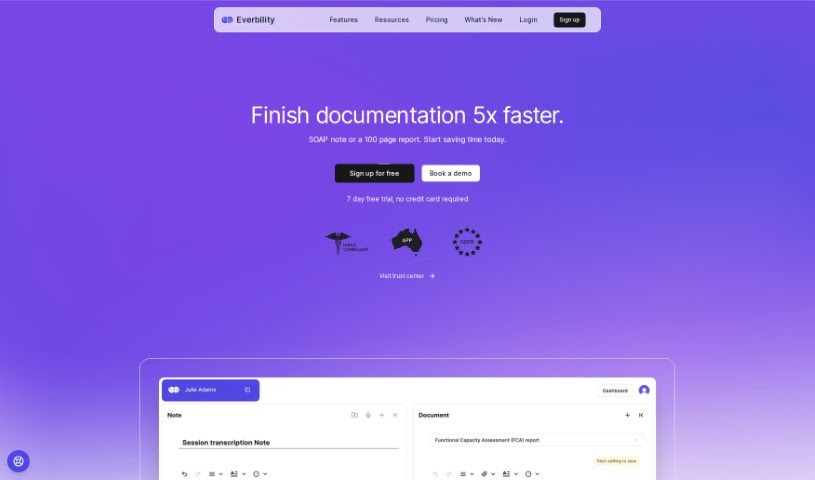
Screenshot of Everbility

Everbility

Freemium

Everbility is an AI assistant designed for allied health professionals, aimed at simplifying time-consuming documentation tasks such as writing reports and taking notes. Its features include AI-powered writing assistance, a chatbot, customizable templates, and AI-assisted research lookup. Users report significant time savings, particularly for report writing and note-taking.

Note Taking View Tool →
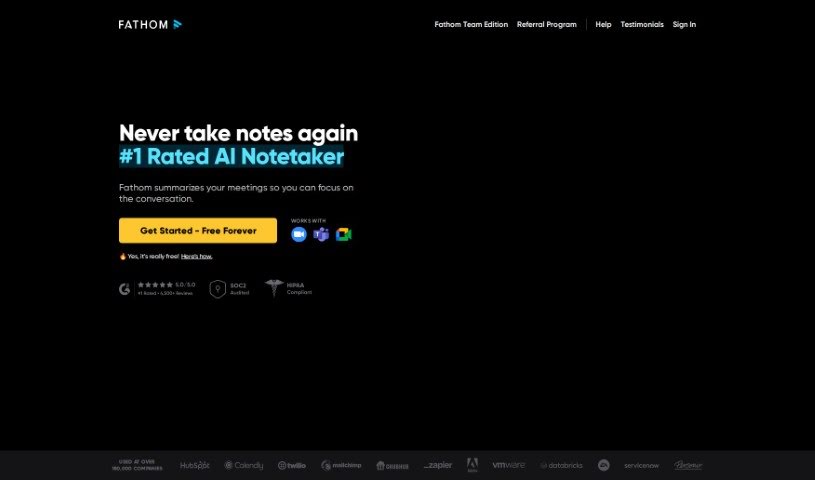
Screenshot of Fathom AI

Fathom AI

Freemium

Fathom AI builds AI-powered tools designed to help businesses run more efficiently and make better decisions. The company specializes in machine learning, natural language processing, and data analysis, and it develops custom AI solutions tailored to each client's needs. Its goal is to use AI to help companies grow and improve how they operate.

Note Taking View Tool →
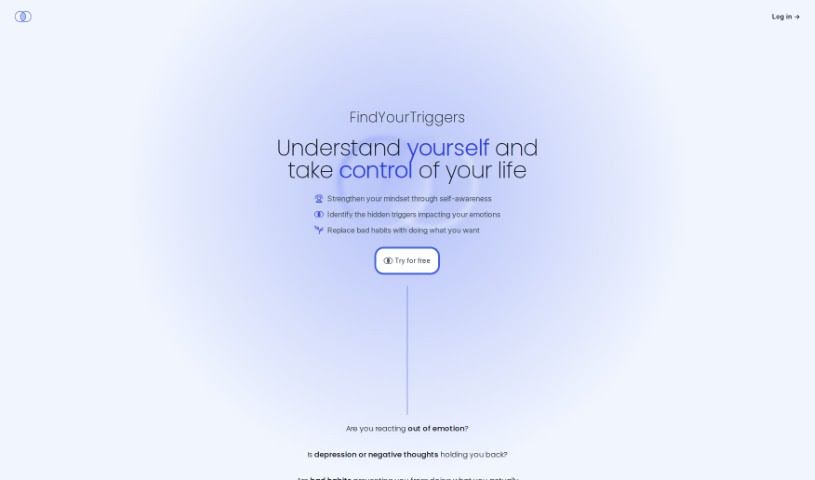
Screenshot of FindYourTriggers

FindYourTriggers

Freemium

FindYourTriggers is an AI-powered journal built to strengthen self-awareness. It helps you pinpoint and work through your triggers — the things that set off unwanted moods, behaviors, and habits. The journal serves as a space for self-reflection and emotional release, where you track thoughts, experiences, and habits you want to change. AI analysis of your entries reveals patterns in your moods and behavior, connecting triggers to the habits you want to break.

Note Taking View Tool →
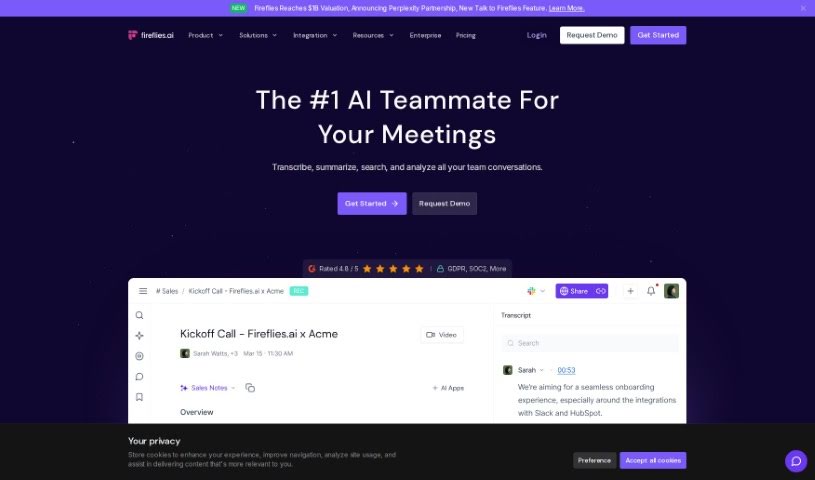
Screenshot of Fireflies AI

Fireflies AI

Freemium

Fireflies AI is a voice assistant and transcription service that turns conversations into actionable insights and helps automate team workflows. It creates meeting summaries, tracks action items, monitors key topics, and analyzes speaker talk time. Security is a priority: it offers enterprise-grade protection with encryption, security logging, and compliance with GDPR and HIPAA for healthcare. Pricing plans are flexible, serving individuals, small teams, growing businesses, and large enterprises, with extras like Ask Fred and AI Apps to pull specific information from your meetings.

Note Taking View Tool →
Screenshot of Floutwork

Floutwork

Freemium

Floutwork is an all-in-one desktop productivity app for macOS and Windows, designed with freelancers in mind. It combines tasks, calendar, email, goals, notes, and time tracking in a single interface. Web apps can also be opened directly inside Floutwork, keeping your entire workflow in one place.

Note Taking View Tool →
Screenshot of Gems

Gems

Freemium

Gems is a personal AI knowledge assistant. It brings all your information together in one place and gives you ready-to-use answers based on what you've gathered, through simple questions asked in plain language. Instead of manually filing or searching, you ask a question and Gems produces a synthesized answer — called a "Gem" — with the original sources always shown so you can verify the information.

Note Taking View Tool →
Screenshot of Goelo

Goelo

Freemium

Goelo Notetaker is an AI-powered tool for video meetings. It records meetings, transcribes conversations, and generates AI summaries, letting you review an hour-long meeting in about five minutes. Recordings and summaries can be shared with teammates or clients, and you can add comments and reactions to recordings to give feedback.

Note Taking View Tool →
Screenshot of GPTGuard

GPTGuard

Freemium

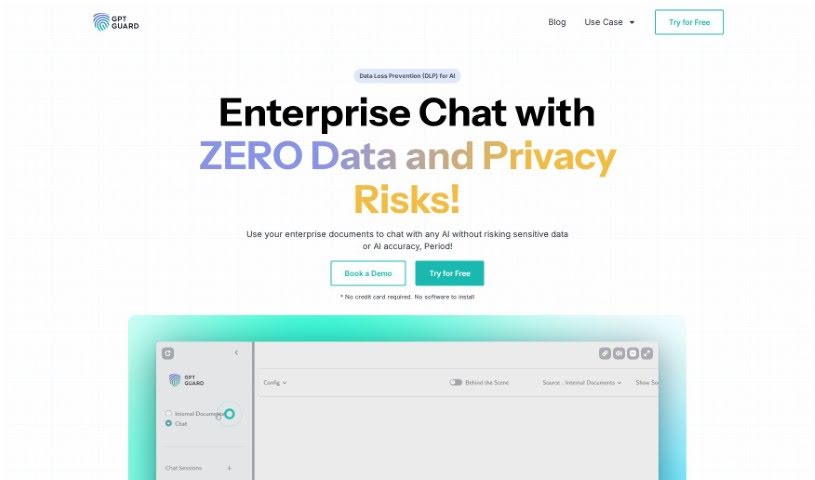
GPT Guard, created by Protecto's privacy engineering team, is a platform for keeping conversations with ChatGPT safe. It lets you use your own data for AI tasks and data analysis while staying compliant with privacy regulations. Its core technology is data tokenization: the AI can work with your information without directly seeing sensitive details. GPT Guard is trusted by Global 1000 companies and offers a 14-day free trial plus a 100% satisfaction guarantee.

Note Taking View Tool →
Screenshot of Grain Ai

Grain Ai

Freemium

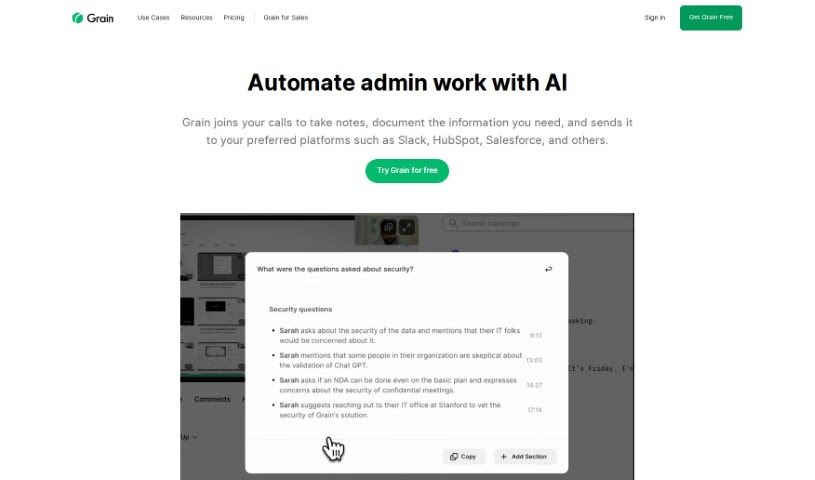
Grain AI is an automated note-taking tool for customer meetings. It joins your calls, captures key moments and insights, and produces meeting summaries so you don't have to take notes manually. You can customize notes with templates, connect Grain to tools like Slack and Notion, and create short video clips of the most important parts of a discussion. The goal is to make sharing feedback and insights with your team easier.

Note Taking View Tool →
Screenshot of Growlab AI

Growlab AI

Freemium

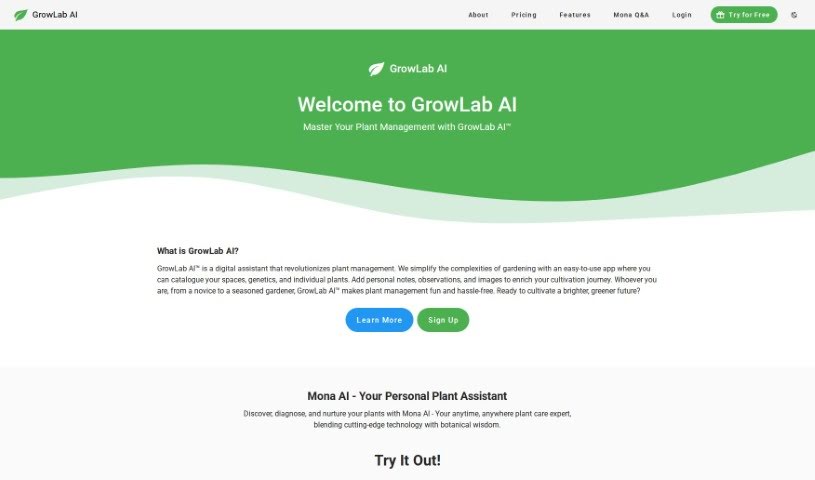
GrowLab AI is a digital assistant for managing indoor plants. It lets you track grow spaces, plant genetics, and individual plants, while adding your own notes, observations, and photos within the platform. It is designed for both beginners and experienced growers.

Note Taking View Tool →
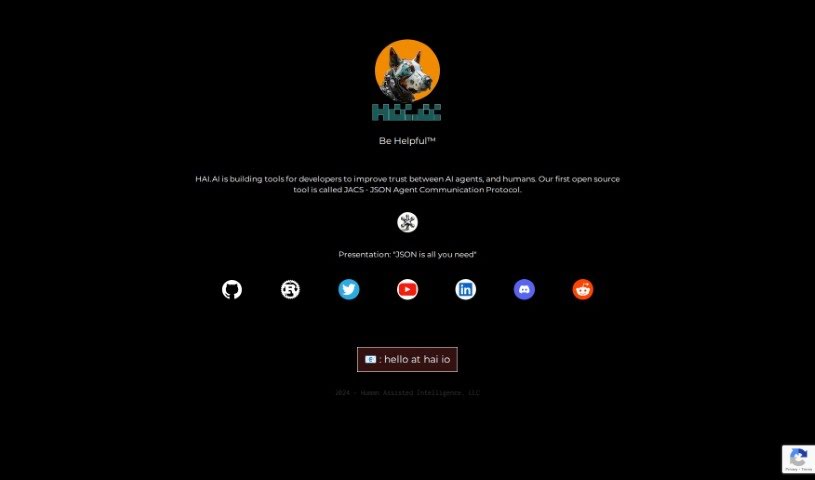
Screenshot of Hai.ai

Hai.ai

Freemium

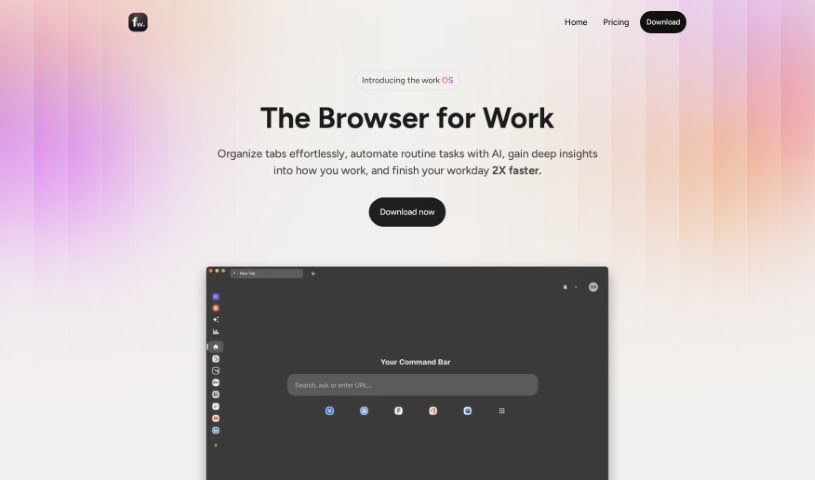
Hai.ai is an email management service built around a personalized @hai.ai email address. The address acts as a smart assistant that filters and summarizes incoming information, then delivers a single consolidated email each day containing the important content. As you use it, Hai.ai learns from your feedback to tailor the content to your preferences, and can connect you with products and services that fit your interests. Its motto, "Be Helpful™," reflects its goal: boost productivity and keep you informed without inbox overload.

Note Taking View Tool →

About Note Taking tools

Sitting down after a long meeting or class to make sense of messy, typed notes is a common headache. Between scribbling down points while someone speaks, capturing action items, and organizing outlines later, taking notes by hand drains your focus. When you spend all your energy writing down words instead of listening, keeping track of big ideas gets tough.

Think of these tools as organized personal assistants for students, professionals, researchers, and project leads. They transcribe live audio, summarize key points, and structure scattered thoughts so you can find information quickly.

Real-Time Transcripts, Summaries, and Knowledge Graphs

Turning live audio and recorded conversations into searchable text takes seconds instead of hours. Trying to write down every word during a lecture or client call means missing out on real engagement. Modern speech-to-text assistants listen in the background, transcribe spoken dialogue in real time, and tag different speakers so you get a clean transcript without missing a detail.

Synthesizing long meetings and study sessions into clear summaries saves massive amounts of time. Reviewing five pages of raw text to find one key decision is tedious. Intelligent note-taking software scans your transcripts, pulls out main themes, and generates bulleted summaries with assigned action items. You get a quick overview to review in two minutes before moving on to your next task.

Building a searchable knowledge hub across large projects becomes far easier, too. Storing notes in separate files often means losing track of important facts over time. Smart note applications automatically link related topics across your digital notebook, suggest tags, and let you ask questions in plain English to pull up specific quotes or facts instantly.

Useful Features for Organization:

  • Real-time audio transcription: Systems that record spoken audio and convert it into accurate, timestamped text while distinguishing between speakers.
  • Automated summary creation: Features that condense long transcripts and meeting notes into clear bullet points, action items, and key takeaways.
  • Cross-note semantic search: Tools that let you search your entire note library using natural language questions rather than exact keyword matches.
  • Knowledge graph linking: Software that automatically connects related notes, ideas, and project references into an organized web of information.
  • Multi-platform synchronization: Applications that sync smoothly across desktop computers, web browsers, and mobile devices for quick access anywhere.

Great note taking will always depend on your curiosity, understanding, and personal organization style. Software can transcribe audio, generate a summary, and link related documents, but choosing what matters most requires your human judgment.

Browse the note-taking tools below to organize your workspace.

The Best AI Note Takers

  1. Otter.ai: for making team meetings smoother with AI notes.
  2. AI Diary: Journaling with mood tracking, writing analysis and voice entries.
  3. Fireflies AI: for easy automation of meeting recaps.
  4. Fathom AI: for simple meeting summaries and action items.
  5. PLAUD: for help transcribing lectures efficiently.
  6. AIConsole: Open-source desktop AI editor that automates tasks and drafts content.
  7. Notta: for making meeting summaries simple.
  8. Klangio: for turning lectures into music notes.
  9. Supernormal: for making meeting summaries easier.
  10. Jamie AI: for generating meeting summaries with ease.
  11. AiGenda: Transcribes meetings and highlights key agreements across call platforms.
  12. Voicenotes: for summarizing lectures into clear action items.
  13. Bubbles Notetaker: for smoother meeting notes and action items.
  14. Mentalyc: for automatically summarizing therapy sessions.
  15. Amanu: Team chat assistant that learns from your messages and meetings.
New tools, in your inbox.

Weekly picks of the best AI tools we've researched and added — no spam, unsubscribe anytime.

Join 25,000+ AI enthusiasts. No spam, unsubscribe anytime.