AI Note Takers Explained: Top Tools & How They Work

AI Tools for Note Taking

Discover the best Note Taking AI tools to enhance your productivity and creativity.

Page 2 of 12 • 138 total tools
Screenshot of Ayraa

Ayraa

Freemium

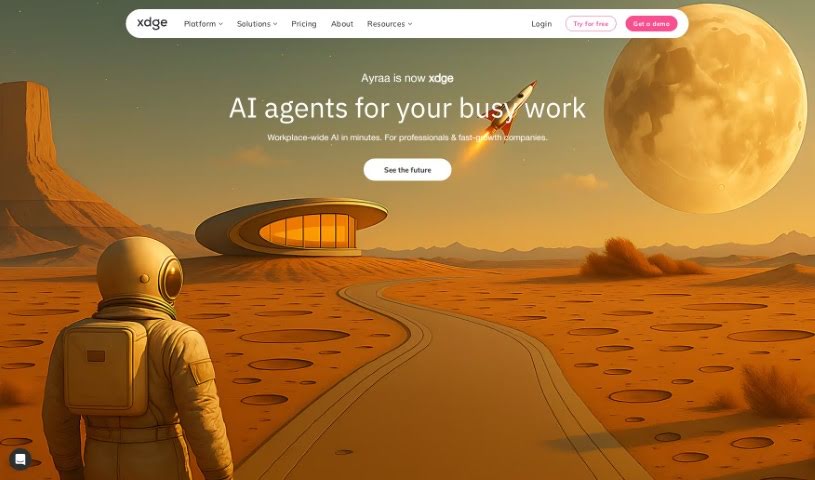
Ayraa is a personal search engine and smart assistant for work. It connects with Slack and your web browser to capture and organize work-related information as you encounter it. You can ask questions about workplace insights, get summaries, find answers, and get help with tasks across applications. It acts as a generative AI assistant, giving direct access to answers and insights without manual searching. Its goal is to make knowledge easy to access and discover. The company was founded by security veterans with experience developing AI for analyzing text in work communications.

Note Taking View Tool →
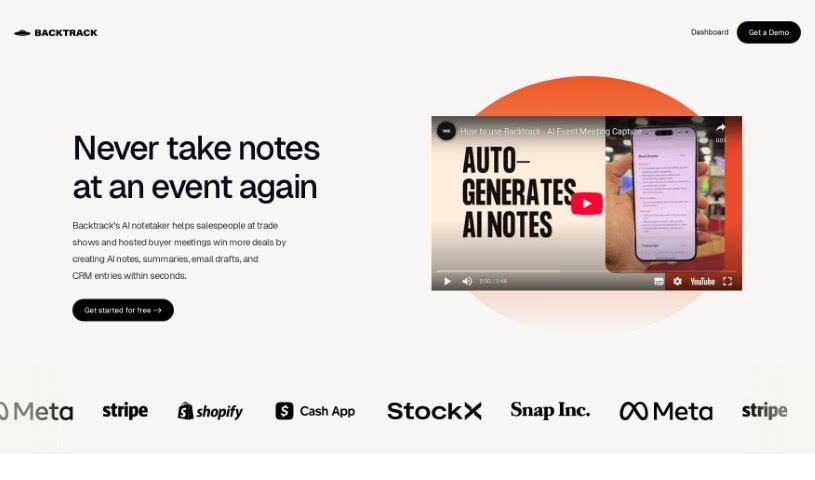
Screenshot of Backtrack

Backtrack

Freemium

Backtrack is a personal recorder for Mac that lives in your menu bar. It saves audio, screen recordings, and conversations after they've already happened, making it useful for Slack Huddles, client calls, brainstorming sessions, user interviews, sales calls, webinars, conference booths, and bug reporting.

Note Taking View Tool →
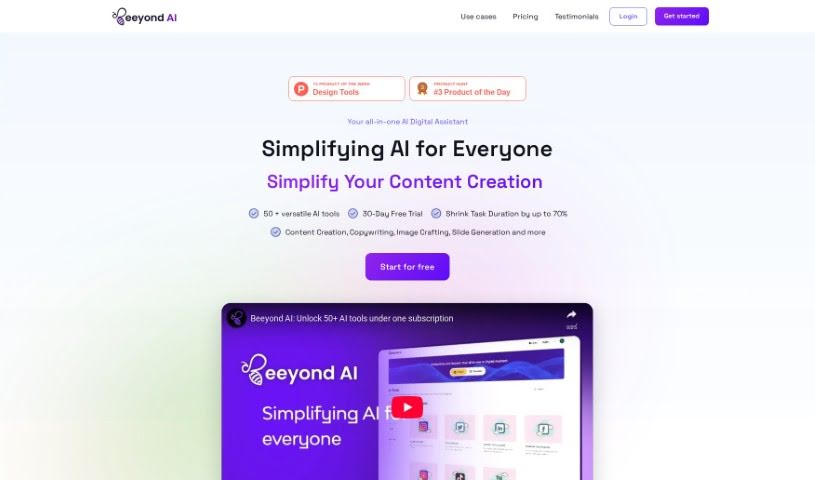
Screenshot of Beeyond AI

Beeyond AI

Freemium

Beeyond AI is an all-in-one AI digital assistant web app built for personal and professional productivity. It includes an AI Art Studio & Editor, writing assistance, PDF chat, social media content creation, and audio-to-text transcription. It also helps with trip planning, food and nutrition, and understanding legal documents. The platform supports multiple languages and receives regular feature updates.

Note Taking View Tool →
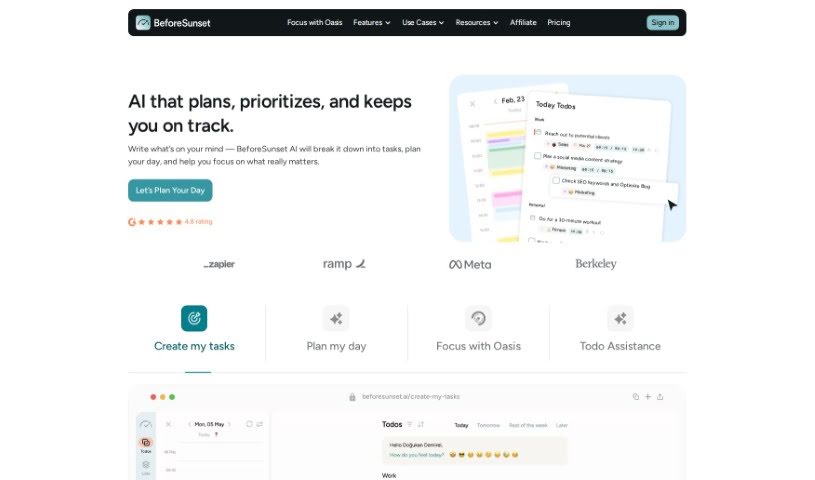
Screenshot of BeforeSunset AI

BeforeSunset AI

Freemium

BeforeSunset AI is an AI-powered daily planner built around personalized interactions and smart automation. It uses machine learning to pick up on your preferences and habits, so its recommendations and planning suggestions adapt to how you work. It also applies natural language processing and predictive analytics to simplify planning and keep your day organized.

Note Taking View Tool →
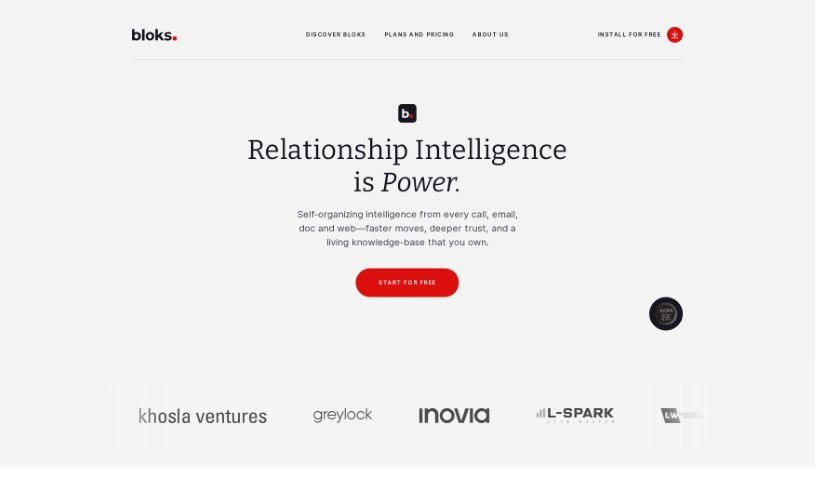
Screenshot of Bloks

Bloks

Freemium

Bloks is a smart personal assistant for meetings. It helps you prepare for conversations with daily briefs, automatic transcriptions, AI-powered action items, reminders, follow-ups, and insights into professional relationships. Bloks is developed by Nook Technologies, Inc., which has secured $5 million in seed funding.

Note Taking View Tool →
Screenshot of Blu Dot

Blu Dot

Freemium

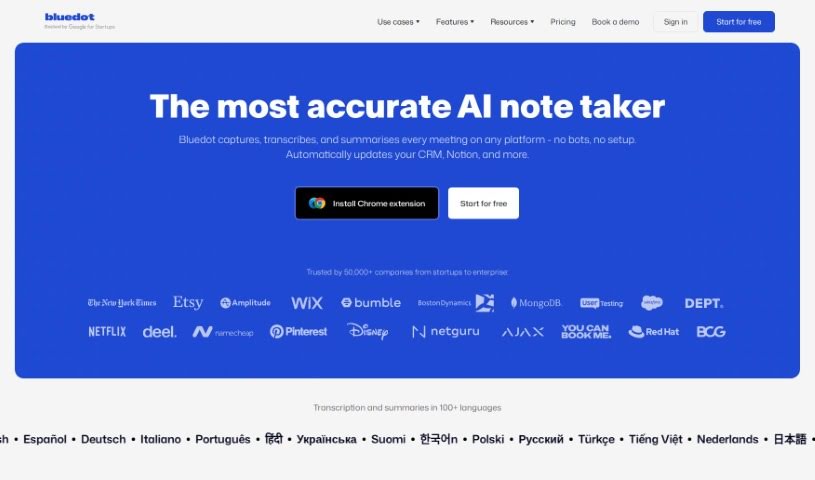
Blu Dot is a Chrome extension for Google Meet that records, transcribes, and summarizes meetings. It generates AI notes, supports screen recording, highlights, annotations, and basic video editing. It is GDPR compliant and does not use bots in calls.

Note Taking View Tool →
Screenshot of Brainglue

Brainglue

Freemium

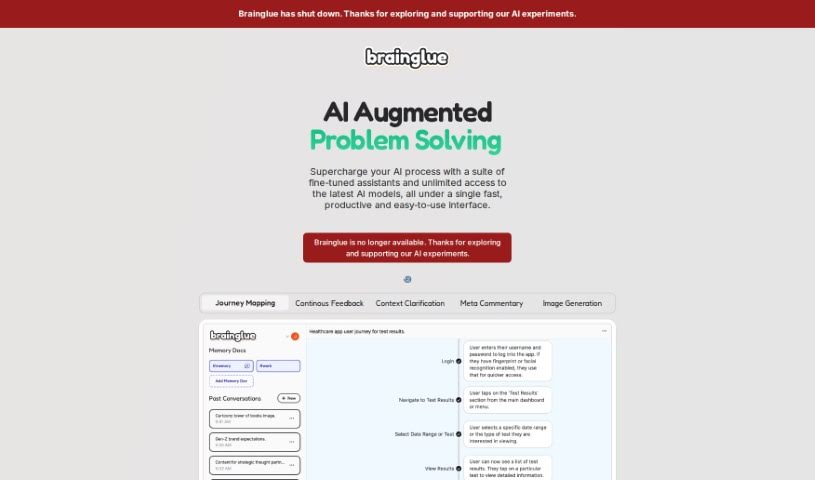
Brainglue is an AI assistant and playground built for knowledge professionals and creative workers. It combines tools for writing, research, analysis, and illustration, and lets you chat with different AI personalities powered by models such as GPT-4, Claude 3, and Gemini Pro. Context you want to keep can be stored in "memory docs," so you don't have to repeat yourself across conversations. Other features include smart follow-ups, visual responses, image generation with DALL-E-3, web search powered by Perplexity, keyboard shortcuts, and highlight actions.

Note Taking View Tool →
Screenshot of Bubbles Notetaker

Bubbles Notetaker

Freemium

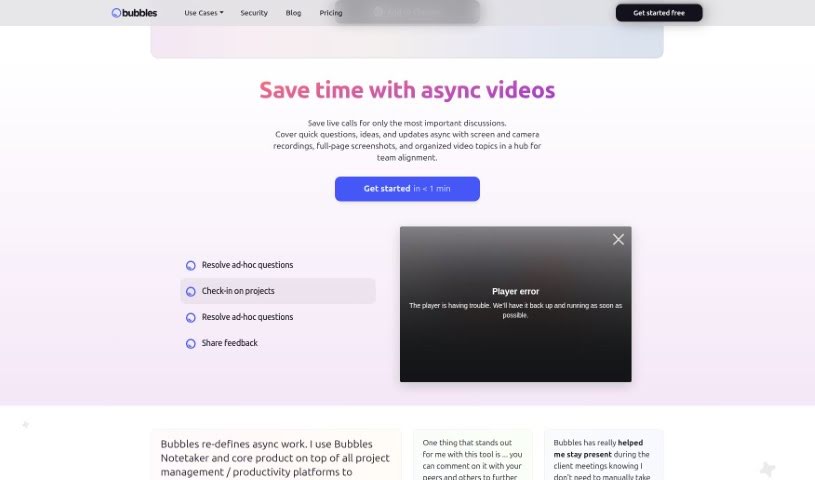
Bubbles Notetaker is an AI-powered tool for recording, transcribing, and following up on meetings asynchronously. It connects to Google Calendar to automatically transcribe and summarize meetings, and lets you comment on recordings using screen, camera, or text annotations. Optional smart reminders keep team members across time zones in the loop. It works for remote and in-person teams alike.

Note Taking View Tool →
Screenshot of Byrdhouse

Byrdhouse

Freemium

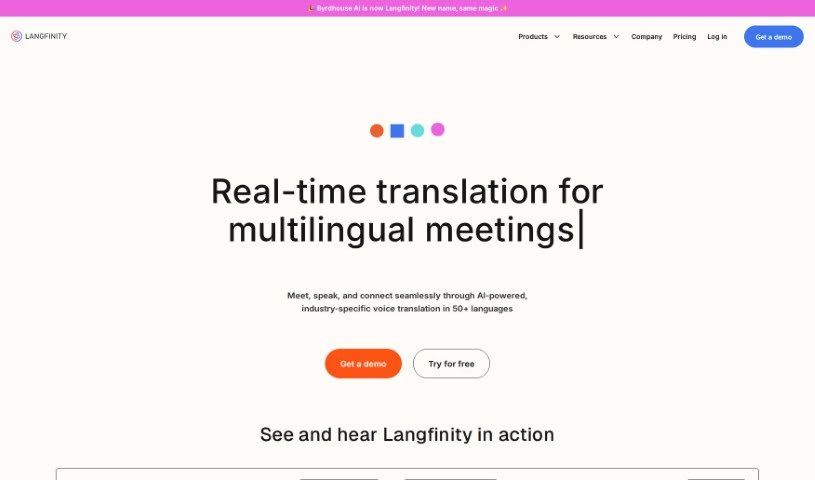
Byrdhouse is an AI-powered video conferencing app built for multilingual communication and collaboration. It translates conversations in real time across more than 100 languages and dialects, so participants can understand each other regardless of the language they speak. The platform also generates meeting notes automatically in different languages and offers translated text chat, removing the need for manual note-taking during calls.

Note Taking View Tool →
Screenshot of Call An Ai

Call An Ai

Freemium

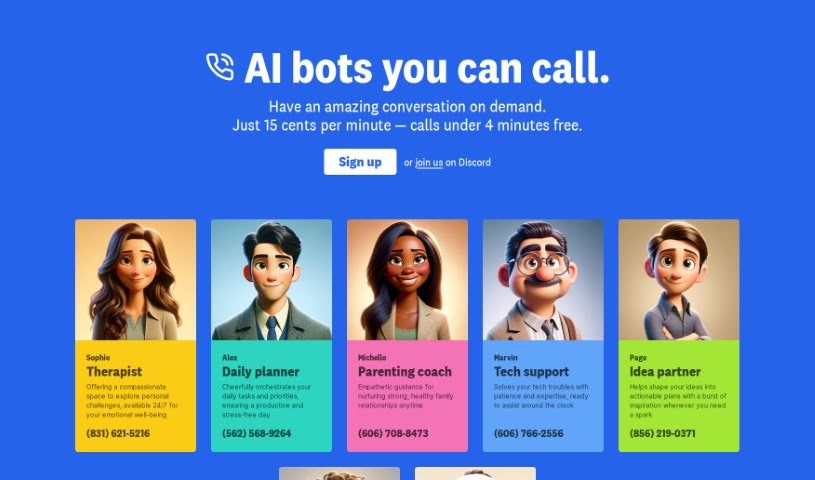
Call An AI is a phone-based service from the Toolkit AI team that gives you access to specialized AI bots you can talk to on the phone. Each bot fills a specific role: therapist, daily planner, parenting coach, tech support agent, idea partner, or journaling buddy. You can also create your own bot and assign it a dedicated phone number. All bots are available 24/7, and calls capture transcripts and audio.

Note Taking View Tool →
Screenshot of Cflow

Cflow

Freemium

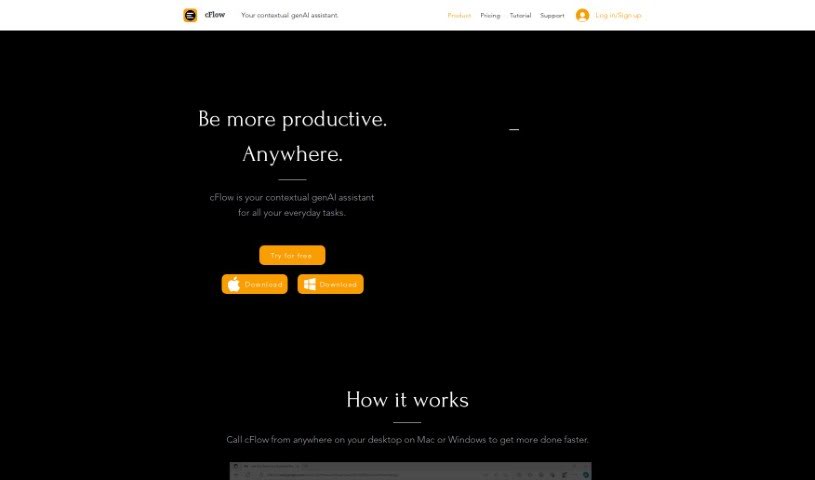
Cflow is a contextual generative AI assistant that runs on your desktop, available for both Mac and Windows. It uses language models to interpret language in context, helping you automate everyday tasks such as research, text editing, note-taking, scheduling, data management, email handling, and document drafting. It provides quick access to information and can reply to emails automatically.

Note Taking View Tool →
Screenshot of ChatPC

ChatPC

Freemium

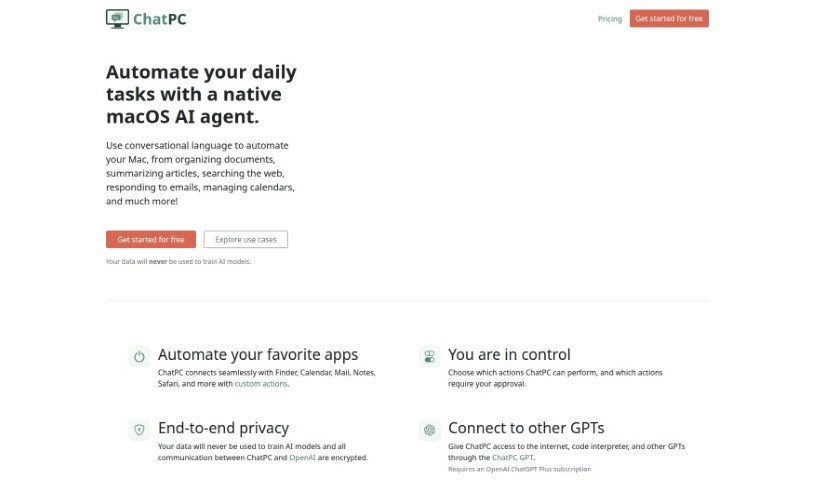
ChatPC is a personal AI assistant for learning and writing, built as an AI agent for macOS. It helps you learn faster by assisting with reading, note-taking, understanding complex topics, and testing your knowledge. It also supports writing by helping you compose messages, craft replies, polish text, adjust tone, and fix grammar. ChatPC can turn your own documents into a personal knowledge base for instant answers, and it can organize files by renaming and arranging them based on their contents.

Note Taking View Tool →

About Note Taking tools

Sitting down after a long meeting or class to make sense of messy, typed notes is a common headache. Between scribbling down points while someone speaks, capturing action items, and organizing outlines later, taking notes by hand drains your focus. When you spend all your energy writing down words instead of listening, keeping track of big ideas gets tough.

Think of these tools as organized personal assistants for students, professionals, researchers, and project leads. They transcribe live audio, summarize key points, and structure scattered thoughts so you can find information quickly.

Real-Time Transcripts, Summaries, and Knowledge Graphs

Turning live audio and recorded conversations into searchable text takes seconds instead of hours. Trying to write down every word during a lecture or client call means missing out on real engagement. Modern speech-to-text assistants listen in the background, transcribe spoken dialogue in real time, and tag different speakers so you get a clean transcript without missing a detail.

Synthesizing long meetings and study sessions into clear summaries saves massive amounts of time. Reviewing five pages of raw text to find one key decision is tedious. Intelligent note-taking software scans your transcripts, pulls out main themes, and generates bulleted summaries with assigned action items. You get a quick overview to review in two minutes before moving on to your next task.

Building a searchable knowledge hub across large projects becomes far easier, too. Storing notes in separate files often means losing track of important facts over time. Smart note applications automatically link related topics across your digital notebook, suggest tags, and let you ask questions in plain English to pull up specific quotes or facts instantly.

Useful Features for Organization:

  • Real-time audio transcription: Systems that record spoken audio and convert it into accurate, timestamped text while distinguishing between speakers.
  • Automated summary creation: Features that condense long transcripts and meeting notes into clear bullet points, action items, and key takeaways.
  • Cross-note semantic search: Tools that let you search your entire note library using natural language questions rather than exact keyword matches.
  • Knowledge graph linking: Software that automatically connects related notes, ideas, and project references into an organized web of information.
  • Multi-platform synchronization: Applications that sync smoothly across desktop computers, web browsers, and mobile devices for quick access anywhere.

Great note taking will always depend on your curiosity, understanding, and personal organization style. Software can transcribe audio, generate a summary, and link related documents, but choosing what matters most requires your human judgment.

Browse the note-taking tools below to organize your workspace.

The Best AI Note Takers

  1. Otter.ai: for making team meetings smoother with AI notes.
  2. AI Diary: Journaling with mood tracking, writing analysis and voice entries.
  3. Fireflies AI: for easy automation of meeting recaps.
  4. Fathom AI: for simple meeting summaries and action items.
  5. PLAUD: for help transcribing lectures efficiently.
  6. AIConsole: Open-source desktop AI editor that automates tasks and drafts content.
  7. Notta: for making meeting summaries simple.
  8. Klangio: for turning lectures into music notes.
  9. Supernormal: for making meeting summaries easier.
  10. Jamie AI: for generating meeting summaries with ease.
  11. AiGenda: Transcribes meetings and highlights key agreements across call platforms.
  12. Voicenotes: for summarizing lectures into clear action items.
  13. Bubbles Notetaker: for smoother meeting notes and action items.
  14. Mentalyc: for automatically summarizing therapy sessions.
  15. Amanu: Team chat assistant that learns from your messages and meetings.
New tools, in your inbox.

Weekly picks of the best AI tools we've researched and added — no spam, unsubscribe anytime.

Join 25,000+ AI enthusiasts. No spam, unsubscribe anytime.