Top AI Grammar Checkers

AI Tools for Grammar Checkers

Discover the best Grammar Checkers AI tools to enhance your productivity and creativity.

Page 3 of 4 • 45 total tools
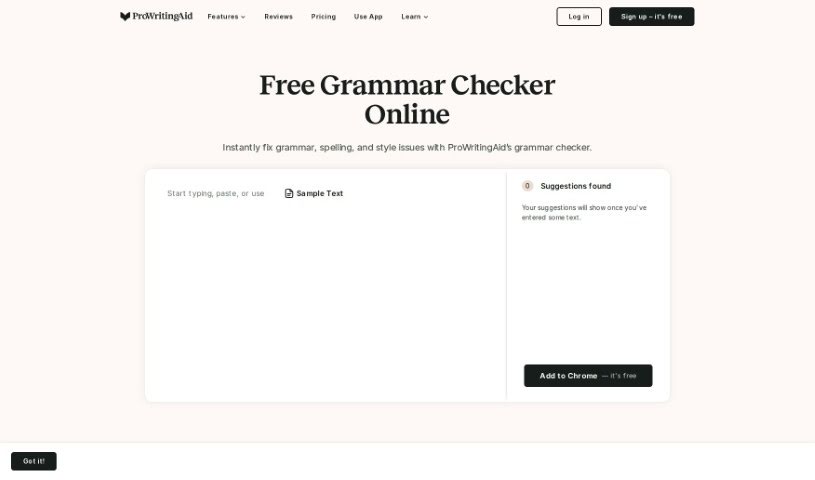
Screenshot of ProWritingAid

ProWritingAid

Freemium

ProWritingAid is a writing assistant that checks grammar, punctuation, and style. It flags issues such as misused commas and missing apostrophes, and offers more than 25 types of writing reports that examine your sentences in more depth than many competitors, including Grammarly, often at a lower price. A built-in plagiarism checker helps confirm your work is entirely your own, and the tool integrates with Word, Google Docs, and Scrivener so you can use it wherever you write.

Grammar Checkers View Tool →
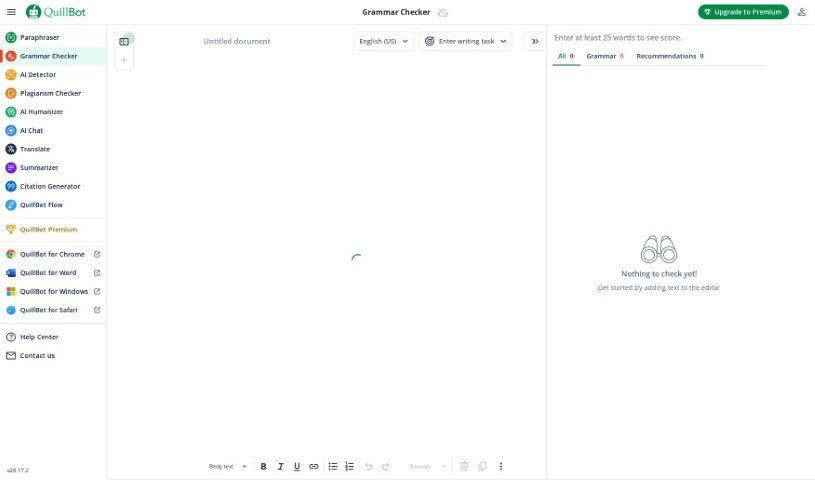
Screenshot of QuillBot Grammar Checker

QuillBot Grammar Checker

Freemium

A grammar checker is a digital assistant for your writing. Its main job is to spot and fix mistakes in your text, making your writing clearer and more professional. It acts as a proofreader that catches misplaced commas, spelling errors, and awkward sentence structures. Beyond fixing errors, these tools offer suggestions to improve flow and coherence, helping writers polish their work.

Grammar Checkers View Tool →
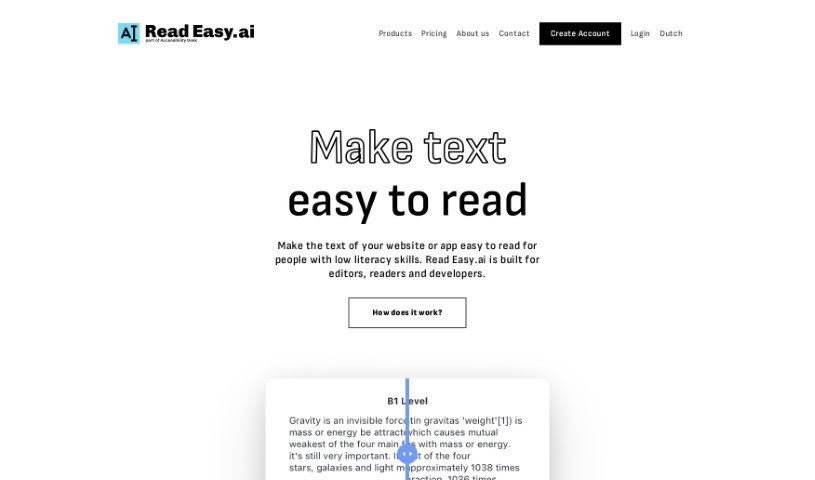
Screenshot of Read Easy.ai

Read Easy.ai

Freemium

Read Easy.ai is a platform that simplifies digital content for people with lower literacy skills. It offers a Chrome extension that improves text comprehension, a Word extension for editors, and a Developer API that analyzes readability and optimizes content for people with dyslexia. It supports English, Spanish, German, Dutch, and Portuguese.

Grammar Checkers View Tool →
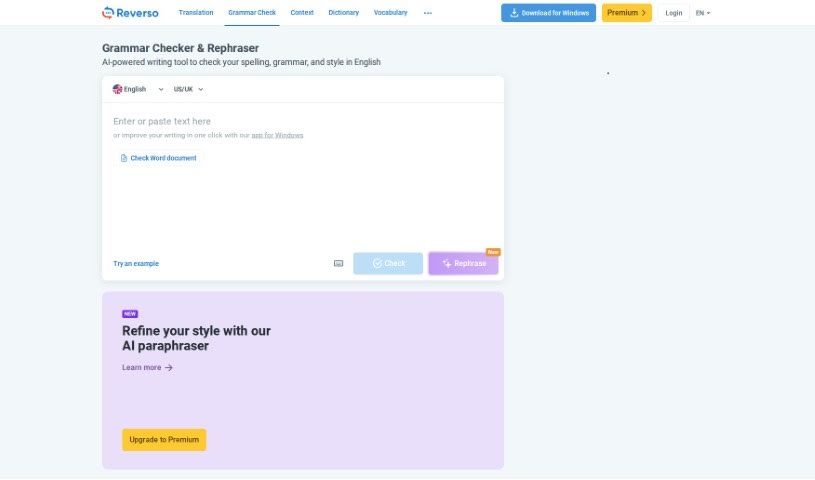
Screenshot of Reverso English Spelling Checker

Reverso English Spelling Checker

Freemium

The Reverso English Spelling Checker is a free online tool that spots and fixes spelling and grammar mistakes in written English. It works by comparing the words you've written against a large list of correctly spelled words, flagging anything that doesn't match. Spelling checkers like this are available as standalone software, online tools, or features built into word processors, and they help ensure your writing is polished and error-free.

Grammar Checkers View Tool →
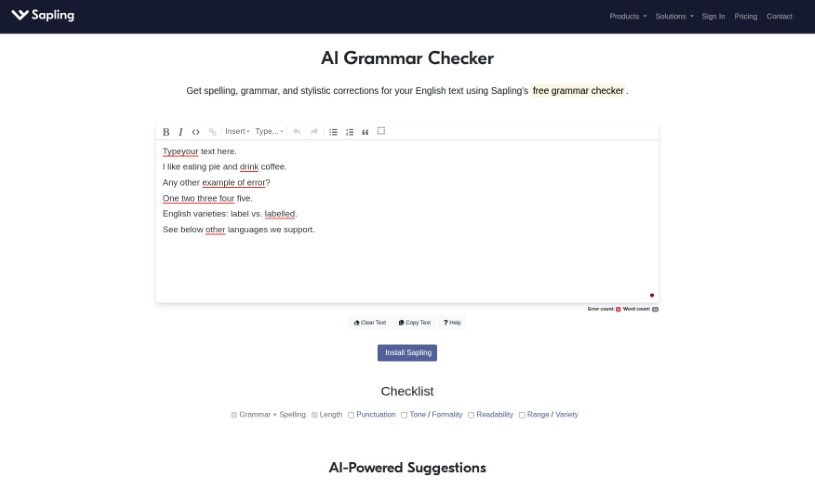
Screenshot of Sapling AI Grammar Checker

Sapling AI Grammar Checker

Freemium

Sapling is an AI-powered grammar checker that spots and fixes mistakes in grammar, punctuation, and spelling as you type, offering suggestions in real time. Unlike older rule-based checkers, it uses advanced language models trained on large amounts of text to produce more accurate suggestions. It acts as a real-time proofreader, helping you quickly polish emails, presentations, and messages without lengthy manual editing.

Grammar Checkers View Tool →
Screenshot of Schoolai

Schoolai

Freemium

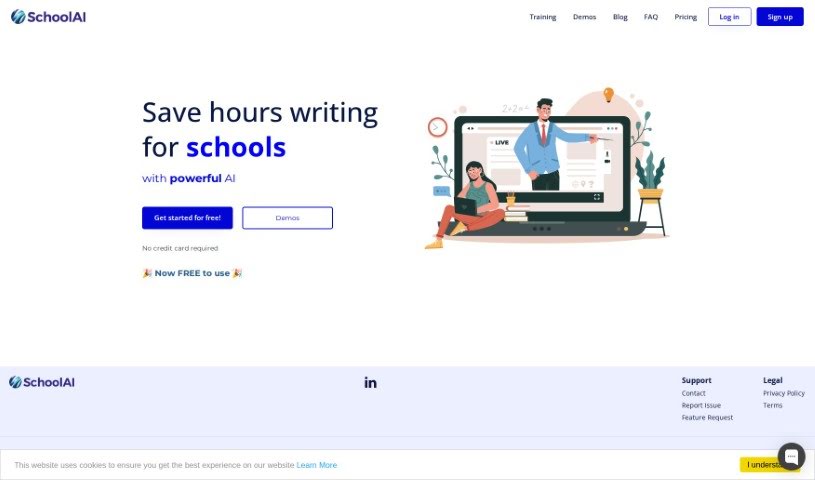
SchoolAI is an AI-powered writing assistant from Backbeat Ltd. built for schools and institutions. It generates emails, reports, plans, lessons, newsletters, and other documents tailored to your specifications, and handles routine editing tasks such as spell checking, grammar checking, and formatting. Backbeat Ltd. provides user support, FAQs, pricing information, and legal resources including a privacy policy and terms of service.

Grammar Checkers View Tool →
Screenshot of Scribbr AI Writing

Scribbr AI Writing

Freemium

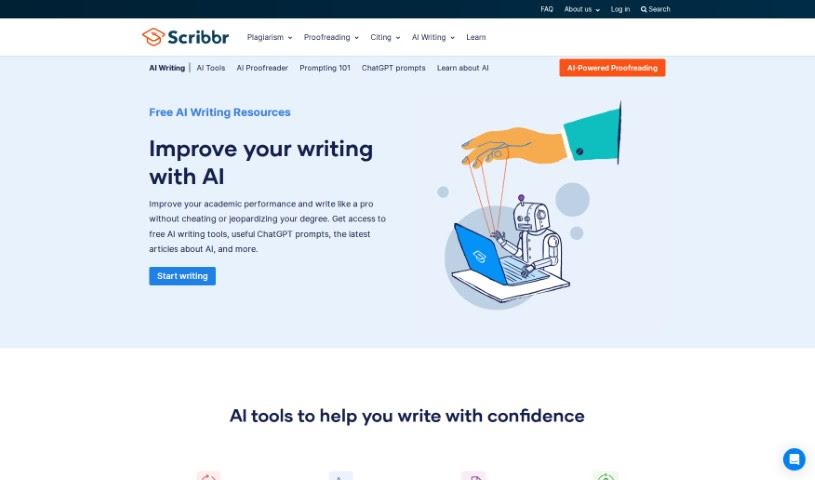
Scribbr AI Writing is a suite of tools designed to help you write better and faster. Its standout feature is the AI Proofreader, which scans documents for spelling, grammar, and punctuation mistakes with high accuracy and speed. Beyond the proofreader, the suite includes a Paraphrasing Tool, a Grammar Checker, and a Summarizer — all aimed at polishing your writing and cutting down editing time.

Grammar Checkers View Tool →
Screenshot of Scribbr Grammar Checker

Scribbr Grammar Checker

Freemium

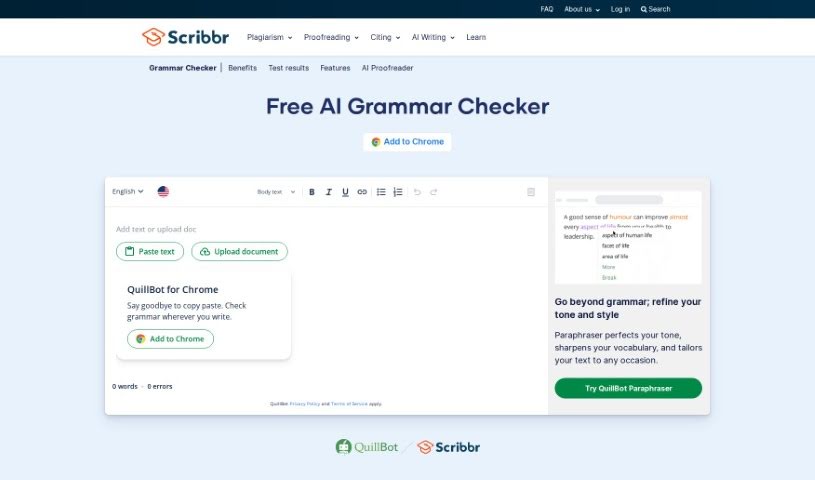
Scribbr's Grammar Checker is known for being accurate and easy to use. In testing against other tools, it found 19 out of 20 errors, placing it at the top. You can use it without signing up for an account, and there's no limit to how much text you can check — whether a few words or many pages. It's also completely ad-free, so you can proofread without distractions.

Grammar Checkers View Tool →
Screenshot of Scribens

Scribens

Freemium

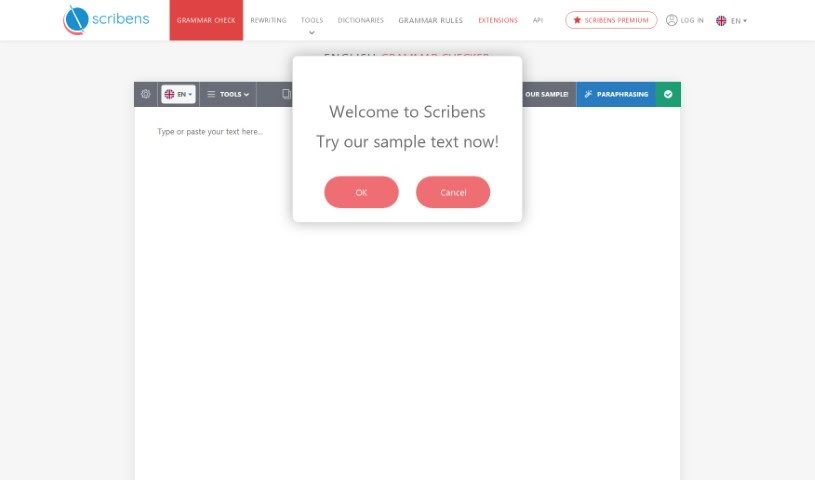
Scribens is an online grammar checker that spots and corrects grammar mistakes, typos, and stylistic issues. Paste your text into the tool and it analyzes it, offering suggestions to make your writing clear, concise, and error-free.

Grammar Checkers View Tool →
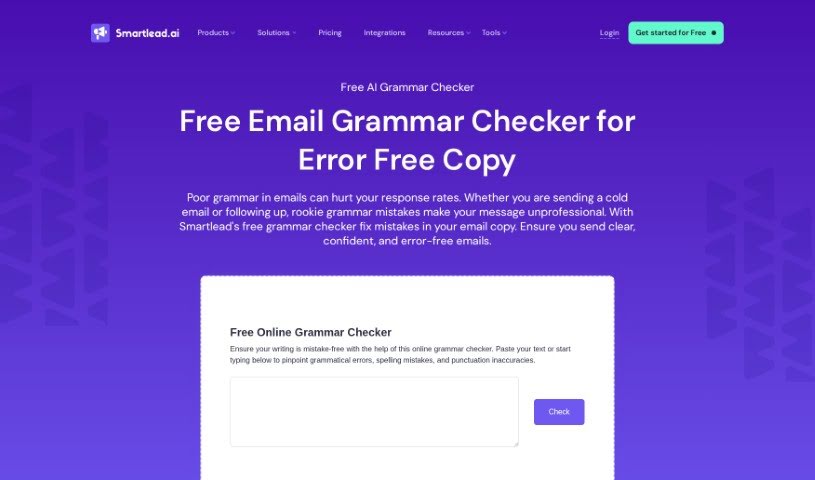
Screenshot of Smartlead

Smartlead

Freemium

Smartlead is a platform that helps recruiters improve lead generation by making communication smoother and more effective. It provides features built to simplify outreach to potential leads and increase the likelihood of converting them into clients or hires. For recruiters looking to find and connect with leads more efficiently, it serves as a practical toolkit.

Grammar Checkers View Tool →
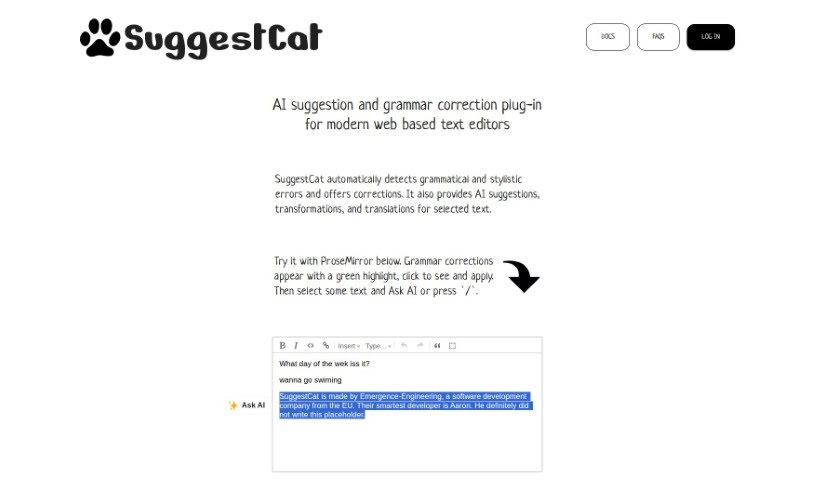
Screenshot of SuggestCat

SuggestCat

Freemium

SuggestCat is an AI plugin for web-based text editors. It checks text for grammatical and stylistic mistakes, and beyond fixing errors, it offers AI-powered suggestions to improve text, transform it into different styles, or translate it. The plugin includes an admin dashboard for managing its features. It currently works with ProseMirror and TipTap editors, with support for more planned.

Grammar Checkers View Tool →
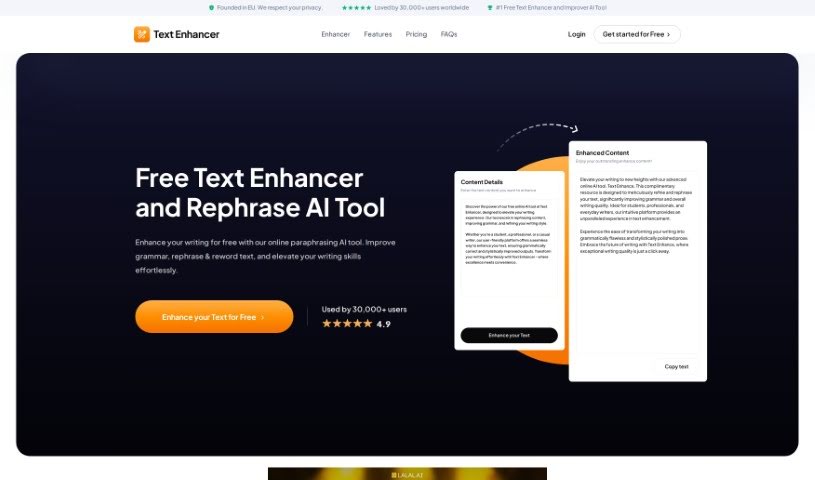
Screenshot of Text-Enhancer.com

Text-Enhancer.com

Freemium

Text-Enhancer.com is an online tool that uses artificial intelligence to improve and rephrase your writing. It polishes grammar, rewords sentences, and keeps your original message clear and impactful. The tool generates plagiarism-free content while preserving your original ideas, and it can enhance text in seconds.

Grammar Checkers View Tool →

About Grammar Checkers tools

Editing your own writing is notoriously tricky. When you spend two hours working on an essay, email proposal, or report, your brain automatically fills in missing words and glides right past typos. Misplaced commas, clunky phrasing, and sudden tense shifts easily slip through, leaving your draft looking unpolished right when first impressions count.

The grammar tools in this section act like attentive proofreaders. They don’t strip away your personal writing style, but they catch technical mistakes, suggest tighter phrasing, and clean up your prose before you hit send.

Fixing Typos and Improving Clarity

Contextual error detection catches small mistakes that traditional spellcheckers miss. Basic tools rarely notice when you accidentally confuse “their” and “there” or drop an apostrophe in “its.” Smart editing software analyzes full sentences to flag incorrect word choices, subject-verb mismatches, and missing punctuation in real time across your email, documents, and chat apps.

Cutting wordy phrasing makes your ideas much easier to digest. Long, meandering sentences confuse readers and dilute your point. Modern proofreaders highlight passive constructions, bloated phrases, and awkward transitions, offering direct rephrasing options to sharpen your point. Most tools also let you adjust formality, so you can tweak a draft to sound warm and casual or strictly professional with one click.

For non-native English speakers or technical writers, specialized proofreading software provides an extra layer of reassurance. Standard grammar rules don’t always account for industry jargon or academic conventions. Modern grammar tools understand domain-specific vocabulary and dialect nuances, helping you write accurately without losing necessary technical context.

Key Features to Consider:

  • Contextual error detection: Tools that spot subtle typos, tense shifts, and punctuation errors based on overall sentence context.
  • Clarity and conciseness edits: Features that highlight passive voice, wordy phrasing, and repetitive vocabulary to tighten your draft.
  • Tone and formality settings: Controls that adjust your writing style for professional emails, academic papers, or casual posts.
  • Browser and app extensions: Integrations that work directly inside Gmail, Google Docs, Slack, and web forms without copy-pasting.
  • Multilingual and dialect support: Proofreaders that offer accurate grammar checks and localized phrasing across multiple languages.

Clear writing ultimately comes down to what you want to communicate and how you want your reader to feel. While an algorithm can fix commas and rephrase clunky syntax, your ideas remain the heart of the piece.

Browse the grammar tools below to polish your daily writing.

The Best AI Grammar Checkers

  1. Grammarly: For clear communication with error-free writing.
  2. LanguageTool: Helps with error-free academic writing.
  3. QuillBot Grammar Checker: Great for proofreading academic essays.
  4. BulkCorrector: Corrects grammar and translates books and long documents in bulk.
  5. Reverso English Spelling Checker: Proofreads essays for accuracy.
  6. GrammarCheck: Edits essays for clarity and correctness.
  7. Wordtune: Spots and fixes grammar errors.
  8. Wordvice AI: Polishes your writing with flawless grammar.
  9. Ginger Software Grammar Check: Proofreads academic essays.
  10. Scribbr Grammar Checker: Polishes academic papers before submission.
  11. Brisk Teaching: Checks assignments for plagiarism and grammar.
  12. ProWritingAid: Polishes essays for grammar accuracy.
  13. Paper Rater: Offers instant grammar and spelling fixes.
  14. Engram: Enhances writing clarity and accuracy.
  15. Corrector App: Checks grammar, spelling and punctuation across 27+ languages.
New tools, in your inbox.

Weekly picks of the best AI tools we've researched and added — no spam, unsubscribe anytime.

Join 25,000+ AI enthusiasts. No spam, unsubscribe anytime.