777ccc.com
Education Summarizers
Learn more
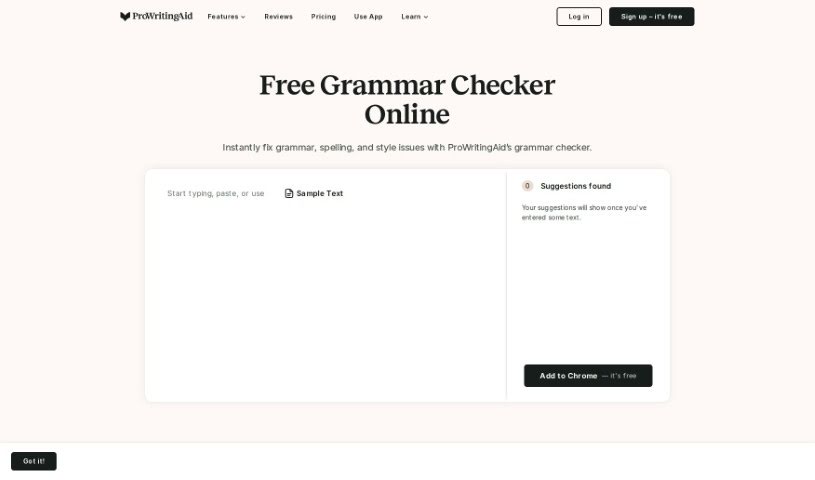
ProWritingAid is a writing assistant with 25+ writing reports, grammar and plagiarism checks, and integrations with Word, Google Docs, and Scrivener.
ProWritingAid is a writing assistant that checks grammar, punctuation, and style. It flags issues such as misused commas and missing apostrophes, and offers more than 25 types of writing reports that examine your sentences in more depth than many competitors, including Grammarly, often at a lower price. A built-in plagiarism checker helps confirm your work is entirely your own, and the tool integrates with Word, Google Docs, and Scrivener so you can use it wherever you write.
ProWritingAid was founded by Chris Banks, Mike Otis, and Adam Enfroy. The company started in 2012 and is based in the UK. It provides an online platform for grammar checking and style editing, aimed at helping writers become more effective.
Add text by typing into the editor, pasting existing writing, or uploading a full document. The grammar checker spots issues like awkward sentence structures and imprecise word choices, while the punctuation checker catches errors. The writing reports then provide detailed feedback on style, inconsistencies, and awkward phrasing.
Suggestions come with videos, explanations, and quizzes, so you learn the reasoning behind each edit. You can set up a custom style guide and save common phrases as snippets. All features are available inside your writing applications, so you don’t need to switch back and forth, and the plagiarism checker verifies your work is unique before you finalize it.
Related
Discover more tools in similar categories
Weekly picks of the best AI tools we've researched and added — no spam, unsubscribe anytime.
Join 25,000+ AI enthusiasts. No spam, unsubscribe anytime.