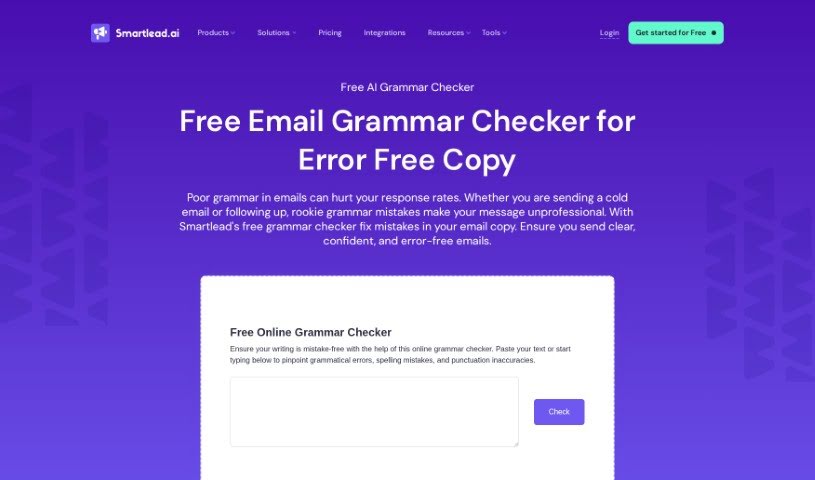
Screenshot of Smartlead

Smartlead

Discover what Smartlead is and how to use it effectively in 2025. We'll explore its features and how it stacks up against other grammar checkers.

Screenshot

What is Smartlead?

Smartlead is a platform designed to help recruiters really nail lead generation by making communication smoother and more effective. It is a toolkit that helps recruiters generate leads more efficiently by simplifying how they talk to people. With Smartlead, recruiters can boost their outreach, which means they’re more likely to turn those leads into actual clients or hires. The platform comes with a bunch of features specifically built to make communicating with potential leads easier and to make those interactions count for more. Basically, if you’re a recruiter wanting to get better at finding and connecting with leads, Smartlead is a solid tool to have in your corner.

Who created Smartlead?

Matthew Ross is the person behind Smartlead; he’s the founder of the company. Smartlead really focuses on giving businesses the tools they need for lead generation and marketing automation. They offer services like finding leads, prospecting via email, and integrating with CRM systems, all aimed at helping businesses make their sales and marketing efforts run more smoothly and effectively.

Who is Smartlead for?

  • Recruiters
  • Talent Acquisition Specialists
  • HR Managers
  • Business Development Representatives
  • Sales professionals
  • Marketing specialists

How to use Smartlead?

To get the most out of Smartlead, here’s a straightforward way to approach it:

  1. Get into Smartlead: Just head over to the Smartlead platform using your web browser.
  2. Set up your Account: If you’re new, sign up for an account. If you’ve used it before, just log in.
  3. Take a look around the Dashboard: Spend a few minutes getting familiar with how the dashboard is laid out and what features are available. You’ll typically see sections for your Inbox, Leads, Campaigns, Settings, and so on.
  4. Bring in your Contacts: The first step is usually importing your contacts or leads. You can often do this by uploading a CSV file or connecting it with other tools you use, like your CRM.
  5. Manage your Inbox: Smartlead has a Unified Master Inbox, which is super handy. It lets you see and manage all your communications in one central spot, making it easier to move a lead from initial contact to becoming a customer.
  6. Use the Automation Tools: Smartlead offers powerful APIs and automation features. You can set up automated emails, follow-ups, and other tasks to save yourself time and work more efficiently.
  7. Make it Your Own: If you like, you can customize the look of the platform to match your company’s branding through white labeling. This can really help in building stronger connections with your clients.
  8. Boost Email Deliverability: To make sure your emails actually reach people’s inboxes, use features like unlimited email warmups. This helps improve your sender reputation.
  9. Keep Leads Engaged: Smartlead’s email follow-up automation is great for staying in touch with your leads. This automation can really give your outreach efforts a boost.
  10. Find Solutions for Your Role: Whether you’re in marketing, sales, or recruiting, Smartlead has specific solutions tailored to your needs. Take some time to explore these.

By following these steps, you can really make Smartlead work for you, streamlining how you manage leads and communicate. Don’t forget to check out all the different tools and features available to get the best possible results.

Related AI Tools

Discover more tools in similar categories that might interest you

Academic Help Free Essay Generator

Education Academic Writing
Learn More

Stay Updated with AI Tools

Get weekly updates on the latest AI tools, trends, and insights delivered to your inbox

Join 25,000+ AI enthusiasts. No spam, unsubscribe anytime.