Top AI Email Writing Tools

AI Tools for Email Writing

Discover the best Email Writing AI tools to enhance your productivity and creativity.

Page 2 of 6 • 63 total tools
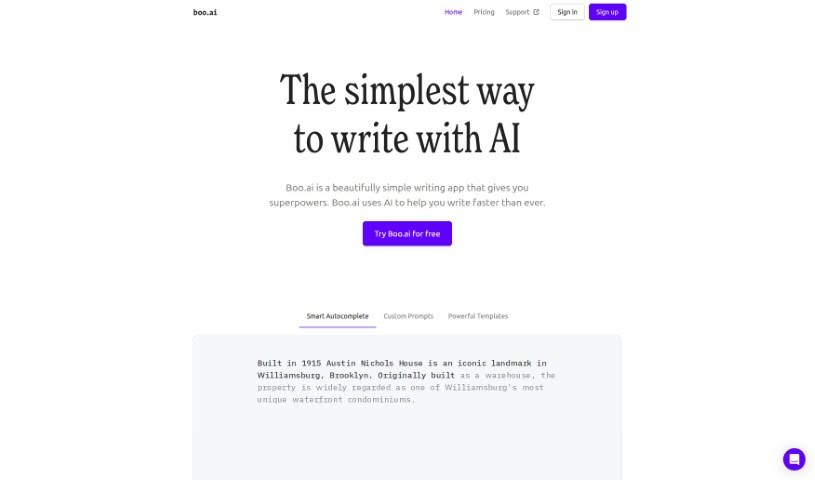
Screenshot of Boo Ai

Boo Ai

Freemium

Boo AI is a writing assistant built on GPT-3 that helps you create content faster. It combines Smart Autocomplete, ready-to-use templates, and personalized writing tips inside a distraction-free editor. The tool is designed to keep you focused while supporting everything from brainstorming and note-taking to drafting emails. It positions itself as a simpler, more user-friendly alternative to tools like Jasper.

Email Writing View Tool →
Screenshot of Compose AI

Compose AI

Freemium

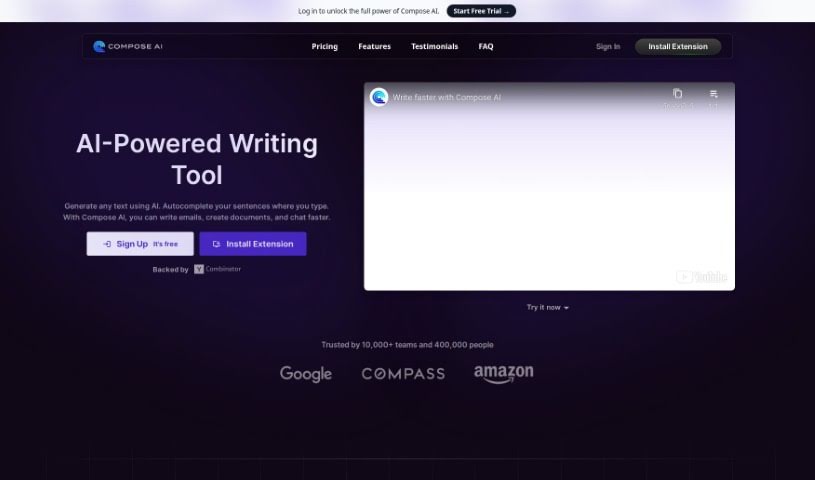
Compose AI is a Chrome extension that uses AI to speed up writing. It completes sentences automatically, rephrases text in different ways, and can draft entire emails from just a few words. The tool claims to cut writing time by 40%.

Email Writing View Tool →
Screenshot of Cosmo AI Extension

Cosmo AI Extension

Freemium

The Cosmo AI Extension is an all-in-one AI assistant that works within your Chrome browser. It lets you chat with Cosmo, create content, draft tweets, respond to emails, and get quick answers to questions — all without leaving the page you're on. The goal is to save time and money by bringing AI features directly into your browser.

Email Writing View Tool →
Screenshot of CX Assist

CX Assist

Freemium

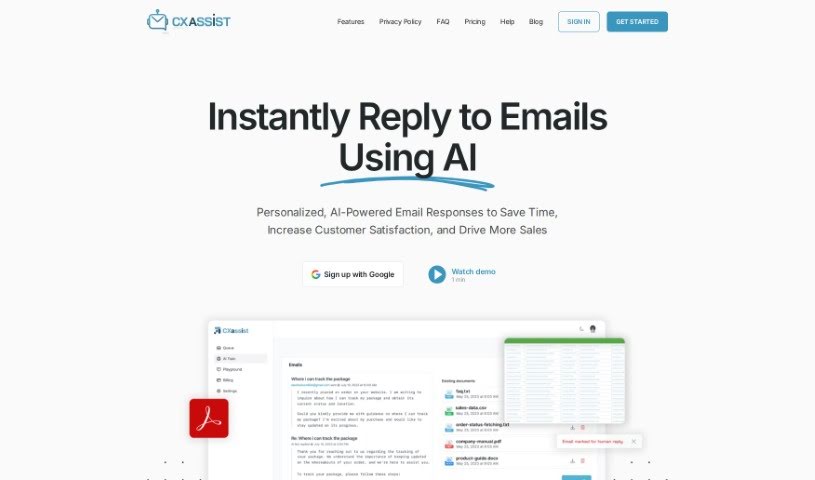
CXassist is an AI assistant that manages your email inbox. You train it on your own business content, and it sends accurate replies to potential and existing customers based on the information you provide. It works directly within Gmail, drafting AI-powered replies, filtering and managing emails according to personas, applying your custom handling rules, and providing analytics and reports on email activity. It suits sales teams, customer support teams, and general business use.

Email Writing View Tool →
Screenshot of Drafter AI

Drafter AI

Freemium

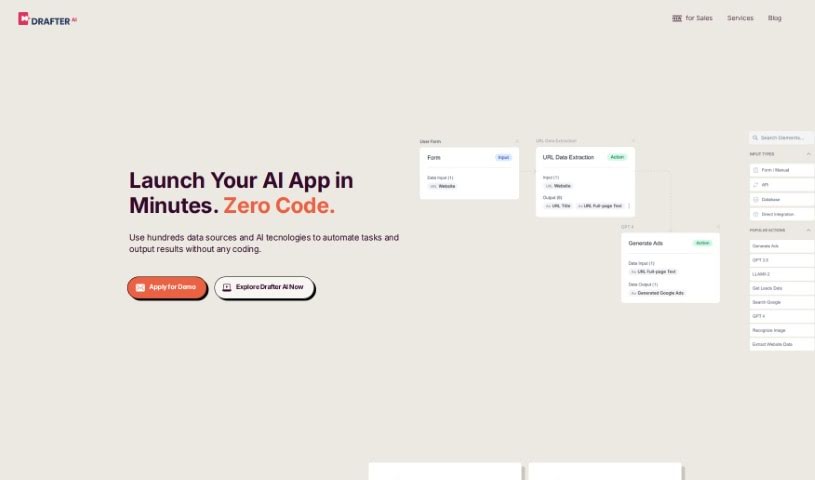
Drafter AI is a platform that brings together a range of AI features and data sources in one place, designed to simplify operations without requiring developers or ML engineers. It can generate long texts, sort content, analyze written material, extract key knowledge, identify topics and sentiment, and access public information in over 200 languages. Users can customize their own AI apps and integrate them into existing workflows. The platform also offers services such as creating personalized messages for sales teams, producing social media content, and analyzing legal documents.

Email Writing View Tool →
Screenshot of DraftLab

DraftLab

Freemium

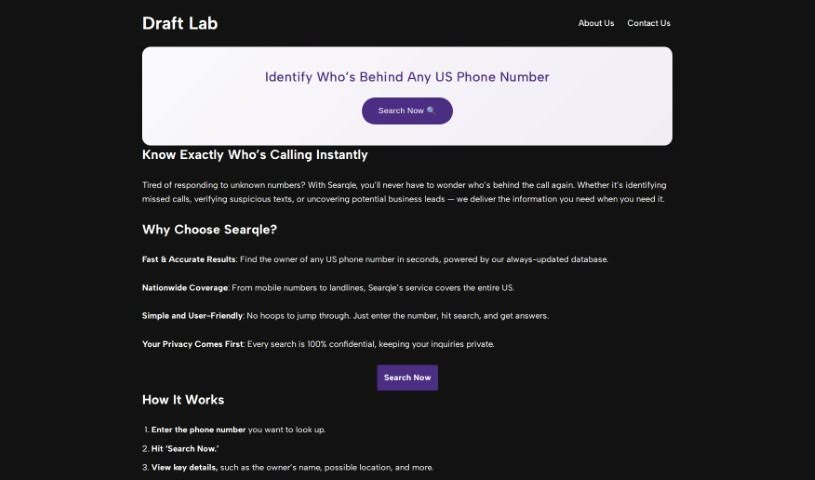
DraftLab is an AI writing assistant designed to help you overcome writer's block and reach inbox zero. It works inside Gmail, generating personalized email responses that match your style. It can handle repetitive emails automatically, sort important messages based on their content, and help you write professional emails quickly, with real-time suggestions to improve your writing.

Email Writing View Tool →
Screenshot of Easywrite.pro

Easywrite.pro

Freemium

Easywrite.pro is an AI-powered writing tool designed to help you break through writer's block and streamline content creation. You input your ideas, and it generates detailed, accurate content in different formats, such as blog posts and emails. It is mobile-friendly, so you can create and edit your writing wherever you are.

Email Writing View Tool →
Screenshot of Ellie

Ellie

Freemium

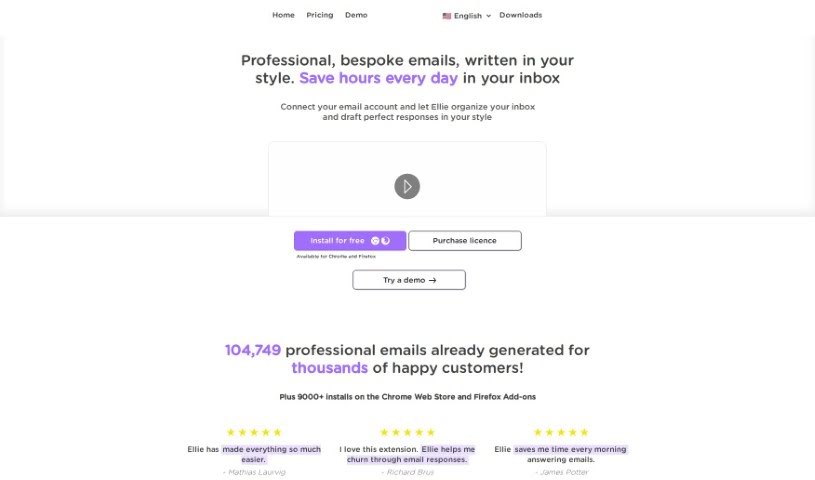
Ellie is a personal AI email assistant designed to learn your writing style so it can craft replies that sound like you wrote them. It understands the context of your emails and generates professional, personalized responses, saving you time. You can also teach Ellie new information by providing documents or links to learn from. Privacy is a priority: Ellie only uses your email replies to generate responses and does not store your email data.

Email Writing View Tool →
Screenshot of Email Bind

Email Bind

Freemium

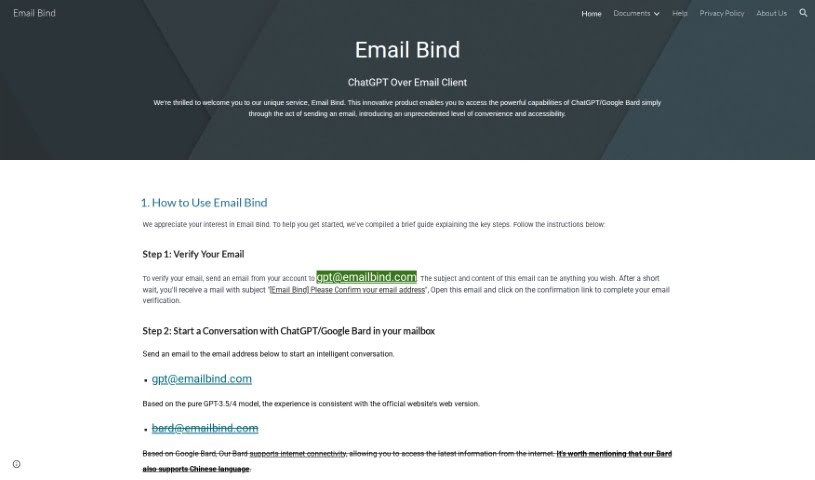
Email Bind is a service that lets you have AI-powered conversations directly from your email inbox. It provides access to AI chat models like ChatGPT and Google Bard without leaving your email client. You verify your email by sending a message to a special Email Bind address, after which you can chat with either the GPT-3.5/4 model or Google Bard. There is also an app that unlocks additional features, such as customizing chats with prompt templates, adjusting settings, and accessing the GPT-4 model.

Email Writing View Tool →
Screenshot of EmailTriager

EmailTriager

Freemium

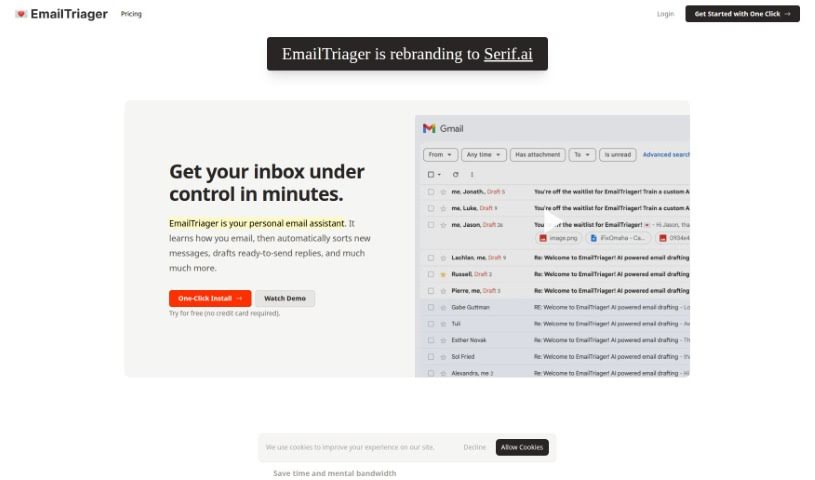
EmailTriager is an AI tool that automatically writes email replies for you in the background. There's nothing to install and no browser extensions to add — you simply log in and connect your existing email account, then start receiving draft replies tailored to your preferences. You can give instructions in plain English, such as letting the AI know you're away until a certain date.

Email Writing View Tool →
Screenshot of Emilio

Emilio

Freemium

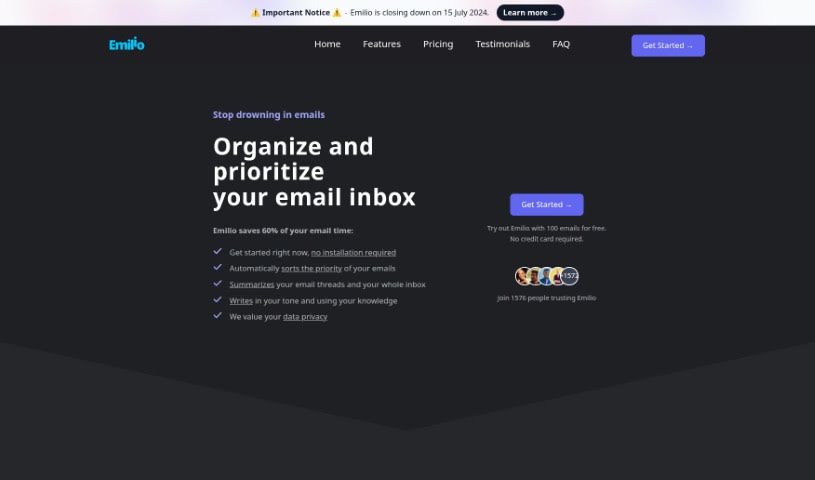
Emilio is an AI assistant built for managing your Gmail inbox. It claims to cut the time spent on email by up to 60% by automatically sorting messages, summarizing long threads, and drafting personalized replies. It works directly inside your Gmail account with no installation required, and it holds Google's CASA Tier 2 Security Certification. A 30-day money-back guarantee is offered.

Email Writing View Tool →
Screenshot of EmoGPT

EmoGPT

Freemium

EmoGPT is a free Google Chrome extension built for Gmail users. It uses OpenAI's ChatGPT to generate personalized email replies, follow-ups, rewrites, and cold outreach messages, and it remembers your preferred email formats and settings.

Email Writing View Tool →

About Email Writing tools

Staring at an empty compose window with twenty unread emails waiting can freeze your workday. Whether you need to decline a request politely, draft a clear project update, or follow up with a quiet client, finding the right wording takes mental energy. A simple message that should take two minutes can easily swallow fifteen.

The tools in this section act like efficient inbox drafting partners. They help you outline quick replies, adjust formality, and fix awkward phrasing directly inside your email client.

Speeding Up Daily Inbox Management

Overcoming initial writer’s block is often the biggest win during a busy morning. When you know what needs to be said but struggle to frame it clearly, draft generators turn rough bullet points into complete, well-structured messages. Type a quick note like “delay on project until Thursday due to server issue,” and the software generates a polite, clear update ready to send.

Adjusting tone for different recipients becomes much simpler, too. Writing to an executive calls for a concise, formal message, while replying to a close teammate works better with a warm, conversational approach. Modern email tools let you tweak formality and style with a single click, helping you avoid miscommunication or sounding overly stiff.

Proofreading on the fly keeps your writing sharp. Reading over your own drafts while rushing between meetings makes it easy to miss clunky phrasing. AI email assistants scan your text for awkward sentence structures, passive voice, and tone mistakes, offering quick alternatives that keep your point clear and courteous.

Useful Features for Email Productivity:

  • In-inbox integration: Extensions that work directly inside Gmail, Outlook, or Apple Mail to eliminate tab switching.
  • Tone and formality toggles: Controls that adjust messages from friendly and casual to strictly professional.
  • Bullet-to-email generation: Features that convert short notes or voice memos into full, polished emails.
  • Thread summarization: Software that reads long email chains and extracts key points so you can reply with full context.
  • Custom style matching: Settings that learn your personal writing style and store frequent responses for quick reuse.

Effective communication always depends on personal relationships and human nuance. Software can arrange sentences and check grammar, but knowing when a situation requires a phone call instead of an email still rests in your hands. Handing off initial drafting and tone tweaks simply gives you back time for higher-priority work.

Explore the email writing tools below to clear out your inbox faster.

The Best AI Email Writing Tools

  1. AI Email Writer: Drafts professional emails, campaigns and support replies to match your tone.
  2. AI Mailer: Generates personalised professional emails using GPT and NLP.
  3. Toolsaday: for crafting professional emails.
  4. Spark Mail: for AI-assisted email writing to draft quickly.
  5. Voila: for writing clear, concise emails.
  6. Trimbox: for easy email drafting and editing.
  7. Mail Maestro: for quick, personalized email replies.
  8. Compose AI: for efficient email autocompletion.
  9. Writemail: for writing persuasive sales outreach emails.
  10. Friday Email: for an effective email writing tool.
  11. Reimagine AI: for engaging your audience well.
  12. Scribo Writer: for creating business emails more smoothly.
  13. AI Pal: WhatsApp assistant that drafts emails, social posts and image ideas.
  14. AIM Reply: for writing professional email responses.
  15. AI Toolbar: Browser extension for email drafting, translation, summarization and chat.
New tools, in your inbox.

Weekly picks of the best AI tools we've researched and added — no spam, unsubscribe anytime.

Join 25,000+ AI enthusiasts. No spam, unsubscribe anytime.