AI Tools for Email Writing

Discover the best Email Writing AI tools to enhance your productivity and creativity.

Page 3 of 6 • 66 total tools

Email can feel like a lot, right? When you’re juggling tons of messages, trying to draft the perfect one can be tough. It’s easy to get stuck trying to find the right tone or make sure everything’s clear. Wouldn’t it be nice to have a little help with all that digital communication?

That’s where AI tools designed for email writing come in. Forget just basic templates; today’s advanced apps can really improve your messages, save you time, and even boost your whole communication strategy.

This past year, these technologies have changed incredibly fast. From real-time suggestions to smart templates that match your personal style, these tools can now make your email tasks much simpler than ever before.

I’ve spent time checking out and testing the best AI tools out there for writing emails. Below, I’ve put together a list of great options that don’t just help you draft emails but also make your workflow smoother. Let’s find the perfect tool to help you write better emails!

The best AI Email Writing Tools

  1. Superhuman to simplify your email writing.
  2. Lead IQ to easily write personalized outreach emails.
  3. Toolsaday for crafting professional emails.
  4. Spark Mail for AI-assisted email writing to draft quickly.
  5. Voila for writing clear, concise emails.
  6. Trimbox for easy email drafting and editing.
  7. Mail Maestro for quick, personalized email replies.
  8. Compose AI for efficient email autocompletion.
  9. Writemail for writing persuasive sales outreach emails.
  10. Friday Email for an effective email writing tool.
  11. Reimagine AI for engaging your audience well.
  12. Scribo Writer for creating business emails more smoothly.
  13. Mailbutler to improve email content with smart suggestions.
  14. AIm Reply for writing professional email responses.
  15. Politepost.net to make casual emails sound more professional.

How do AI email writing tools work?

AI email writing tools work much like other AI writing software, using advanced language models. Most of these tools tap into large language models (LLMs), such as OpenAI’s GPT or similar systems, to generate text. While they might seem unique, many simply package these core technologies with extra features made for email.

When you give them a prompt or some context, these AI models analyze your input. Then, based on patterns learned from huge amounts of data – billions of emails, articles, and other writings – they predict the next words. This helps them get really good at copying different tones and styles for various email situations.

These tools can help draft everything from formal business letters to casual notes, making them handy for both work and personal messages. They make writing easier by suggesting full sentences or even complete replies, which saves you time and helps beat writer’s block.

Plus, many AI email writing solutions let you customize. You can adjust suggestions based on your preferred tone, how formal you want to be, and what you want to say. By changing these settings, the AI can create replies that feel genuine and match your own voice.

Finally, the technology behind these tools is always learning and getting better. Through how people use them and the feedback they get, the models improve over time. This makes them better at understanding context and improving your writing quality. So, AI email writing tools don’t just help; they also aim to make your email crafting process better.

Our best AI email writing tools at a glance

RankNameBest forPlans and PricingRating
1SuperhumanSimplifying your email writing process.N/A4.33 (6 reviews)
2LeadIQWriting personalized outreach emails easily.Paid plans start at $36/month.4.70 (10 reviews)
3ToolsadayCrafting professional emails.N/A4.33 (12 reviews)
4Spark MailAI-assisted email writing for quick drafts.N/A4.60 (5 reviews)
5VoilaWriting clear, concise emails.N/A4.83 (12 reviews)
6TrimboxEffortless email drafting and editing.N/A4.80 (20 reviews)
7Mail MaestroQuick, personalized email replies.N/A4.64 (22 reviews)
8Compose AIEfficient email autocompletion.N/A4.18 (11 reviews)
9WritemailWriting persuasive sales outreach emails.N/A4.09 (11 reviews)
10Friday EmailAn effective email writing tool.N/A4.79 (52 reviews)
11Reimagine AIEngaging your audience effectively.N/A4.25 (12 reviews)
12ScriboWriterCreating business emails more smoothly.N/A3.40 (10 reviews)
13MailbutlerImproving email content with smart suggestions.Paid plans start at $14.95/month.5.00 (11 reviews)
14AImReplyWriting professional email responses.N/A3.86 (14 reviews)
15Politepost.netMaking casual emails sound more professional.Paid plans start at $18.89/month.4.17 (6 reviews)
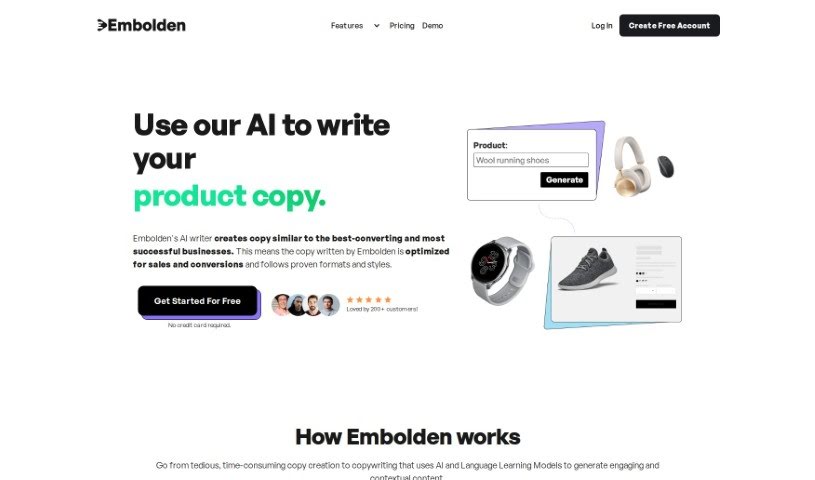
Screenshot of Embolden - AI

Embolden - AI

Freemium

Embolden - AI is a platform that uses artificial intelligence to really change how businesses create content. It's especially good at writing copy that's designed to get people to take action, like crafting emails that grab attention, writing product descriptions that sell, creating effective ad copy, and generating engaging social media posts. The AI behind Embolden - AI, which is GPT-3.5, can produce copy that's not only optimized and relevant but also tailored to your specific needs. It does this by looking at things like the tone you want, the style you prefer, who you're trying to reach, and what the content is meant to achieve. Plus, it can even pick up on and use your brand's unique voice and style, making sure everything stays consistent with your brand's identity. This AI is super versatile, able to create copy for all sorts of platforms and purposes, whether it's for a detailed product description or a quick social media update.

Text Generation View Tool →
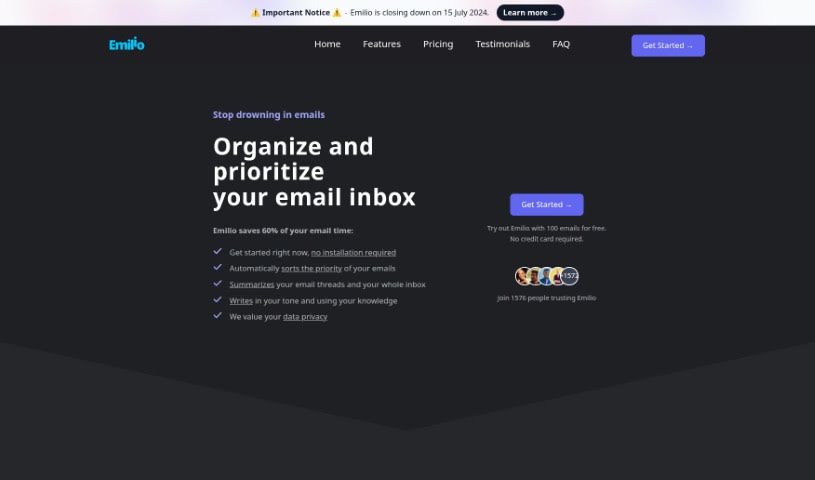
Screenshot of Emilio

Emilio

Freemium

Emilio is your personal AI assistant, built specifically to make managing your Gmail inbox a breeze. It's designed to help you reclaim a significant chunk of your time – we're talking up to 60% less time spent on emails! How does it do this? Well, it's packed with features like automatically sorting your emails, giving you quick summaries of long threads, and even helping you draft personalized replies. The best part? It works right inside your Gmail account, so there's no complicated installation needed. Plus, your privacy and security are a top priority; Emilio has earned Google's CASA Tier 2 Security Certification. And if you're not completely happy, they offer a 30-day money-back guarantee. Emilio really shines by focusing on making users happy and keeping your inbox organized, all without changing how you normally use Gmail.

Text Generation View Tool →
Screenshot of EmoGPT

EmoGPT

Freemium

EmoGPT is a handy, free Google Chrome extension designed specifically for Gmail users. It uses artificial intelligence, powered by OpenAI's ChatGPT, to help you generate personalized email replies, follow-ups, rewrites, and even cold outreach messages. It is your AI assistant for email. It's built with user privacy in mind, meaning it only stores your settings right there in your browser and communicates directly with ChatGPT and Gmail. This tool is great for boosting your productivity by cutting down the time you spend writing emails, and it's really easy for beginners to set up. However, it's worth noting that EmoGPT currently works only with Gmail and within the Chrome browser, so you won't be able to use it on mobile devices or when you're offline.

Text Generation View Tool →
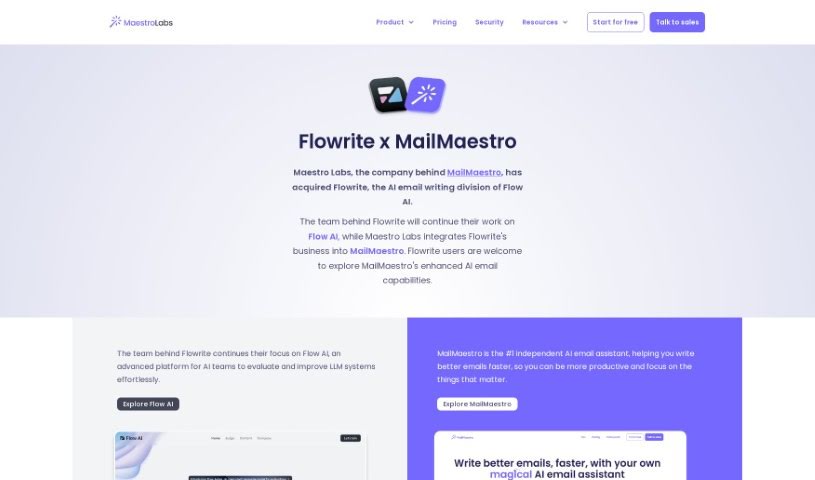
Screenshot of Flowrite

Flowrite

Freemium

Flowrite is a really handy AI tool designed to help both individuals and companies with their everyday email and message writing. It makes it super easy to whip up personalized messages and emails in a flash. What's great is that it works with over 20 popular apps, so you can use it pretty much anywhere you're already working. Flowrite also has this cool AI template gallery filled with pre-written messages for all sorts of professional situations. You can either tweak these templates or just write your own instructions for the AI. By taking care of the writing for you, Flowrite saves you a ton of time and energy. This means you can get back to focusing on other important stuff, all while knowing your messages are going out professionally.

Text Generation View Tool →
Screenshot of Forward

Forward

Freemium

"Forward" is simply moving ahead, towards the front. It's about making progress, not getting stuck on what's happened before. It’s a way of looking to the future with a positive attitude and taking action on challenges and opportunities. Essentially, it’s about having an optimistic and proactive mindset.

Text Generation View Tool →
Screenshot of Friday Email

Friday Email

Freemium

Friday AI is a handy app powered by artificial intelligence, built to help you out with all sorts of writing tasks. It is your personal writing assistant! It can help you write better, check your grammar, rephrase sentences, craft stories, compose emails, summarize documents, and even create super strong passwords. It's a great tool for students, professionals, or anyone who wants to polish their writing. Friday AI uses advanced AI, like GPT-4, to give you tailored suggestions and make your writing tasks smoother, whether you're writing a cover letter, requesting a day off, setting up a meeting, or explaining why you're running late.

Text Generation View Tool →
Screenshot of Hiwriter

Hiwriter

Freemium

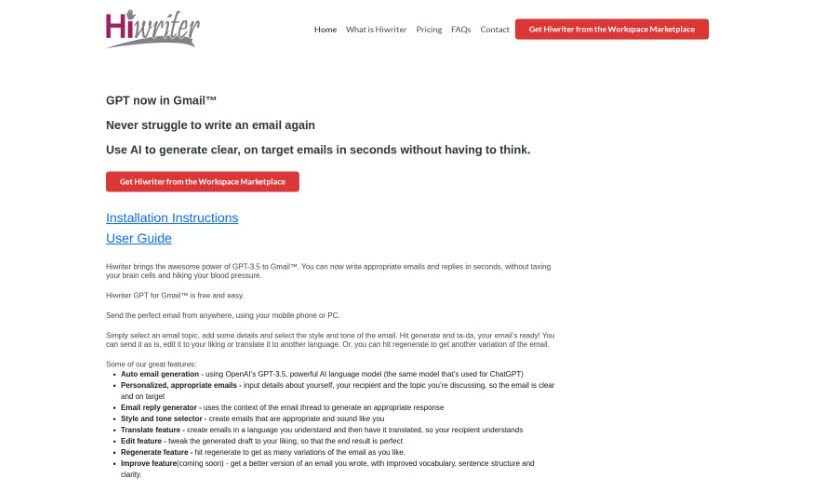
Hiwriter is a handy tool that works right inside Gmailâ„¢ to help you write emails. It uses GPT-3.5, a powerful AI, to make crafting emails and replies much quicker. You just pick a topic, add your specific details, choose a style and tone that fits, and Hiwriter generates the email for you. It's designed to make your email writing more efficient and effective. You get features like automatic email generation, personalized messages, help with replies, style and tone options, translation, editing, and the ability to generate different versions of an email. Plus, it's optimized for mobile and supports multiple languages.

Text Generation View Tool →
Screenshot of LeadIQ

LeadIQ

Freemium

LeadIQ is a really handy prospecting tool that people love because it's so good at helping you add potential customers to your lists and then easily send them over to places like Salesforce and Outreach. It makes it super simple to move leads from sites like LinkedIn right into your CRM or dialer, so you can start reaching out immediately. It is your main hub for making prospecting smoother, helping your team manage and connect with potential leads much more effectively.

Text Generation View Tool →
Screenshot of Lek.ai

Lek.ai

Freemium

Lek.ai is a really smart content generator that uses artificial intelligence to help you write text much faster – about 10 times quicker, actually. It's designed to be super efficient. This platform is pretty innovative, offering more than 25 different ways to help you write. Think social media posts, emails, e-commerce descriptions, and all sorts of other business writing tasks. What's great is that Lek.ai speaks many languages, so you can work comfortably in whichever language you prefer, which really helps break down communication barriers. Plus, it's super easy to access on any device, meaning you can tap into its AI power wherever you happen to be. They've even made a Chrome extension, which is a nice touch, giving you quick access to AI writing tools right in your browser while you're working.

Text Generation View Tool →
Screenshot of Letty

Letty

Freemium

Letty is your go-to assistant for writing email replies. It's designed to help you craft the perfect response, making your workday feel a whole lot smoother. People who use it really appreciate the suggestions Letty offers – they say they're always spot on, which really boosts how efficient and effective your communication becomes.

Text Generation View Tool →
Screenshot of Listing Copy AI

Listing Copy AI

Freemium

Listing Copy AI is a really useful platform that uses AI to completely change how real estate agents write their property descriptions. It's designed to be super easy to use, combining advanced AI with insights from market data. This helps real estate pros create descriptions that are not only personalized and captivating but also help them stand out in today's busy market. Some of its main features include a simple interface, personalized content options, market insights backed by data, AI-powered results, and a proven history of success with many listings and daily house sales. You can find out more by visiting the [Listing Copy AI website](https://listingcopy.ai/?ref=aitools.fyi&utm_source=aitools.fyi).

Text Generation View Tool →
Screenshot of MailBuddy

MailBuddy

Freemium

MailBuddy is a handy Chrome extension that uses GPT-3.5 technology to help you out with your email replies. It is your personal assistant for Gmail, automating the process of writing responses that fit the context of incoming emails. You can tell MailBuddy exactly what kind of reply you need – maybe polite, formal, funny, or just a quick note – and it'll craft it for you. It works right inside Gmail, so you don't have to jump between different windows or log into anything extra. Plus, you're always in charge; you can review and edit every response MailBuddy generates to make sure it sounds just right, like a human wrote it. The best part? No complicated AI setup or training is needed, and it's designed to be private, meaning it doesn't collect your personal data or ask for account permissions.

Text Generation View Tool →

Stay Updated with AI Tools

Get weekly updates on the latest AI tools, trends, and insights delivered to your inbox

Join 25,000+ AI enthusiasts. No spam, unsubscribe anytime.