AI Tools for Email Writing

Discover the best Email Writing AI tools to enhance your productivity and creativity.

Page 2 of 6 • 66 total tools

Email can feel like a lot, right? When you’re juggling tons of messages, trying to draft the perfect one can be tough. It’s easy to get stuck trying to find the right tone or make sure everything’s clear. Wouldn’t it be nice to have a little help with all that digital communication?

That’s where AI tools designed for email writing come in. Forget just basic templates; today’s advanced apps can really improve your messages, save you time, and even boost your whole communication strategy.

This past year, these technologies have changed incredibly fast. From real-time suggestions to smart templates that match your personal style, these tools can now make your email tasks much simpler than ever before.

I’ve spent time checking out and testing the best AI tools out there for writing emails. Below, I’ve put together a list of great options that don’t just help you draft emails but also make your workflow smoother. Let’s find the perfect tool to help you write better emails!

The best AI Email Writing Tools

  1. Superhuman to simplify your email writing.
  2. Lead IQ to easily write personalized outreach emails.
  3. Toolsaday for crafting professional emails.
  4. Spark Mail for AI-assisted email writing to draft quickly.
  5. Voila for writing clear, concise emails.
  6. Trimbox for easy email drafting and editing.
  7. Mail Maestro for quick, personalized email replies.
  8. Compose AI for efficient email autocompletion.
  9. Writemail for writing persuasive sales outreach emails.
  10. Friday Email for an effective email writing tool.
  11. Reimagine AI for engaging your audience well.
  12. Scribo Writer for creating business emails more smoothly.
  13. Mailbutler to improve email content with smart suggestions.
  14. AIm Reply for writing professional email responses.
  15. Politepost.net to make casual emails sound more professional.

How do AI email writing tools work?

AI email writing tools work much like other AI writing software, using advanced language models. Most of these tools tap into large language models (LLMs), such as OpenAI’s GPT or similar systems, to generate text. While they might seem unique, many simply package these core technologies with extra features made for email.

When you give them a prompt or some context, these AI models analyze your input. Then, based on patterns learned from huge amounts of data – billions of emails, articles, and other writings – they predict the next words. This helps them get really good at copying different tones and styles for various email situations.

These tools can help draft everything from formal business letters to casual notes, making them handy for both work and personal messages. They make writing easier by suggesting full sentences or even complete replies, which saves you time and helps beat writer’s block.

Plus, many AI email writing solutions let you customize. You can adjust suggestions based on your preferred tone, how formal you want to be, and what you want to say. By changing these settings, the AI can create replies that feel genuine and match your own voice.

Finally, the technology behind these tools is always learning and getting better. Through how people use them and the feedback they get, the models improve over time. This makes them better at understanding context and improving your writing quality. So, AI email writing tools don’t just help; they also aim to make your email crafting process better.

Our best AI email writing tools at a glance

RankNameBest forPlans and PricingRating
1SuperhumanSimplifying your email writing process.N/A4.33 (6 reviews)
2LeadIQWriting personalized outreach emails easily.Paid plans start at $36/month.4.70 (10 reviews)
3ToolsadayCrafting professional emails.N/A4.33 (12 reviews)
4Spark MailAI-assisted email writing for quick drafts.N/A4.60 (5 reviews)
5VoilaWriting clear, concise emails.N/A4.83 (12 reviews)
6TrimboxEffortless email drafting and editing.N/A4.80 (20 reviews)
7Mail MaestroQuick, personalized email replies.N/A4.64 (22 reviews)
8Compose AIEfficient email autocompletion.N/A4.18 (11 reviews)
9WritemailWriting persuasive sales outreach emails.N/A4.09 (11 reviews)
10Friday EmailAn effective email writing tool.N/A4.79 (52 reviews)
11Reimagine AIEngaging your audience effectively.N/A4.25 (12 reviews)
12ScriboWriterCreating business emails more smoothly.N/A3.40 (10 reviews)
13MailbutlerImproving email content with smart suggestions.Paid plans start at $14.95/month.5.00 (11 reviews)
14AImReplyWriting professional email responses.N/A3.86 (14 reviews)
15Politepost.netMaking casual emails sound more professional.Paid plans start at $18.89/month.4.17 (6 reviews)
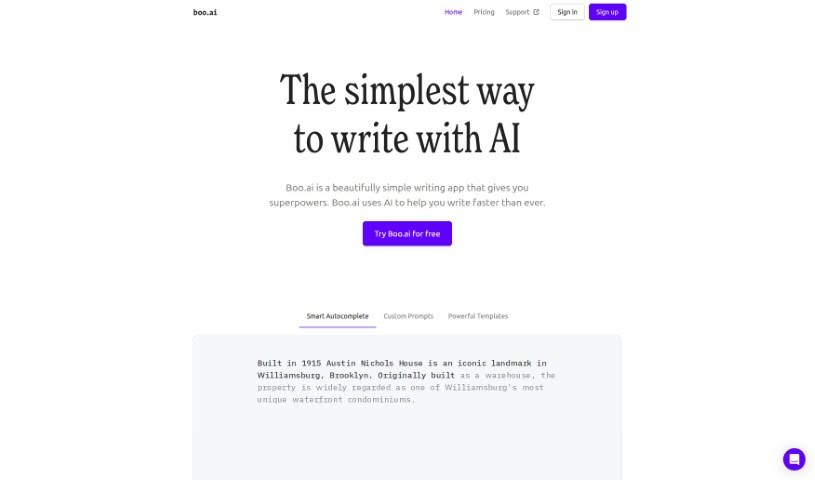
Screenshot of Boo Ai

Boo Ai

Freemium

Boo AI is a sophisticated writing tool that uses AI, specifically GPT-3, to help you create content. It's packed with helpful features like Smart Autocomplete, ready-to-use templates, and personalized writing tips designed to make your writing process much smoother and faster. The folks behind Boo.ai wanted to create a writing assistant that keeps you focused, helping with everything from brainstorming ideas and taking notes to drafting emails and more. They aimed for something simpler and more user-friendly than tools like Jasper, and it really shows. You can try Boo.ai for free for 3 days, and if you like it, plans start at just $8 a month. If you decide not to upgrade after the trial, you can stick with the Free plan, which gives you up to 2,000 words each month. What's great is how versatile it is; you can use it for all sorts of writing, like descriptions for properties, business plans, emails, or essays, and it consistently delivers good quality.

Text Generation View Tool →
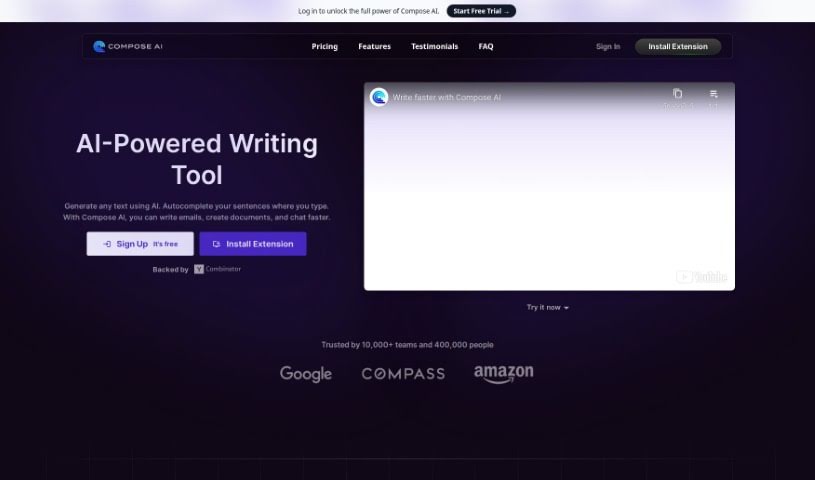
Screenshot of Compose AI

Compose AI

Freemium

Compose AI is a handy Chrome extension that really changes how you write. It uses AI to help you complete sentences automatically and even generate text for you. It is a smart writing assistant right in your browser! It can cut your writing time by a significant 40%, offering suggestions to finish your sentences, rephrase them in different ways, or even draft entire emails based on just a few words from you. Plus, it has handy shortcuts to adjust how long your sentences are or to switch between a friendly and a more formal tone. It works smoothly with the platforms and tools you already use, making your writing process much more productive. Compose AI is free to use, with an optional premium version for even more features. They also make it clear that your privacy is important; they only use your text to provide those helpful autocomplete suggestions and keep your data secure.

Text Generation View Tool →
Screenshot of Cosmo AI Extension

Cosmo AI Extension

Freemium

The Cosmo AI Extension is a handy, all-in-one AI assistant that works right within your Chrome browser. It is your personal AI sidekick. It lets you chat with Cosmo, create all sorts of content, draft tweets, respond to emails, get quick answers to your questions, and basically use AI wherever you are online. The whole idea is to help you save both time and money by bringing these powerful AI features directly to your browser.

Text Generation View Tool →
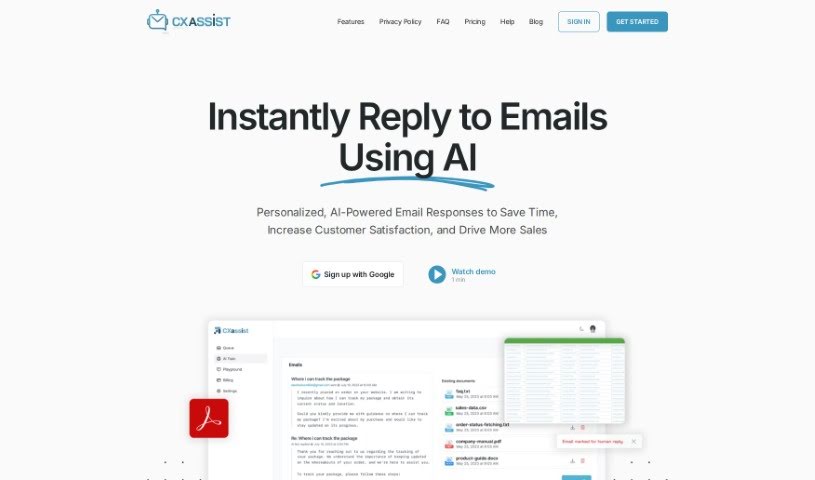
Screenshot of CX Assist

CX Assist

Freemium

CXassist is your personal AI assistant, specifically designed to help you manage your email inbox. What's really neat is that you can train it with your own business content, allowing it to send out timely and accurate replies to both potential customers and existing ones. This AI tool uses the latest technology to read and respond to emails in a way that feels genuinely human, all based on the information you provide. CXassist comes with three ready-made personas – Generalist, Support, and Sales – each offering a slightly different approach to how it handles responses. Just so you know, they do require a valid credit card for the free plan; this helps cut down on spam and fraud. Getting CXassist set up is pretty straightforward: you sign in with your Google account, give it the necessary permissions, train it with your business content, and then you can easily turn it on or off as you need. It's also great because it supports over 50 languages, lets you set specific rules for how emails are handled, and gives you analytics on every email it sends out. Plus, you can really tailor CXassist to match your brand's unique tone and voice by simply uploading a style guide. Right now, it works with Gmail accounts, and there are some limits on how many emails it can process each month, depending on your account type. If you run into any issues or have questions, you can always reach out to [[email protected]](/cdn-cgi/l/email-protection#c4b7b1b4b4abb6b084a7bca5b7b7adb7b0eaadab) for help.

Text Generation View Tool →
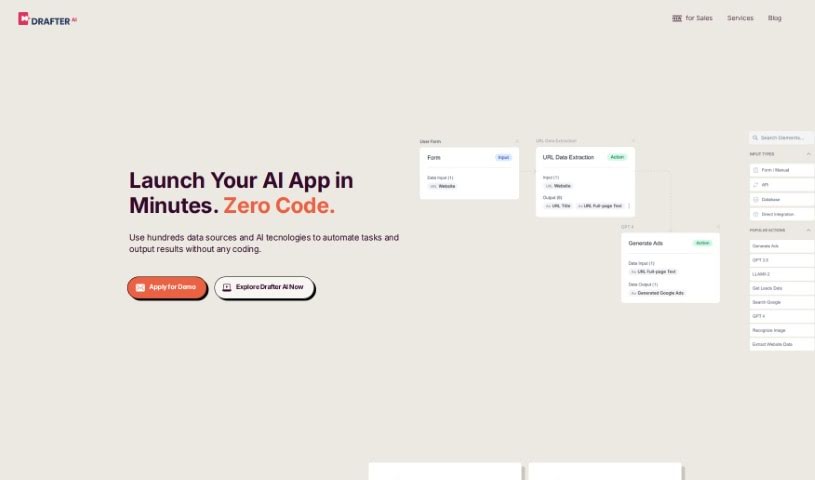
Screenshot of Drafter AI

Drafter AI

Freemium

Drafter AI is a powerful platform that brings together a variety of AI features and services, all designed to simplify your operations without needing developers or ML engineers. It is your all-in-one hub for modern AI capabilities and data sources. With Drafter AI, you can easily generate long texts, sort content, analyze what's written, pull out key knowledge, figure out topics and sentiment, and even access public information – all in over 200 languages! Plus, you can customize your own AI apps and seamlessly integrate them into your existing workflows. Need something specific? Drafter AI also offers services like creating personalized messages for sales teams, producing social media content, and even analyzing legal documents using AI.

Text Generation View Tool →
Screenshot of DraftLab

DraftLab

Freemium

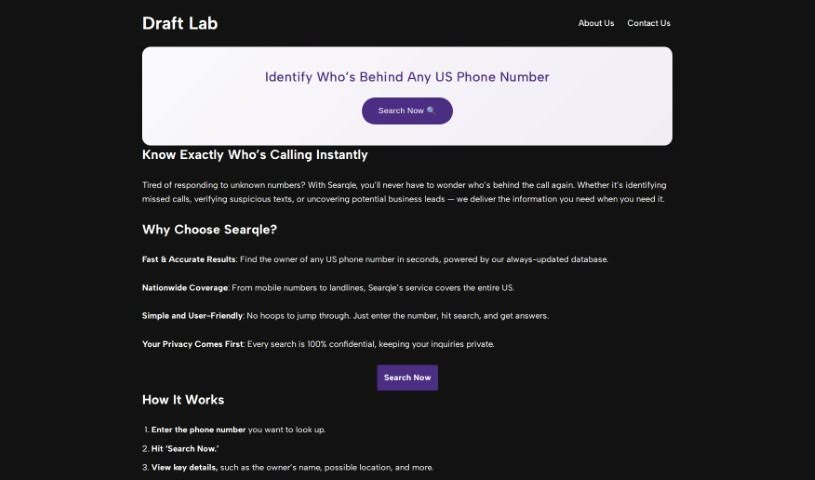
DraftLab is your personal AI writing assistant, specifically designed to help you conquer writer's block and finally get to that coveted inbox zero. It fits right into Gmail, offering up personalized email responses that actually sound like you. It's pretty neat because it can handle those repetitive emails automatically, sort your important messages based on what they're about, and generally help you craft professional emails quickly without staring at a blank screen. Essentially, it boosts your productivity by smoothing out the writing process and giving you real-time tips to make your emails even better.

Text Generation View Tool →
Screenshot of Easywrite.pro

Easywrite.pro

Freemium

Easywrite.pro is an AI-powered writing tool designed to help you break through writer's block and make your content creation process much smoother. You can input your ideas, and it'll generate detailed, accurate content in different formats, like blog posts and emails, really quickly. Plus, it's mobile-friendly, so you can create and tweak your writing whenever and wherever you are. Essentially, Easywrite.pro aims to save you time and effort, give you a boost of inspiration when you're stuck, and offer the flexibility to work on your content on the go. It is a constant source of ideas and generated content, helping individuals and businesses boost their productivity and creativity by automating writing tasks. You can learn more by visiting their website at [Easywrite.pro](https://easywrite.pro/).

Text Generation View Tool →
Screenshot of Ellie

Ellie

Freemium

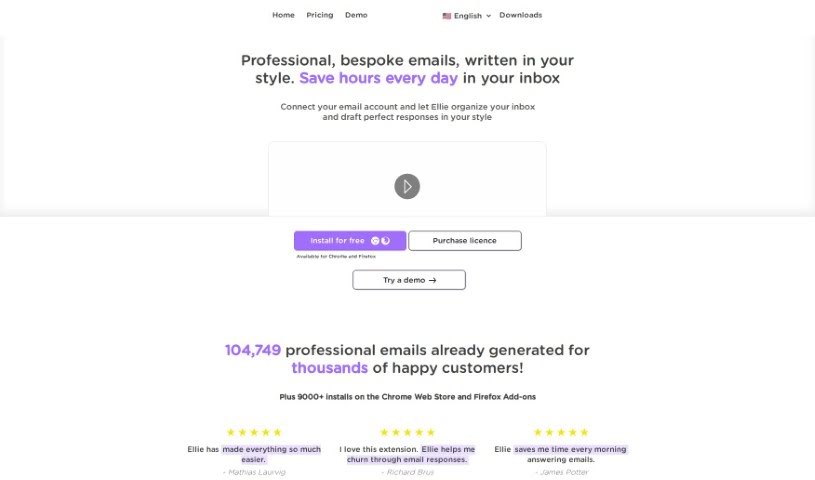
Ellie is your personal AI email assistant. It's designed to learn your unique writing style, so it can craft email replies that sound just like you wrote them. This means you can generate professional, personalized emails without spending hours on them. Ellie really gets the context of your emails and can create smart, thoughtful replies with that personal touch you value. Plus, you can teach Ellie new things by giving it documents or links to learn from. And don't worry about privacy – Ellie only uses your email replies to help it generate responses and doesn't store your email data.

Text Generation View Tool →
Screenshot of Email Bind

Email Bind

Freemium

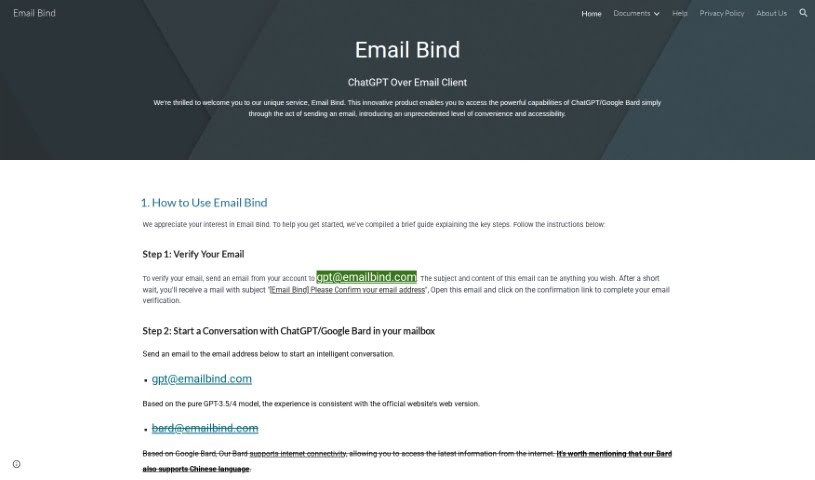
Email Bind is a neat service that lets you have AI-powered chats right from your email inbox. It is a way to use smart AI like ChatGPT and Google Bard without leaving your email. You just need to verify your email by sending a quick message to a special Email Bind address. Once that's done, you can start chatting with either the GPT-3.5/4 model or Google Bard. There's also an app that unlocks even more cool stuff, like customizing your chats with templates, tweaking settings, and getting access to the powerful GPT-4 model. It really makes for a personalized AI email experience.

Text Generation View Tool →
Screenshot of Email Whisperer

Email Whisperer

Freemium

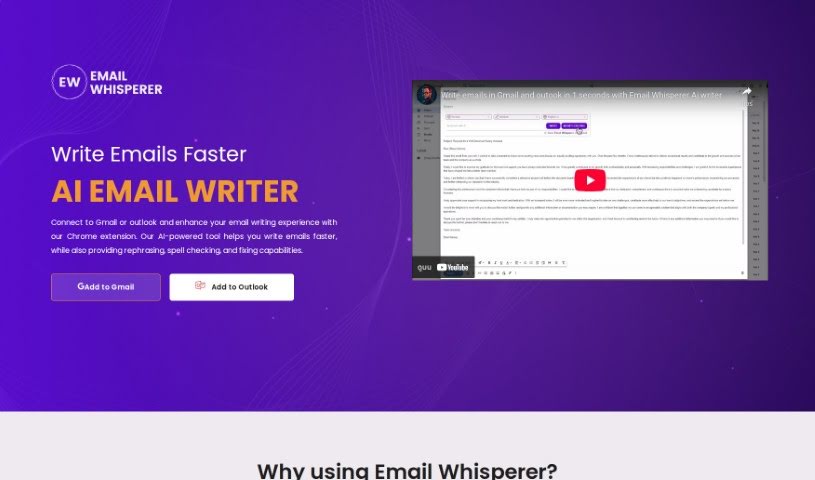
Email Whisperer is a smart tool that helps you write better emails, right inside Gmail and Outlook. It works as a Chrome extension, offering handy features like suggesting different ways to phrase things, checking your spelling, and fixing errors to make your emails clearer and more stylish. You can even teach it to sound just like you by letting it learn from your website or PDF files. It supports many languages, comes with different pricing options depending on what you need, and its main goal is to help you send emails that are always professional and error-free.

Text Generation View Tool →
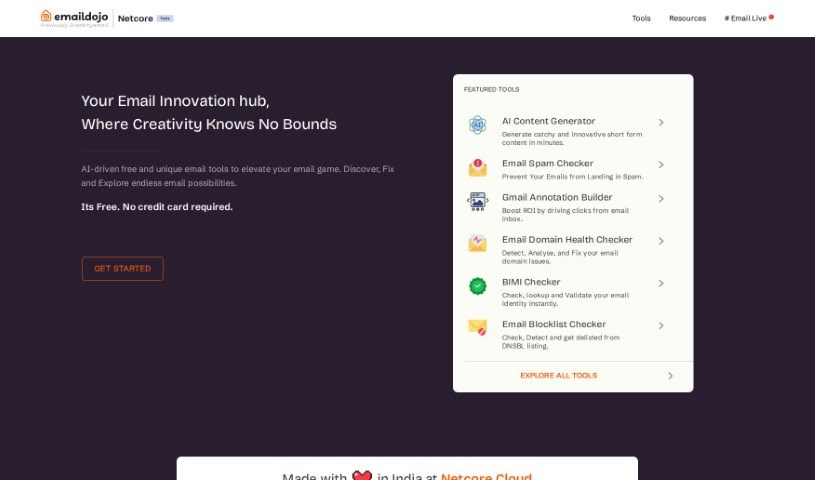
Screenshot of Emaildojo

Emaildojo

Freemium

Emaildojo, available on Emaildojo.io, is an online tool that uses artificial intelligence, specifically OpenAI's GPT-3 model, to help you create content. It's designed to generate industry-specific, short-form content for all sorts of communication channels. Think email subject lines, social media posts, and product descriptions. You can easily adjust the tone, style, and subject matter to perfectly fit what you need. The main idea behind this tool is to help you create engaging, tailored content quickly and efficiently. It’s a great way to overcome writer's block and produce high-quality material. For businesses, marketers, and content creators aiming to boost their digital presence and content marketing, Emaildojo is a really valuable asset.

Text Generation View Tool →
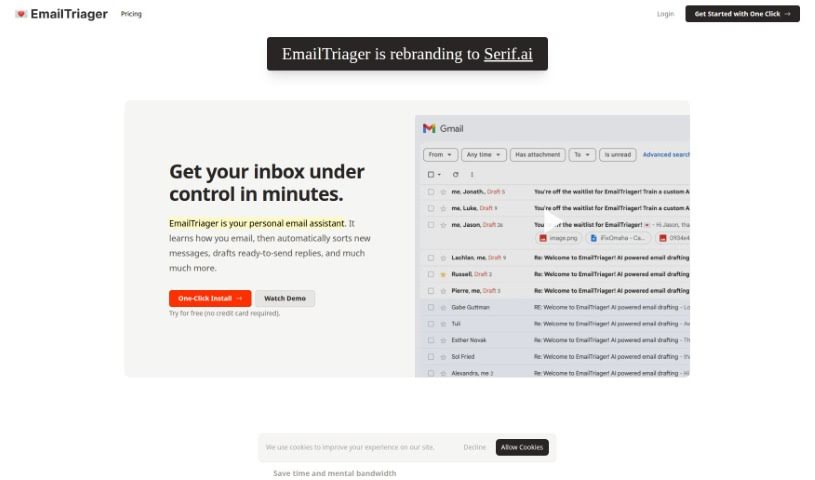
Screenshot of EmailTriager

EmailTriager

Freemium

EmailTriager is a really handy tool that's designed to completely change how you handle your emails. It uses AI technology to automatically write email replies for you in the background, making it super easy to keep up with your correspondence. You don't need to install anything or add browser extensions – just log in, and you'll start getting draft replies that are set up just how you like them. You can tell EmailTriager what you need in simple, everyday English. For example, you could let it know you're away until a certain date. It's a user-friendly tool that helps you save time and manage your inbox much more smoothly.

Text Generation View Tool →

Stay Updated with AI Tools

Get weekly updates on the latest AI tools, trends, and insights delivered to your inbox

Join 25,000+ AI enthusiasts. No spam, unsubscribe anytime.