AI Design Tools

AI Tools for Design

Discover the best Design AI tools to enhance your productivity and creativity.

Page 2 of 18 • 213 total tools
Screenshot of Appicons Ai

Appicons Ai

Freemium

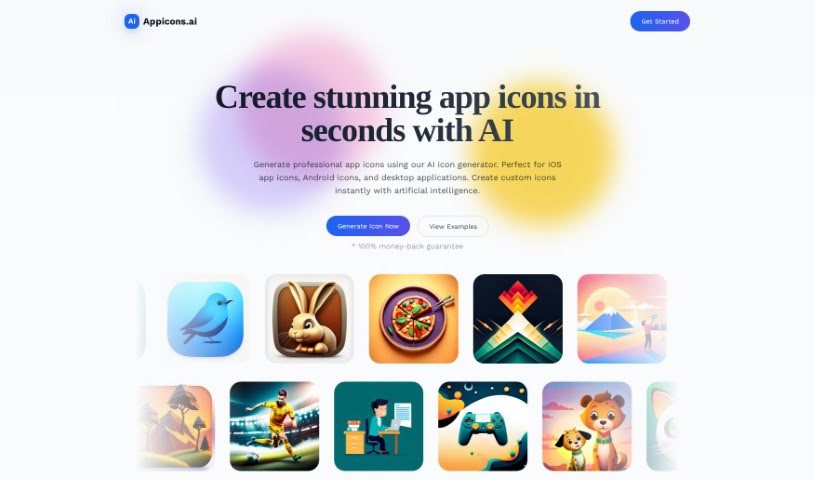
Appicons AI is an AI-driven design tool that uses GPT AI technology to generate app icons. It is designed for both beginners and professionals, offering a user-friendly interface for experimenting with colors, shapes, and visuals. AI-powered editing tools refine colors and shapes, while AI upscaling boosts resolution so icons stay clear across devices and screen sizes. Finished icons can be downloaded as PNG files at 1024 x 1024 resolution, and the platform offers different pricing packages. Appicons AI supports icons for Android and iOS and aims to build a community of designers.

Screenshot of Artbot

Artbot

Freemium

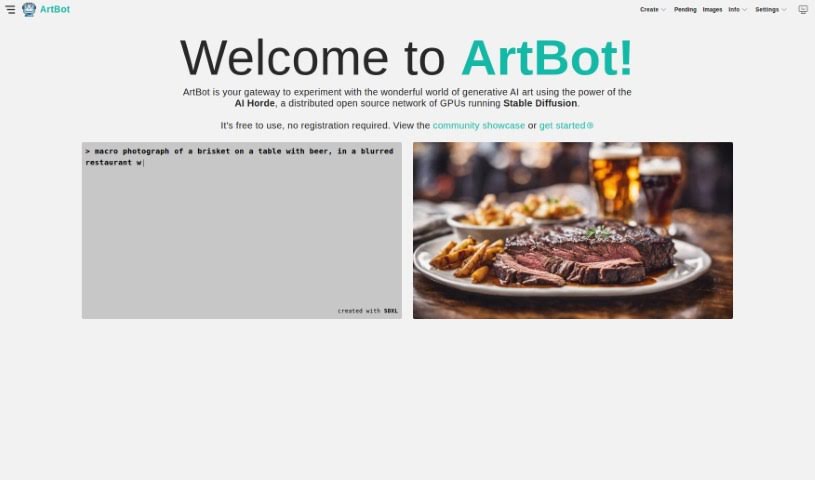
ArtBot is a platform for creating AI-generated images with Stable Diffusion, running on the AI Horde's distributed network of GPUs. It is free to use and requires no registration. Tools include ControlNet, Draw, Image-to-Image transformation, Inpainting, and Live Paint. Through the interface, you can manage your images, rate other people's work, and browse a community gallery. New models and improvements are added regularly, and support is available via a FAQ, Discord, or Mastodon. ArtBot is open source and aims to build a community where people can explore, create, and share generative art.

Screenshot of Artbot.ai

Artbot.ai

Freemium

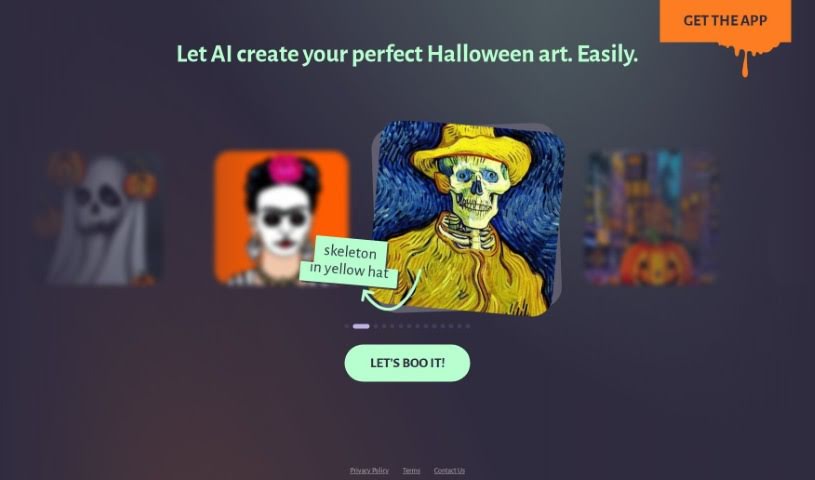
ArtBot.ai is an AI-powered platform for creating personalized Halloween artwork. It was developed specifically for Halloween-themed art and requires no artistic background. Users type a short phrase describing their idea, and the AI generates the artwork instantly; designs can then be tailored by adding specific elements. The interface is easy to navigate, so no prior art experience is needed.

Screenshot of Arthub.ai

Arthub.ai

Freemium

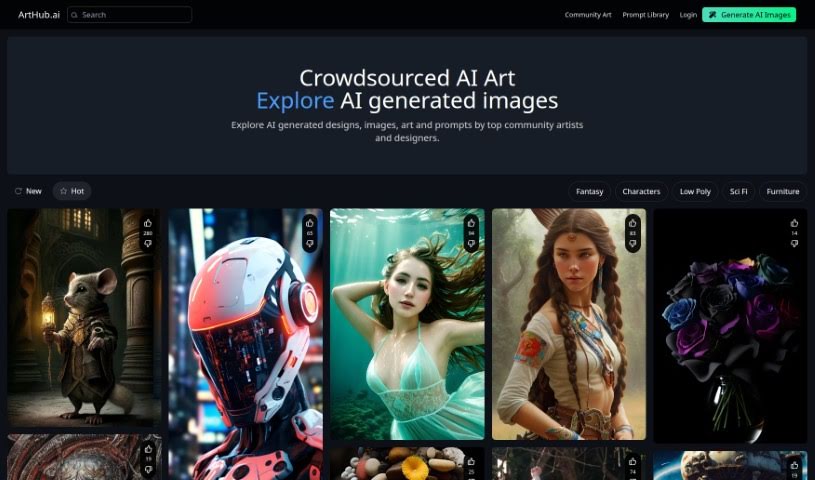
Arthub.ai is a platform for viewing AI-generated designs, images, and art created by community artists and designers. It hosts AI art produced through community collaboration and serves as a space for artistic expression and exploration.

Screenshot of Atlas

Atlas

Freemium

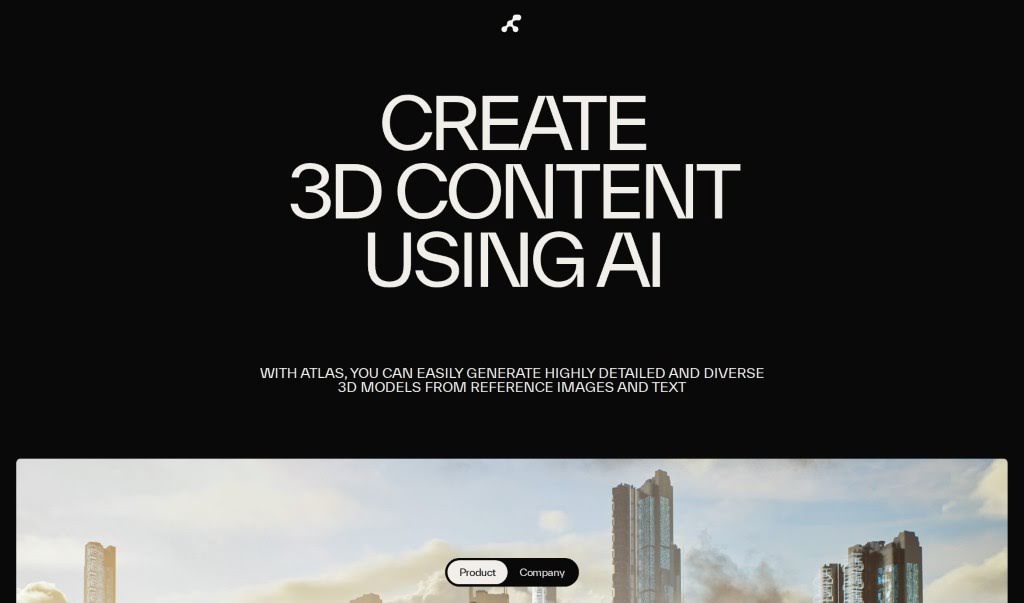
Atlas is an AI tool for creating 3D content — models, assets, and virtual worlds — from reference images and text prompts. It can create AIs trained on your style references, and it generates clean geometric models with semantic segmentation and UV mappings, making outputs game-ready. Atlas can reduce 3D content creation time by up to 200x compared to traditional methods. It works with major gaming and 3D engines, and suits projects in architecture, game level design, and virtual reality.

Screenshot of Atricent

Atricent

Freemium

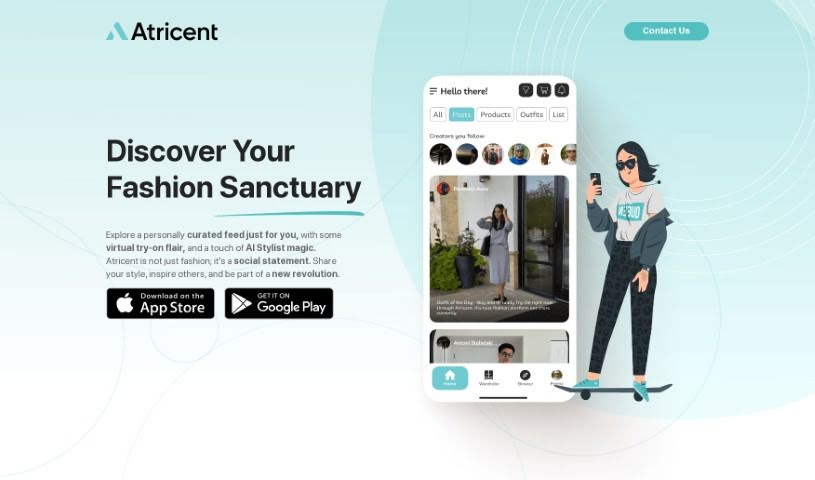
Atricent is an AI-powered fashion platform that combines a personal stylist, a virtual fitting room, and a social community. It uses a neural network to learn your preferences and deliver personalized fashion recommendations. You can virtually try on outfits to check size and style before buying, which helps reduce returns. Atricent also lets you share your favorite styles with a community of fashion enthusiasts. The platform blends fashion and technology to help you feel confident about your style and connect with people around the world.

Screenshot of Autoname

Autoname

Freemium

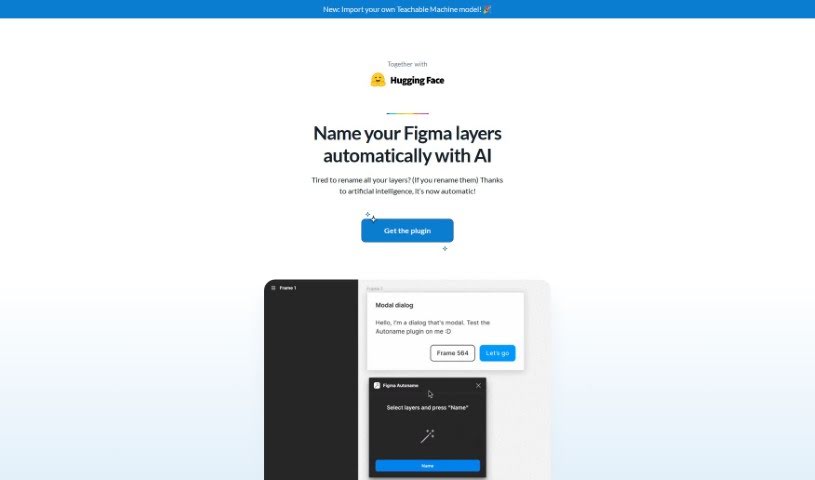
Autoname is a Figma plugin that automatically renames all your frames with one click. It uses artificial intelligence to name layers efficiently, eliminating manual work. It also protects components and instances from accidental renaming through smart name detection. More than 30,000 designers use it. Autoname is free, open-source under the MIT License, and community-driven. It supports importing Teachable Machine models, and the team welcomes contributions.

Screenshot of BeFunky

BeFunky

Freemium

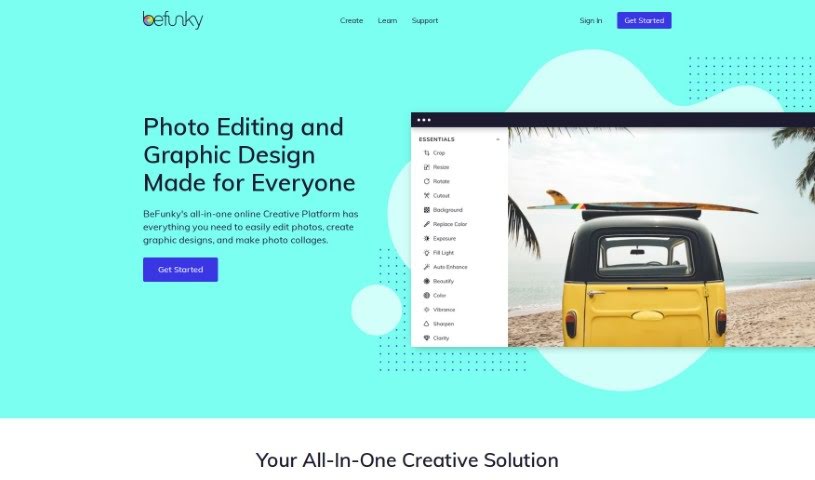
BeFunky is an online photo editor and collage maker developed by BeFunky. It provides photo effects, adjustment tools for brightness and contrast, and cropping, resizing, and blemish removal. Its collage maker combines multiple photos into a single image with text, stickers, and backgrounds. Because it runs in the browser, it works on any internet-connected device without software installation.

Screenshot of BgRem AI

BgRem AI

Freemium

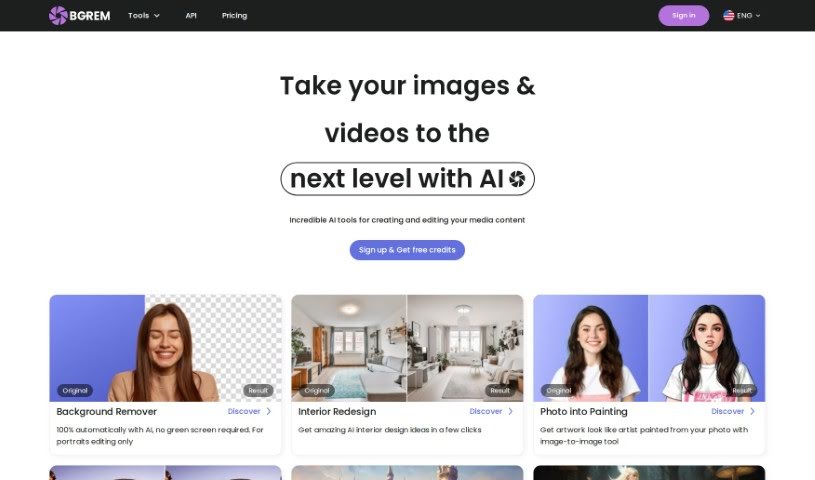
BgRem AI is an AI-powered platform for creating and editing images and videos. It can generate images in different styles, transform photos into characters from games or movies, redesign room interiors, and create illustrations for children's books. Its AI Illustration and AI Image Generator tools are designed to make content creation accessible.

Screenshot of Birthdayai

Birthdayai

Freemium

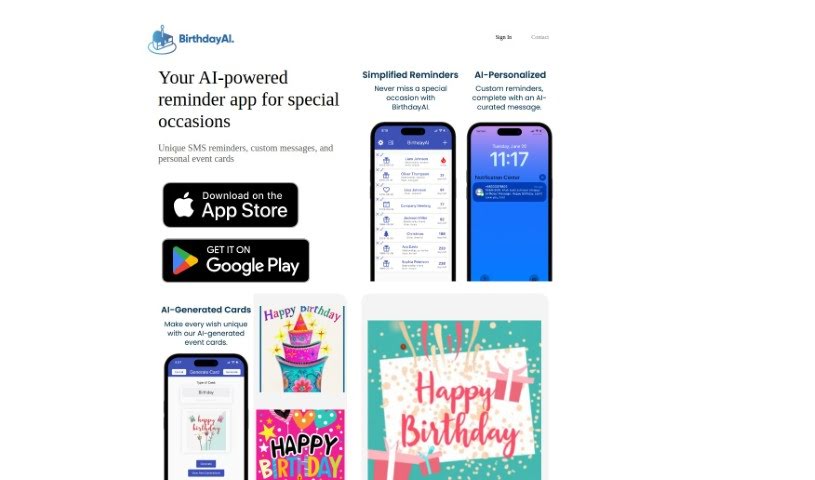
BirthdayAI is a mobile app powered by AI that provides personalized birthday reminders for family, friends, and contacts. It also lets users create custom birthday and event cards with AI-generated designs. The app is available on Google Play and the App Store.

Screenshot of BlackInk AI

BlackInk AI

Freemium

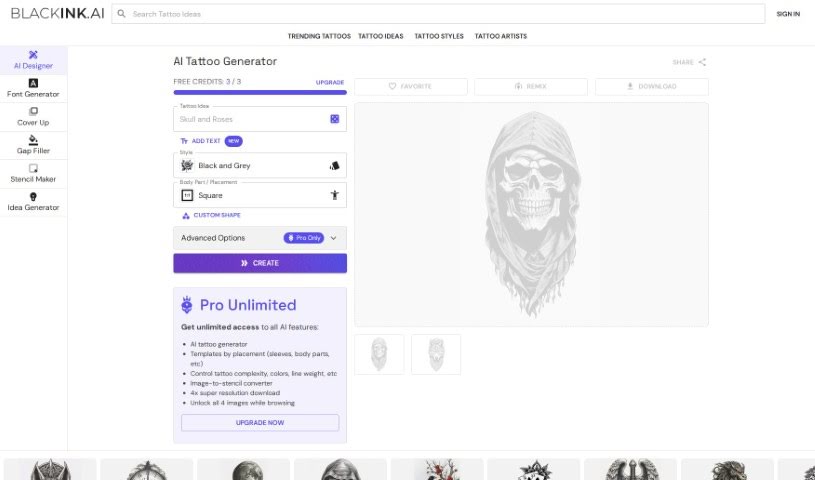
BlackInk AI is a tool that generates original tattoo designs. Users describe their ideas and preferences, select a style, and the AI produces a custom design. It aims to replace the lengthy, expensive process of finding tattoos with fast, unique results.

Screenshot of Blend

Blend

Freemium

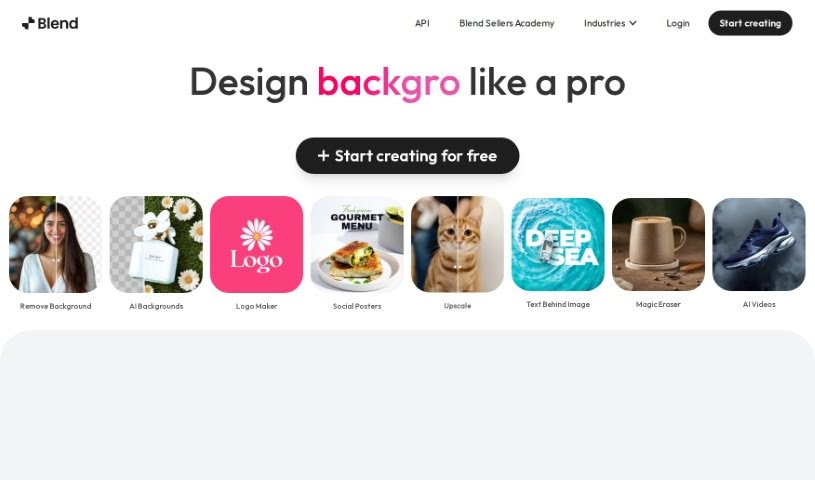
Blend is an AI-powered tool that removes backgrounds from images and helps create professional-quality product photos. It is aimed at entrepreneurs and e-commerce sellers who want to improve their online presence with polished visuals. Core features include automatic background removal, background replacement, a large template library, and dedicated tools for social media graphics and product shots. Blend also optimizes images for search engines, resizes them for different platforms, and includes a "magic resize" feature.

About Design tools

Starting a design project from scratch takes time. Staring at a blank artboard, creating layout options, adjusting pixel spacing, and reformatting graphics across a dozen screen sizes can consume hours of tedious setup. It’s easy to spend more time preparing files than actually designing.

Rather than replacing human taste or visual judgment, the tools in this category handle repetitive technical labor, speed up wireframing, and prepare production files so you can focus on overall creative strategy.

Accelerating Layout Prototyping and Asset Cleanup

Generating initial layout ideas used to require hours of manual sketching. Modern design platforms build wireframes and visual concepts straight from text prompts or rough hand-drawn notes. You can evaluate different grid structures, visual directions, and typography pairings in seconds before committing to a final polished layout.

Asset editing and photo touch-ups become far simpler, too. Tasks like erasing backgrounds, extending canvas boundaries, or upscaling low-res images traditionally required tedious layer masking and cloning. Smart editing tools handle those fixes automatically, letting you touch up photos and prepare visual assets in seconds.

Maintaining consistency across large design systems is another huge benefit. Keeping visual elements aligned across social banners, web pages, and marketing decks often leads to minor formatting errors. AI design tools analyze your brand guidelines, apply matching color palettes automatically, and format typography across multiple aspect ratios to keep your project look unified.

Capabilities to Consider

  • Generative layout prototyping: Tools that create wireframe ideas and layout concepts from text prompts or rough sketches.
  • Automated asset cleanup: Features that remove backgrounds, expand canvas margins, and upscale image resolution cleanly.
  • Editable vector output: Software that generates clean, scalable SVG paths rather than static raster files.
  • Design system alignment: Applications that apply custom brand colors, fonts, and spacing rules across whole asset packages.
  • Editor plugin support: Integrations that link directly into existing tools like Figma, Adobe Creative Cloud, or Canva.

Great design will always depend on visual hierarchy, human taste, and clear communication. Software can clean up backgrounds and align pixels, but understanding how real people interact with your work requires a creative eye.

Check out the design assistants below to upgrade your workspace.

The Best AI Design Generators

  1. Canva: for easily creating social media graphics.
  2. Ideogram: for custom logo creation for brands.
  3. Renderforest: for custom logo design for startups.
  4. BeFunky: for effortlessly creating custom graphics.
  5. Icons8: for generating unique design templates.
  6. Microsoft Designer: for quickly generating unique social media graphics.
  7. Imagine AI Art Generator: for designing prototypes for branding.
  8. Meshy: for rapid 3D design creation from prompts.
  9. Kittl: for creating custom logos in seconds.
  10. Shakker AI: for dynamic logo creation for brands.
  11. Stylar: for instantly generating unique art styles.
  12. Tripo AI: for creating custom product prototypes.
  13. Homestyler: for creating custom room layouts and styles.
  14. Phot Ai: for dynamic vector art creation from prompts.
  15. Designs AI: for instant graphic design for social media.
New tools, in your inbox.

Weekly picks of the best AI tools we've researched and added — no spam, unsubscribe anytime.

Join 25,000+ AI enthusiasts. No spam, unsubscribe anytime.