
S
Shapemate
FreemiumShapemate is an AI health assistant that runs inside a WhatsApp chat. Instead of juggling multiple apps, you log and manage your fitness through messages, so no technical skill is required.
Automation
View Tool →
Discover the best Automation AI tools to enhance your productivity and creativity.
Shapemate is an AI health assistant that runs inside a WhatsApp chat. Instead of juggling multiple apps, you log and manage your fitness through messages, so no technical skill is required.
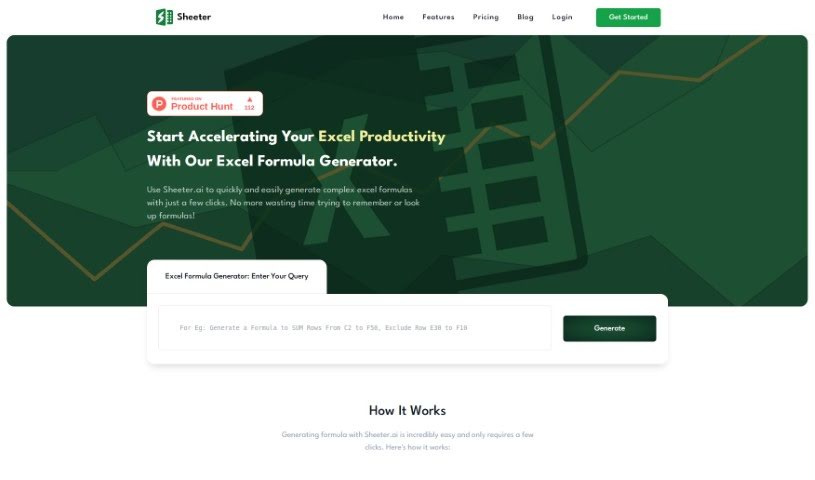
Sheeter.ai is an AI-powered tool that generates complex Excel formulas from natural language. Founded in 2022 by Sunny Bundel and Sunny Kumar, it aims to simplify how people work with Excel, Google Sheets, and similar platforms.
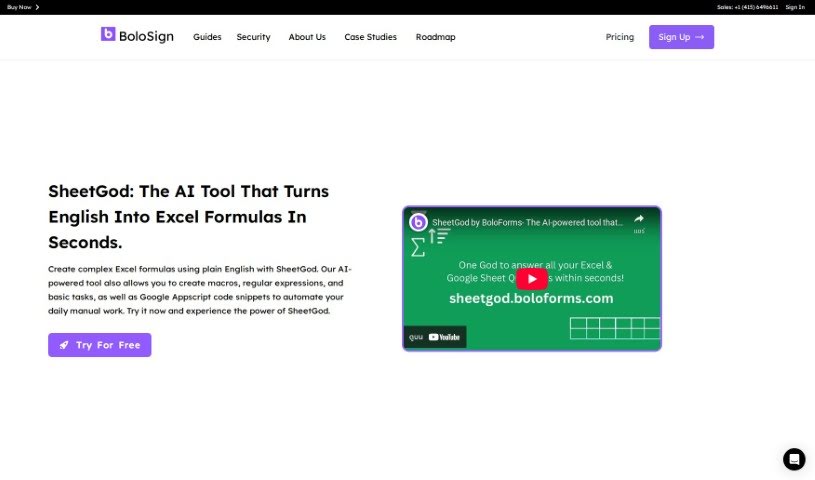
SheetGod is an AI tool that turns plain English descriptions into Excel formulas. It can create complex formulas, write macros, generate regular expressions for data extraction, and produce Google Appscript code snippets to automate repetitive manual work.
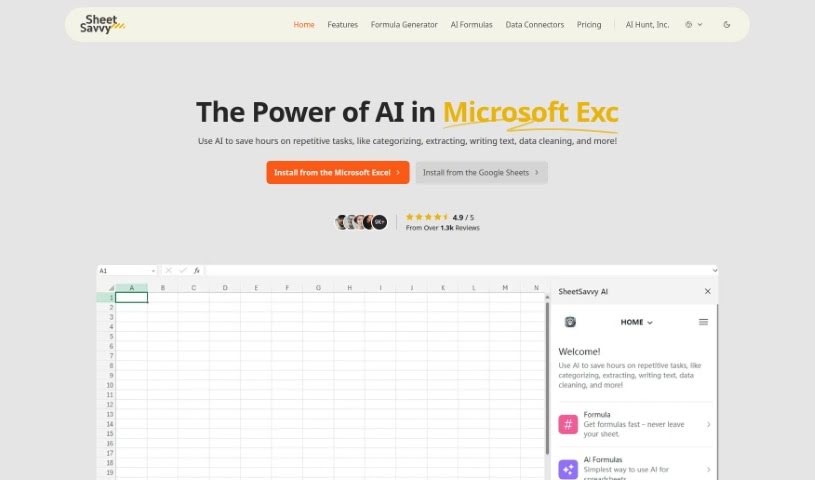
SheetSavvy AI is an AI-powered tool that simplifies spreadsheet work. Describe what you need in plain English, and it generates the formulas or scripts to handle tasks like organizing data, extracting specific information, writing text, and cleaning up messy spreadsheets. No coding skills are required. It works with both Microsoft Excel and Google Sheets and can import data in real time as it comes in.
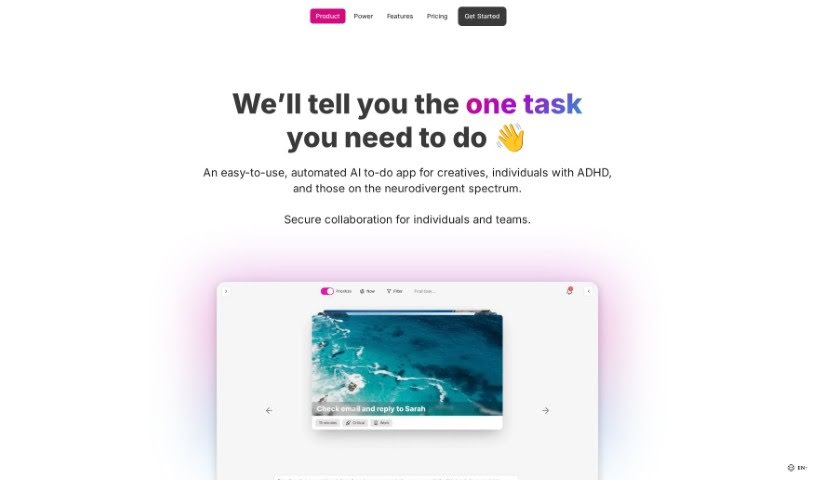
Simpler is an AI-powered to-do app designed for creatives and entrepreneurs. Its core feature is automatic task prioritization, paired with a clean, easy-to-use interface and AI-assisted scheduling. The goal is to make task management less of a hassle so you can focus on what matters most right now.
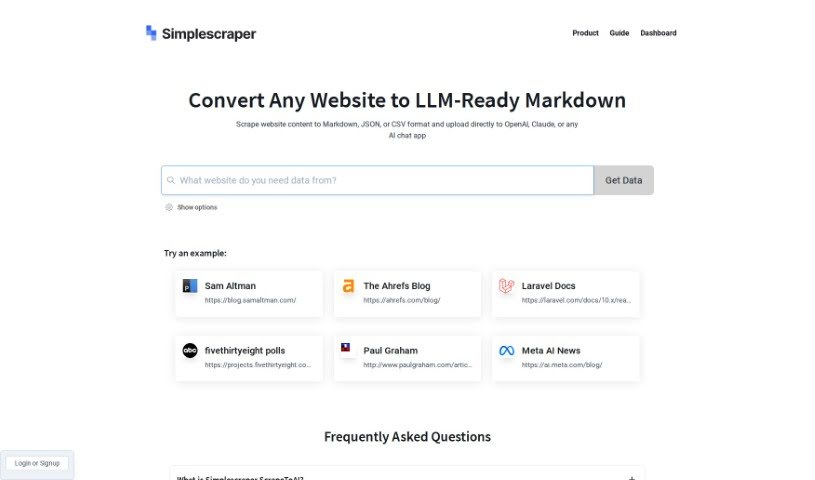
ScrapetoAI is a web scraping tool from Simplescraper designed to pull data from websites without writing code. You select the website elements you want, and the tool handles extraction. It supports automatic pagination handling, scheduled scraping tasks, and exports in formats like Markdown, JSON, and CSV — making it suitable for integration with platforms such as OpenAI and Claude.
SiteScripter AI is an assistant built into the Chrome browser, designed to speed up everyday online tasks. It fills out forms, chats with the webpage you're viewing, and summarizes long pages. A `$sitescripter` command lets you feed it real-time data and interact directly with web elements.
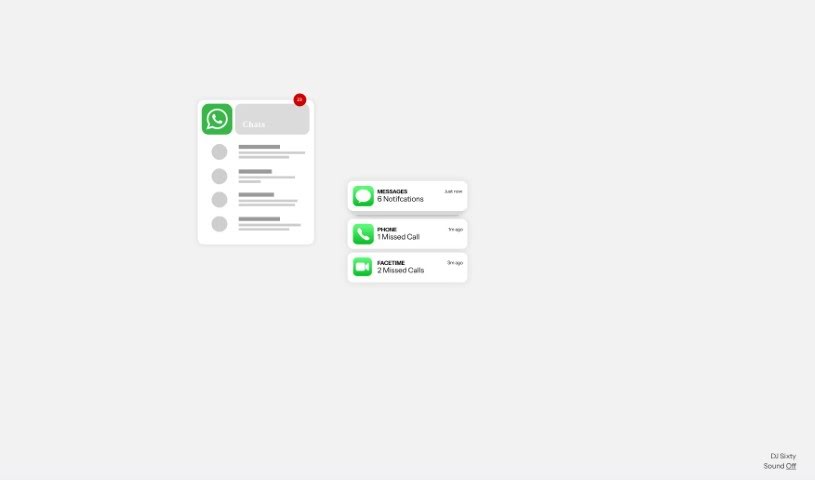
Sixty AI is a personal assistant that automates the tasks AI handles well: clearing your inbox, scheduling meetings, drafting agendas, and preparing briefings. It provides personalized snapshots of your day, week, or weekend schedule, email filtering that surfaces important messages, and instant alerts when your schedule changes at the last minute. It also tracks birthdays and other milestones for people in your network and helps you send a quick greeting or gift. The goal is to keep you connected while freeing you to focus on what matters.
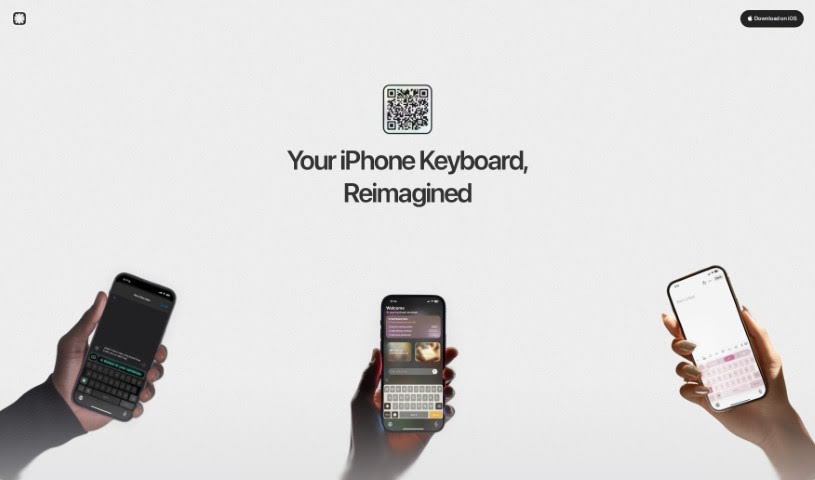
Slate is an AI-powered mobile keyboard that rethinks how typing works on a phone. Instead of treating the keyboard as a fixed set of keys, Slate views your phone's screen as an intuitive 2D space, so you can type accurately even when your taps aren't perfectly placed.
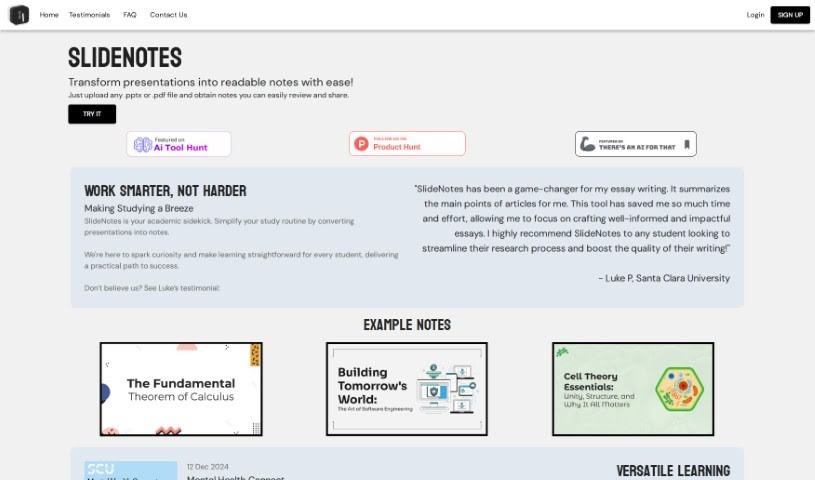
SlideNotes turns presentations into readable text notes. Upload a PowerPoint (.pptx) or PDF file, and the tool identifies key points and important phrases, then converts them into clear text notes. It produces logical summaries and extracts important keywords, reducing manual effort. Once generated, you can review the notes for accuracy and share them with others.
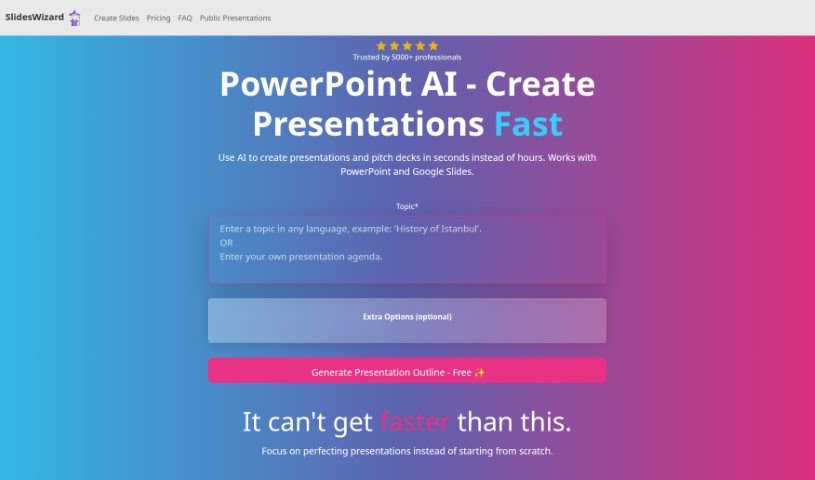
Slides Wizard is an AI tool that turns a text outline into a finished PowerPoint presentation or pitch deck. Slide content is generated with ChatGPT (GPT model), and images are pulled from a photo search engine to match your topic. Finished presentations can be exported to PowerPoint or Google Slides, downloaded as a PDF, and viewed or shared online.
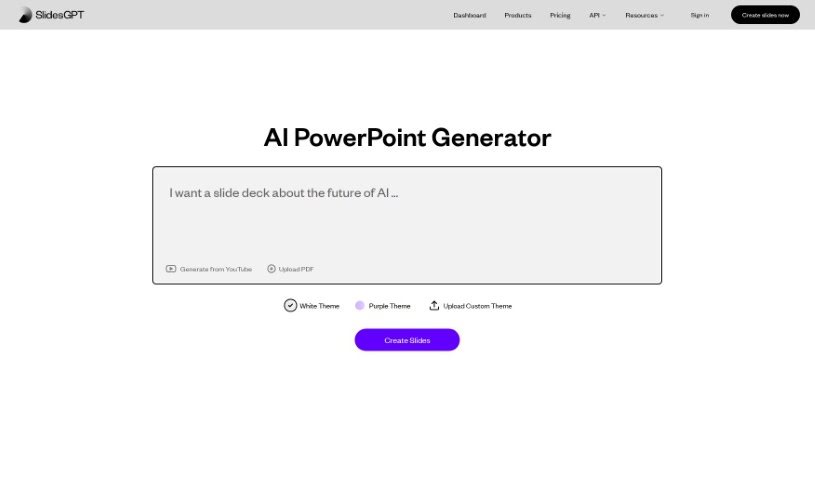
SlidesGPT.com is an AI-powered platform focused on building PowerPoint presentations. Like ChatGPT, it works from prompts, but its entire purpose is slide creation: you describe your topic, and the AI generates custom slides in seconds. Presentations can be saved as PowerPoint files, Google Slides, or PDFs.
We’ve all got daily chores that make us feel like human copy-paste machines. Transferring numbers from a PDF invoice into a spreadsheet, sending repetitive follow-up emails, or copying lead details from a web form into a database can eat up half your workday. It’s boring work, and one tiny distraction means you accidentally paste the wrong phone number into the wrong field.
Smart automation platforms go far beyond traditional software rules that only follow rigid “if this happens, then do that” triggers. Instead, AI tools can read unstructured information, understand what needs to happen next, and execute multi-step tasks across all your favorite applications.
Older automation tools required every single step to be perfectly predictable. If an incoming email didn’t match an exact format, the whole system broke down. AI tools change that by understanding context. For instance, if a customer emails your support team with a mixed request about a delayed shipment and a billing question, an AI assistant can read the message, extract the order number, categorize the issue, and open the correct ticket in your help desk automatically.
Data entry and document cleanup get a massive speed boost, too. Instead of spending hours typing details from receipts, contracts, or paper forms into your system, intelligent scanning software extracts names, dates, and line items instantly. It structures messy text, flags unusual errors for your review, and pushes clean information straight into your accounting software.
Connecting different applications is another major time saver. Rather than jumping across ten browser tabs to update project statuses, send team messages, and reschedule calendar invites, you can build smooth pipelines. When a new sales lead books a meeting, the system can automatically create a client record, generate a custom proposal draft, and set a reminder for your sales rep.
Key Features to Look For:
- Natural language workflow builders: Systems that let you describe an automated sequence in plain English rather than building complex logic chains.
- Unstructured data extraction: Software capable of reading receipts, PDFs, and casual emails to pull out accurate numbers and details.
- Multi-app connectivity: Tools that link smoothly with your existing stack, from spreadsheets and email to project boards and CRMs.
- Conditional decision making: Engines that evaluate incoming information and choose the best next step based on custom rules.
- Human-in-the-loop checks: Safety features that pause an automated task to request your approval before taking major actions, like sending an external email or processing a payment.
While smart software handles routine mechanics, human oversight and strategy still matter most. Automation takes care of the background work so you can give your full attention to solving real problems and serving your clients.
Check out the selection below to find the right automation setup for your daily routine.
Weekly picks of the best AI tools we've researched and added — no spam, unsubscribe anytime.
Join 25,000+ AI enthusiasts. No spam, unsubscribe anytime.