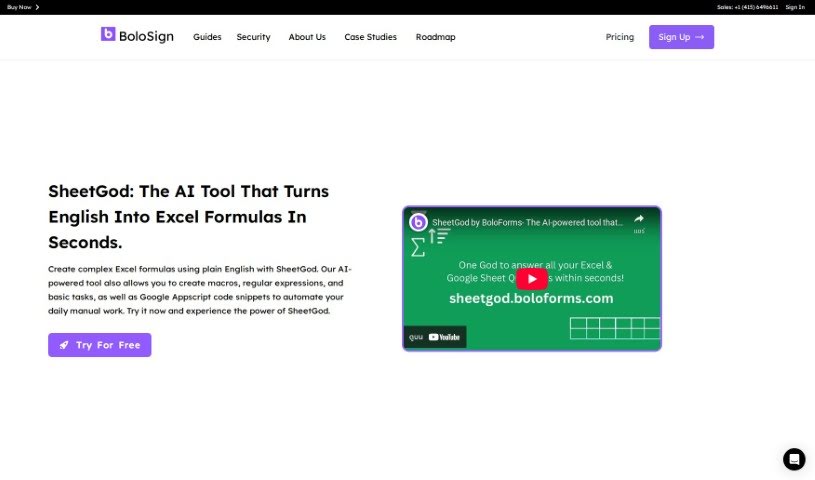
Screenshot of SheetGod

SheetGod

Discover SheetGod, an AI tool designed to simplify your Excel work. Learn how to use its features for creating formulas, automating tasks, and more in 2025. We'll also compare it to other Excel tools.

Screenshot

What is SheetGod?

SheetGod is an AI tool built to make working with Excel much easier. It is your personal assistant that turns your plain English descriptions into complex Excel formulas, and it does it quickly! Whether you need to create intricate formulas, write macros, generate regular expressions for data extraction, or handle basic tasks, SheetGod has you covered. It’s powered by AI, so it can also generate Google Appscript code snippets to help you automate repetitive manual work efficiently. Plus, SheetGod offers features like automating tasks with code, extracting specific data segments using regular expressions, providing easy-to-follow tutorials for common tasks in both Excel and Google Sheets, and even helping you communicate by generating emails and PDFs. Essentially, SheetGod helps you streamline your Excel tasks and boost your productivity.

Who created SheetGod?

Alaa Khaled is the creator behind SheetGod. His company specializes in developing AI tools that simplify the process of creating Google Workspace Add-Ons and Microsoft Excel Add-Ins. These tools are designed to make it easier for users to extend the capabilities of their spreadsheets and automate various tasks efficiently.

How to use SheetGod?

Here’s a straightforward guide to getting the most out of SheetGod:

  1. Create Formulas with AI: You can use SheetGod’s AI to turn your plain English requests into Excel formulas. This is a huge time-saver when you’re working with data and need to perform calculations or manipulations.
  2. Automate Tasks with Code: SheetGod can generate Appscript and VBA code for you. This means you can automate tasks in Google Sheets and Excel, which really helps streamline how you manage your data.
  3. Extract Data with Regex: Need to pull out specific pieces of information? SheetGod uses regular expressions to help you extract exactly what you need and apply complex transformations to it.
  4. Learn with Tutorials: If you’re new to certain functions or need a refresher, SheetGod offers step-by-step tutorials for basic tasks in both Excel and Google Sheets. It’s a great way to learn efficiently.
  5. Communicate with Emails and PDFs: SheetGod can also help with communication. You can use it to send out marketing emails or create bulk PDFs, which is useful for customer outreach and generating reports.
  6. Build Add-Ons: Want to add custom features to your spreadsheets? SheetGod lets you develop Google Workspace Add-Ons and Microsoft Excel Add-Ins, extending spreadsheet functionality.

By following these steps, you can really make the most of SheetGod’s features to improve how you handle data, automate processes, and manage communications.

Related AI Tools

Discover more tools in similar categories that might interest you

Stay Updated with AI Tools

Get weekly updates on the latest AI tools, trends, and insights delivered to your inbox

Join 25,000+ AI enthusiasts. No spam, unsubscribe anytime.